Skip to content

AI Label Mockup Generator, 7 Products

PackDesignAI is an AI label mockup generator: upload your finished label and see it on a bottle, jar, can, tube, pouch, coffee bag or box, applied as one printed paper label in a photo style scene. Pick the scene and angle, get up to four images and download a PNG. AI mockups use credits.

Label Mockup
0 / 4000

Put words in "double quotes" to ask for exact text. Check the spelling before you print.

Try one of these

  • 7 products, 5 scenes
  • Your label as a paper label
  • Up to 4 images a run
  • PNG download

Label Mockup Examples on Real Products

Jars, bottles, a can, a tube and a coffee bag, each from one flat label. "Use this example" loads the product, scene, angle and the sample label so you can swap in yours.

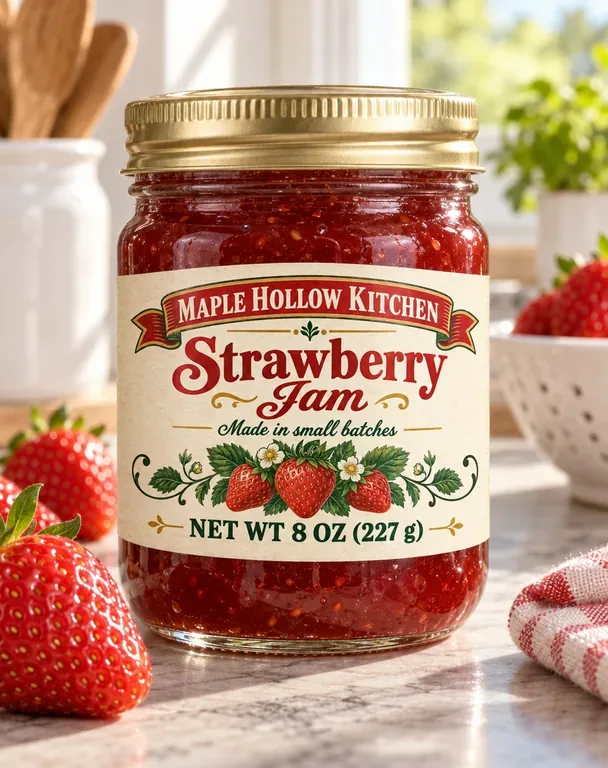
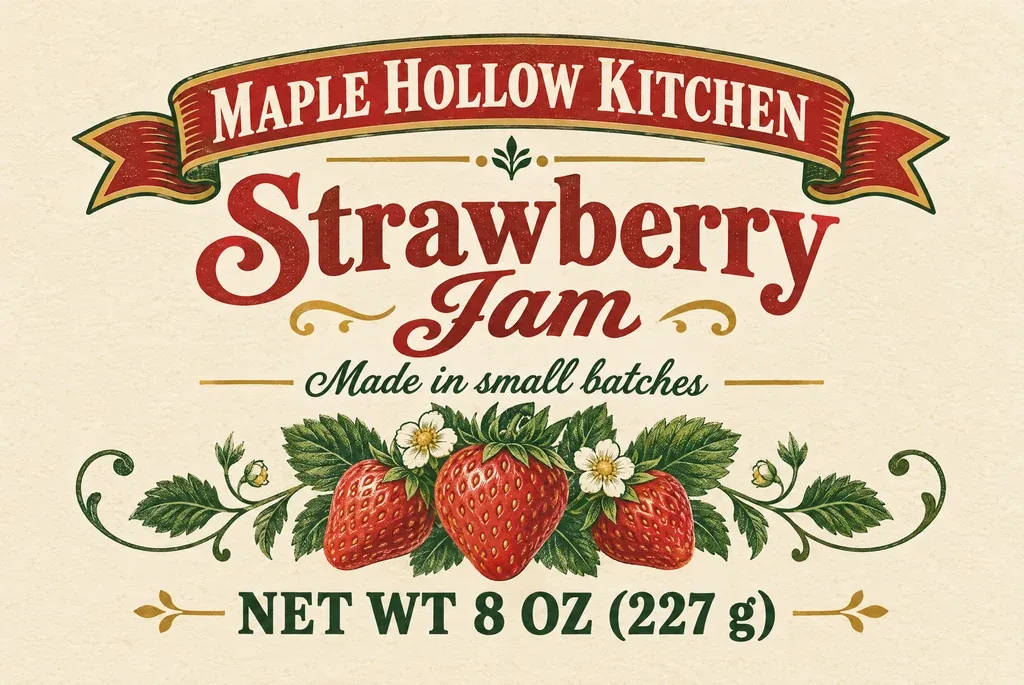
Partner demo: strawberry jam label on a filled mason jar on a kitchen counter
Jar, kitchenJam label on a mason jar
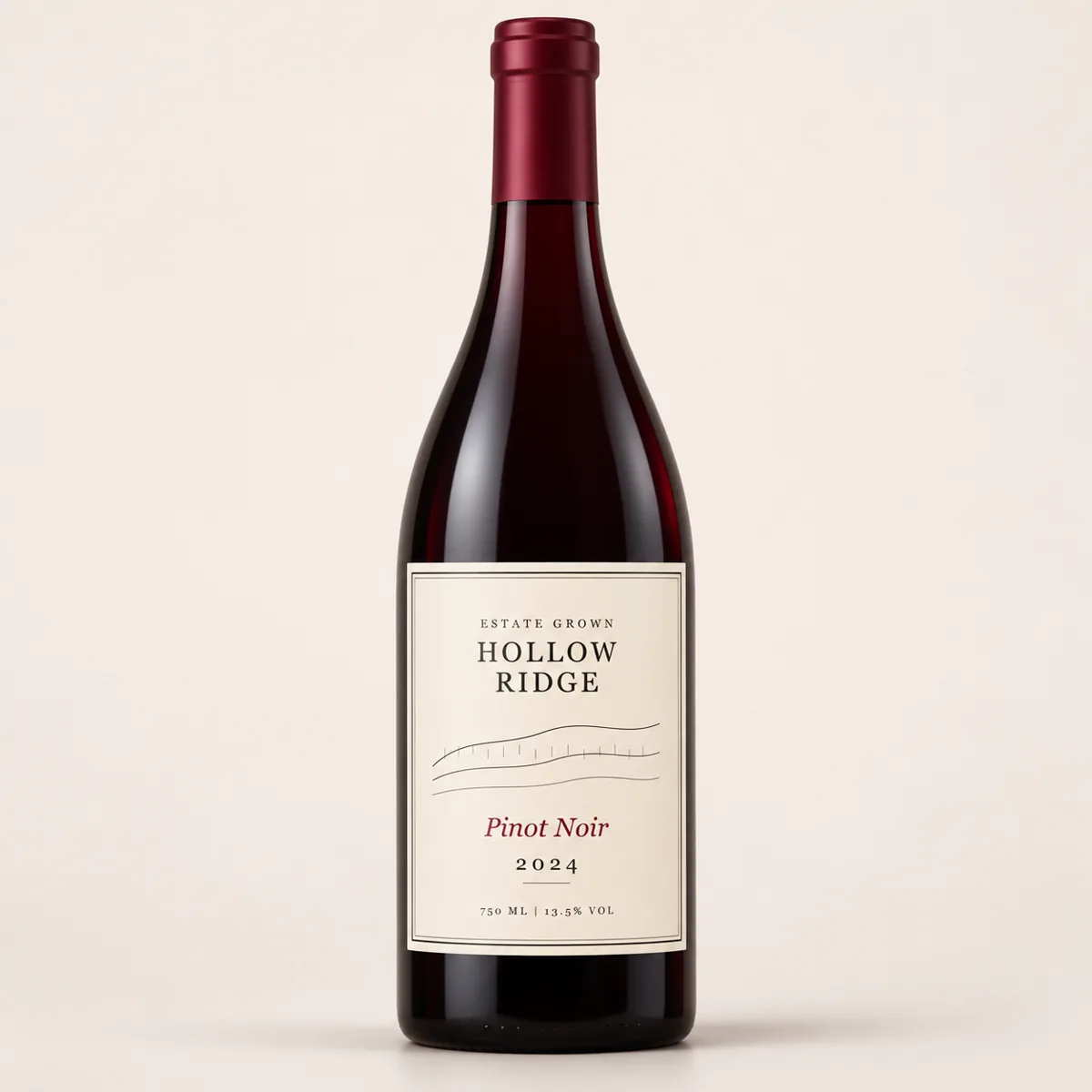
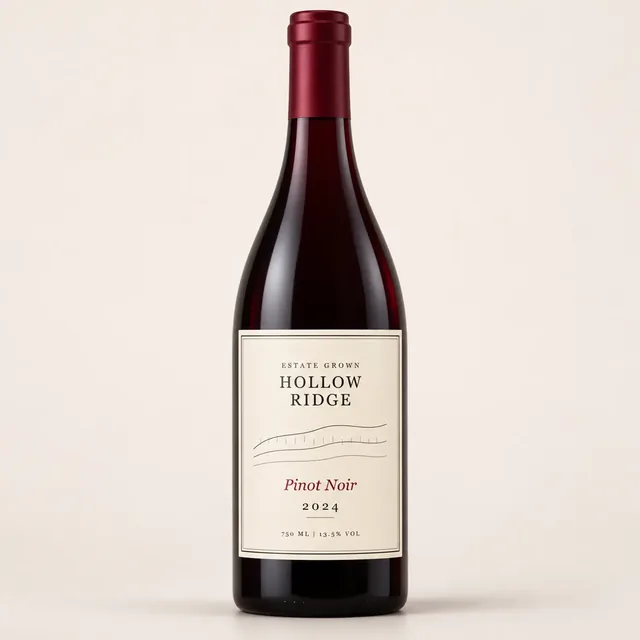
A wine bottle with a cream label in a light studio
Bottle, studioWine label, front view
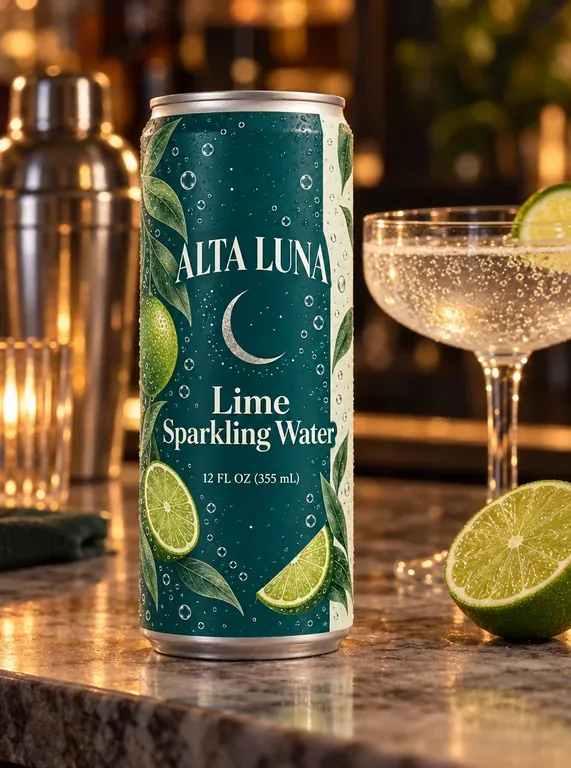
Partner demo: slim can with a moon design on a bar top beside a coupe glass
Can, tableSleek can on a bar top
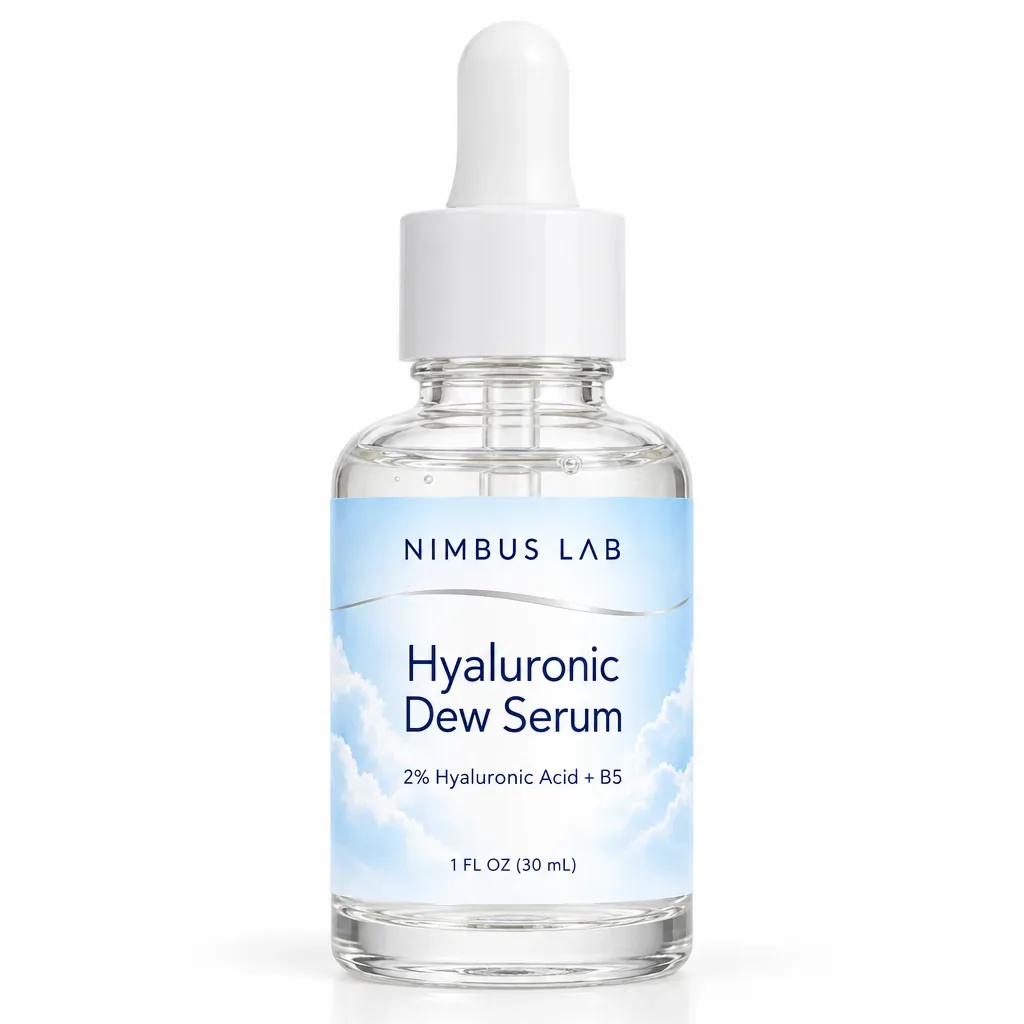
Partner demo: clear dropper bottle with a sky blue label on a white backdrop
Bottle, studioSerum label on a dropper bottle
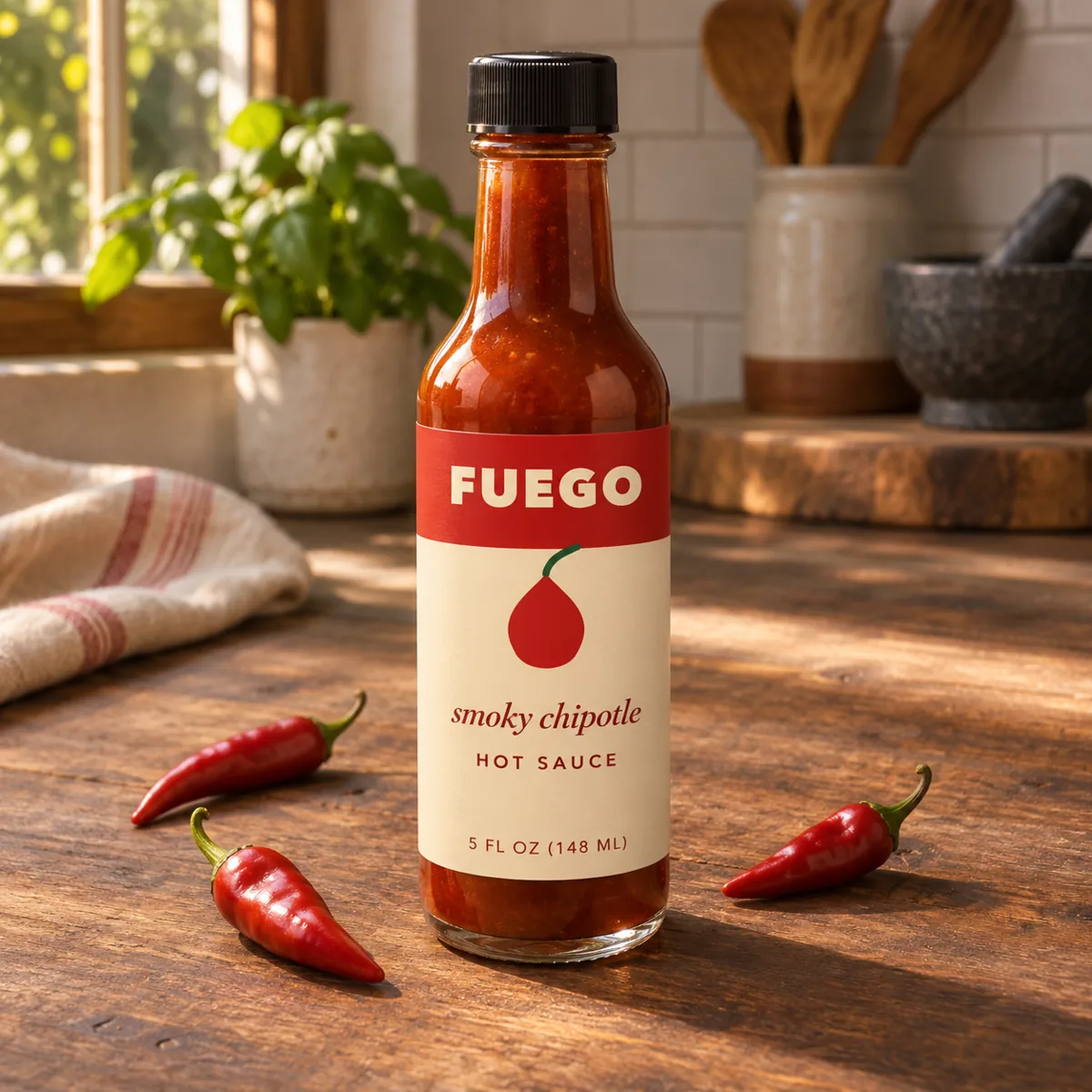
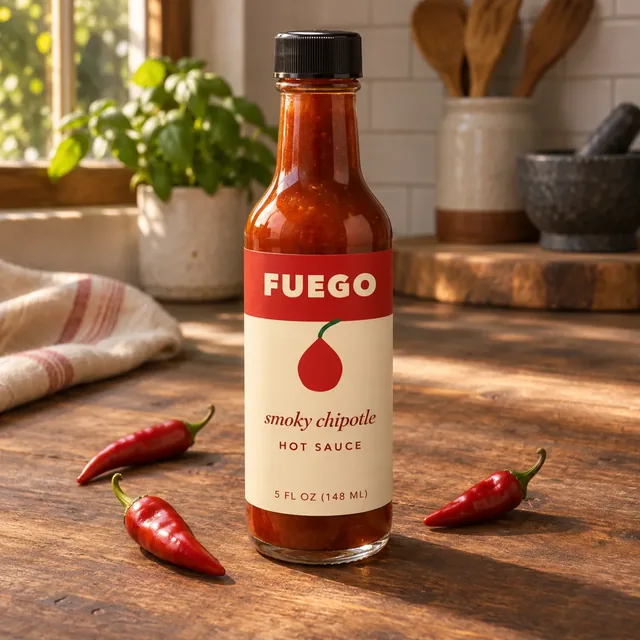
A red hot sauce bottle with a label on a wooden table
Bottle, tableHot sauce label, angled
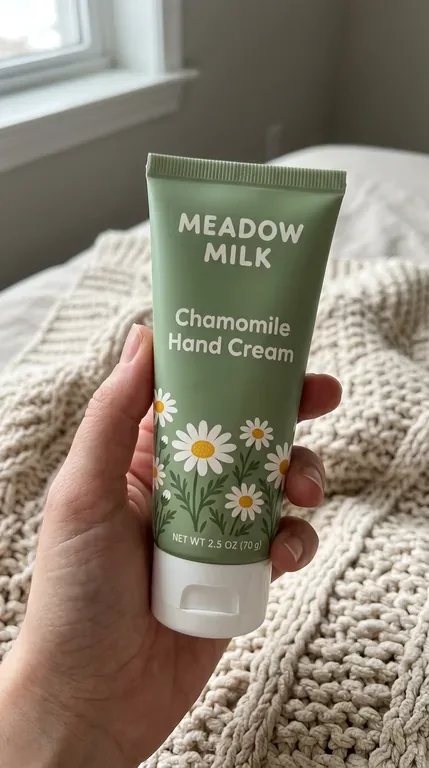
Partner demo: squeeze tube with a meadow label held over a knit blanket
Tube, close upHand cream tube in hand
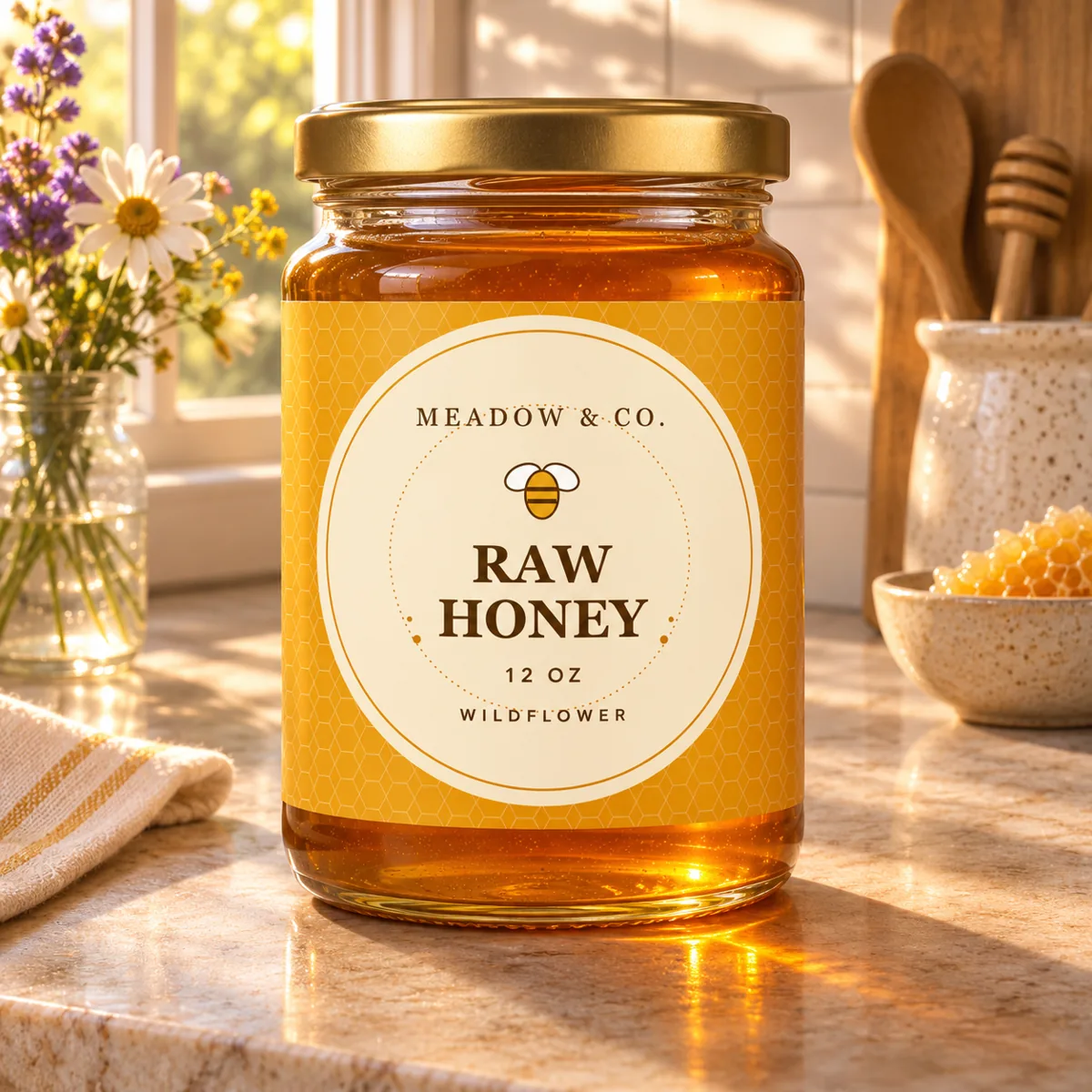
A honey jar with a round label on a kitchen counter
Jar, kitchenHoney jar label in warm light
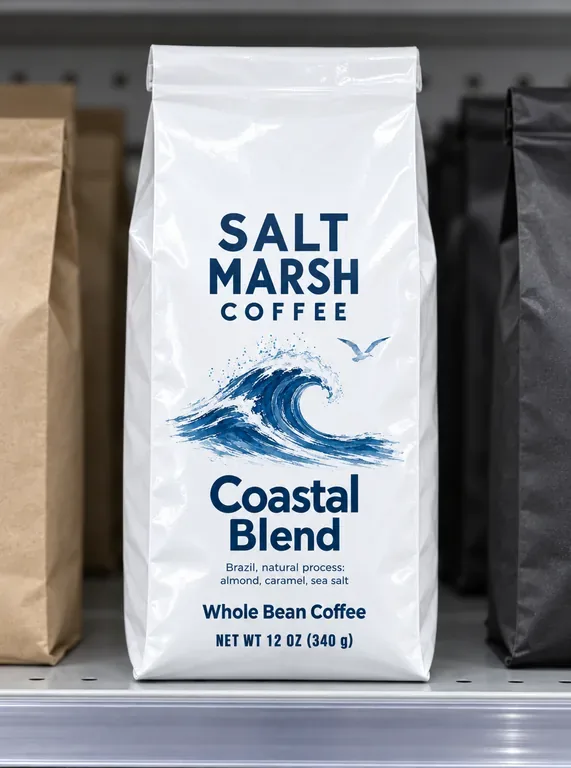
Partner demo: white coffee bag with a wave label among plain bags on a shelf
Coffee bag, shelfCoffee label on a store shelf

Five cards are partner demos made with AI from flat labels; three show the starting examples, with invented brands.

How the Label Mockup Generator Works

Three steps from a flat label file to product photos for your shop.

  1. Add the finished label as a PNG, JPG or WebP: the flat artwork, not a photo of a bottle. Add notes if you like, such as matte paper or a lemon beside the jar.

  2. Choose bottle, jar, can, tube, pouch, coffee bag or box; clean studio, kitchen or table, store shelf, outdoor or flat lay; and front, angled, top down or close up.

  3. Sign in and press Generate; the credit cost shows on the button. Get up to four images, compare them full screen and download the ones you like as PNG.

Partner demo input: a flat strawberry jam label

A Label Mockup From One Flat File

Your file on a real looking product with a few clicks, not hours of masking.

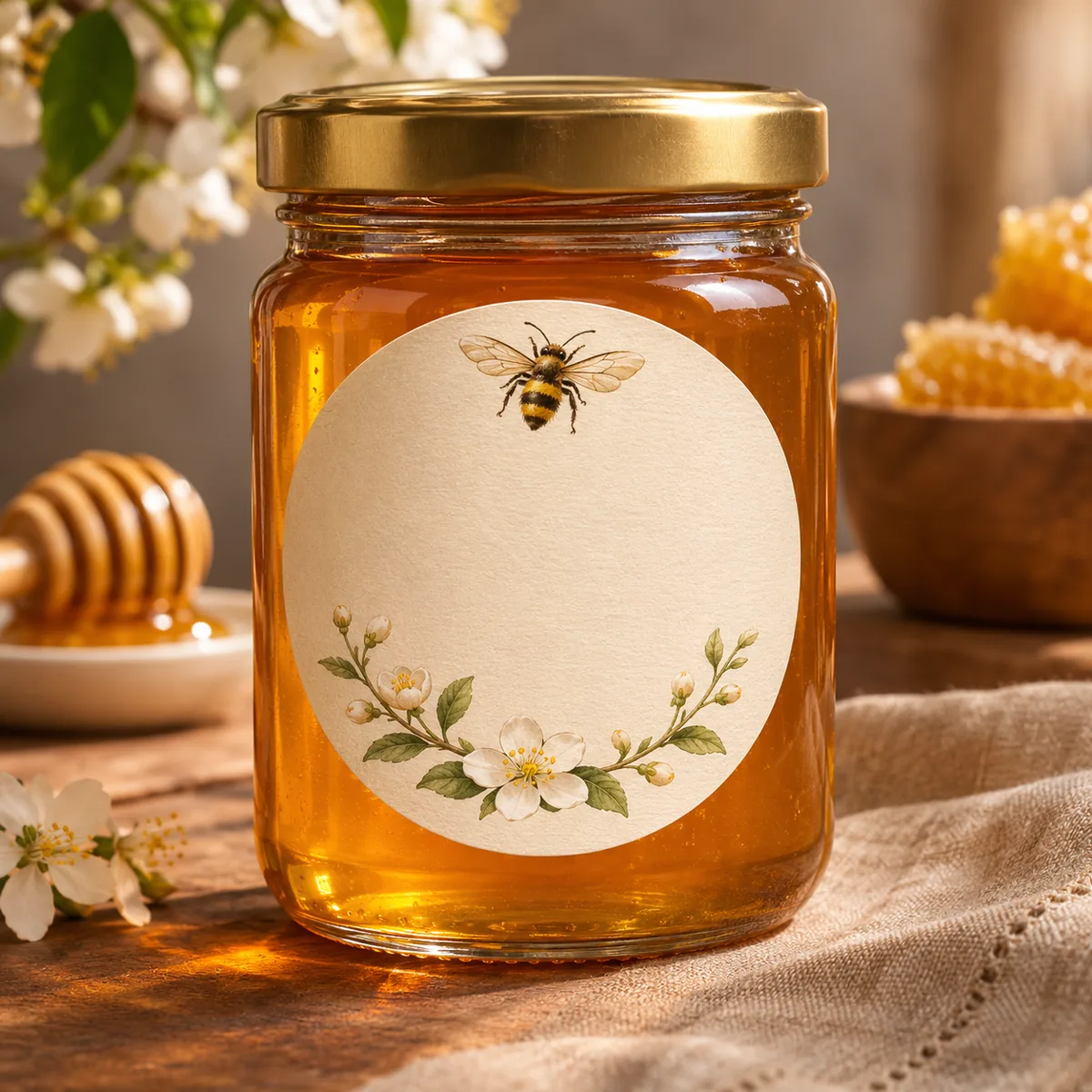
  1. A jar label mockup with a round label

    Paper label

    Applied the way a label sits

    The upload goes on as one printed paper label on the front of the product, sized and placed like a real one and following the curve, with the rest of the product left plain.

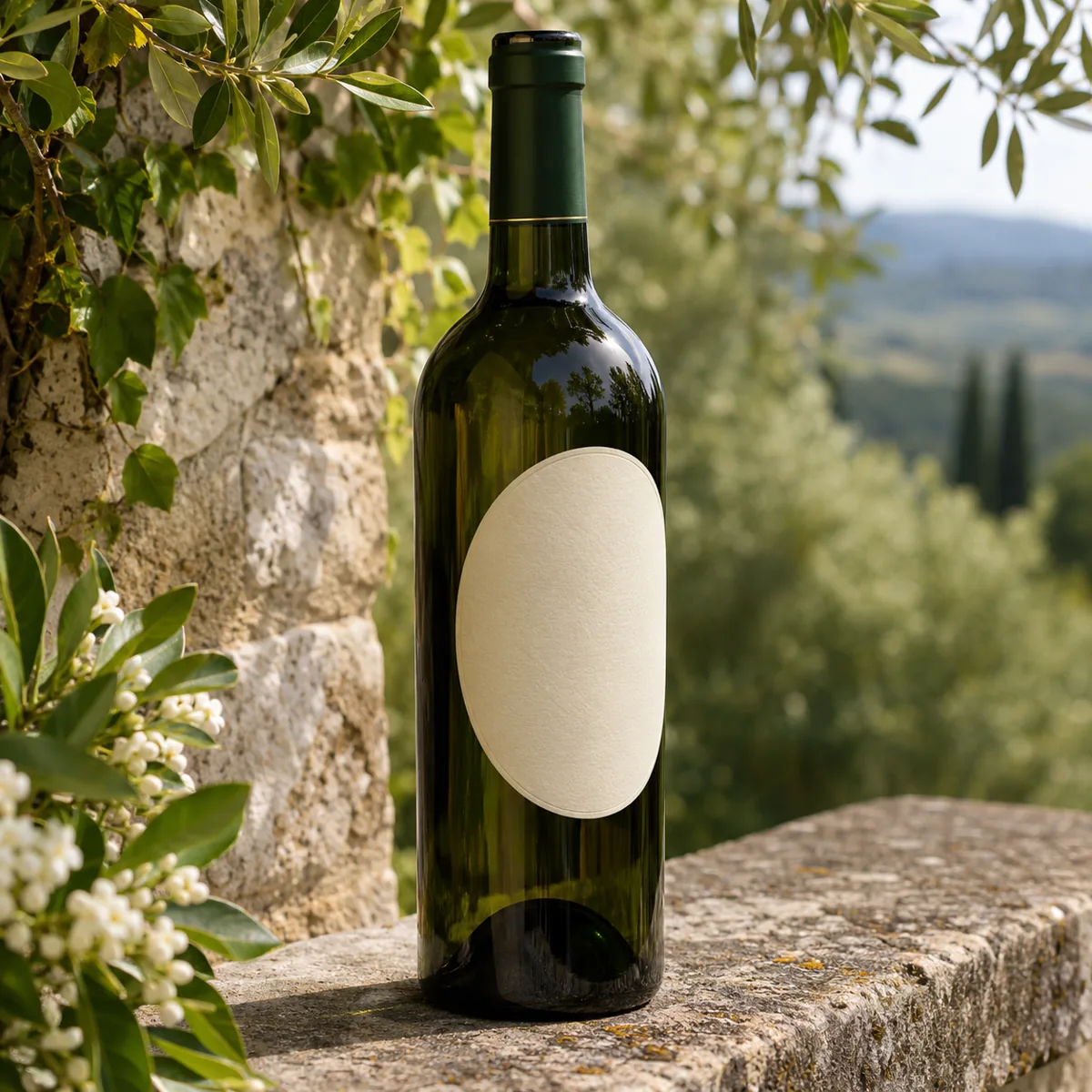
  2. A bottle on a stone ledge outdoors

    Choices

    7 products, 5 scenes, 4 angles

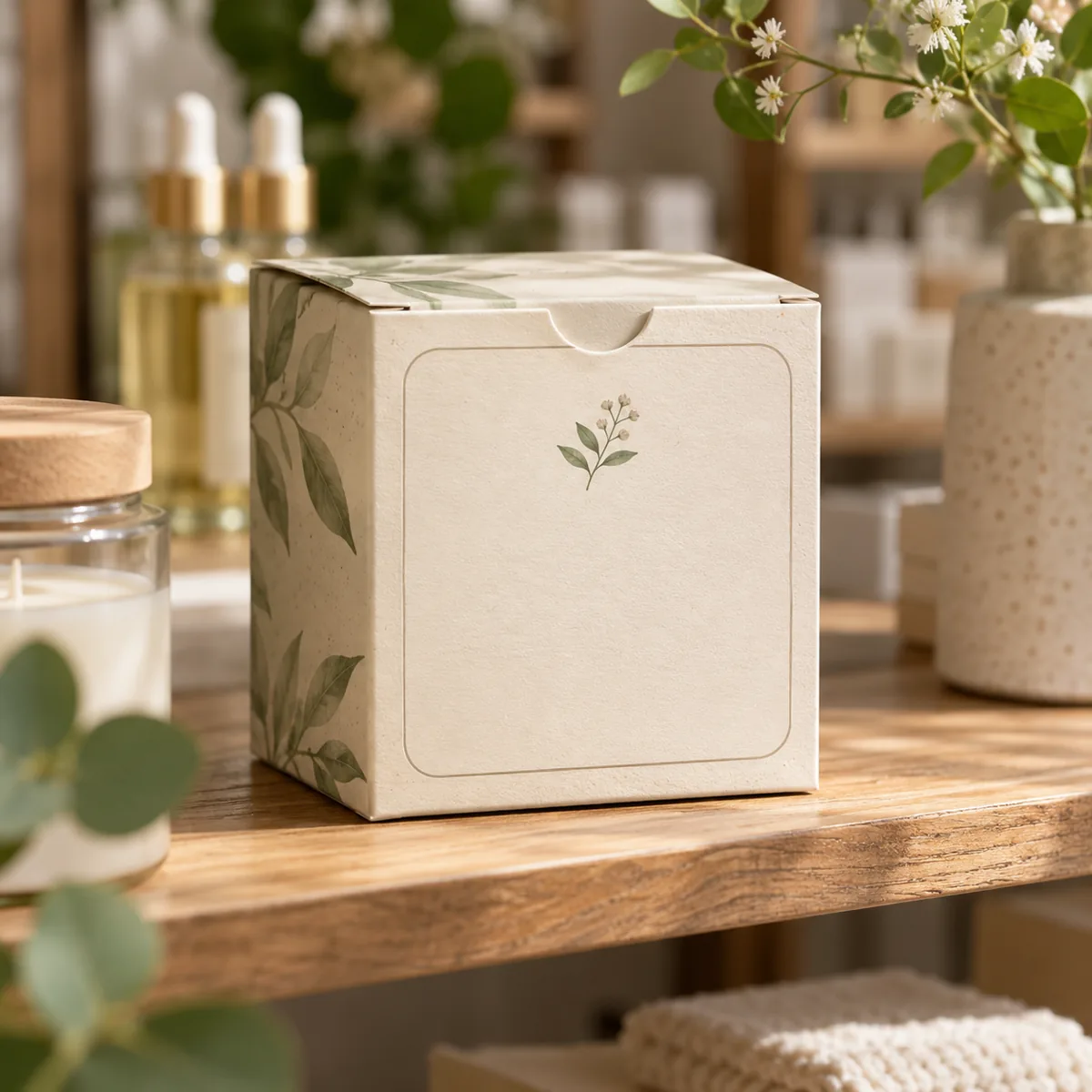
    A bottle label mockup for a wine shop, a jar label mockup for a market stall, or a can, tube, pouch, coffee bag or box. Mix scene and angle to get a set for a listing.

  3. A box on a store shelf

    Honest output

    A photo, not a PSD or a print file

    The AI is asked to keep your layout, colors and every word, but it redraws the label in the scene, so small text can shift. Check each image before you publish, and print from your original file.

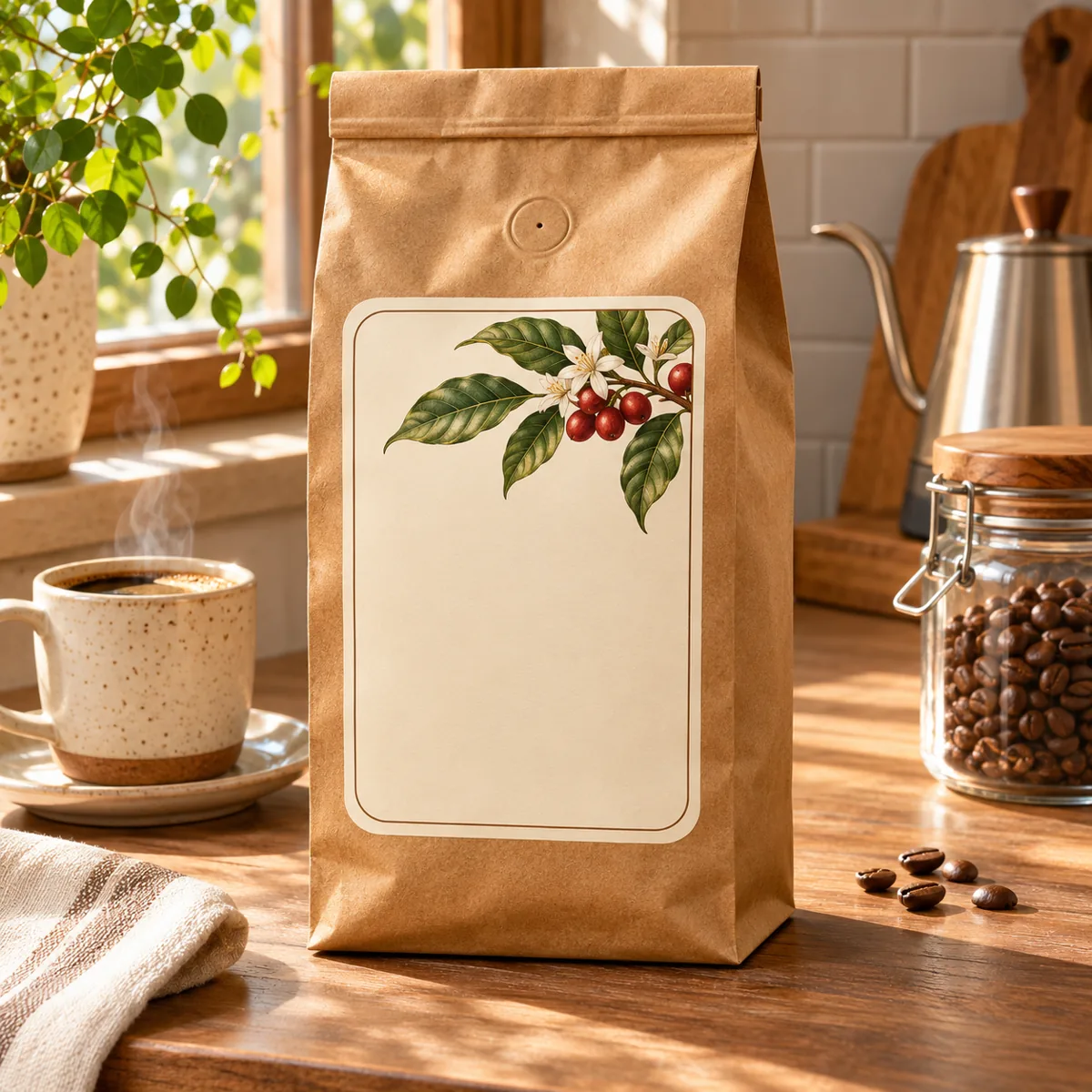
  4. A coffee bag on a kitchen counter

    Fair credits

    Pay only for images you get

    Each run shows its cost on the Generate button first, and a failed image gives its credits back. Pick Quality for sharper text and detail, up to 4K, or Fast for quick drafts.

Better Label Mockup Results

Four short notes before you upload.

Upload the flat label

Use the finished artwork at a good size, cropped to the label edge. A photo of a label on a bottle gives the AI two products to deal with; a clean flat file gives the best product label mockup.

No label yet? Make one first with the AI label generator and download the PNG.
Match the product to the label

A tall rectangle reads best on a bottle, a round label on a jar lid or front, a wide wrap on a can. A can label mockup shows your art as a paper label, not printed metal.

Small text and fine print

Big names survive, tiny ingredients may not. For listing photos that is usually fine; for a client proof, show the flat label next to the mockup.

Where the images go

Shop listings, social posts, pitch decks and client reviews. For a full product photo scene with your real product, try AI product photography.

Who Uses a Label Mockup Generator

Anyone who needs product photos before the product exists.

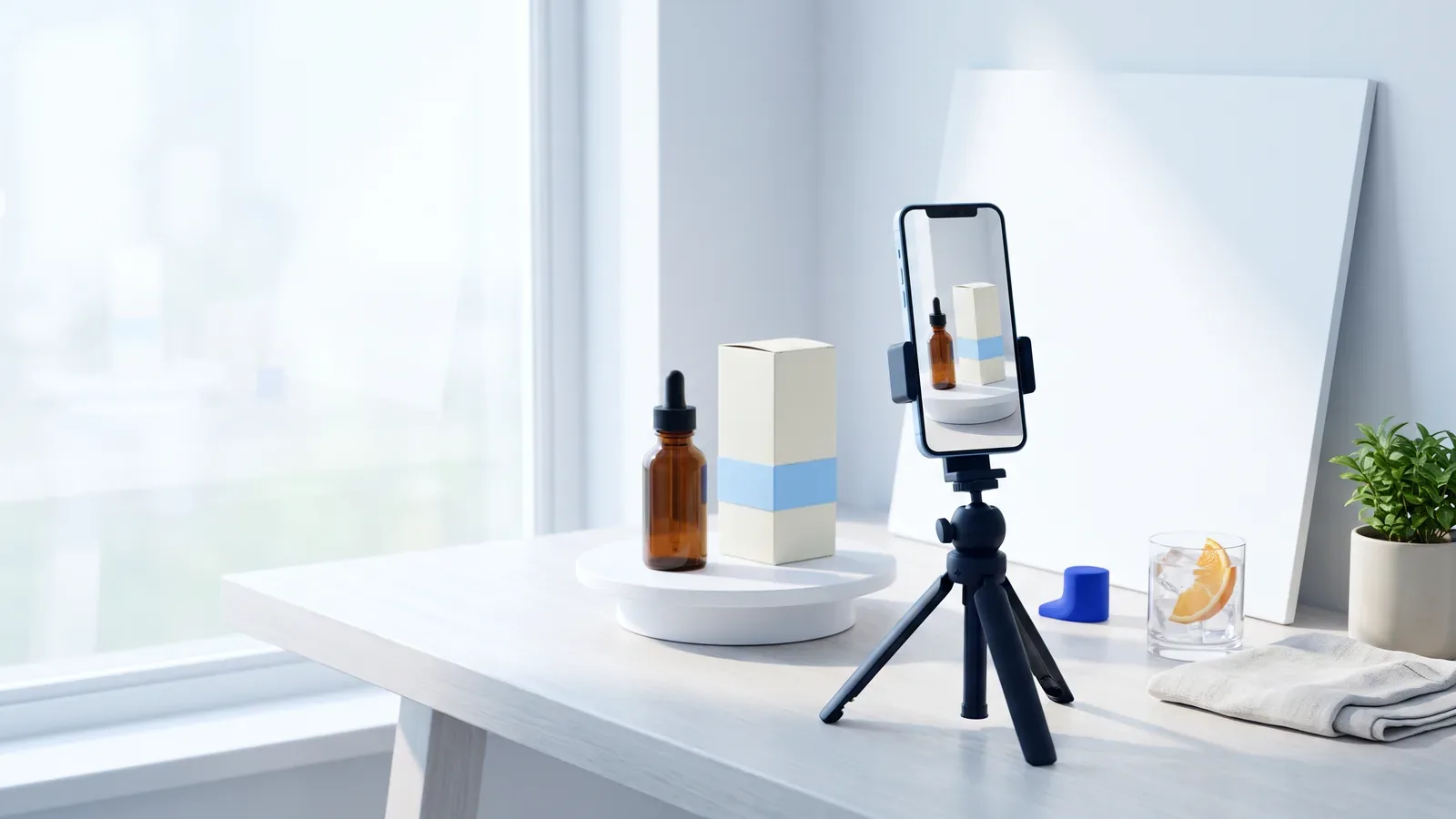
  • Online seller filming a bottle and carton on a turntable

    Online sellers

    Listing photos for a new flavor or scent before the first batch is bottled.

  • Designer desk with a print proof and carton samples

    Label designers

    Show the client the label on a bottle or jar, not just a flat file.

  • Small food and drink brands

    Pitch a retailer with shelf and kitchen shots of a jar label mockup.

  • Candle and beauty makers

    A tube, jar or bottle in a calm studio scene for every new product.

Label Mockup Generator FAQ

What goes in, what comes out and what it costs.

See Your Label With the Label Mockup Generator

Upload the label, pick a product and a scene, and download up to four images. The credit cost is on the button before you start.