Skip to content

AI Product Photography From One Photo

PackDesignAI is an AI product photography tool for small brands: upload one photo of your product, pick a white studio, lifestyle, seasonal or props scene and a 1:1, 4:5 or 16:9 shape, and get 1 to 4 new product pictures as PNG files with no watermark. AI photos use credits.

AI product photography
0 / 4000

Put words in "double quotes" to ask for exact text. Check the spelling before you print.

Try one of these

  • One photo in, new scenes out
  • 4 scenes, 3 shop ratios
  • 1 to 4 photos per run
  • PNG, no watermark

AI Product Photography Examples

Cans, jars, tubes, boxes and bags in lifestyle and props scenes. "Use this example" loads the scene, ratio and notes; then add a photo of your product.

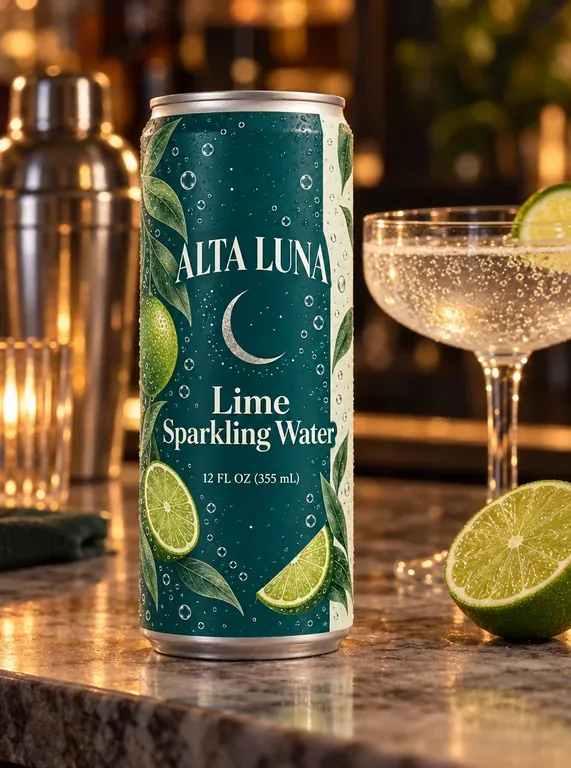
Slim green can on a bar top beside a coupe glass and a halved lime
LifestyleSparkling water can on a bar top
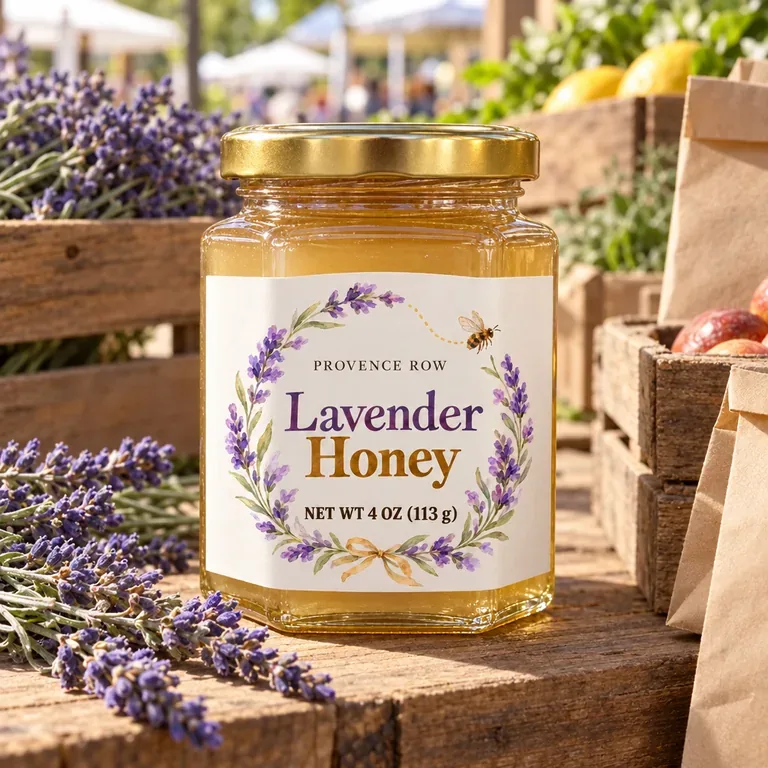
Lavender honey jar on a wooden crate at an outdoor market stall
LifestyleHoney jar at an outdoor market
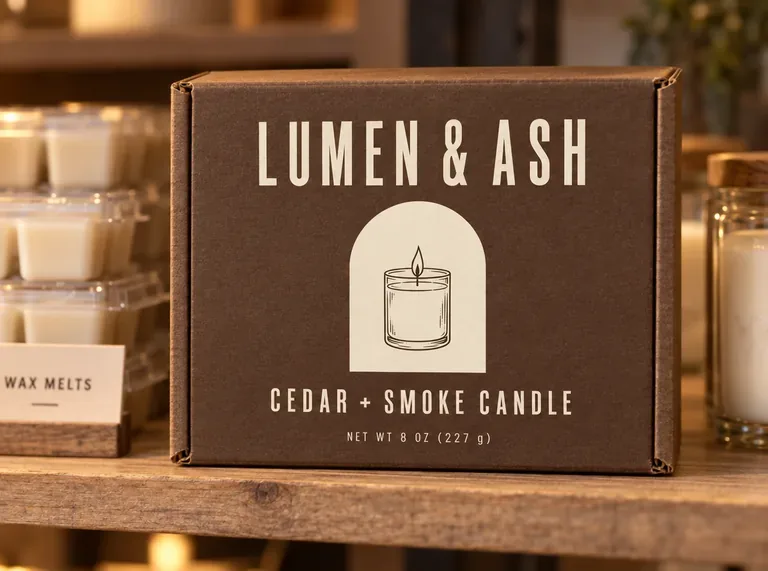
Brown candle box on a wooden shelf beside wax melts and jars
PropsCandle box with wax melts on a shelf
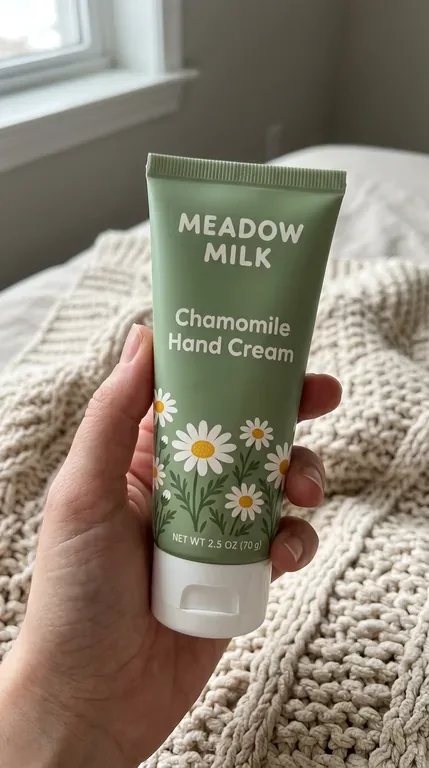
Hand cream tube held over a knit blanket in window light
LifestyleHand cream tube in hand
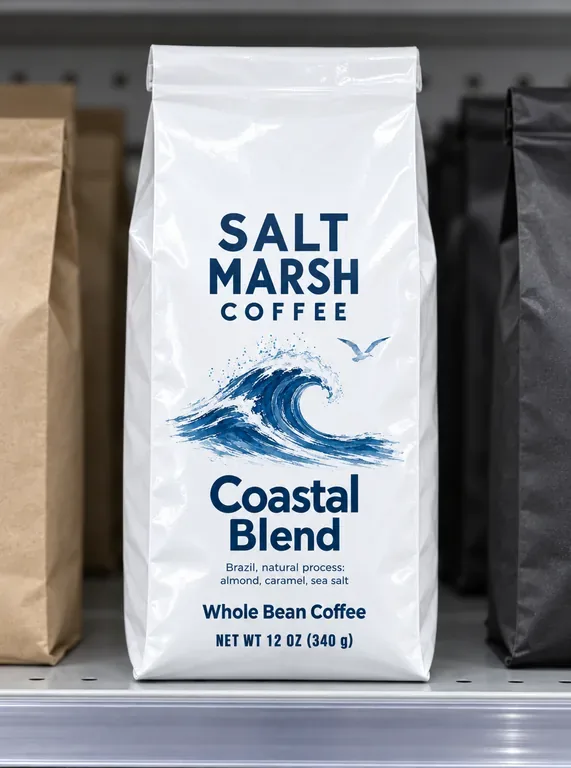
White coffee bag with a wave design among kraft and black bags
PropsCoffee bag among plain bags
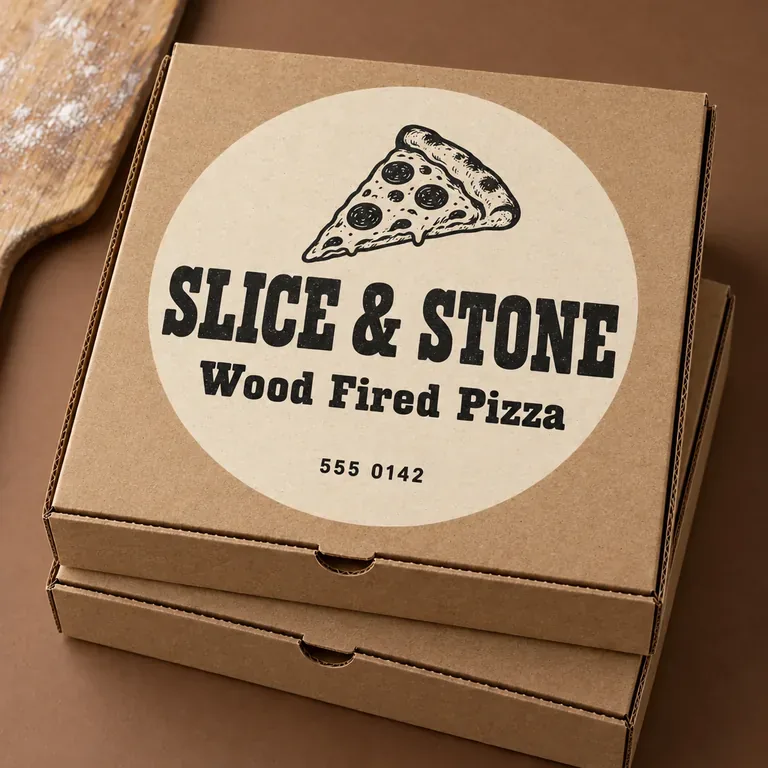
Three kraft pizza boxes stacked against a plain warm backdrop
PropsStacked pizza boxes with a wooden peel

Examples are partner demos made with AI. Your results start from your own product photo.

How AI Product Photography Works

From a phone snapshot to photos for your store, with the credit cost on the button before you start.

  1. Take a sharp phone photo in daylight with the whole product in frame and the label facing you, then upload it as PNG, JPG or WebP up to 10 MB. You can add up to 4 images.

  2. Choose white studio, lifestyle, seasonal or props, then 1:1 for Amazon and Shopify, 4:5 for Instagram or 16:9 for a banner. For a seasonal scene, name the holiday in the notes.

  3. Sign in, pick 1 to 4 photos and press Generate; the credit cost shows on the button. Open them full screen, compare two side by side and download the keepers as PNG.

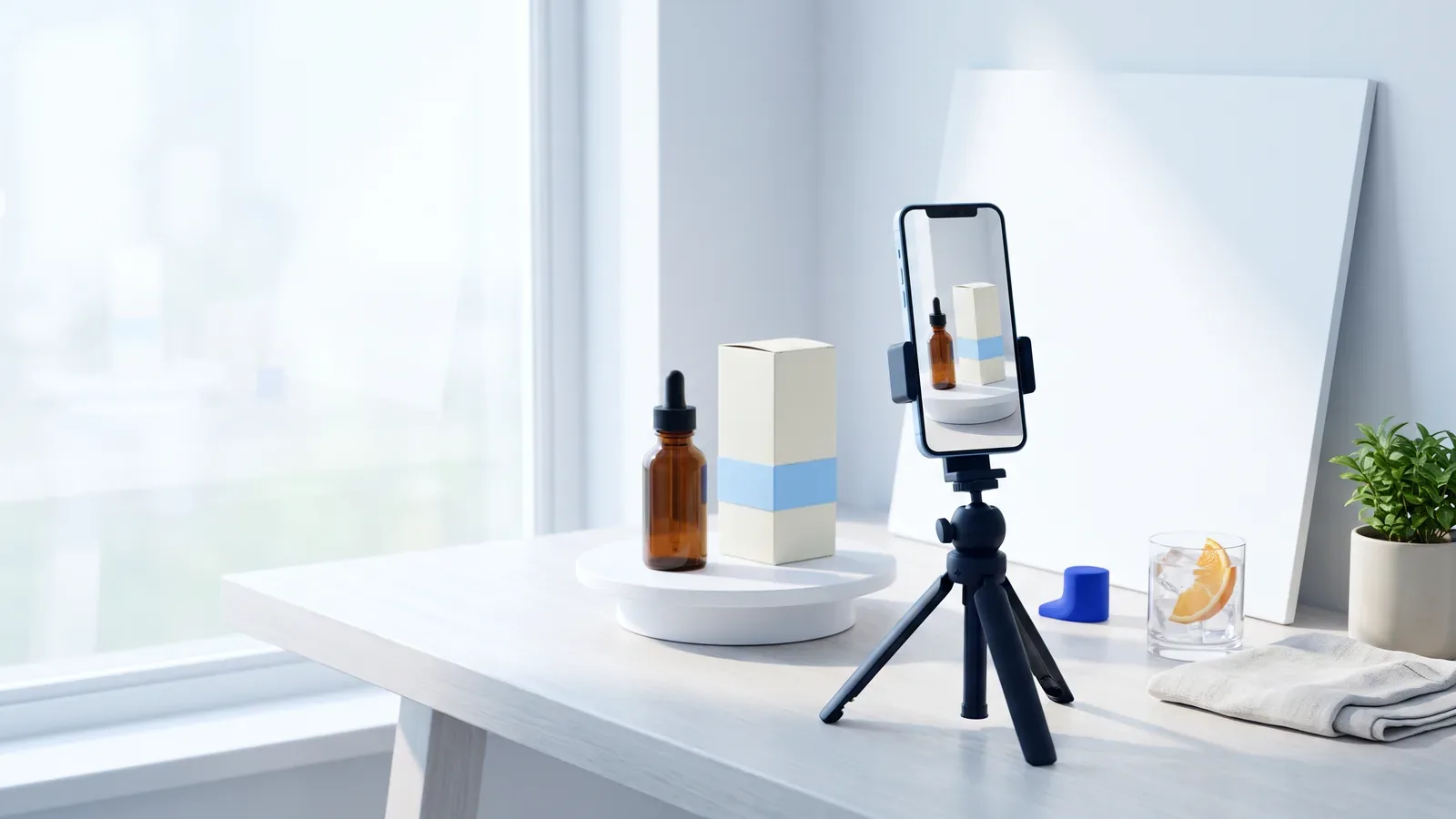
A phone on a small tripod photographing a bottle and a carton by a window

An AI Product Image Generator for Real Products

It starts from your actual product, so the AI product images look like what the buyer will receive.

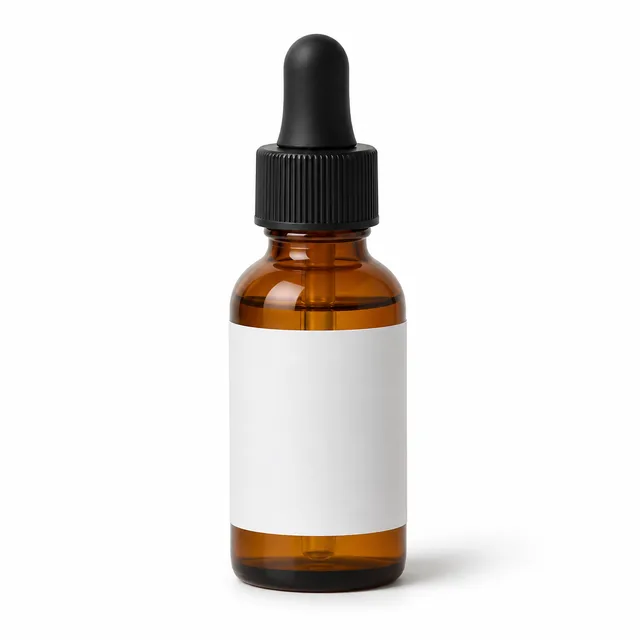
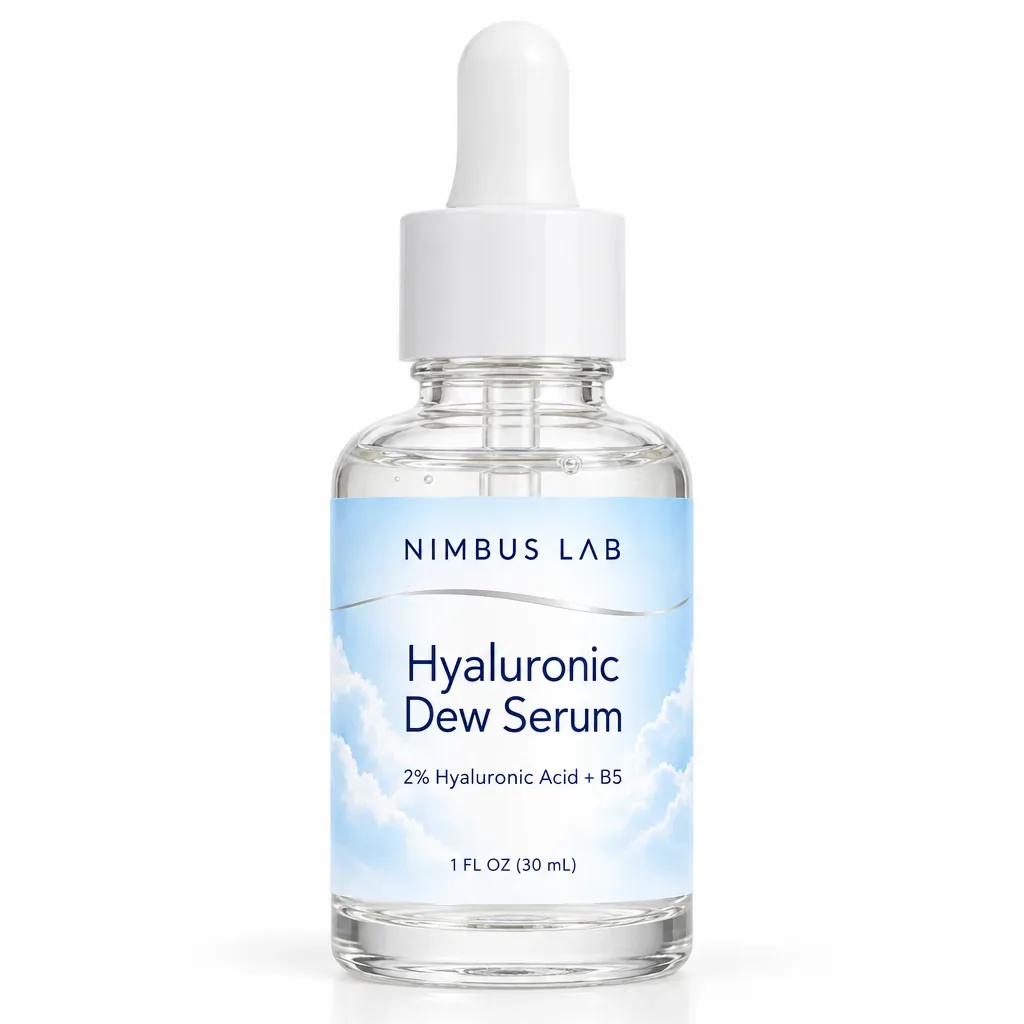
  1. Glass dropper bottle with a blue label on a clean white background

    White studio

    Clean shots for marketplace listings

    The white studio scene gives a clean, bright background for Amazon product photos and Shopify grids. Check the result against each marketplace’s image rules before you upload it as the main image.

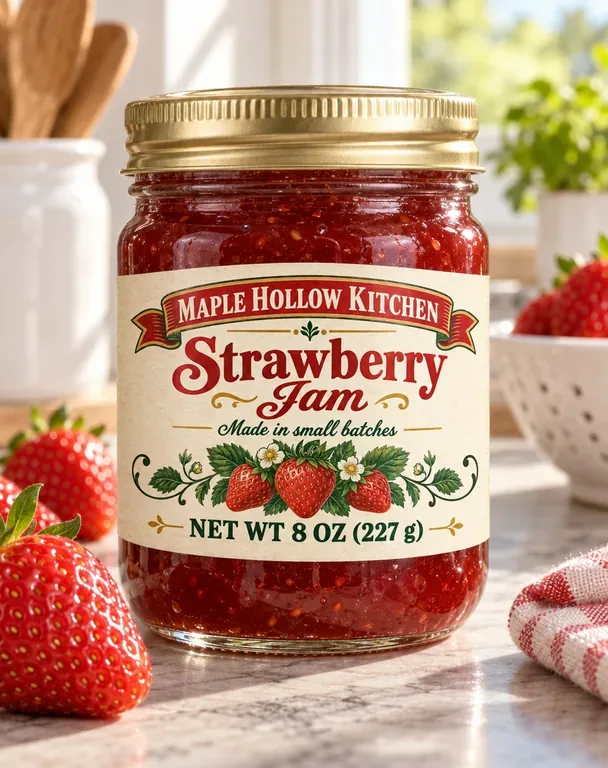
  2. Strawberry jam jar on a bright kitchen counter with fresh berries

    Lifestyle

    Your product in use, in natural light

    Lifestyle product photos show the jar on a counter or the tube in a hand, the shots that sell on social and on product pages. The AI product image generator keeps your product as the hero of the picture.

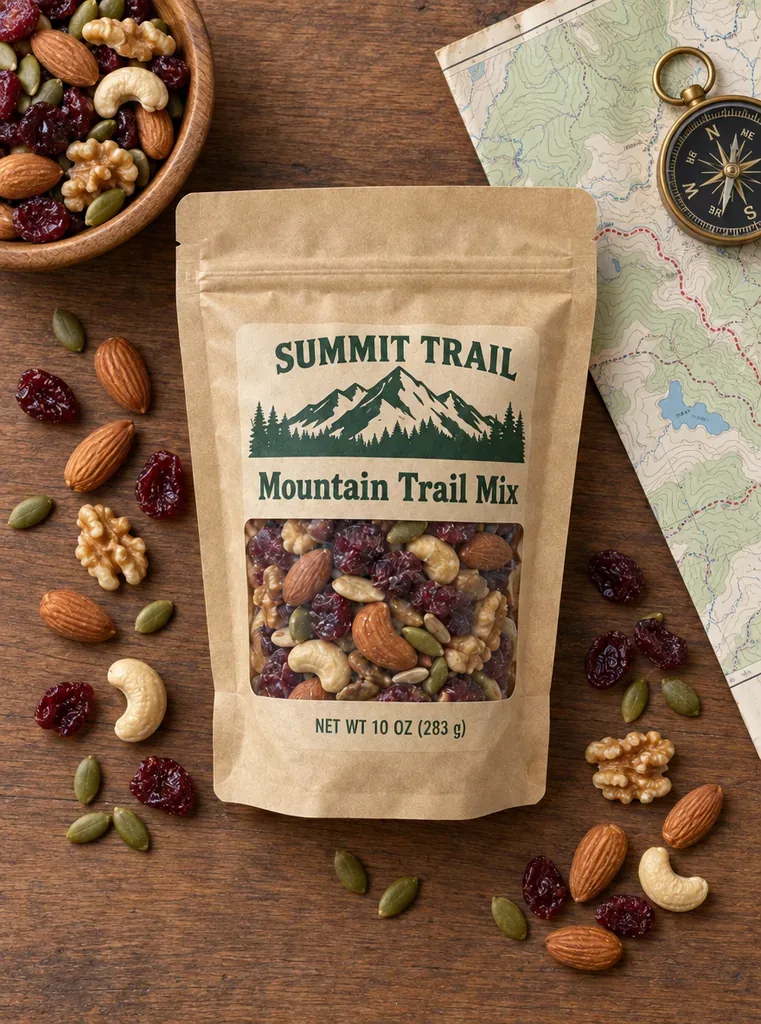
  3. Trail mix pouch styled from above with nuts, berries and a map

    Seasonal and props

    Holidays and styled sets without a shoot

    Name the holiday in the notes for a seasonal scene, or pick props for textures and styling around the product. One product picture can become a launch set for Christmas, summer or back to school.

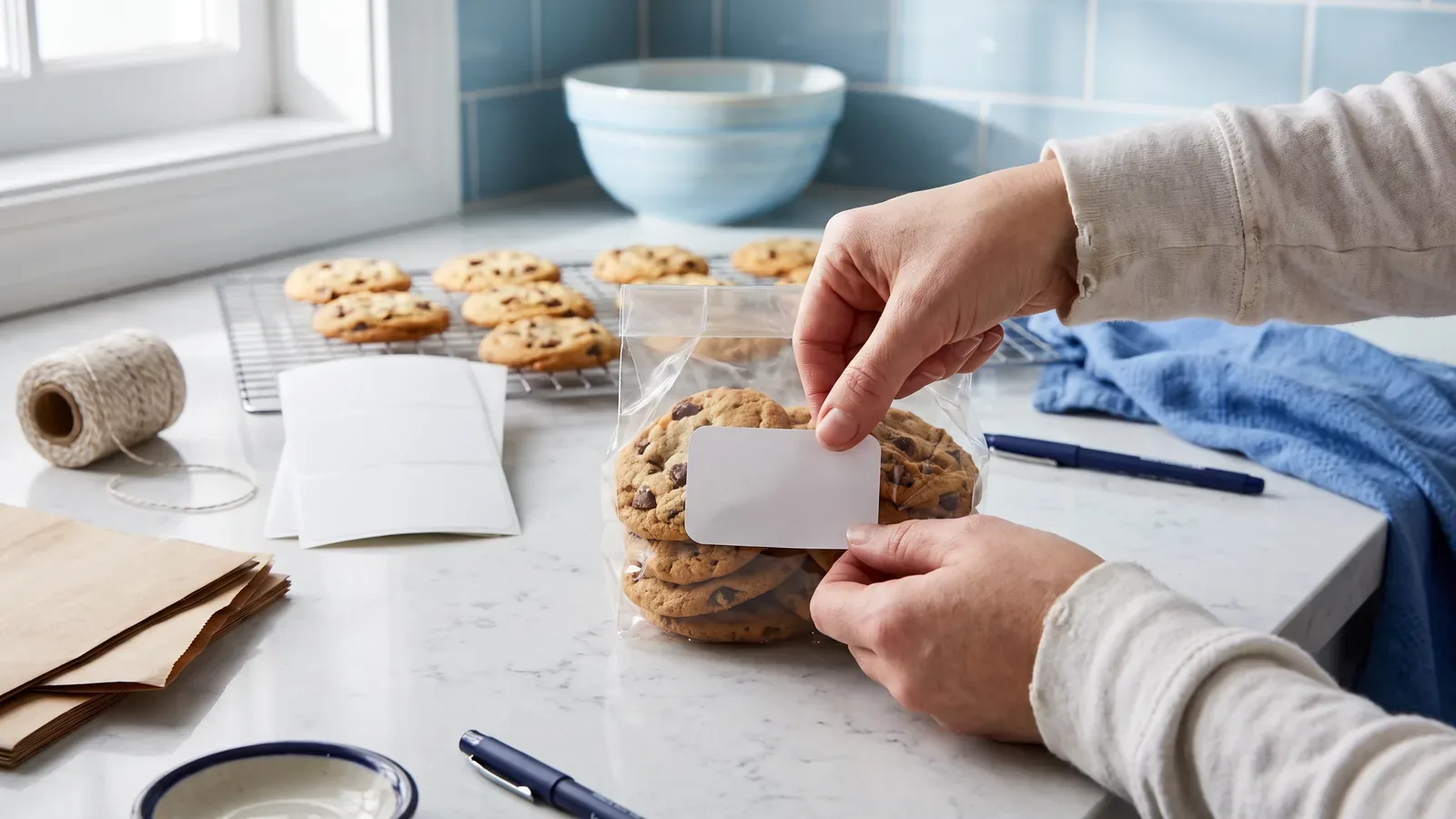
  4. A home baker labeling cookie bags on a kitchen counter

    Fair credits

    Pay only for photos you get

    Each run of AI product photography shows its cost on the Generate button first, and a photo that fails is refunded. Downloads carry no watermark, and signed-in history keeps every version on any device for a remix or "Edit this one".

Better Product Pictures: A Short Guide

Four notes on the source photo, the right scene for each channel and honest listings.

Take a good source photo

Shoot by a window in soft daylight, the whole product in frame and the front label square to the camera. Skip filters and portrait blur; the AI needs clean edges and readable type.

A plain wall or a sheet of paper behind the product is enough. Wipe fingerprints and dust first: AI for product photos can improve the light, not a smudged jar.

One sharp product picture beats three blurry ones. Upload the front first.
Pick the scene for the channel

Each channel wants its own shape and mood, so plan the set before you generate:

  1. 1Amazon and Walmart: white studio for the gallery; check the main image rules (pure white background, the real product filling most of the frame). Most listings also ask for a UPC; once you have the number, the UPC barcode generator draws the barcode.
  2. 2Shopify and Etsy: square 1:1 keeps collection grids even, and Shopify AI images in lifestyle scenes fill the rest of the product page.
  3. 3Instagram: 4:5 portrait takes the most room in the feed.
  4. 4Website and email: 16:9 for a hero banner or a sale header.

One clean studio shot, two lifestyle shots and one props or seasonal shot cover most listings.

Keep AI generated product photos honest

Compare every result with the real product. AI generated product images can change small label text or fine details, and a listing photo must show what the buyer actually gets.

Don’t add features, sizes or contents the product doesn’t have. If a scene adds props, make sure the listing says what is included.

A seasonal calendar for small shops

Prepare seasonal AI product images 4 to 6 weeks early: Valentine’s Day in January, Mother’s Day in April, summer in May, Halloween in September, and the holiday season by early November.

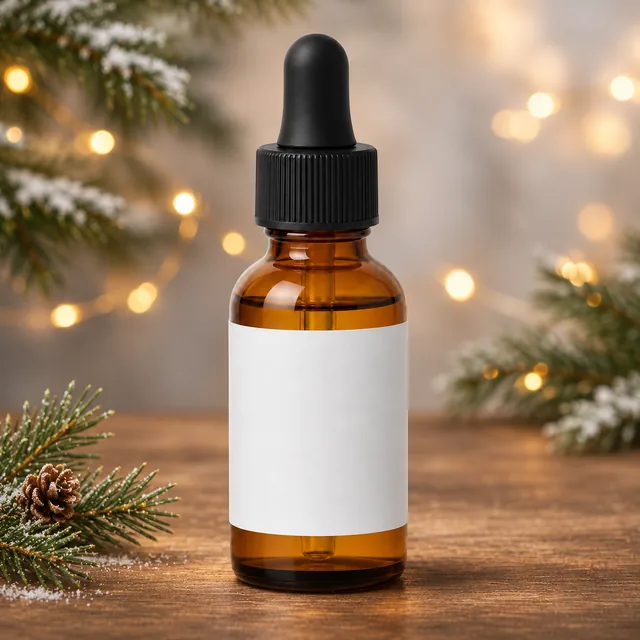
Type the occasion in the notes ("Christmas, pine branches and warm lights"), keep the same product photo, and you have an AI photoshoot for brand campaigns all year.

Who Uses AI Product Images

Small brands that need fresh photos for every channel, without booking a studio each month.

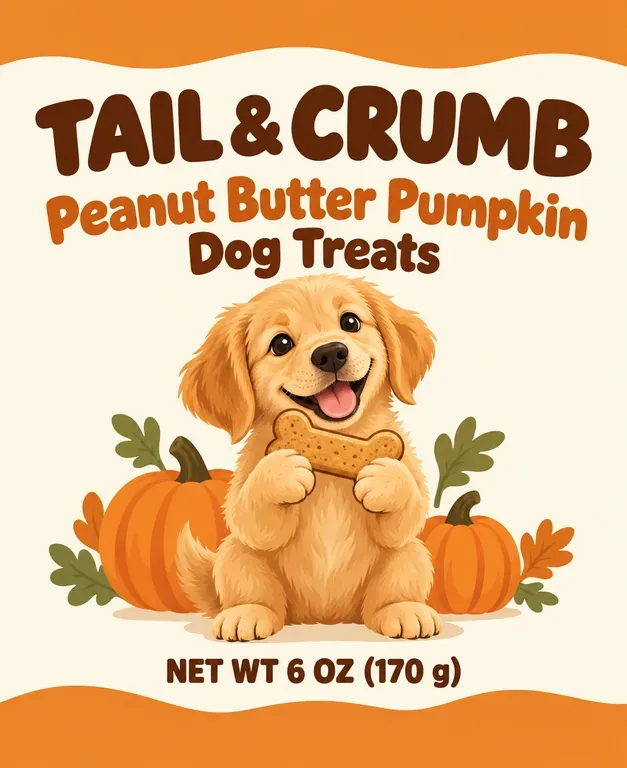
  • Dog treat pouch with a cartoon puppy mascot

    Marketplace sellers

    Gallery images and lifestyle shots for Amazon, Walmart and eBay listings.

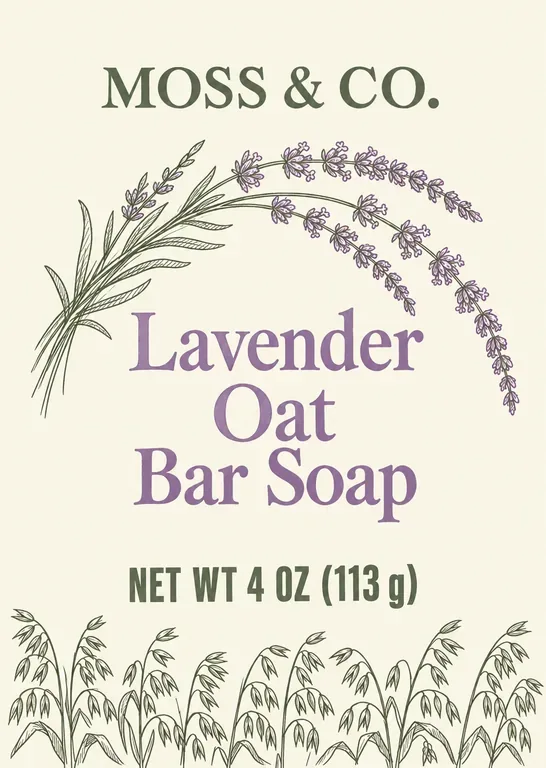
  • Lavender oat soap box front with line art

    Shopify and Etsy shops

    One consistent look across a whole collection page.

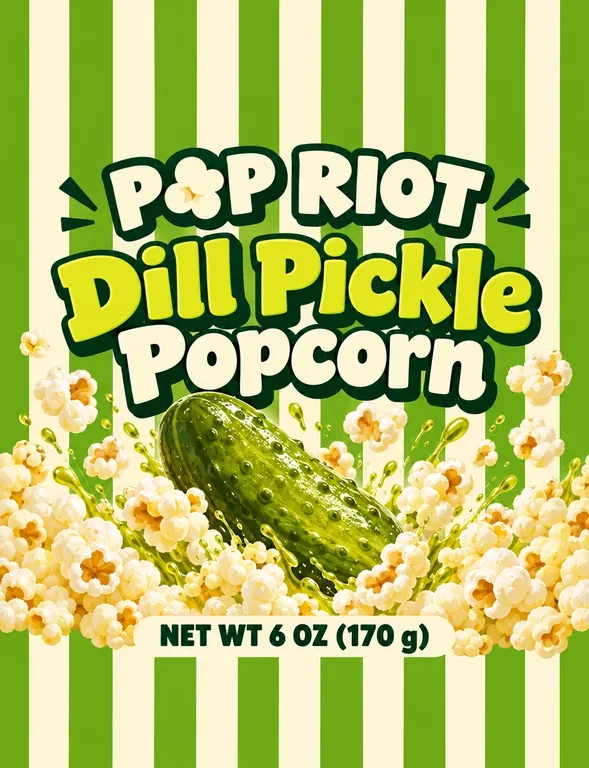
  • Dill pickle popcorn pouch with green circus stripes

    Food and drink brands

    Seasonal launches and social posts from one product picture.

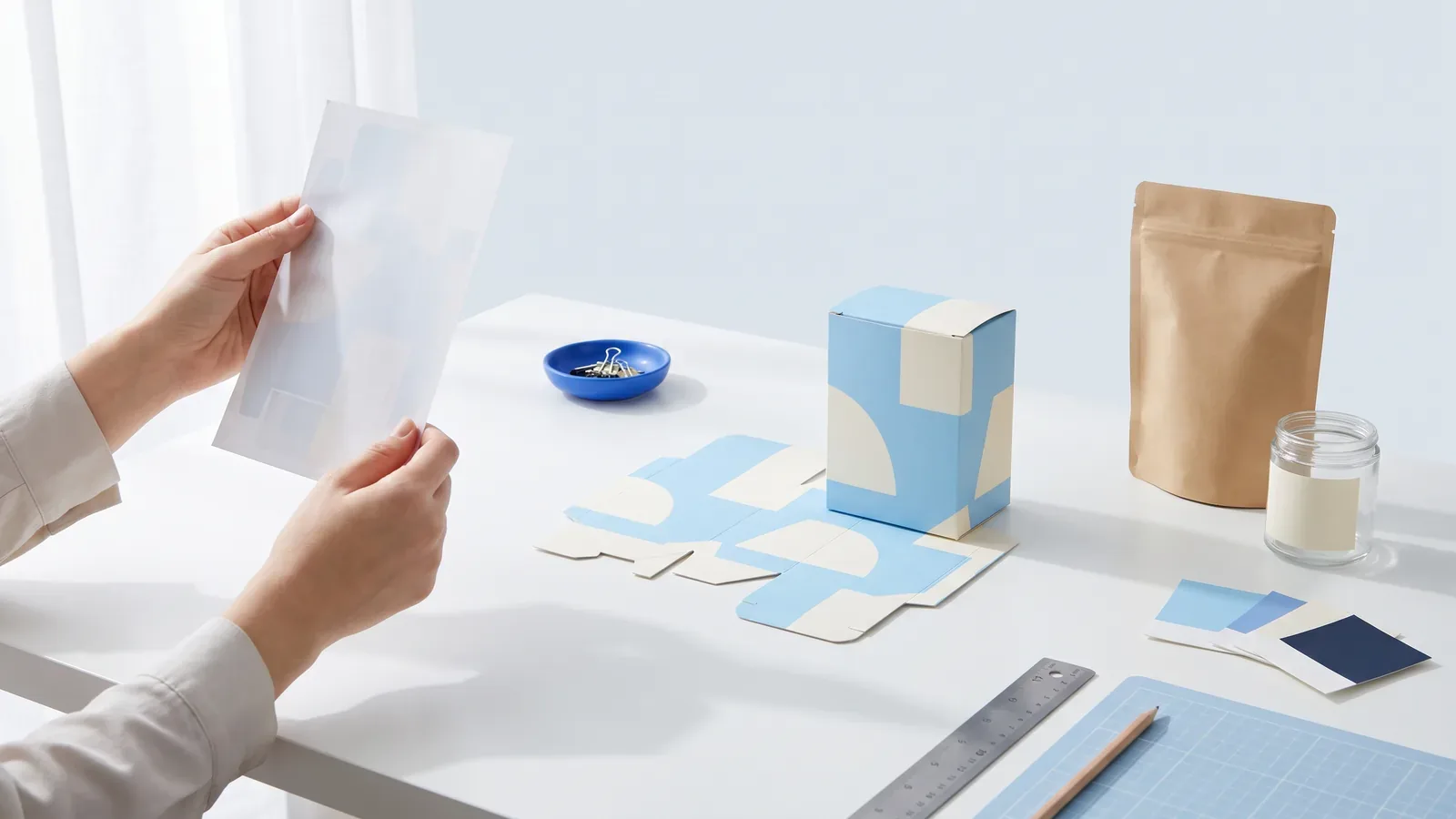
  • A designer holding a print proof over cartons and swatches

    Designers and agencies

    Quick scene options to show a client before a full shoot.

AI Product Photography Questions

Photos, cost, accuracy and marketplace rules.

Start Your AI Product Photography

Upload one product photo, pick a scene and a shape, and get photos ready for your store. The credit cost is on the button before you start.