Skip to content

Can art for every new release

AI Beer Can Design Generator

PackDesignAI is an AI beer can design tool for craft breweries: describe the beer, the style and the mood, add your logo, and get up to four designs as a studio render of the can or a flat front panel. Download PNG with no watermark. AI designs use credits.

Beer Can Design
0 / 4000

Put words in "double quotes" to ask for exact text. Check the spelling before you print.

Try one of these

  • Can render or flat front
  • Your logo and beer name
  • Up to 4 designs per run
  • No watermark

AI Beer Can Designs to Start From

A hazy IPA, a fruit sour, a crisp pilsner and a game day lager. “Use this example” fills the description and look so you can pour in your own beer.

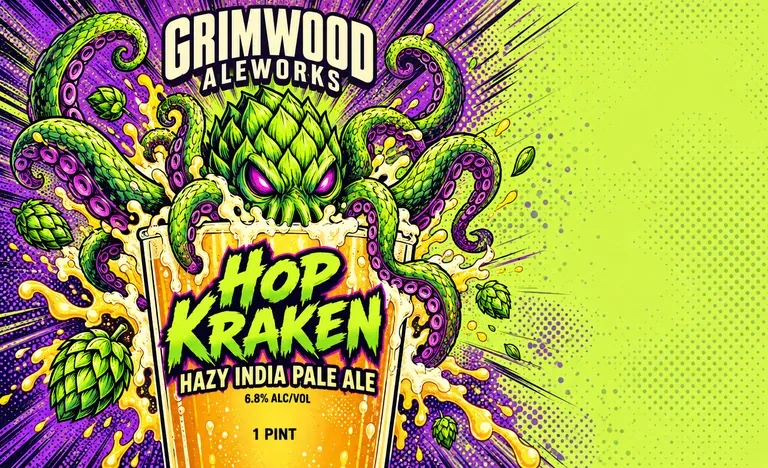
Can wrap art of a tentacled hop monster bursting out of a hazy pint in lime and violet
Partner demoComic book hop monster IPA wrap
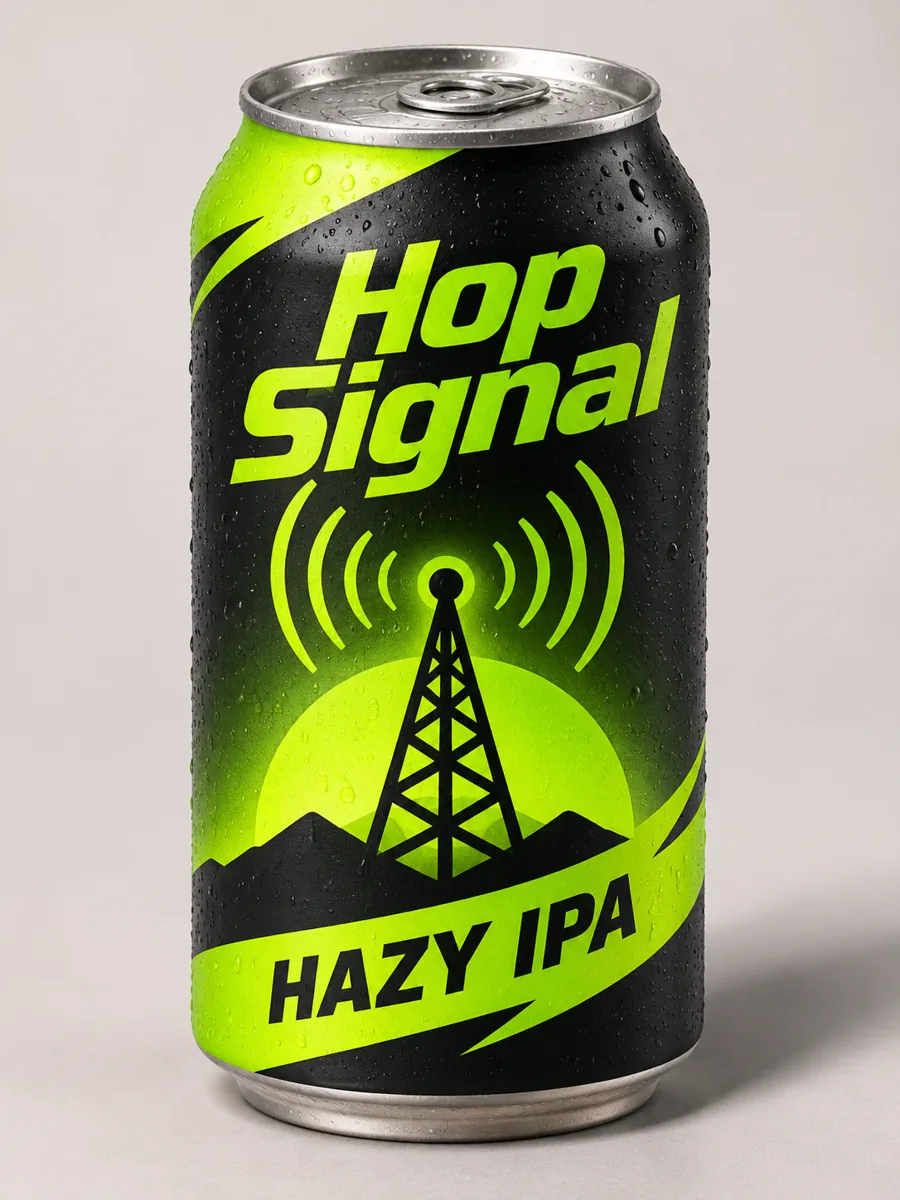
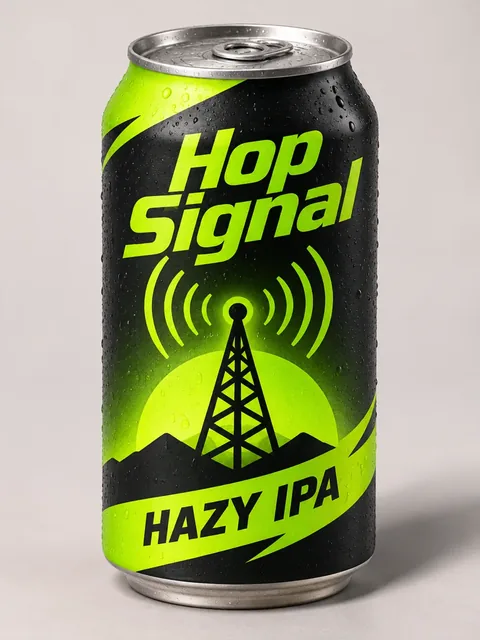
A black beer can with a green radio tower and bold type
IPA canNeon green IPA can with a radio tower
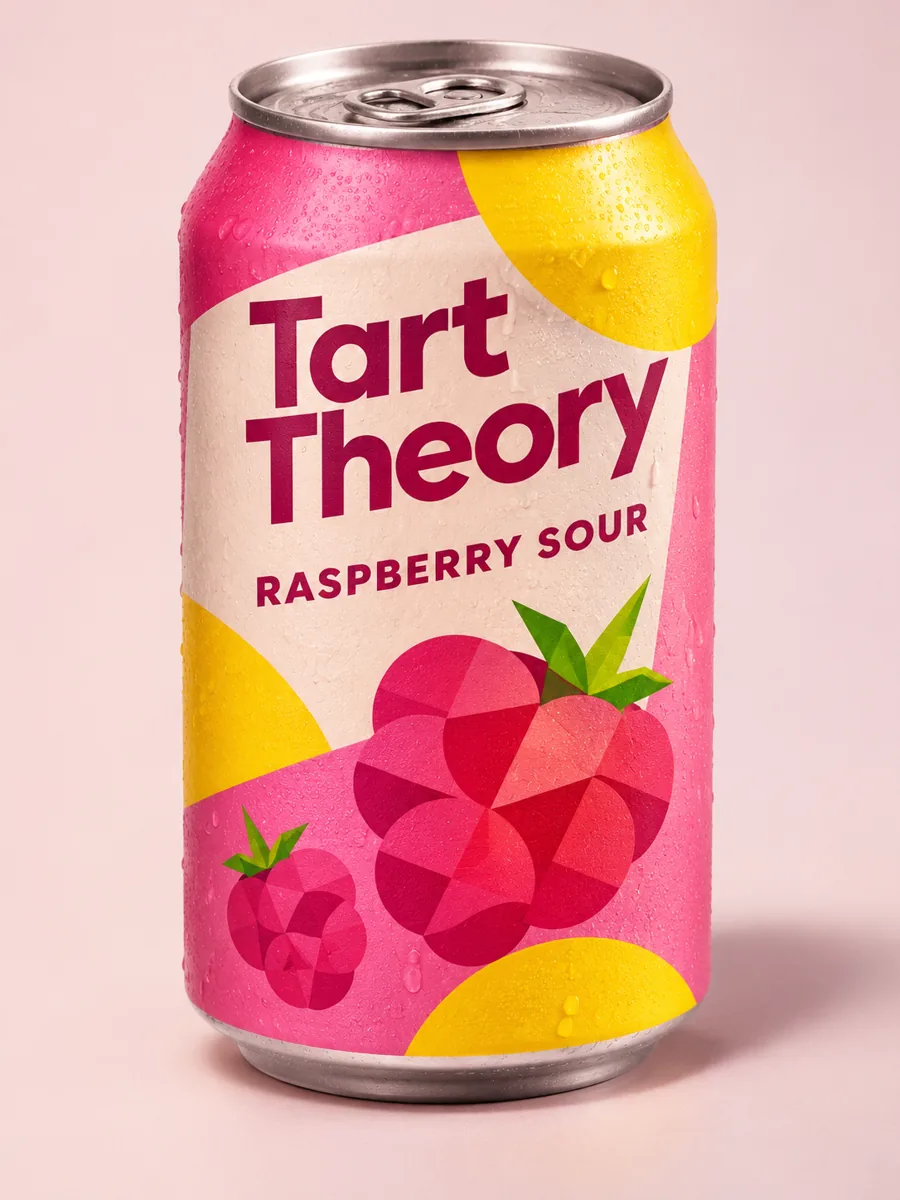
A pink and yellow beer can with a geometric fruit
Sour canRaspberry sour in pink and yellow
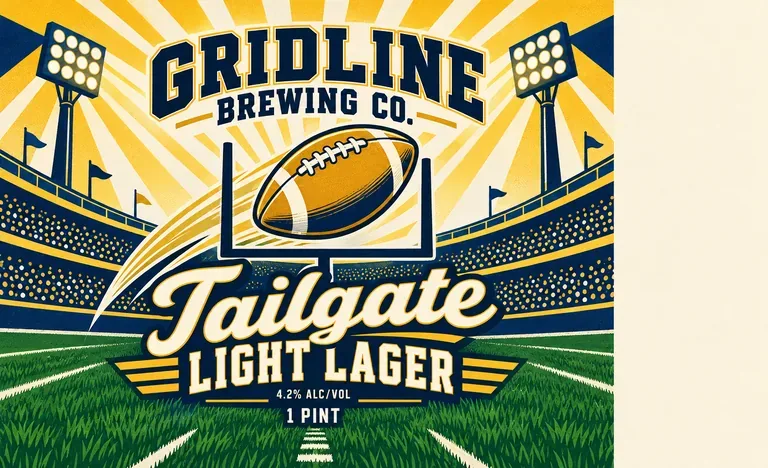
Retro varsity can art with goal posts and stadium lights in navy, gold and green
Partner demoVarsity lager from a whiteboard sketch
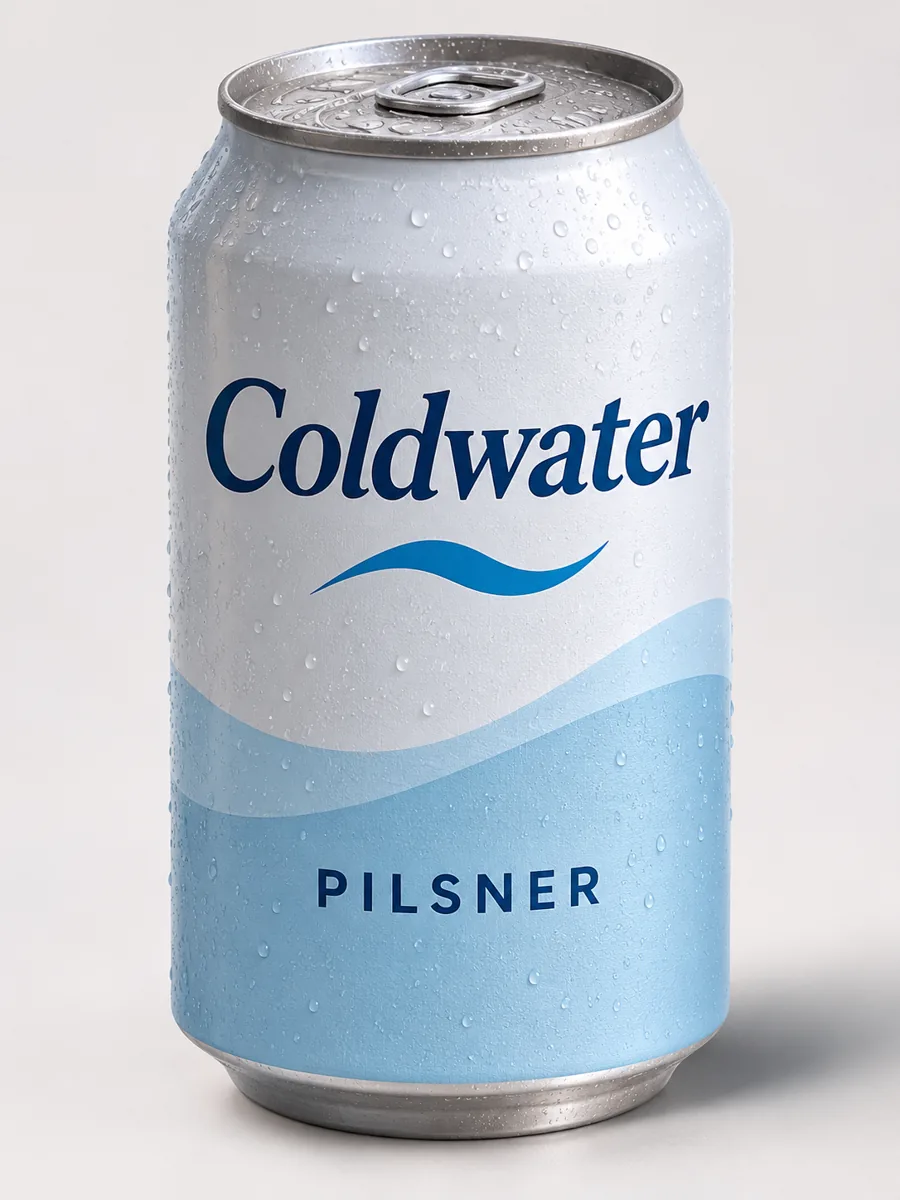
A pale blue and white beer can with a simple wave mark
Pilsner canCrisp pilsner in pale blue
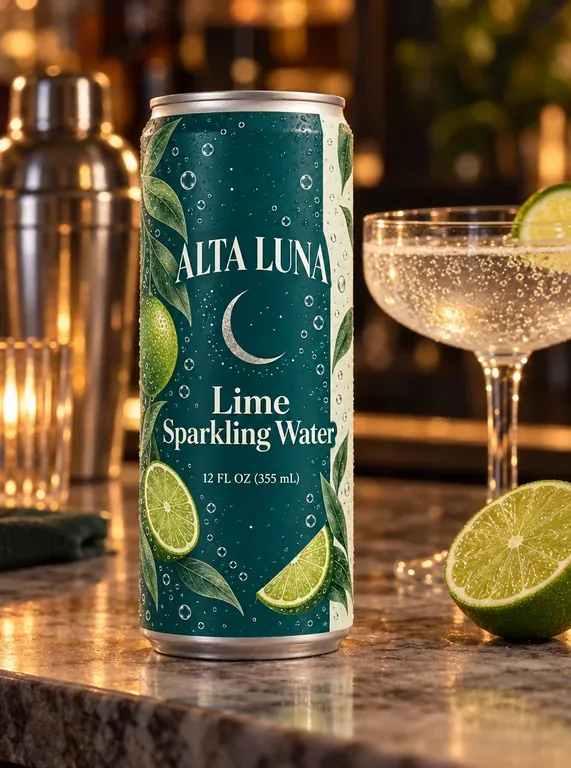
Slim can with printed art on a bar top beside a coupe glass and a lime
Partner mockupFlat can art shown on a slim can at a bar

Starting examples to open in the tool. Partner demos were made with AI, one of them with an AI mockup generator.

How AI Beer Can Design Works

Three steps from a recipe name to can art you can send to your printer.

  1. Give the beer name, the style and the mood: comic book chaos for a hazy IPA, clean lines for a pilsner. Put the name and style in "double quotes"; the AI adds the beer style only when you write it.

  2. Choose a studio render of the can or the flat front panel, a look (minimal, luxury, playful, organic or bold), a shape such as 3:4 and 1 to 4 designs. Add up to four images such as your logo or a sketch.

  3. Sign in and press Generate; the credit cost shows on the button. Compare the AI beer can options side by side, remix one with a tap and download a PNG with no watermark.

A hazy IPA can

A Beer Can Design Generator for Craft Breweries

Made for small batch releases, where every beer needs its own can.

  1. A pilsner can render

    Render or flat

    A can on the shelf or the front art

    The render shows the can in a studio for the release post, the taproom menu or a distributor sheet. The flat layout gives the front panel art, ready for a designer to build into the full can wrap design for your printer.

  2. Partner demo of can art made from a whiteboard sketch

    Your brewery

    Logo, sketch and series style

    Add up to four PNG, JPG or WebP images and type the brewery, the beer name and up to six lines. The lager above began as a whiteboard sketch; attach a past can to keep a series looking related.

  3. A raspberry sour can

    Many releases

    A new can for every batch

    Each AI beer can design run gives 1 to 4 options, and one tap remixes a favorite brighter, simpler, bolder or in a new color. Signed-in history keeps every version for the next release.

  4. Partner mockup of a slim can on a bar

    See it poured

    From flat art to a product shot

    Upload the flat front to the mockup generator to see it on a can in a studio, on a shelf or outdoors, ready for social posts.

AI Beer Can Design and the Label Rules

An AI beer can design covers the art; the required text is yours to add.

What TTB asks for on a can

For malt beverages TTB lists the brand name, the class (such as ale or lager), net contents, the name and address of the brewer or bottler and the GOVERNMENT WARNING. The tool doesn’t add or check these, so place them yourself and compare the file with TTB’s checklist and your state rules.

  1. 1The warning heading is in bold capitals, at least 2 mm tall on a 12 or 16 oz can.
  2. 2Alcohol content is required only in some cases. When you show it, write "5.2% Alc. By Vol.", not "ABV".
How cans get printed

Small batches often go on stock cans with a printed label or a shrink sleeve; large runs are printed on the can by the can maker. Each supplier gives you a template with the seam and the full wrap, so place the art on theirs.

For a bottle label at an exact size, with a print PDF, use the beer label maker.

Barcode and the back panel

Retail cans need a barcode, usually on the back next to the warning. Make it with the free UPC barcode generator and keep it on a light, solid area.

Who Uses AI Beer Can Design

Brewers who release faster than a designer can draw, with a beer can design generator for each batch.

  • A hazy IPA can

    Craft breweries

    Craft beer can design for monthly releases and one-off collabs.

  • Hop monster IPA can art

    Taprooms and brewpubs

    Beer can art for crowlers, specials and the menu board.

  • A raspberry sour can

    Homebrewers

    A custom beer can look for a party, a gift or a competition entry.

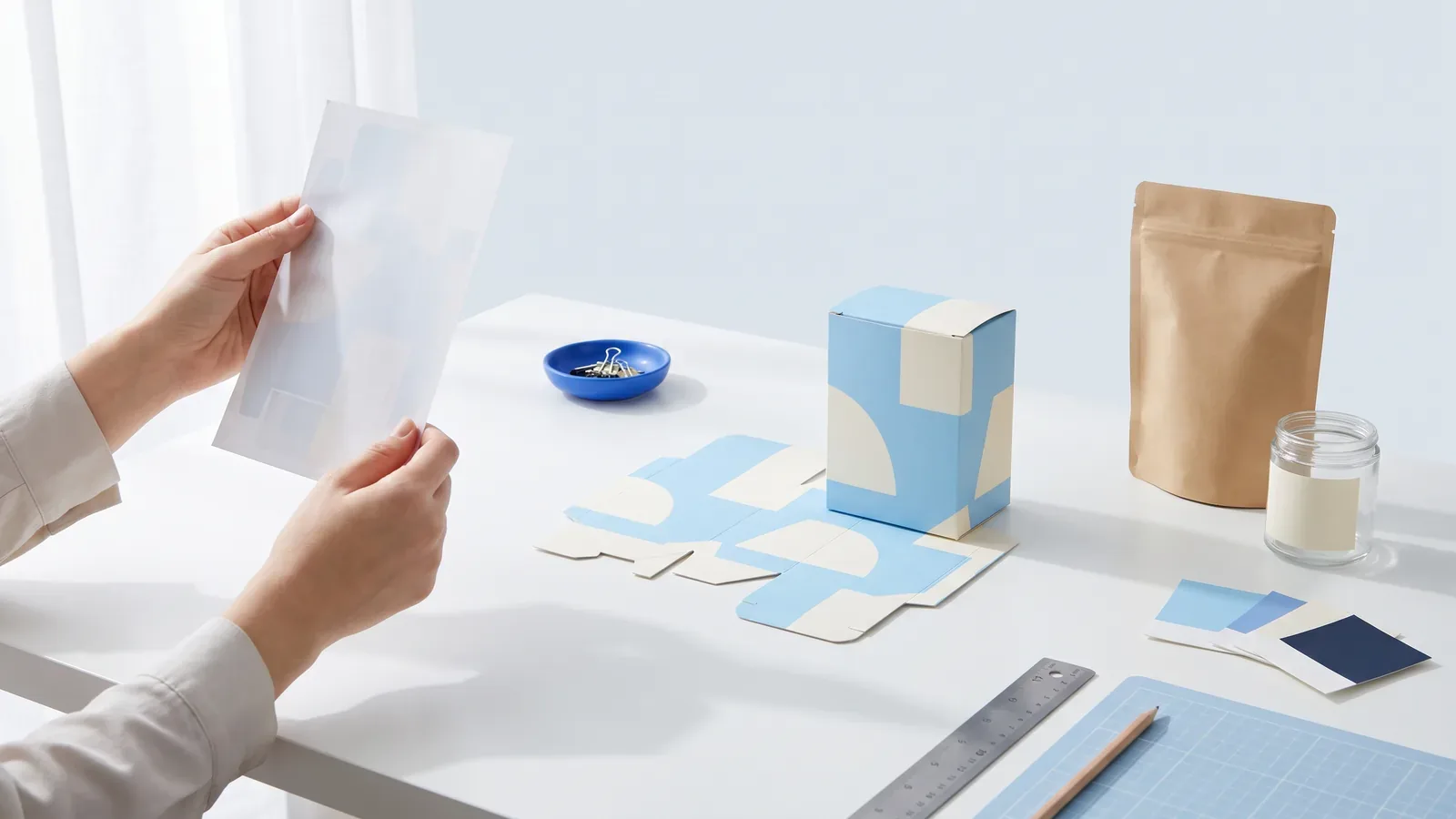
  • Designer desk with a print proof and folded carton samples

    Brand designers

    Several directions for a new series before the final artwork.

AI Beer Can Design FAQ

What it makes, what it costs and what you add before print.

Start Your AI Beer Can Design

Describe the beer, add your logo and get a can render or the flat front art. The credit cost is on the button before you start.