Skip to content

Bags and pouches for roasters

AI Coffee Packaging Design for Roasters

PackDesignAI is an AI coffee packaging design tool for roasters and cafes: describe the origin, the roast and the look, add your logo, and get up to four designs for a flat-bottom coffee bag or a stand-up pouch, as a studio render or a flat front panel. PNG, no watermark. AI designs use credits.

Coffee Bag Design
0 / 4000

Put words in "double quotes" to ask for exact text. Check the spelling before you print.

Try one of these

  • Flat-bottom bag or pouch
  • Render or flat front panel
  • Your logo and roast details
  • No watermark

AI Coffee Bag Design Examples

Single origin kraft, dark roast black and a seasonal pouch. “Use this example” fills the description, bag type and look so you can put in your own roast.

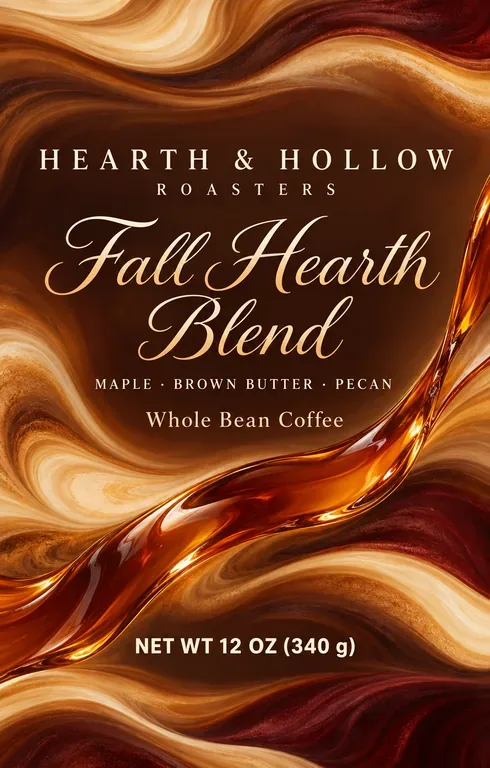
Coffee pouch with a glossy maple pour over amber swirls and a script name
Partner demoSeasonal maple roast pouch
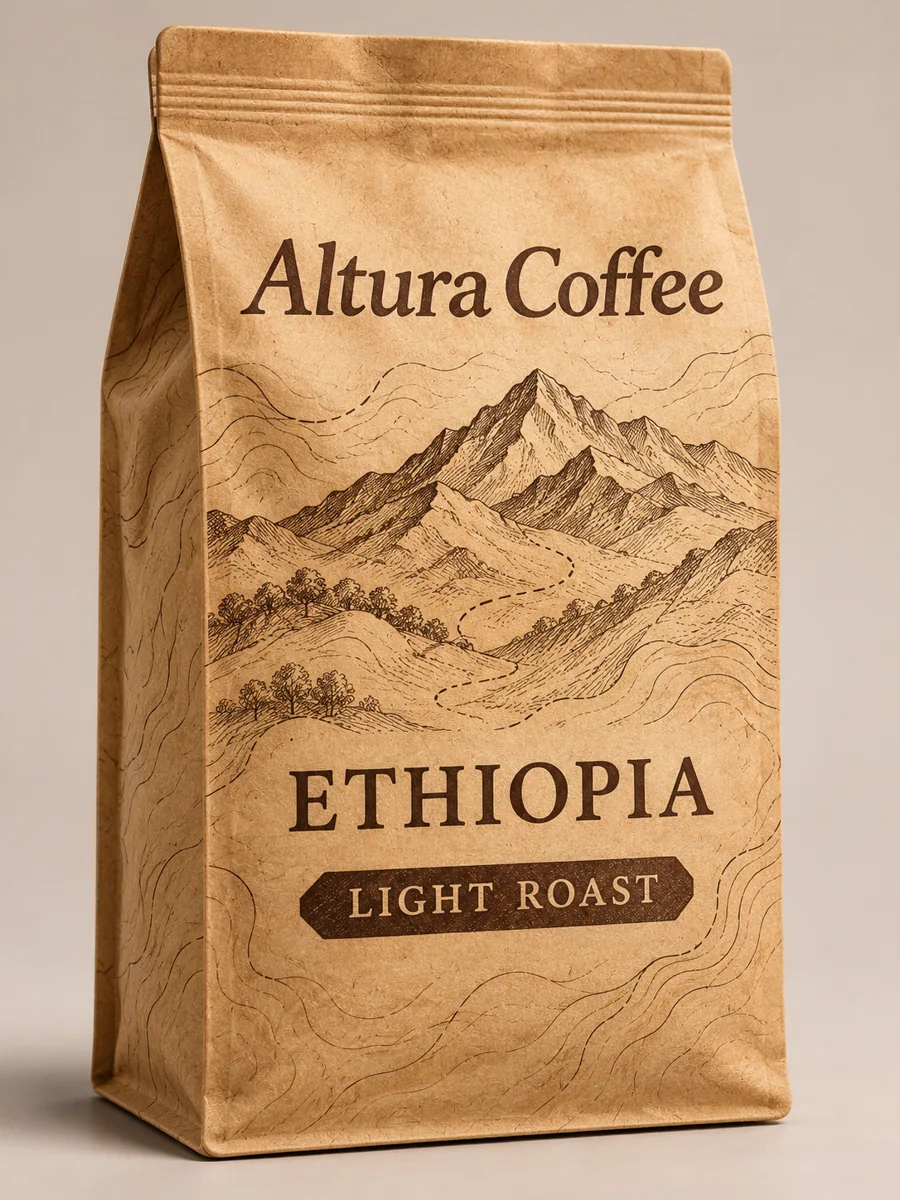
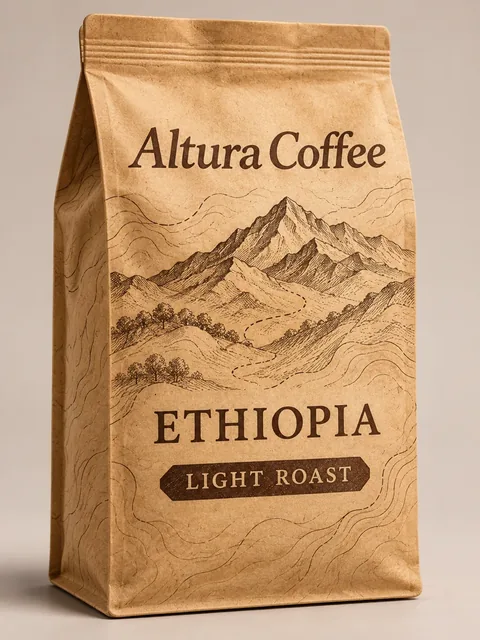
A kraft coffee bag with a mountain map and a light roast tag
Kraft bagSingle origin bag in kraft
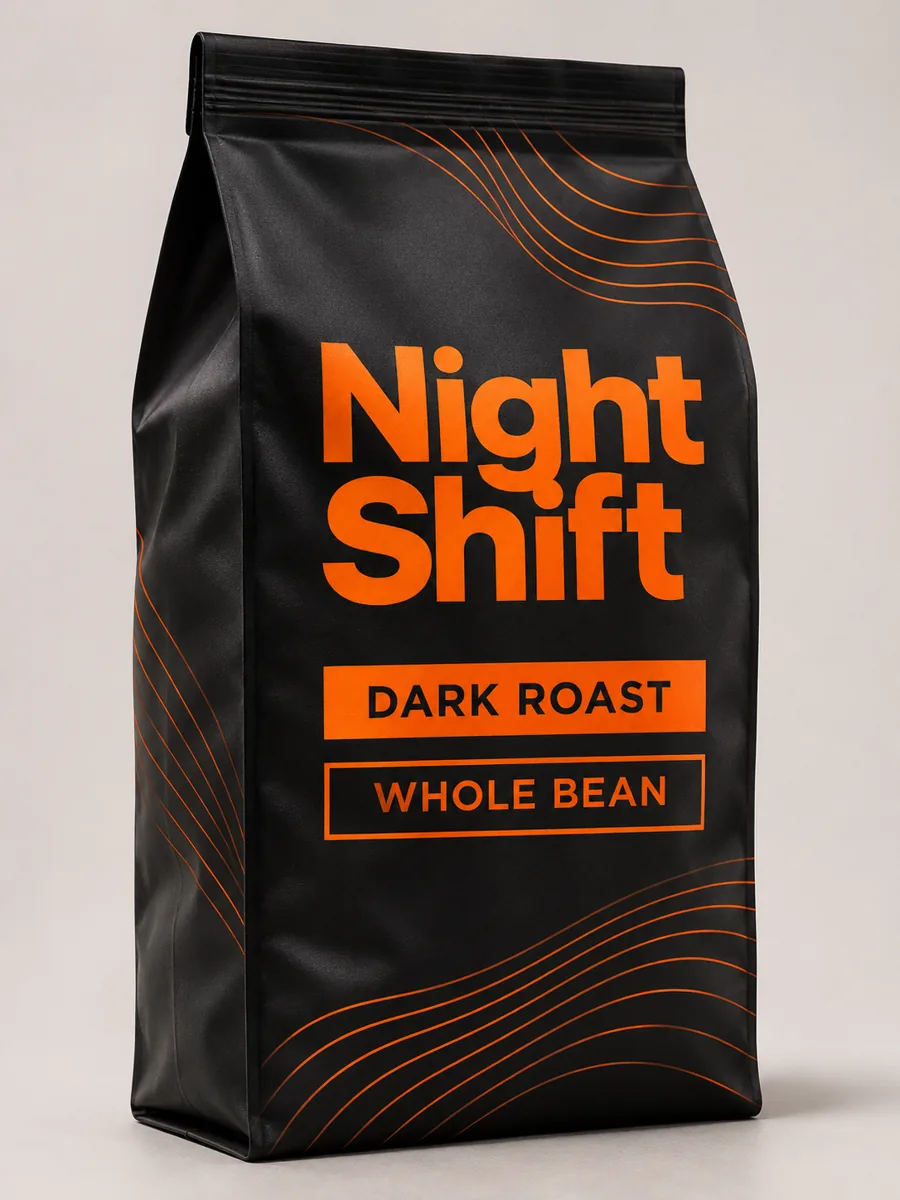
A matte black coffee bag with bold orange type
Matte black bagDark roast in matte black
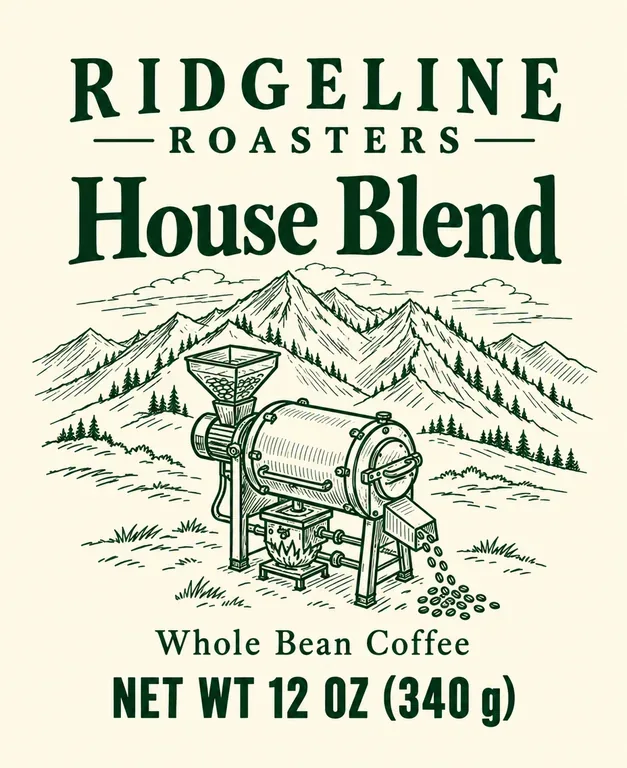
Green line art of a drum roaster under a mountain ridge on a cream coffee bag
Partner demoRoaster line art from a pencil sketch
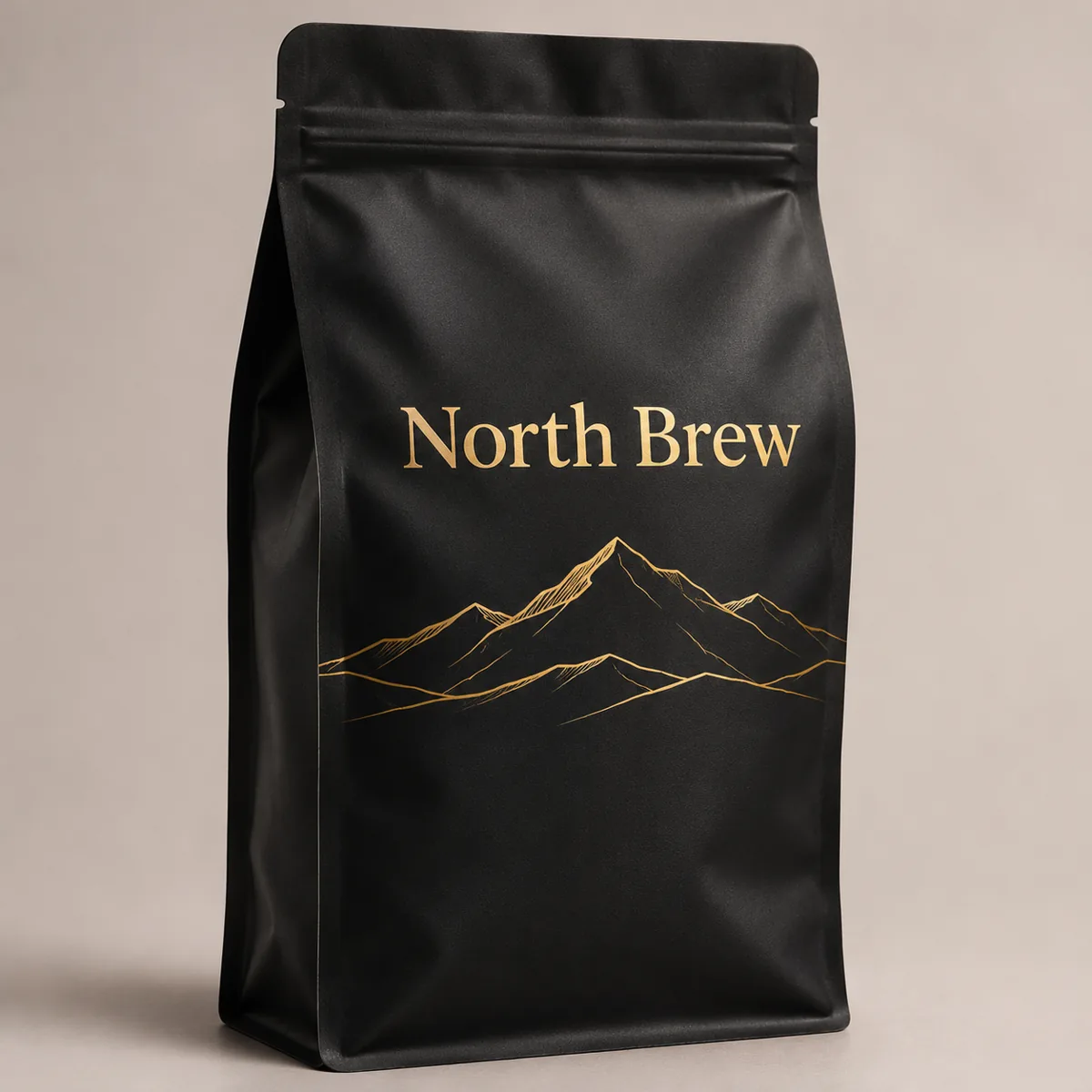
A black stand-up coffee pouch with gold mountains
Stand-up pouchPremium black pouch with gold line art
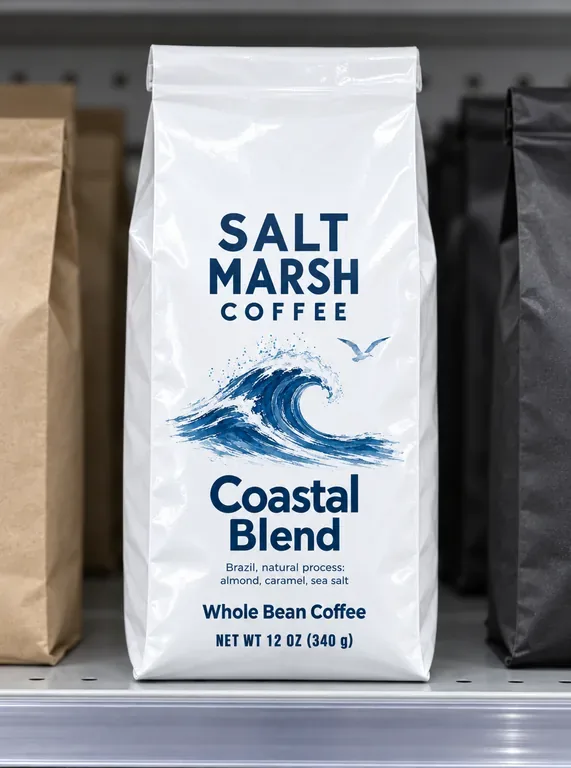
White side gusset coffee bag with a printed design among plain bags on a shelf
Partner mockupA bag design on a store shelf

Starting examples to open in the tool. Partner demos were made with AI, one of them with an AI mockup generator.

How AI Coffee Packaging Design Works

Three steps from a roast profile to bag art you can send to your bag supplier.

  1. Write the origin, roast level and tasting notes you want on the bag, and the look: kraft and hand-drawn, or black and gold. The AI adds roast details only when you write them, so type them in "double quotes".

  2. Choose a flat-bottom bag or a stand-up pouch, then a studio render or a flat front panel. Pick a look, a shape such as 3:4 and 1 to 4 designs, and add up to four images such as your logo.

  3. Sign in and press Generate; the credit cost shows on the button. Compare the designs side by side, remix one with a tap and download a PNG.

A single origin kraft coffee bag

A Coffee Bag Design Generator Made for Roasters

Built around the two bags most roasters fill, and the details buyers read first.

  1. A black stand-up coffee pouch

    Bag or pouch

    The shapes coffee actually ships in

    Pick a flat-bottom bag for the classic box shape on a shelf, or a stand-up pouch for a softer look. The coffee pouch design keeps the same brief, so you can compare both for one roast.

  2. A dark roast coffee bag render

    Render or flat

    A shelf shot or the coffee bag front panel

    The render shows the whole bag in a studio for your shop and social posts. The flat layout gives the front panel art edge to edge, ready to place on your supplier’s bag template.

  3. Partner demo of coffee bag line art made from a sketch

    Your brand

    Logo, sketch and roast details

    Add up to four PNG, JPG or WebP images, type the brand name, the coffee name and up to six lines, and let AI enhance turn a short note into a fuller brief. Origin, process and tasting notes print only when you write them.

  4. A kraft coffee bag

    Fair credits

    The cost shows before you generate

    Each AI coffee bag design run shows its credit cost on the Generate button. A design that fails is refunded, downloads carry no watermark, and signed-in history keeps every version.

AI Coffee Packaging Design Notes for Roasters

What to put on the bag, and how the art reaches the printer.

What buyers look for on a coffee bag

Specialty buyers scan for origin, roast level, process and tasting notes, then the roast date and the weight. Keep the brand and the coffee name large, and the details in a tidy block.

One look across all your coffees, with a color per origin or roast, makes a shelf of bags read as one roaster.

From art to a printed bag

An AI coffee bag design is artwork, not a print template. Ask your bag supplier for their template, place the flat front panel on it in a design program, and add the back panel text there.

Many small roasters print a custom coffee bag label instead of the whole bag: the AI label generator makes one at your exact size with a print PDF.

Pick the shape that matches the supplier’s front panel, such as 3:4, before you generate.

Barcode, weight and roast date

Retail bags usually need the net weight on the front and a barcode on the back. Make the barcode with the free UPC barcode generator and stamp or sticker the roast date per batch.

Who Uses AI Coffee Packaging Design

From a first roast to a monthly lineup, one coffee bag design generator for every bag.

  • A kraft coffee bag

    Small roasters

    Coffee roaster packaging for each new origin without waiting on a designer.

  • Coffee bag on a store shelf

    Cafes with retail shelves

    House blend bags that match the menu boards and cups.

  • Seasonal maple coffee pouch

    Subscription brands

    A seasonal pouch every month, in one recognizable style.

  • Online seller filming a product on a turntable

    Online sellers

    Renders for the shop page and ads before the first bags arrive.

AI Coffee Bag Design FAQ

What it makes, what it costs and how to print it.

Start Your AI Coffee Packaging Design

Describe the roast, add your logo and get a bag or pouch as a render or a flat front panel. The credit cost is on the button before you start.