
Skip to content

Free, in your browser

Design Your Own Phone Case for Free

PackDesignAI is a free phone case designer: design your own phone case in the browser for 11 phones, from 9 templates or a photo collage. Download a 300 dpi print PNG with bleed, a PDF and SVG cut line and a mockup PNG. First download free, no watermark; AI patterns use credits. Outlines are approximate: check your print shop's template.

Phone case designer

Phone model

Outlines are approximate, drawn from published phone sizes, not from a case maker’s template. Check the template of the shop that prints your case.

Templates

9 templates

Colours

One click recolours the design
CameraDrop a photo
Click to select, drag to move, double click text to type.
300 dpi PNG shaped like the case (approximate outline), with 1/8 in bleed and the camera cut out.

Drafts cannot be saved in this browser (private mode?). Export before you leave.

  • Free to design
  • First download free
  • No watermark
  • Runs in your browser
  • 11 phones, 9 templates
  • 300 dpi print PNG with bleed
  • PDF and SVG cut lines
  • First download free, no watermark

Templates in the Phone Case Designer

Eight of the 9 designs, from one big photo to gingham, marble and terrazzo, each a starting point in this custom phone case designer.

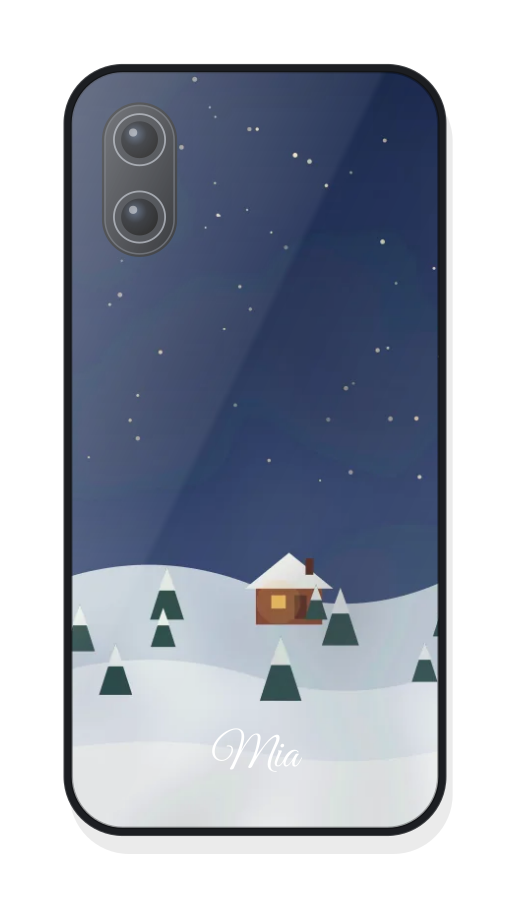
Phone case preview with a snowy night village picture and a small script name at the bottom
Full photoOne photo edge to edge, with a small name in script
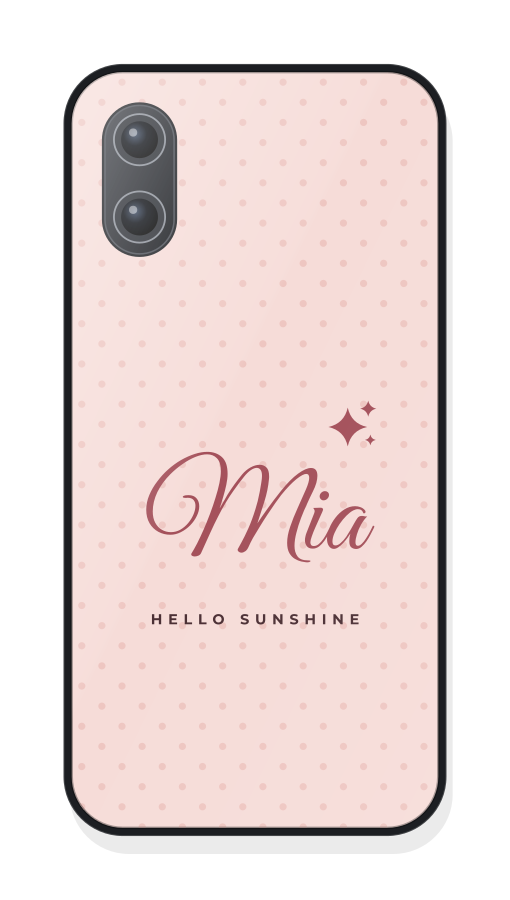
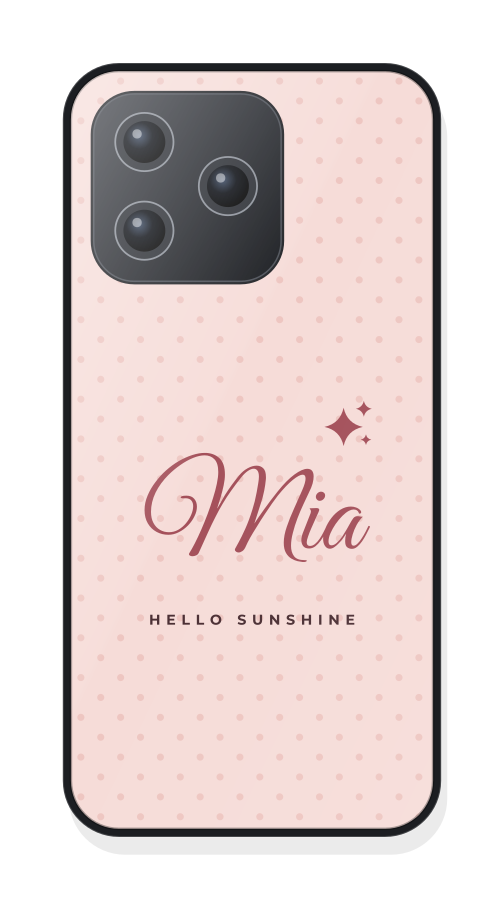
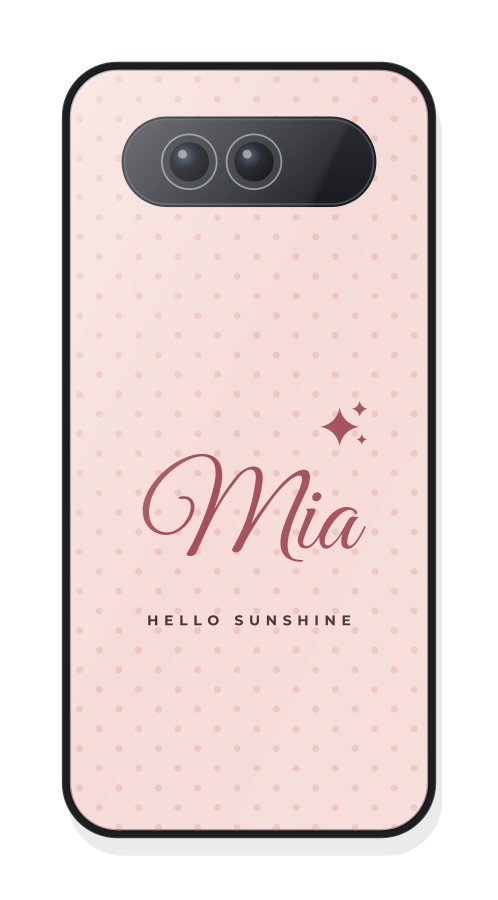
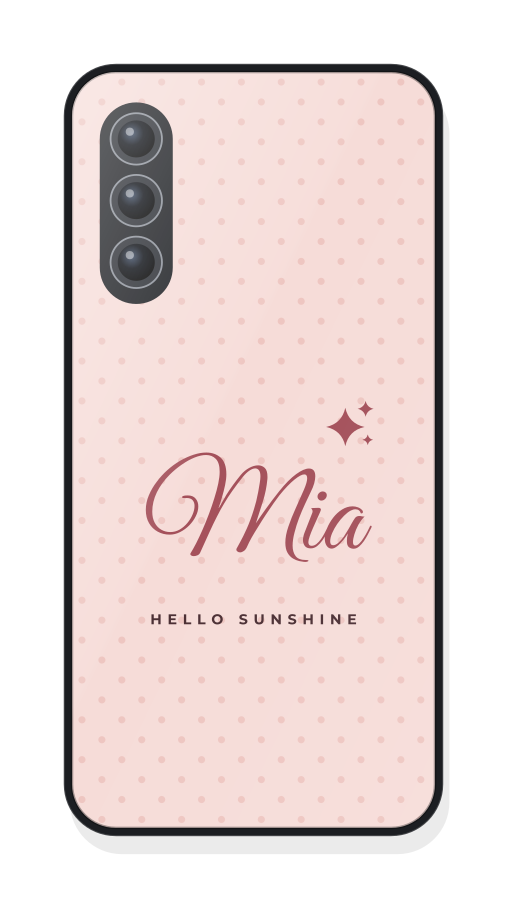
Pink dotted phone case with the name Mia in script and the words Hello sunshine
Your nameA big script name on soft dots, with a little sparkle
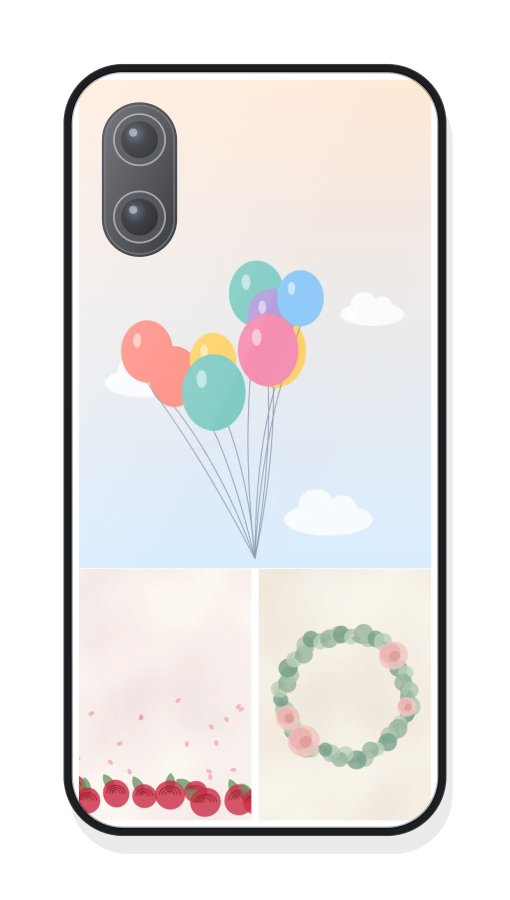
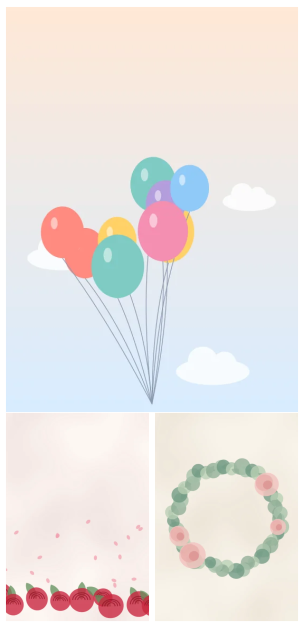
Phone case collage with a balloon picture on top and two smaller pictures underneath
Three photosOne large photo on top and two small ones below
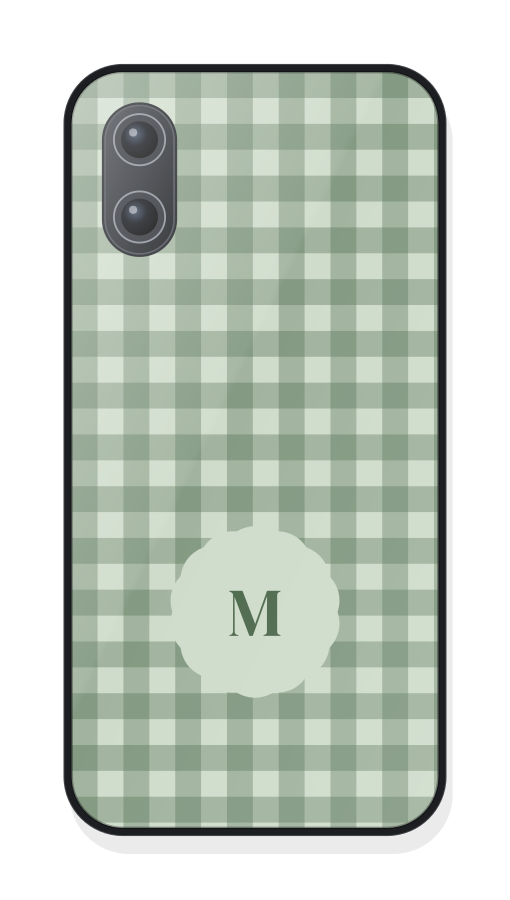
Green gingham phone case with the letter M in a round scalloped badge
Gingham initialSage gingham with one initial in a scalloped badge
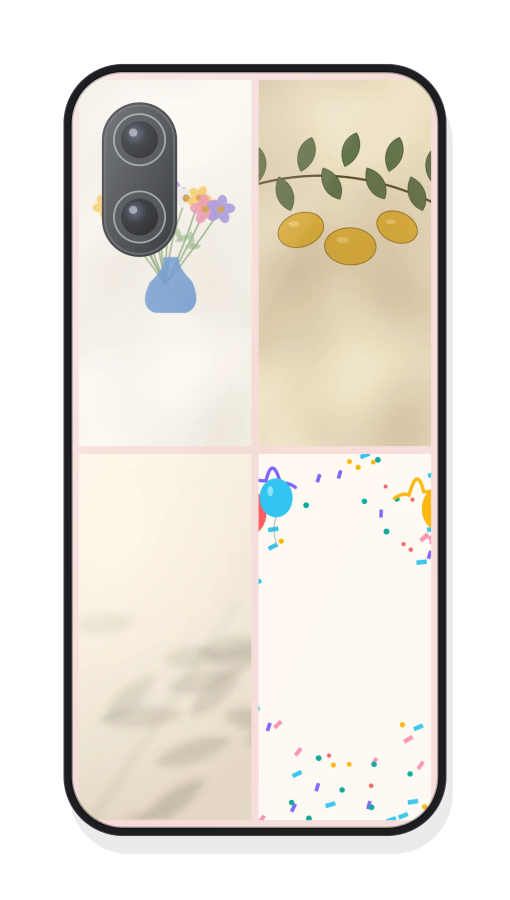
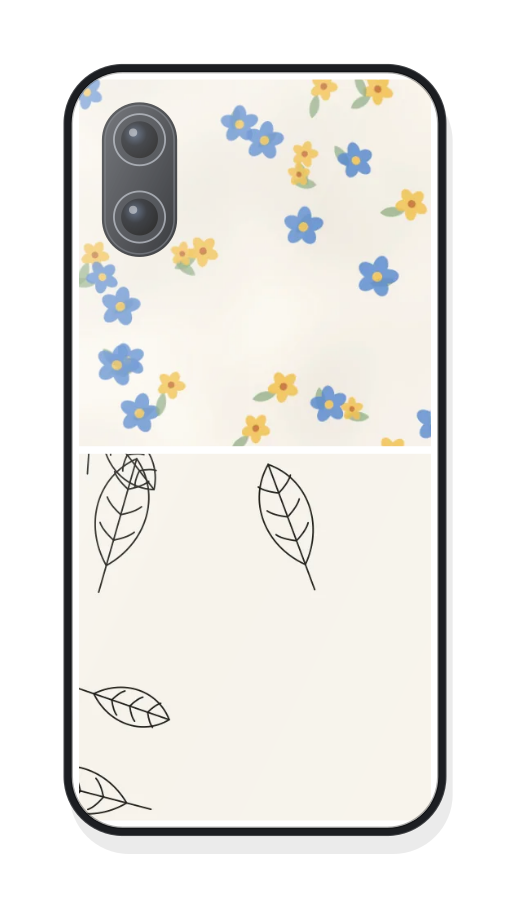
Flat print area of a phone case design with four pictures in a two by two grid
Four photosThe flat print area of a four photo grid
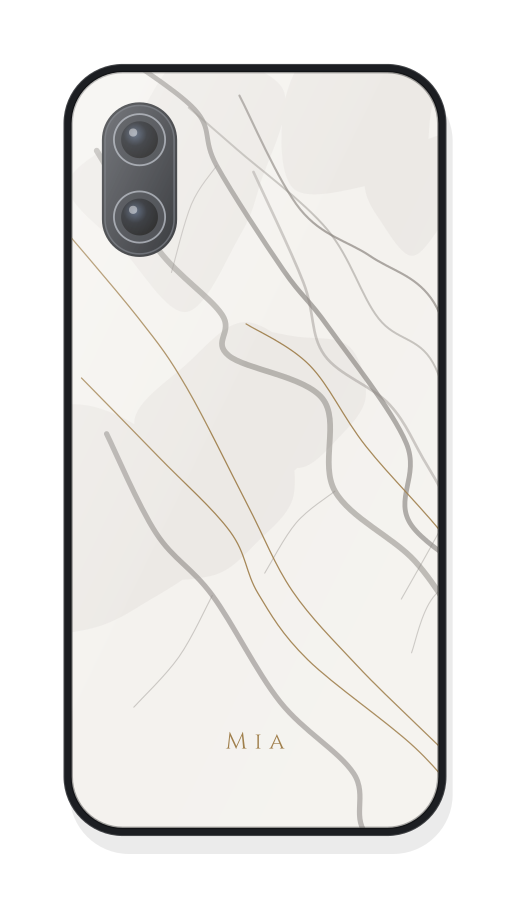
White marble look phone case with grey and gold colour veins and the name Mia in capitals
Marble lookDrawn marble veins with a small, widely spaced name
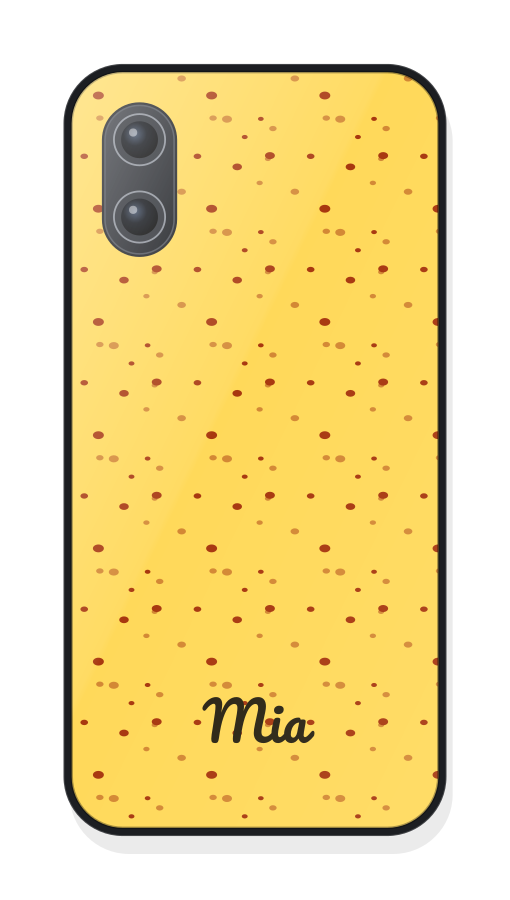
Yellow terrazzo pattern phone case with the name Mia in a bold script
TerrazzoSunny terrazzo chips with a round, bold name
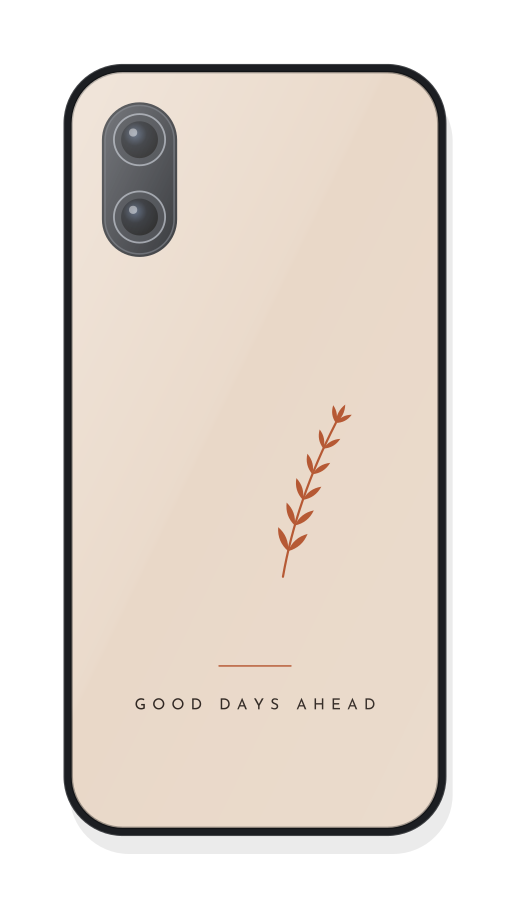
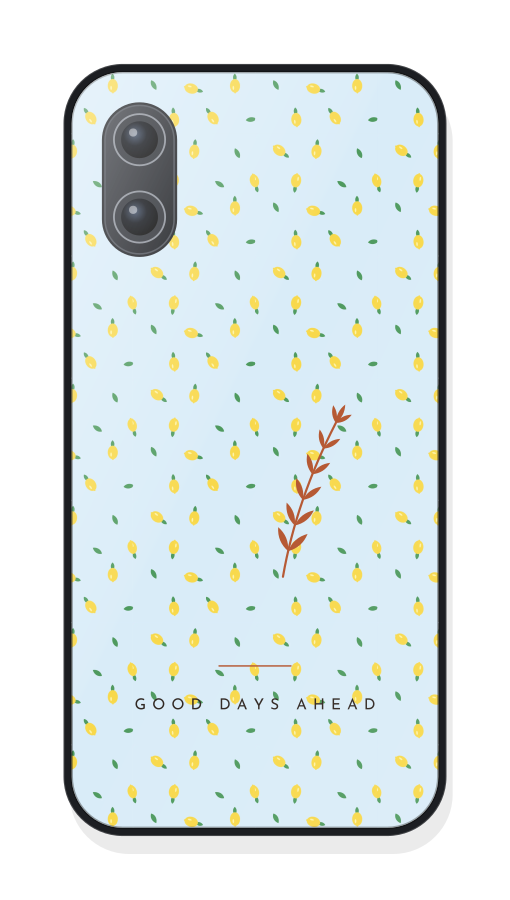
Beige minimal phone case with a rust coloured sprig and the words Good days ahead
MinimalA single sprig and one short line in spaced capitals

Templates drawn by PackDesignAI, shown on the approximate iPhone 16 outline; names are samples and the photos are our own sample pictures (frames start empty). Use this example opens the template for that phone.

How to Design Your Own Phone Case in Three Steps

From a blank case to print files, this phone case design maker keeps everything on one page.

  1. Choose one of 11 phones, from iPhone 16 and the iPhone 15 family to Galaxy S24, Galaxy S25 and Pixel 9, then a template. Switch phones later and your design stays; only the outline and the camera area change.

  2. Drop JPG, PNG or WebP photos into the frames and double click one to move it inside its frame. Type a name in the Text tab, pick one of 16 fonts and recolour the case with one of 9 colour sets.

  3. Open the Case tab to see a 2D preview with the camera lenses, read the Checks tab, then download the print PNG, the PDF with a cut line, the cut line SVG or a mockup PNG to share.

The name design on the approximate iPhone 16 Pro outline with its square camera

What This Phone Case Maker Can Do

A phone case maker online, free to design with, and real print files for gifts, makers and small shops.

  1. The name design on the approximate Pixel 9 outline with its wide camera bar

    Phone sizes

    11 phones, each with its camera cut out

    Every phone is drawn at its published body size with an approximate corner and camera cutout. Your custom phone case design is clipped to that outline, the camera area is marked on the canvas, and the Case tab shows a preview with gloss, edges and lenses.

  2. Flat print area of a three photo collage phone case design

    Photos

    Photo collages without the fiddly parts

    Start from one, two, three or four photos, or add frames: rectangle, rounded, circle, arch, heart or polaroid. Give a photo a look (original, black and white, warm or soft). Photos are resized in your browser and never uploaded.

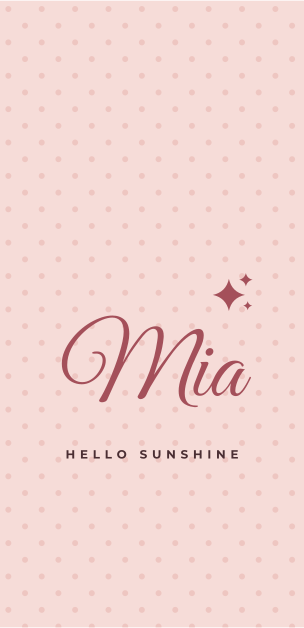
  3. Flat print area of a pink name phone case design

    Print files

    Print files and a mockup from one design

    Download a 300 dpi PNG shaped like the case with an optional 1/8 in bleed, a vector PDF with a magenta cut line, a cut line SVG in millimetres, or a 1600 px tall mockup PNG. Text becomes outlines in the PDF, so no fonts are needed to open it.

  4. Phone case with a small yellow and green sample pattern tile repeated behind a sprig and the words Good days ahead

    AI patterns

    An optional AI pattern for the whole case

    In the Photos step, describe a pattern, pick one of 6 styles and turn on Seamless pattern: the tile repeats across the case. AI artwork needs sign-in and uses credits (the cost shows on the Generate button), and the art has no words, so set your text in the editor.

Getting a Custom Phone Case Ready to Print

Four things to know before you send the file or print it yourself.

Photo resolution for a case

When you design your own phone case, remember that print needs more pixels than a screen. The Checks tab warns when a photo comes out below about 150 dpi at the size it prints. A photo that fills an iPhone 16 case (147.6 mm tall) needs about 870 pixels from top to bottom for 150 dpi, and about 1,750 for 300 dpi.

Photos straight from a phone camera usually have plenty. Screenshots and pictures saved from chat apps can be much smaller. Zooming in a frame uses fewer of the pixels, so look at the Checks tab again after you zoom.

If a photo may print soft, make its frame smaller or use the original file instead of a copy from a chat.
Bleed and the safe area

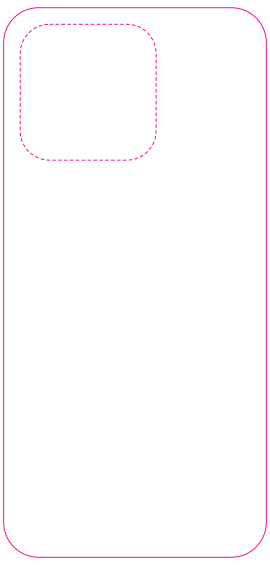
Printing and cutting are never perfectly exact, so the print PNG and the PDF can add a 1/8 in bleed (about 3.2 mm): the design runs past the outline, and no thin white edge shows if the cut drifts.

Keep names and faces away from the edge. The Checks tab flags text that sits too close to the case edge or over the camera cutout. Many cases also curve around the sides or have a raised rim, which hides a little more of the design.

Working around the camera cut out

The camera hole is cut out of the design in the print PNG and the PDF, and where it sits depends on the phone: a tall pill on iPhone 16 and 16 Plus, a square on the Pro models and the iPhone 15 family, a strip of three lenses on Galaxy S24 and S25, and a wide bar across the top on Pixel 9.

The templates keep the top left corner calm for this reason. If you move a design to Pixel 9, check that nothing important sits in the top band.

The name design on the approximate Galaxy S24 outline with three lenses in a strip

Using your print shop's template

The outlines here come from published phone sizes, not from any case maker. A printed case is a little larger than the phone, and its edges differ by brand and case type, so ask the shop that prints your custom phone case for its template for your exact phone.

Place the print PNG on that template and line up the camera hole, or compare it with the cut line SVG. The magenta line in the PDF is a guide: tell the shop it is there, or send the PNG if they want artwork only.

Cut line SVG of the approximate iPhone 16 Pro outline with a dashed camera cutout

Order one test case before a batch: it is the only way to see how the colours and edges really come out.

Ideas for a Custom Phone Case

Who uses the phone case maker, and what they make with it.

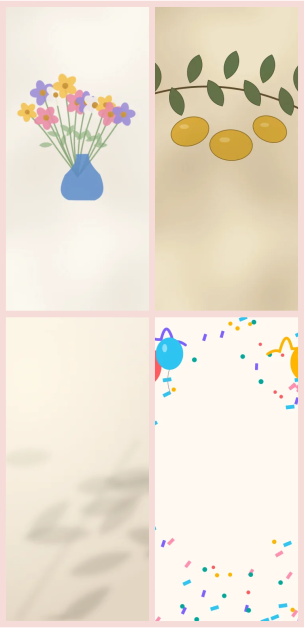
  • Four photo collage phone case with flowers, leaves and confetti pictures

    Photo gifts

    A four photo collage of a trip, a pet or the family makes a personal gift. Take the files to a local print shop or a print on demand service.

  • Flat print area of a gingham phone case design with one initial

    Names and initials

    Put a name in script or one initial on gingham. For interlocked initials, make them in the monogram generator, download a PNG and drop it into a frame.

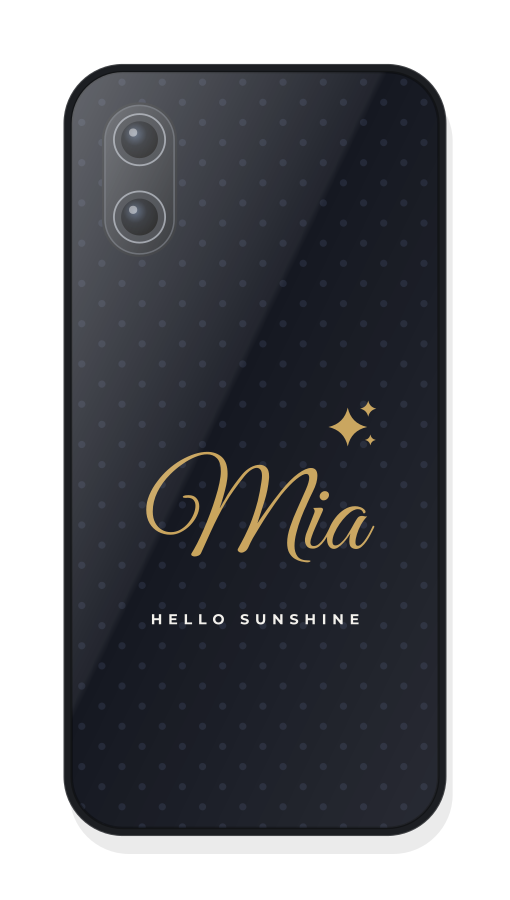
  • The pink name phone case recoloured to navy and gold with one click

    Makers and small shops

    Make colour variants of one design in a click and export mockups for a listing. Show the packaging with a box mockup and ship in a box from the mailer box template.

  • Flat print area of a minimal beige phone case design with a sprig

    Artists and illustrators

    Upload a drawing into the full photo template, keep it clear of the camera, then share the mockup in a post from the instagram post generator.

Phone Case Designer FAQ

Short answers about fit, files, photos and AI.

Design Your Own Phone Case Now

Pick one of 11 phones, add photos or a name, and design your own phone case with real print files. Your first download is free, and your draft waits in this browser for next time.