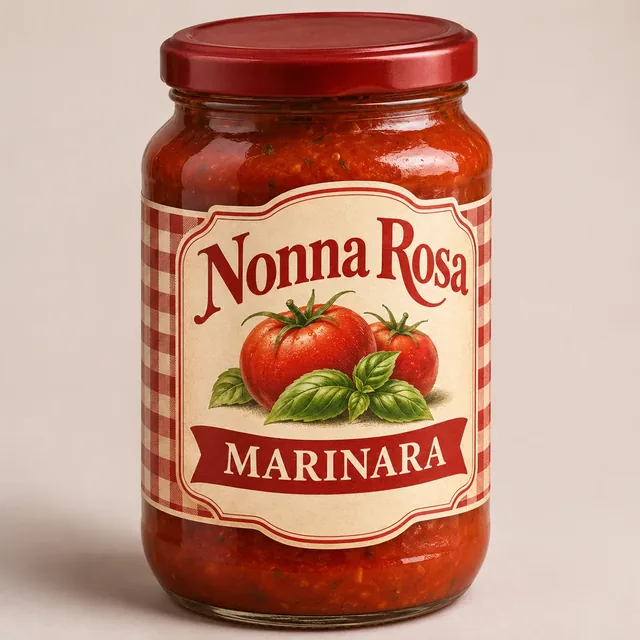
The front panel
On US food the front panel, the principal display panel, gives the name of the food and the net quantity (21 CFR 101.3 and 101.105). Keep both readable at arm’s length, then let the art do the rest.
Six package types for food brands
PackDesignAI is an AI food packaging design tool for small food brands: describe the snack, sauce or treat, add your logo, and get up to four designs for a pouch, box, bag, jar, can or bottle, as a studio render or a flat front panel. PNG, no watermark. AI designs use credits.
Try one of these
Snack pouches, a sauce jar, a granola box and a treat bag. “Use this example” fills the description, package type and look so you can swap in your own food.
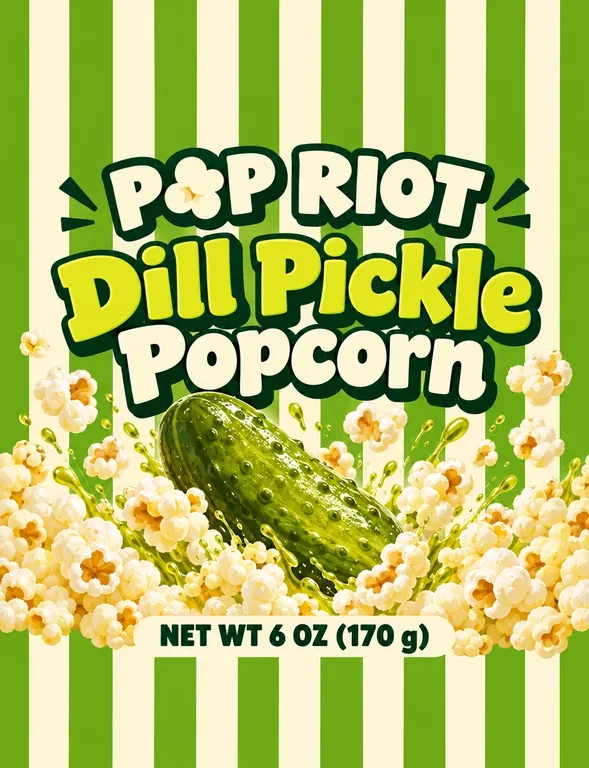
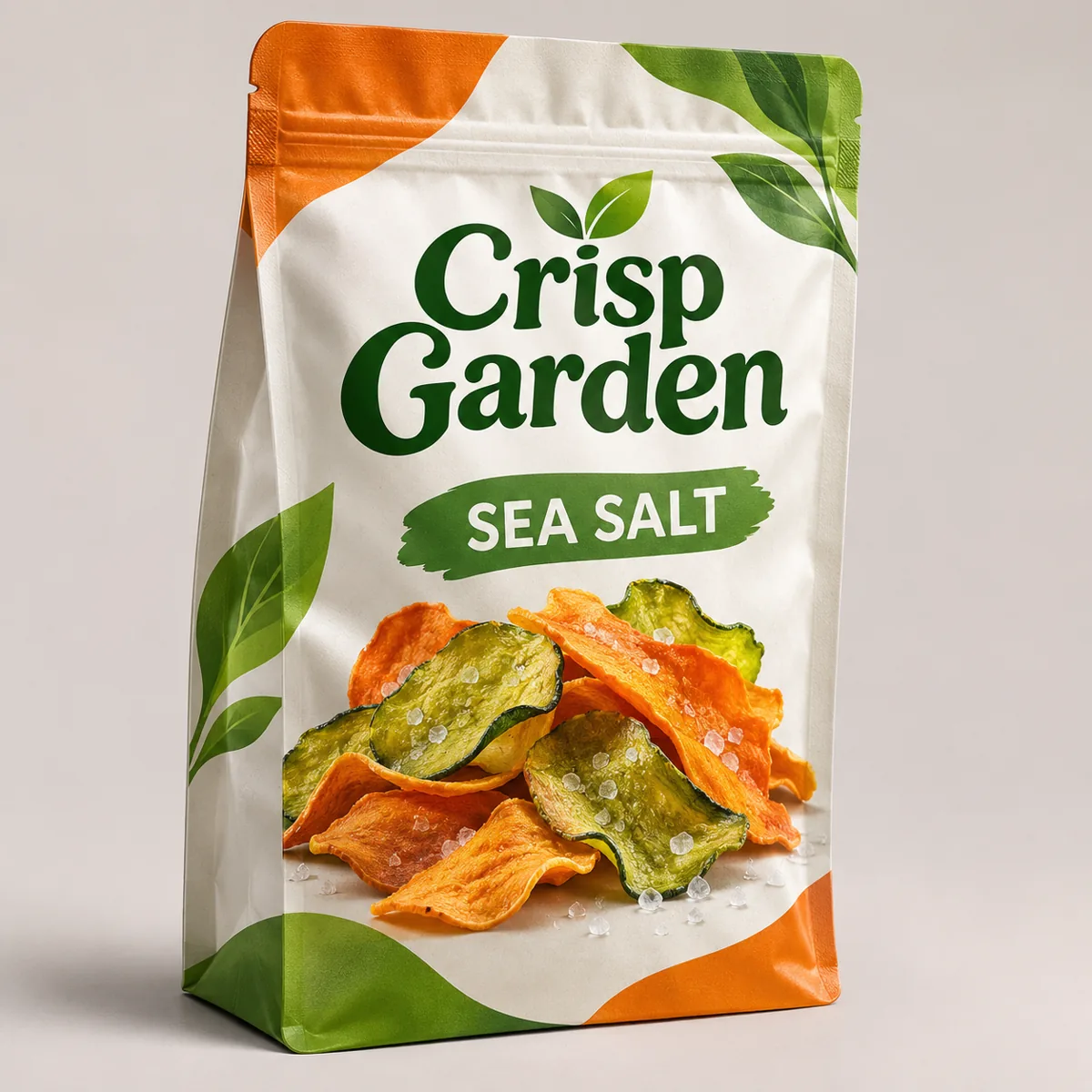
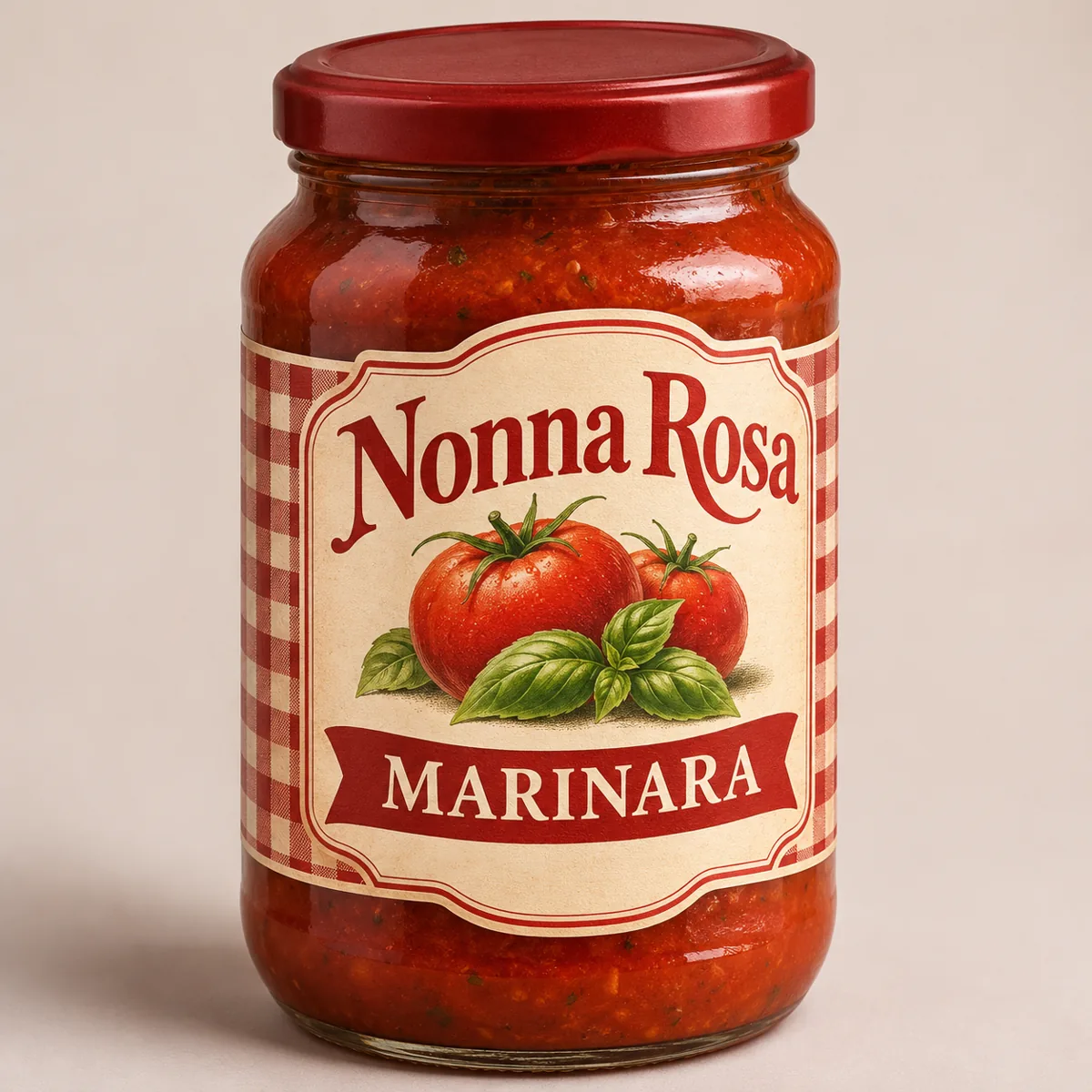
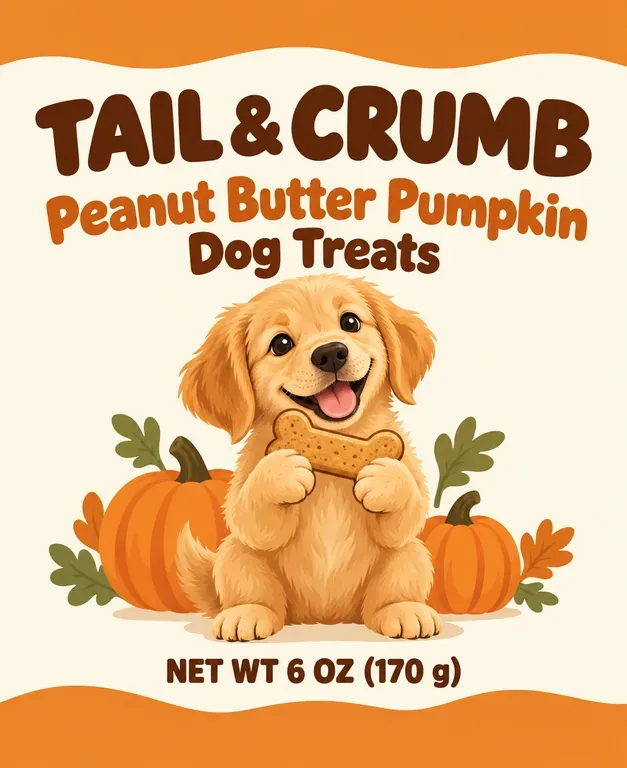
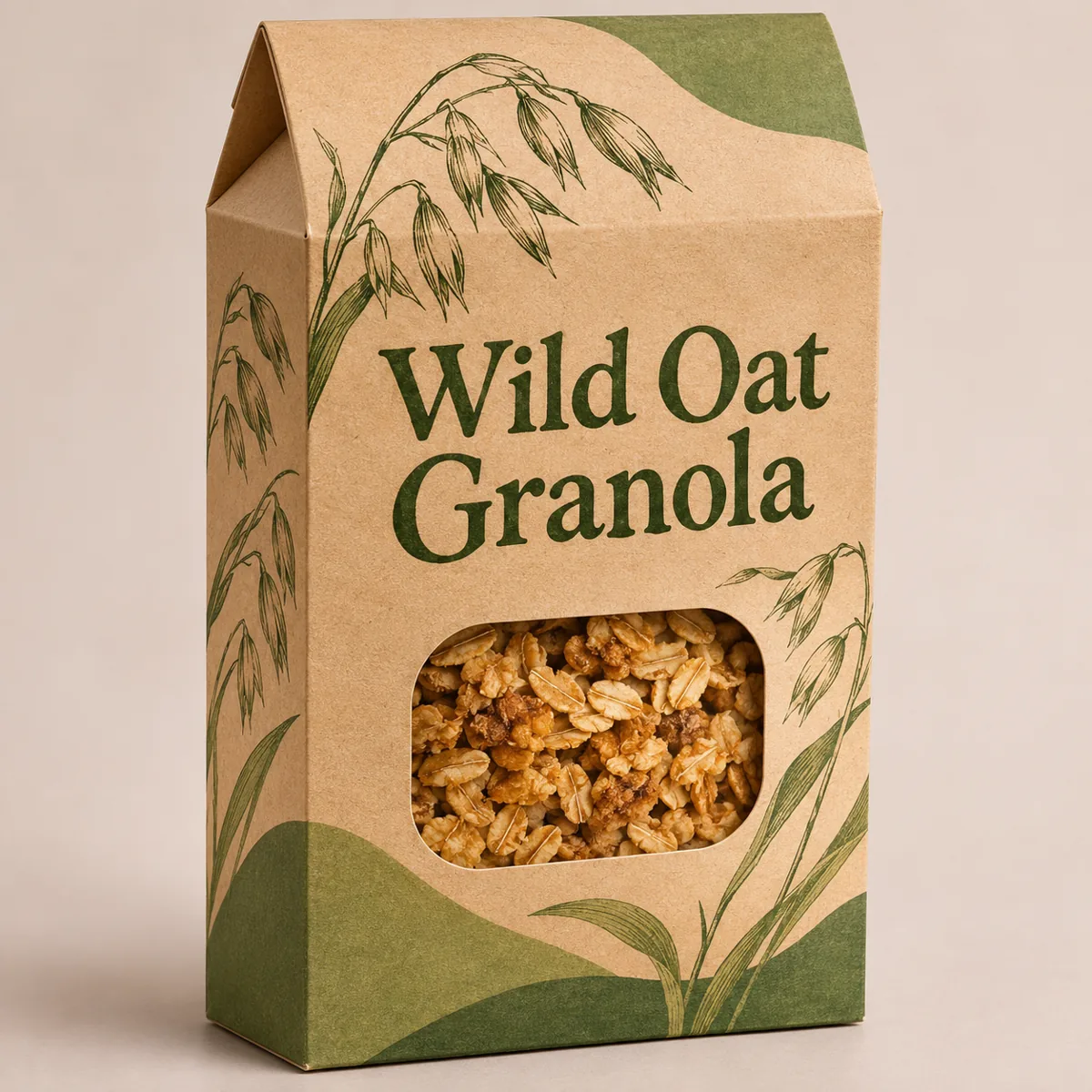
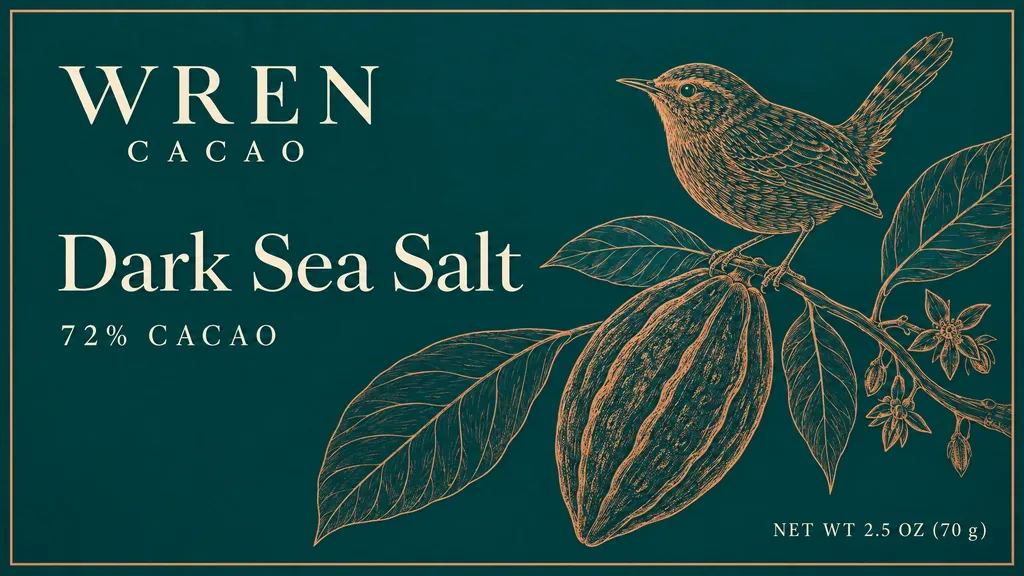
Starting examples to open in the tool; partner demos were made with AI.
Three steps from a recipe and a name to AI food packaging you can show buyers.
Say what is inside and how it should feel: loud and fun for a snack, warm and classic for a sauce. Put the name and flavor in "double quotes", and add up to four images such as your logo or a photo of the food.
Choose a pouch, box, bag, jar, can or bottle, then a studio render or a flat front panel. Pick a look (minimal, luxury, playful, organic or bold), a shape and 1 to 4 designs.
Sign in and press Generate; the credit cost shows on the button. Compare the designs, remix one with a tap and download a PNG with no watermark.
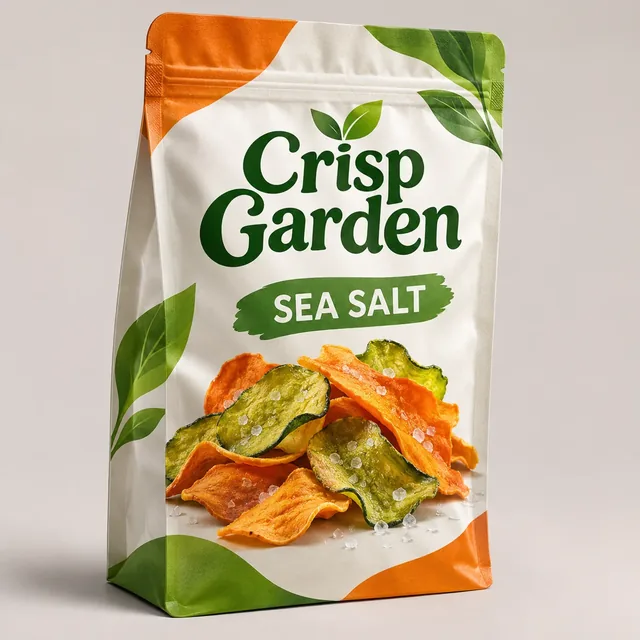
Six package types, one brief, and room left for the label rules.
Six packages
Keep the brief and switch the package to compare a food pouch design with a box or a jar for the same product. Each shape is described to the AI as that package, from a stand-up pouch to a glass jar with a lid.
Render or flat
The render shows the whole pack in a studio for a pitch, a store page or a crowdfunding campaign. The flat layout gives the front panel edge to edge, ready to place on your printer’s template.
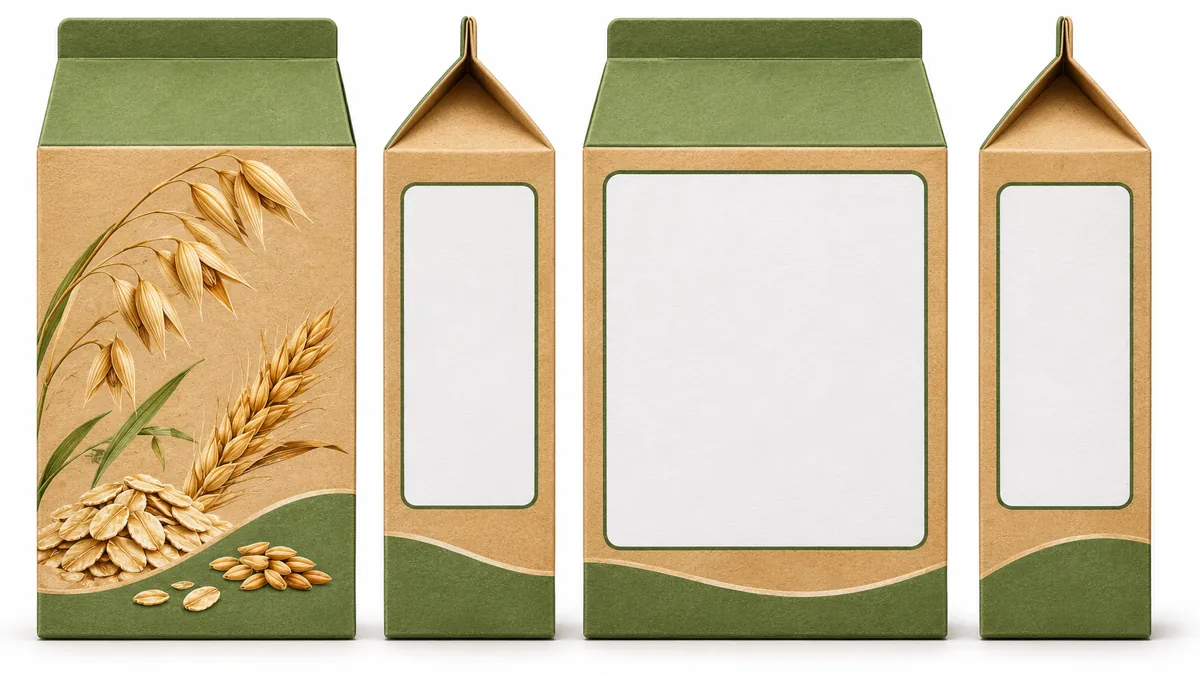
Label rules stay exact
The AI is told not to draw Nutrition Facts, ingredient lists or health claims, because those must be exact. Make the panel with the free nutrition label maker and the ingredient and allergen label with the food label maker.
Your brand
Add up to four PNG, JPG or WebP images and type the brand name, the product name and up to six lines. The treat pouch above began as a photo of a puppy redrawn as a mascot.
What the art covers, what the law asks for and how it reaches the printer.
On US food the front panel, the principal display panel, gives the name of the food and the net quantity (21 CFR 101.3 and 101.105). Keep both readable at arm’s length, then let the art do the rest.
Nutrition Facts, the ingredient list with allergens, and the name and address of the maker usually sit on the panel to the right of the front. Make them with the free label tools and set them on the back in your design program.
Leave a clear space on the back of a box or pouch for the facts panel and the barcode from the UPC barcode generator.
AI food packaging is artwork, not a dieline. For boxes, get the structure from the free dieline generator; for pouches, bags and cans, ask your printer for their template. Proof every word, since AI can still slip on small text.
Food makers who need AI food packaging that looks finished before the first big order.
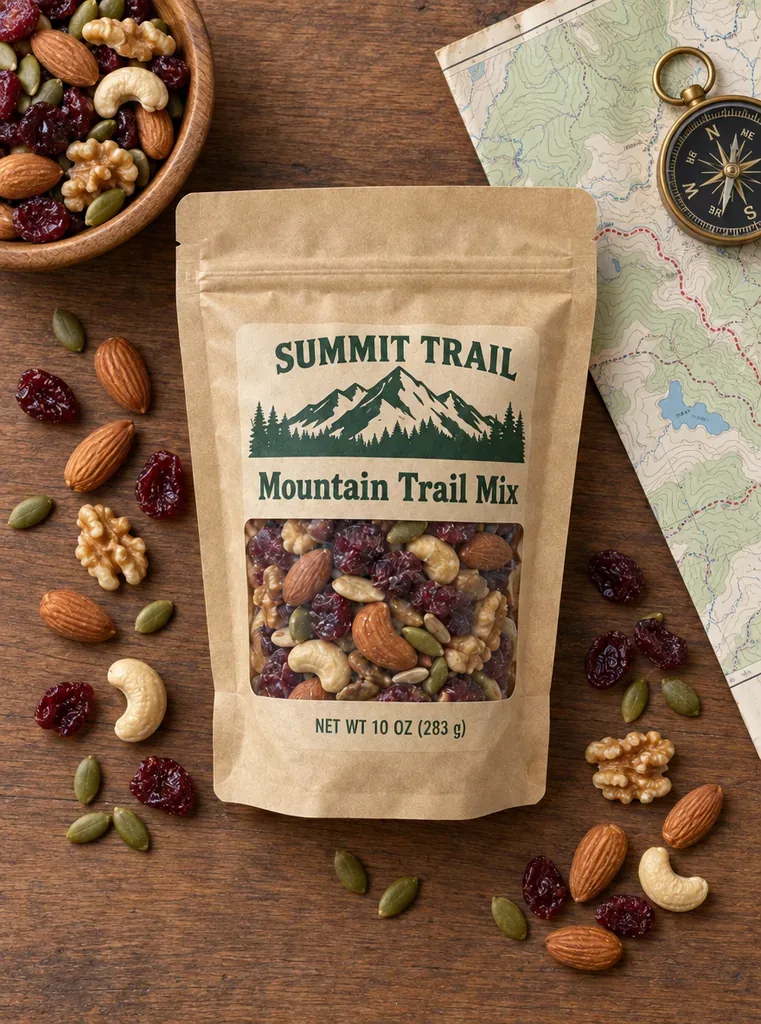
Snack packaging design to test flavors and names with buyers.
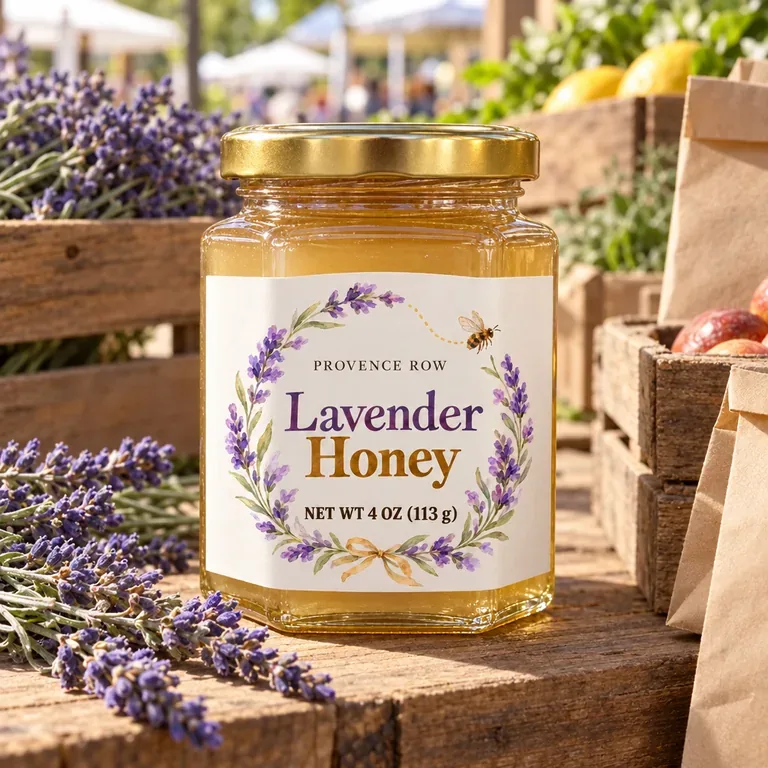
Sauce jar packaging with a hero image, for the market stall or the shop.
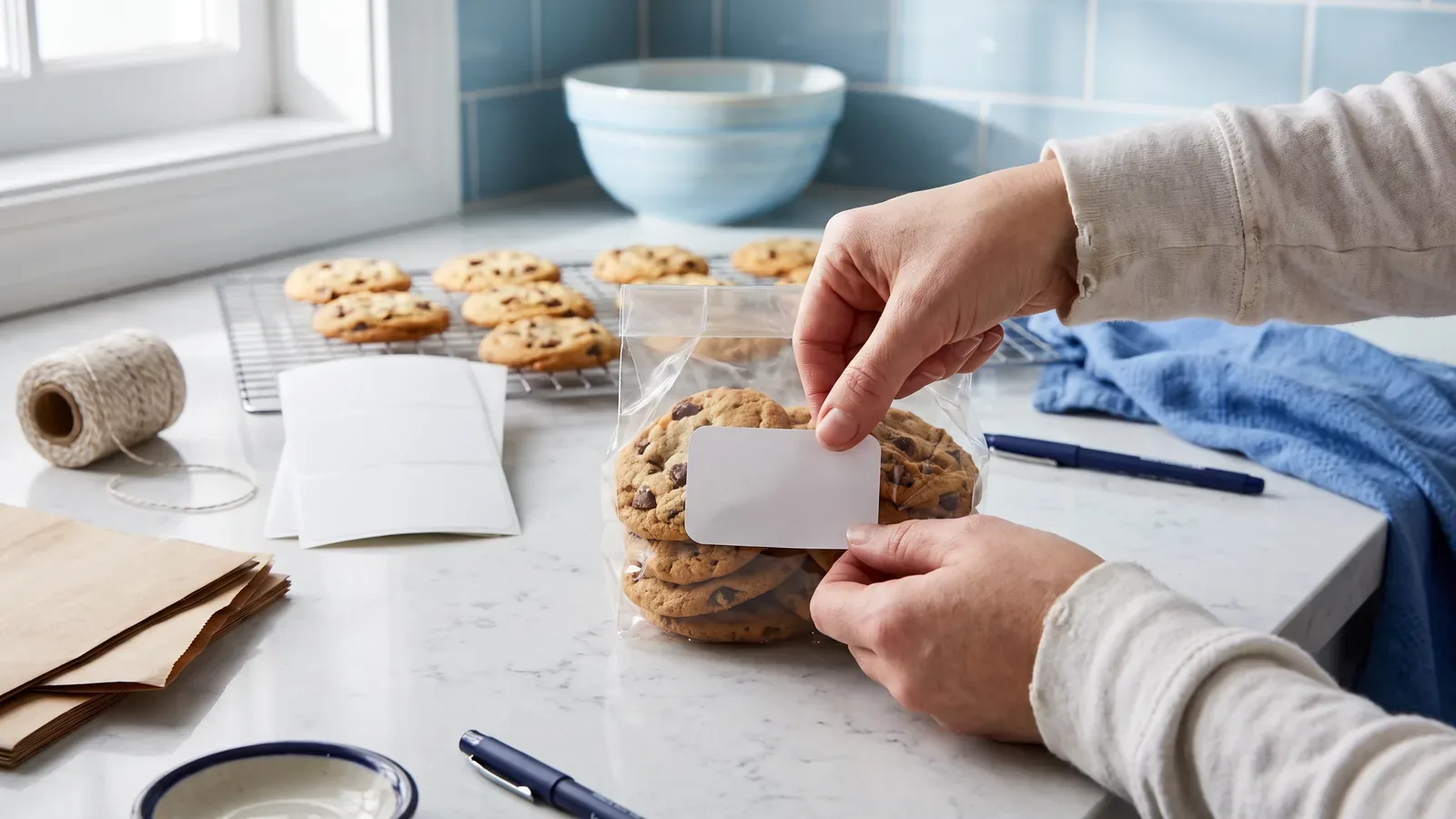
Custom food packaging for boxes and bags of cookies and treats.
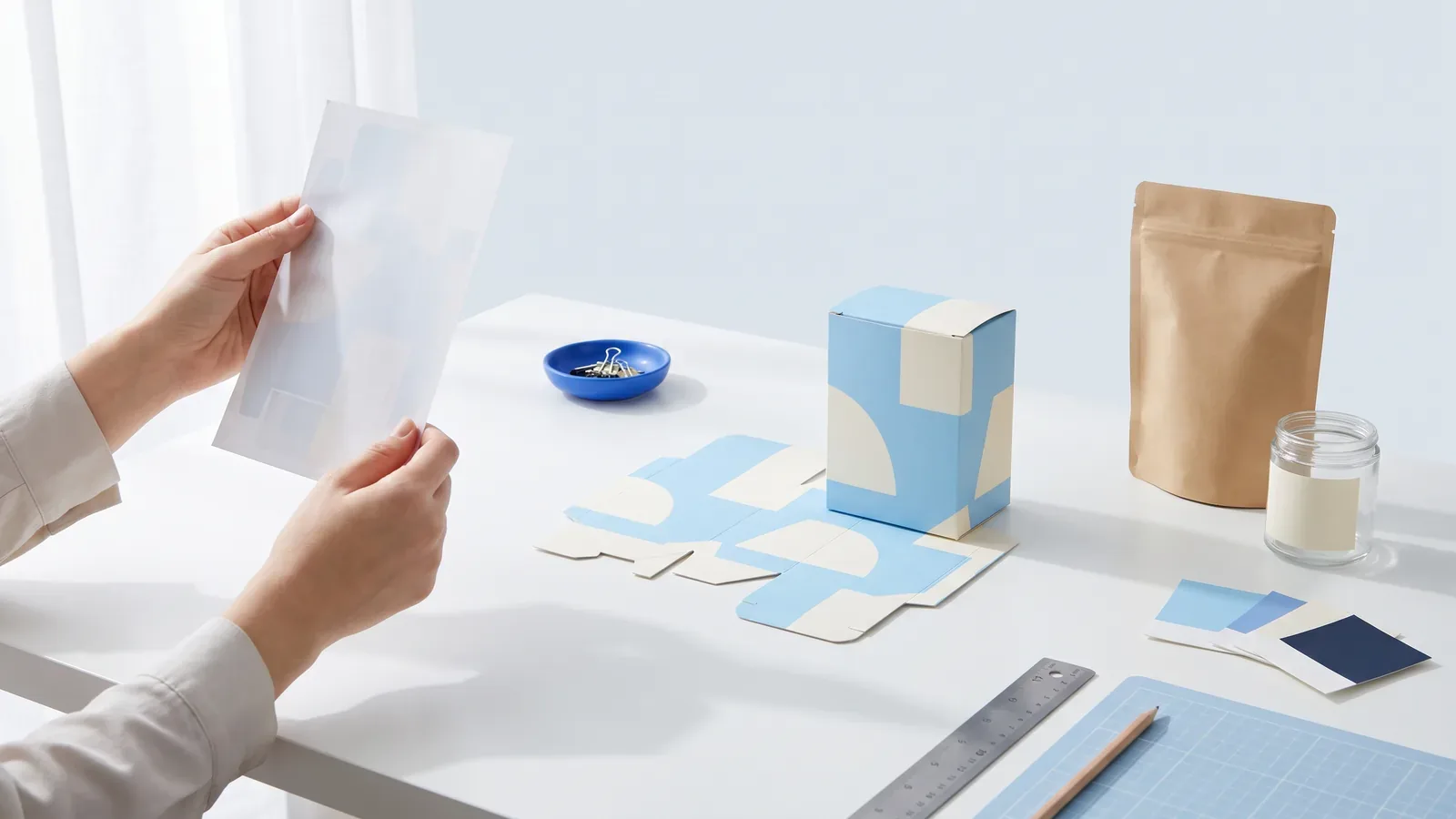
Several directions to show a client before the real artwork starts.
What it makes, what it costs and what stays with you.
No. Each design uses credits, and the cost shows on the Generate button before you start. Downloads have no watermark, and a failed design gives the credits back.
You can write the whole brief first. Sign in when you press Generate; your description and settings stay in place.
A pouch, box, bag, jar, can or bottle, as a studio render or a flat front panel. For flat side panels of a box, use the box designer.
No, on purpose. Use the free nutrition label maker for the panel and the food label maker for ingredients and allergens, then place them in your design program.
A PNG image of each design, up to 4K in Quality mode, with no watermark. There is no vector file, PDF or dieline.
Words in "double quotes" are sent to be printed exactly, and short lines come out best. Proof every word before you print.
Yes. Add up to four PNG, JPG or WebP images of up to 10 MB each, such as your logo, a product photo or a sketch.
The tool designs the artwork only. Materials, inks and food contact are your printer’s and supplier’s job, so ask them.
Our terms say you keep the rights you have in your results. The tool doesn’t check label rules, so review every required line before you print or sell.
Browse food packaging design ideas, then bring the one you like here as a description or a reference image.
Describe the food, pick the package and get a render or a flat front panel. The credit cost is on the button before you start.