Skip to content

AI Candle Label Maker for Jars and Tins

PackDesignAI is an AI candle label maker for jars and tins: name the scent, add your logo and get up to four label designs, starting on a 4 × 2 in rounded jar label or a round lid label. Download a PDF with 1/8 in bleed or a 300 dpi PNG, with no watermark. AI designs use credits.

Candle Label Maker
0 / 4000

Put words in "double quotes" to ask for exact text. Check the spelling before you print.

Style

Try one of these

  • 4 × 2 in or round labels
  • Your logo and scent names
  • Print PDF and 300 dpi PNG
  • No watermark

Candle Label Design Ideas

Sage soy, lavender and cedar, a winter pine and a scent layering label. "Use this example" fills the candle label maker with the prompt, size and shape.

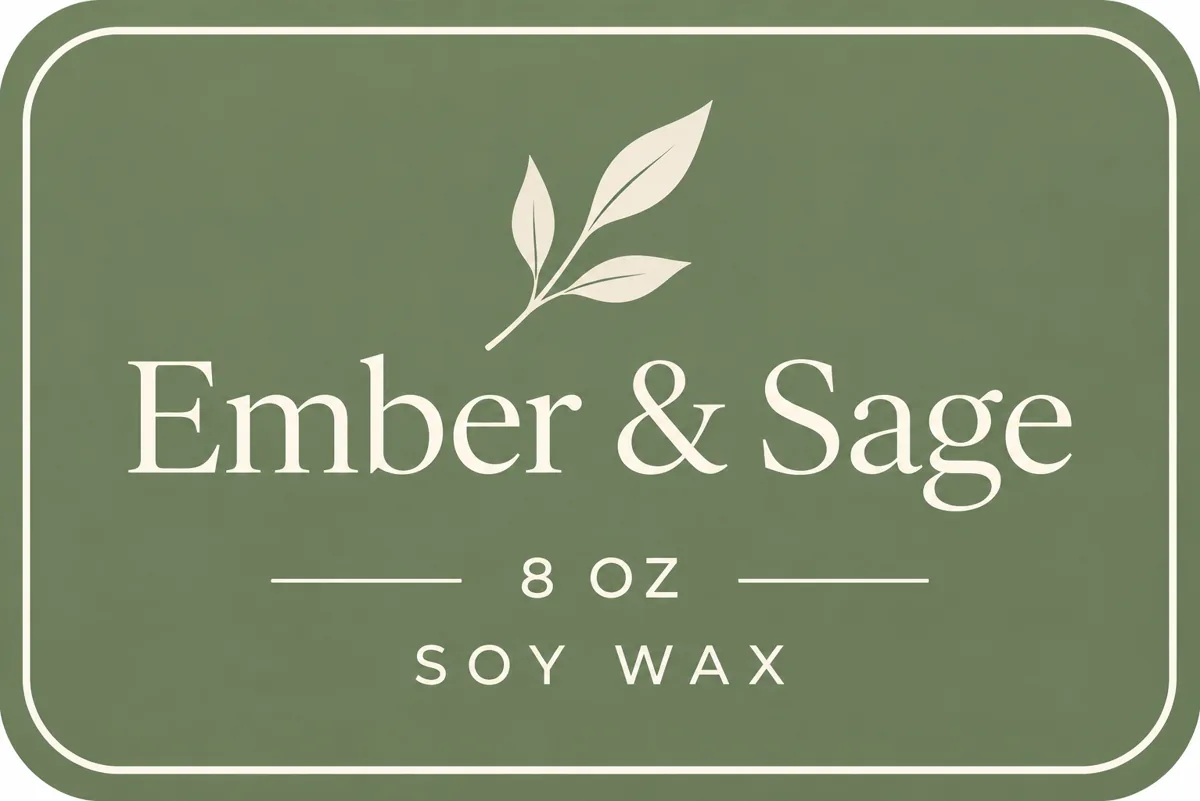
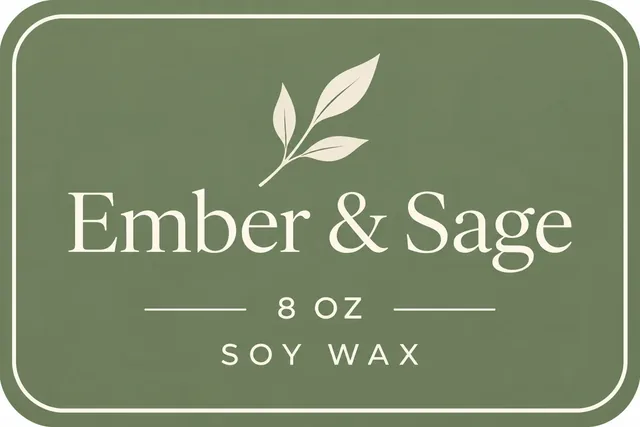
A sage green soy candle label with a small leaf mark
Soy, 4 × 2 in roundedMuted sage with a minimal leaf
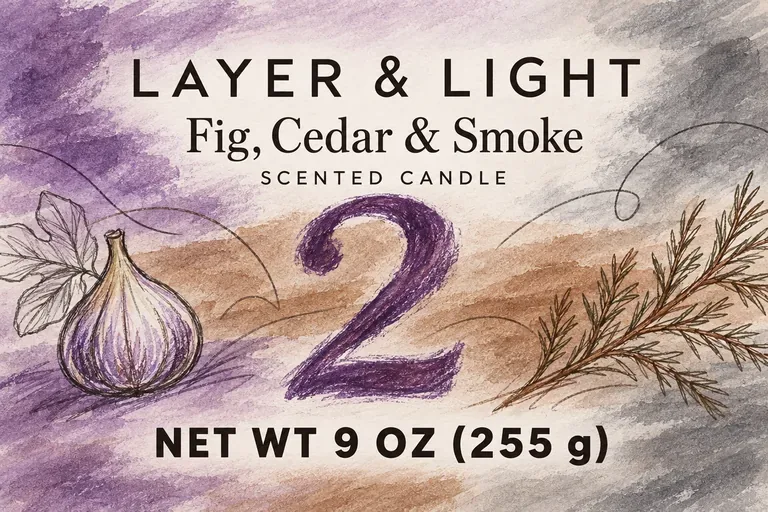
Candle label with one big numeral over soft bands of fig, cedar and smoke tones
Partner demoScent layering label from a swatch card
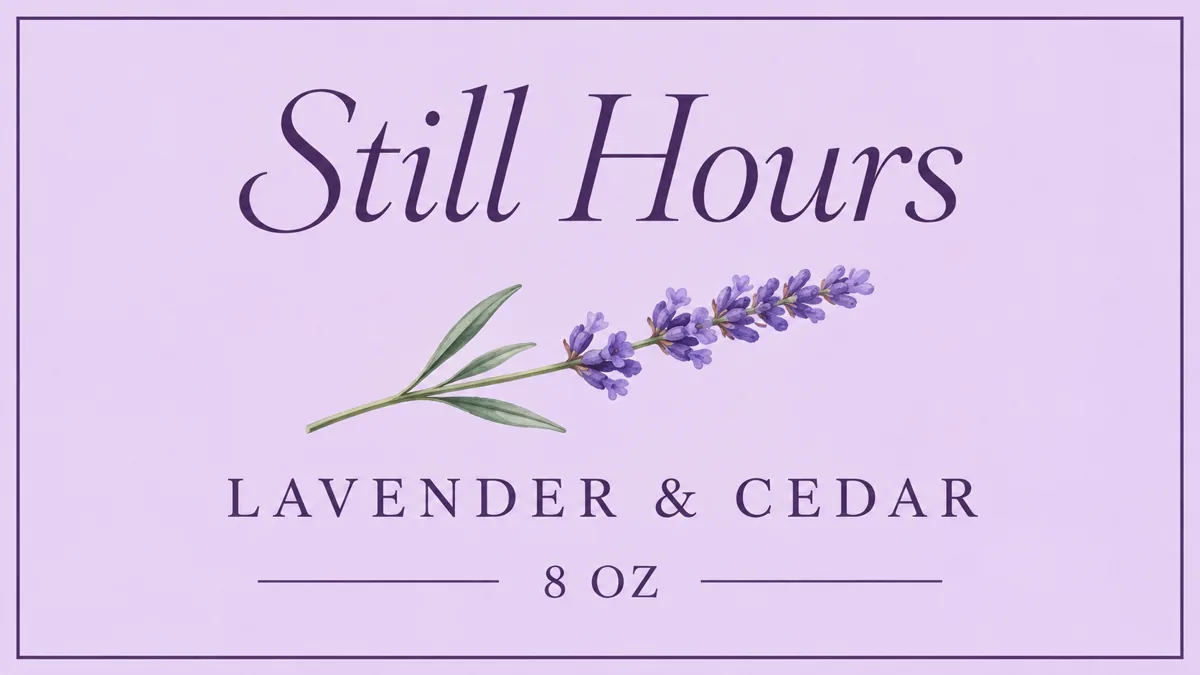
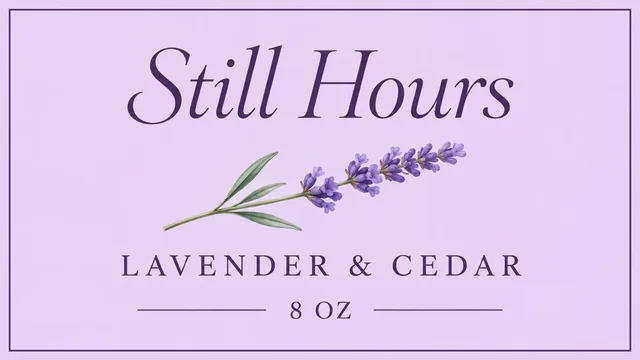
A lilac candle label with a lavender sprig
Lavender, 4 × 2 inSoft lilac with one sprig
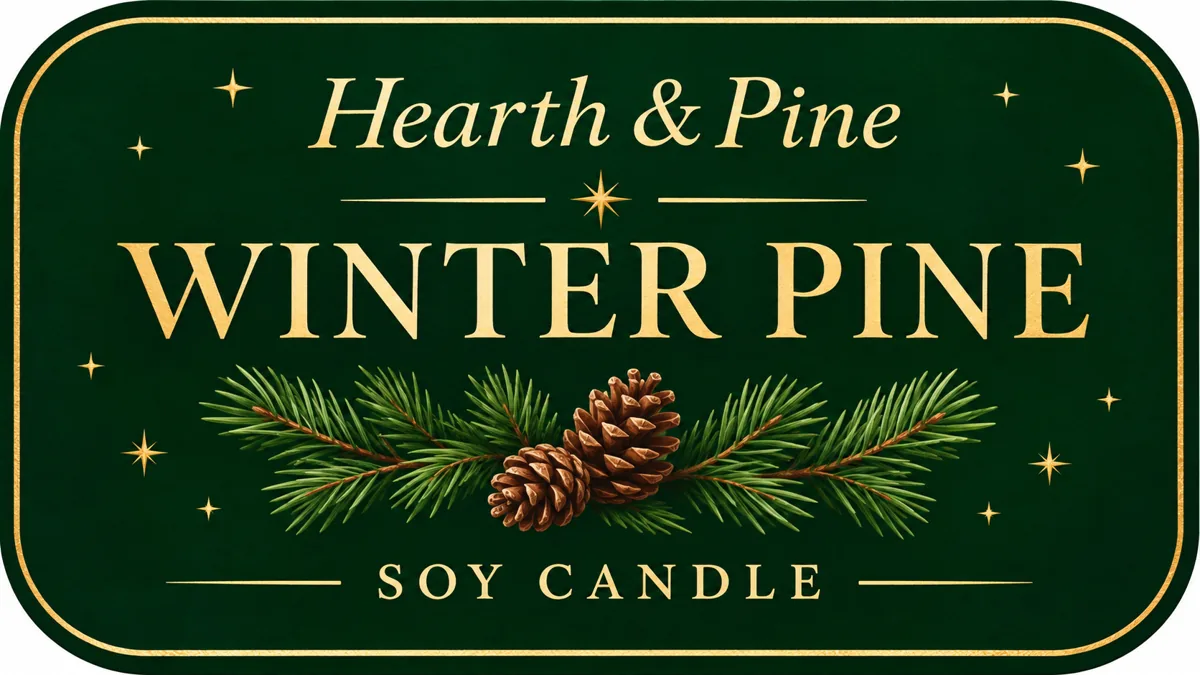
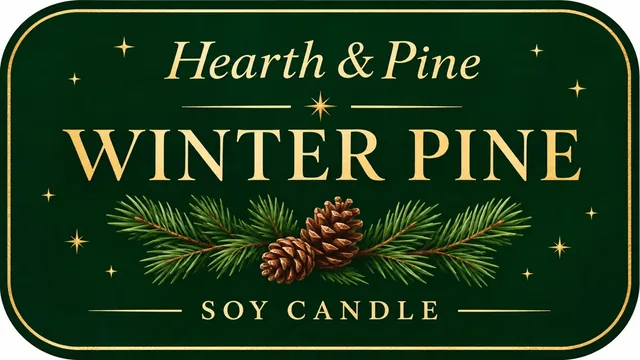
A deep green holiday candle label with gold stars
Holiday, 4 × 2 in roundedDeep green with gold stars

Three cards show the starting prompts, with invented brands; the scent layering label is a partner demo made with AI.

How the Candle Label Maker Works

Three steps from a scent name to a label that fits your jar.

  1. Start on a 4 × 2 in rounded candle jar label for the front, or pick 3 × 4 in, a 2 in or 3 in round for lids and tins. Custom sizes run from 0.5 to 12 in.

  2. Tell the AI the scent, the mood and the colors, add up to four images such as your logo or a swatch card, and type the scent and the weight under Brand & text. Exact words go in "double quotes".

  3. Sign in and press Generate; the credit cost shows on the button. Compare up to four designs, check the bleed and safe area, then download the PDF or a 300 dpi PNG.

A 4 by 2 inch candle label

A Candle Jar Label Ready for Your Printer

Giftable looks at the size you print, with room for every scent.

  1. A candle label at print size

    Exact size

    Jar wraps and round lid labels

    The candle label maker designs to your size, with 1/8 in bleed and a safe area. The 4 × 2 in start matches the size of Avery 5163 labels, and the 2 in round matches Avery 22807 (size only, not a sheet layout).

  2. Partner demo of a scent layering candle label

    Scent line

    One look across every scent

    Attach your first label as a reference and change the scent and color in the prompt. Remix with one tap: brighter, more minimal, new colors, bolder or more premium.

  3. A clean soy candle front label

    Safety text

    You add the warning text

    The AI is told not to add burn times, safety warnings or ingredient text you did not write. Add your own warning label or a separate sticker with the wording your supplier or retailer asks for.

  4. A lavender candle label

    Preview

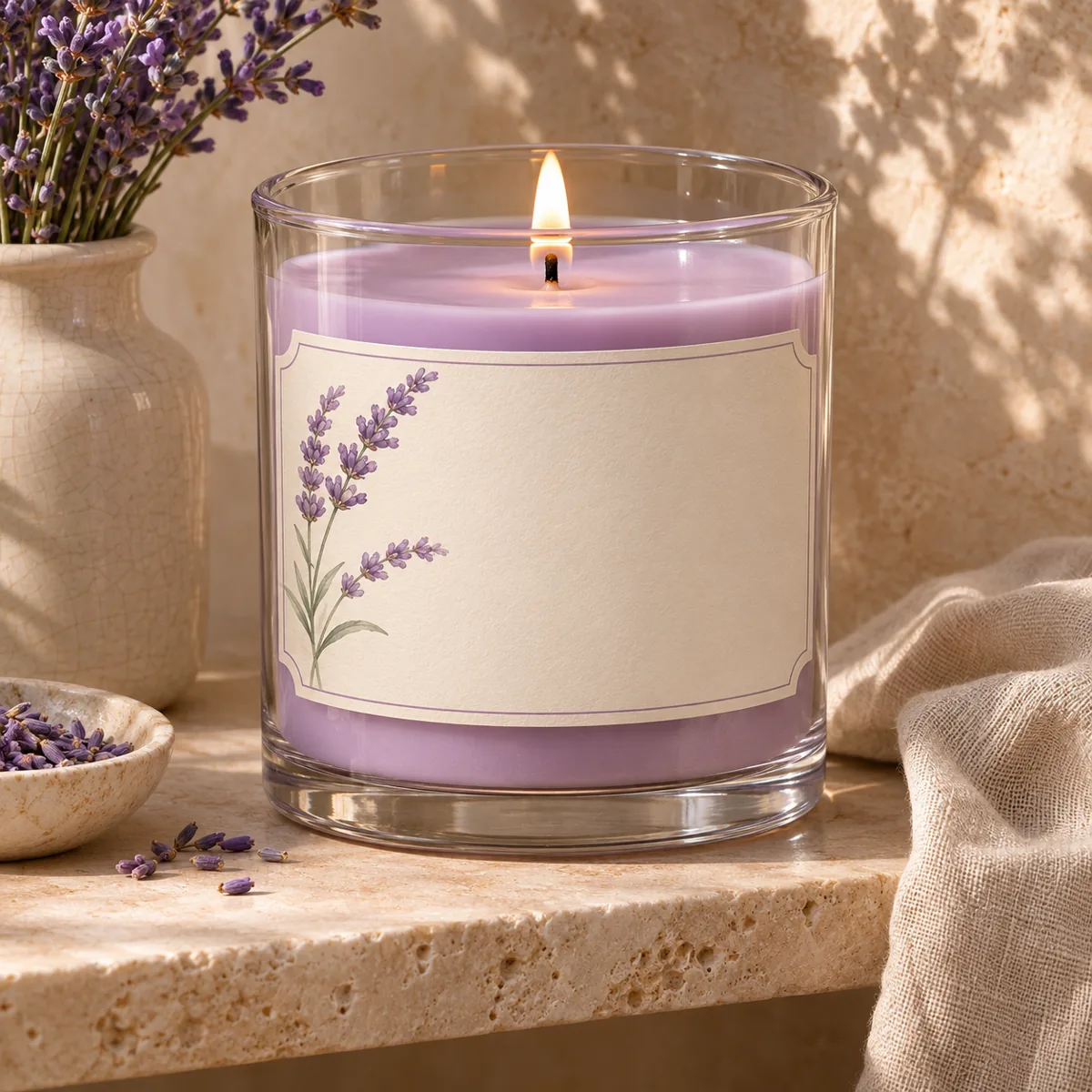
    See it on a jar first

    Turn any flat candle label design on a candle jar in the 3D preview, or switch the layout to On product. Every run shows its credit cost first, and failed designs give their credits back.

Candle Label Design Basics

Size, words, warnings and printing in four short notes.

Measure the jar or tin

Wrap a soft tape around the jar where the label goes and measure the flat height between the curves: that height sets your candle jar label size. Leave a gap at the top: the glass gets warm, and a label too close to the rim can peel or discolor.

Print one candle jar label on plain paper and tape it on before you print the batch.
What the front label says

Keep the front calm and giftable:

  1. 1Brand name and scent name.
  2. 2The wax, such as a soy candle label line, if you want it.
  3. 3Net weight in quotes, such as "8 OZ".

Warning labels

Many candle makers add a fire safety warning, often on the bottom of the jar, following the voluntary industry guidance their retailers ask for. This tool does not write or check that text: add your own, on the label or as a second sticker.

Paper and printing

Pick a label stock that handles a little warmth, such as a film or a coated paper. The PDF is RGB at 300 dpi with bleed; home and online label printers take it, and a commercial printer may ask for CMYK.

Who Uses a Candle Label Maker

Small studios with many scents and short runs.

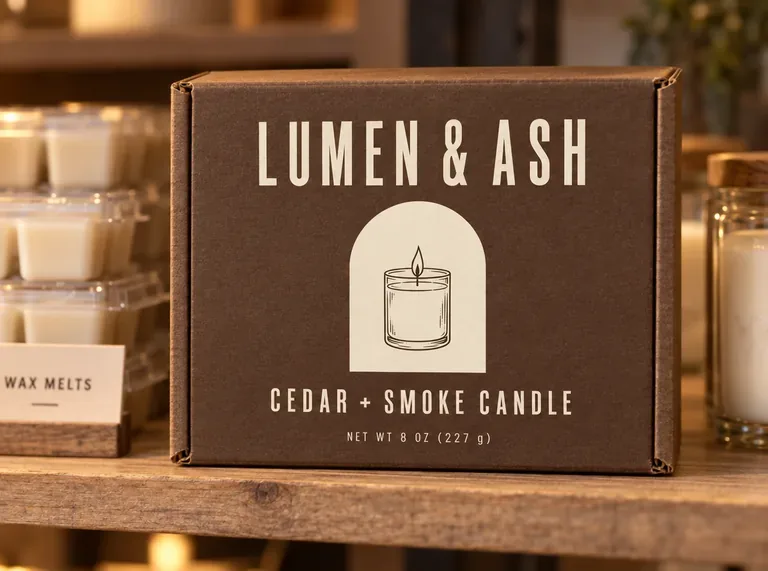
  • Candles and a mailer box on a shop shelf

    Candle studios

    Custom candle labels for every scent, in one family look.

  • Market sellers

    Jars and tins that look like a brand on the craft fair table.

  • Gifts and weddings

    Favor candles with names, dates and a scent of the day.

  • Designers

    A candle label template direction to show a client, then refine.

Candle Label Maker FAQ

What it makes, what it costs and how to print it.

Design Your Jar With the Candle Label Maker

Pick 4 × 2 in or a round, name the scent and download a print-ready candle jar label with bleed. The credit cost is on the button before you start.