Skip to content

Render, front panel or the whole carton

AI Cereal Box Design Generator

PackDesignAI is an AI cereal box design tool for a tuck end carton: describe the cereal and the look, add your logo or mascot, and get up to four designs as a studio render, a flat front panel or all four side panels. Download PNG with no watermark. AI designs use credits.

Cereal Box Design
0 / 4000

Put words in "double quotes" to ask for exact text. Check the spelling before you print.

Try one of these

  • Render, front or 4 side panels
  • Your logo and mascot
  • Up to 4 designs per run
  • No watermark

AI Cereal Box Designs to Start From

Kids’ cereal, granola and a whole carton laid flat. “Use this example” fills the description, layout and look so you can swap in your own cereal.

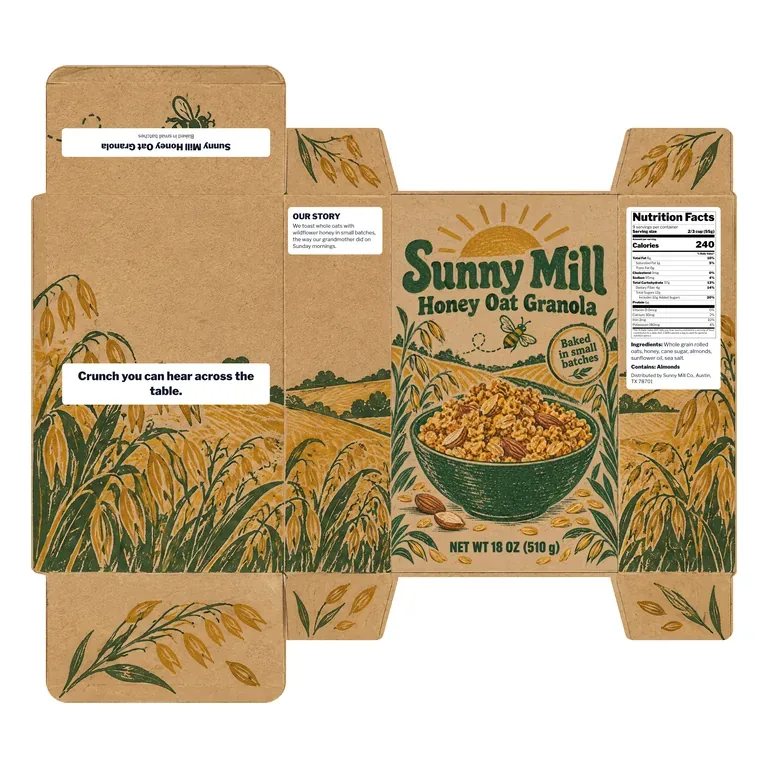
Kraft cereal box art with oat clusters in a bowl, a stamped bee and an oat field
Partner demoHoney granola carton, every side laid flat
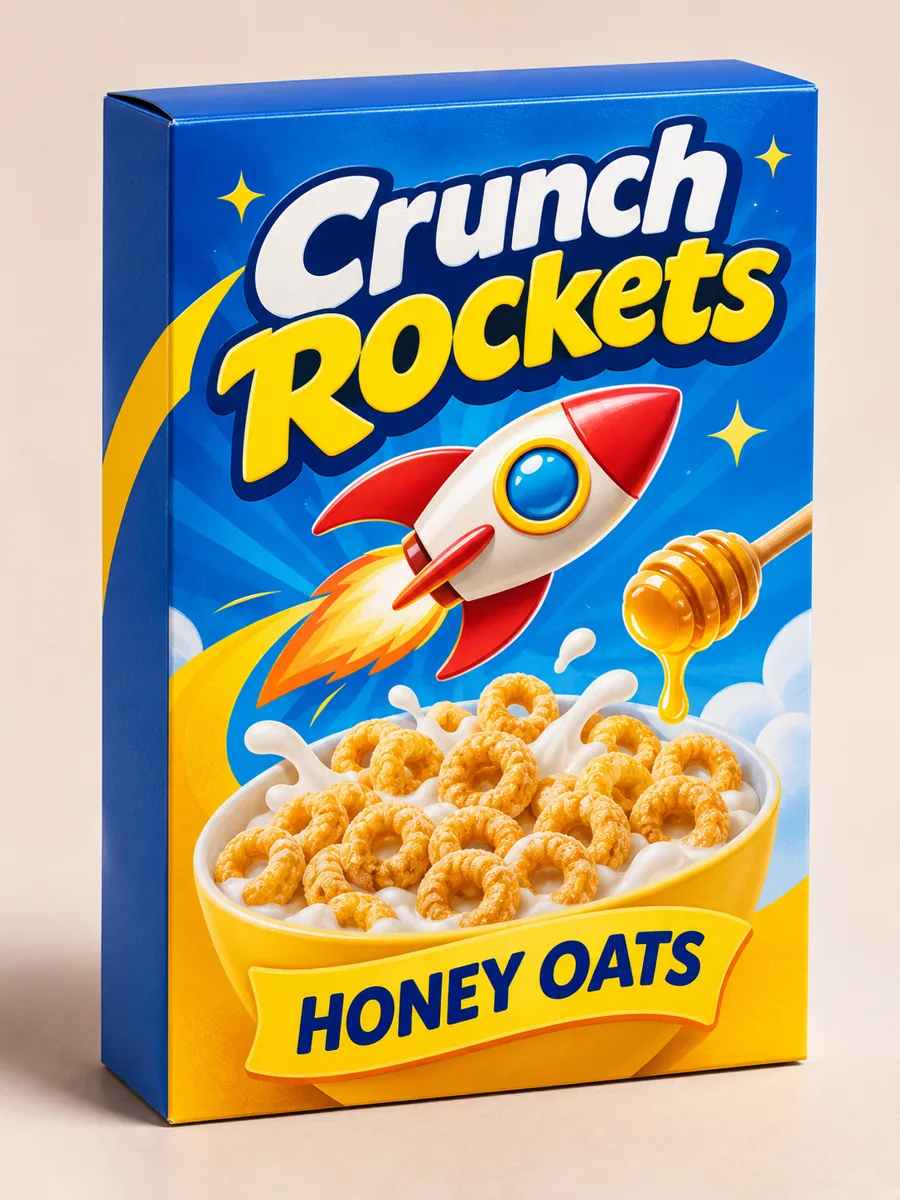
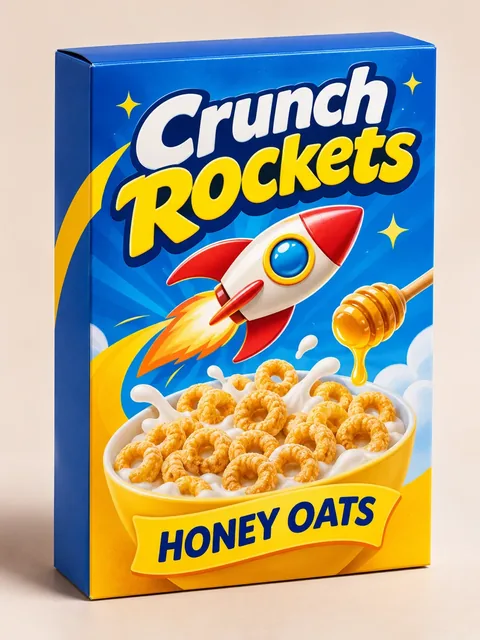
A blue cereal box with a cartoon rocket over a bowl
Kids’ cerealKids’ cereal render with a rocket mascot
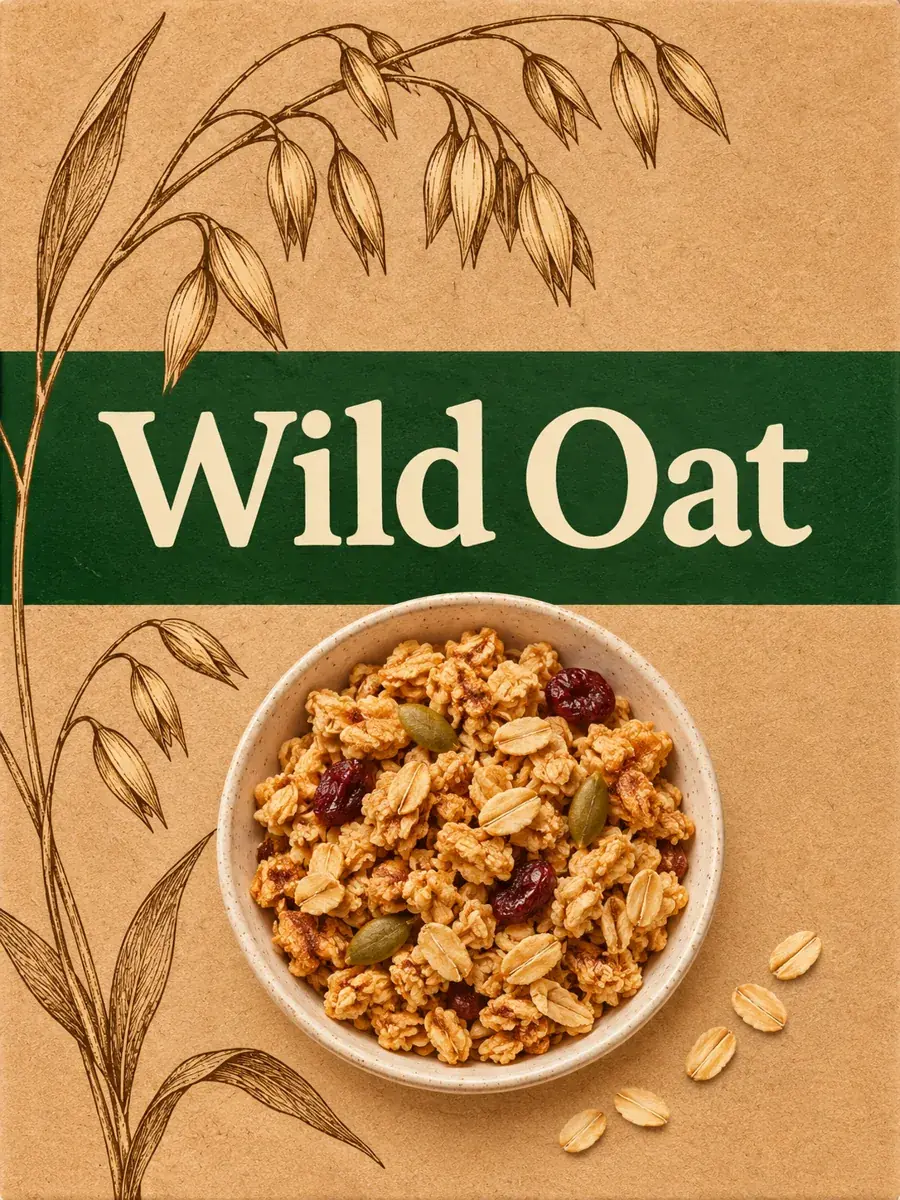
A flat kraft front panel with a green band and an oat sprig
Granola frontGranola front panel on kraft
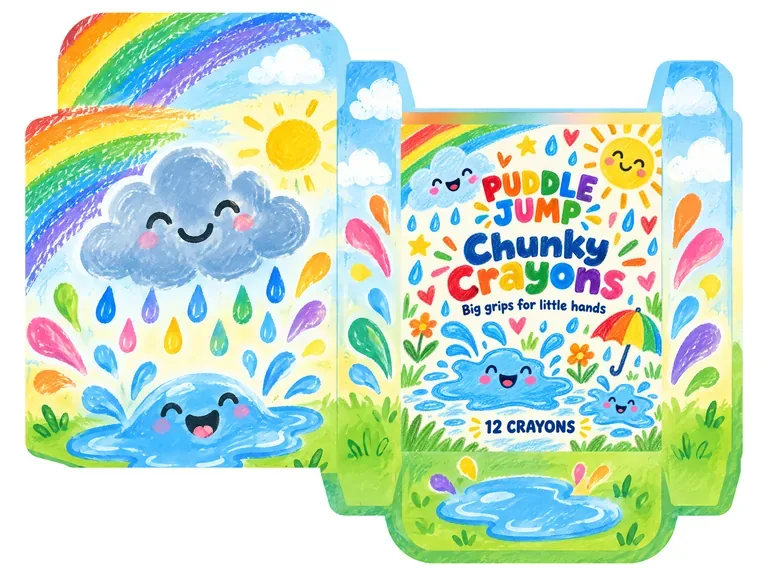
Bright kids’ carton art with a smiling rain cloud and puddle characters
Partner demoKids’ carton with cloud characters
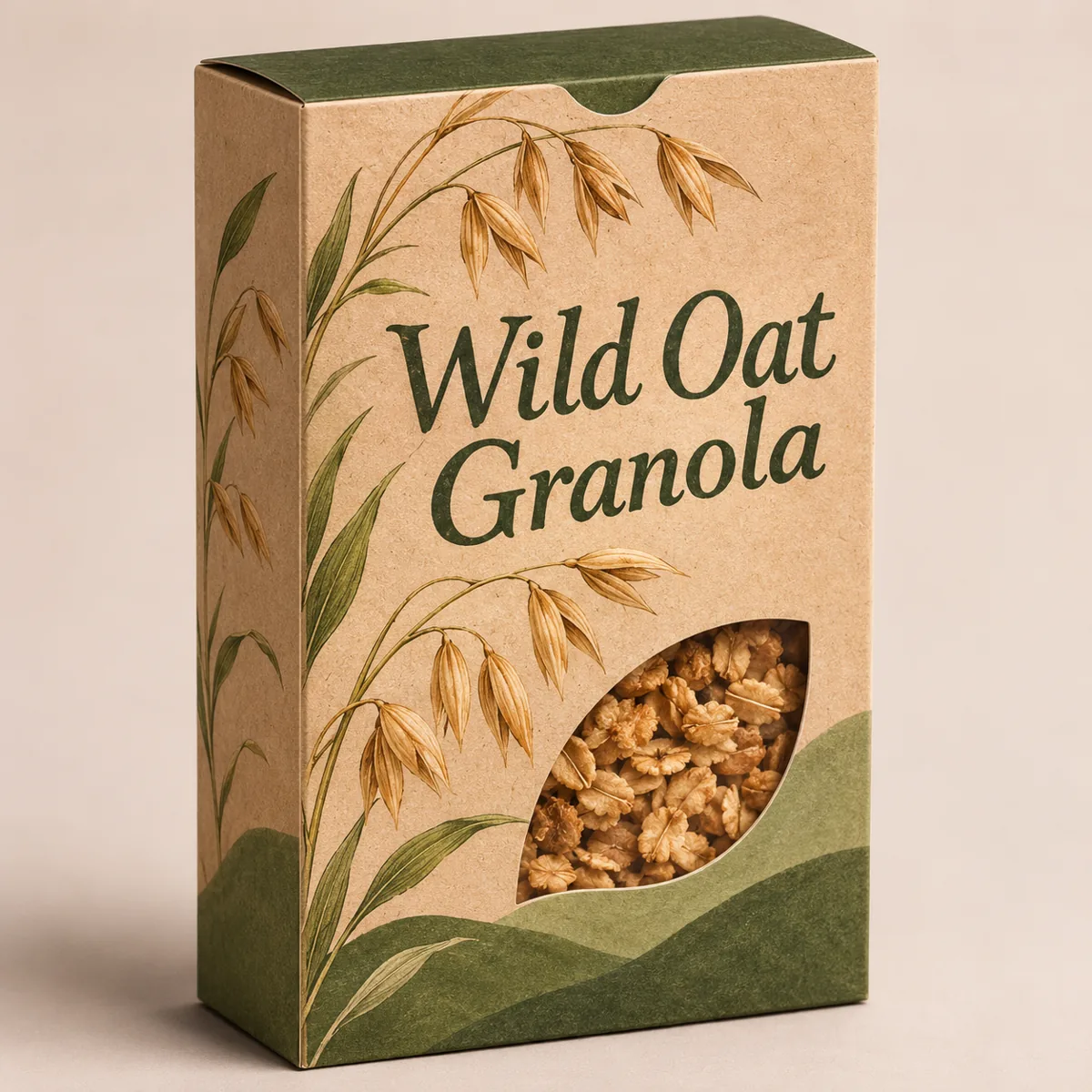
A kraft granola box with a green band, shown in 3D
Granola boxGranola box render in kraft and green
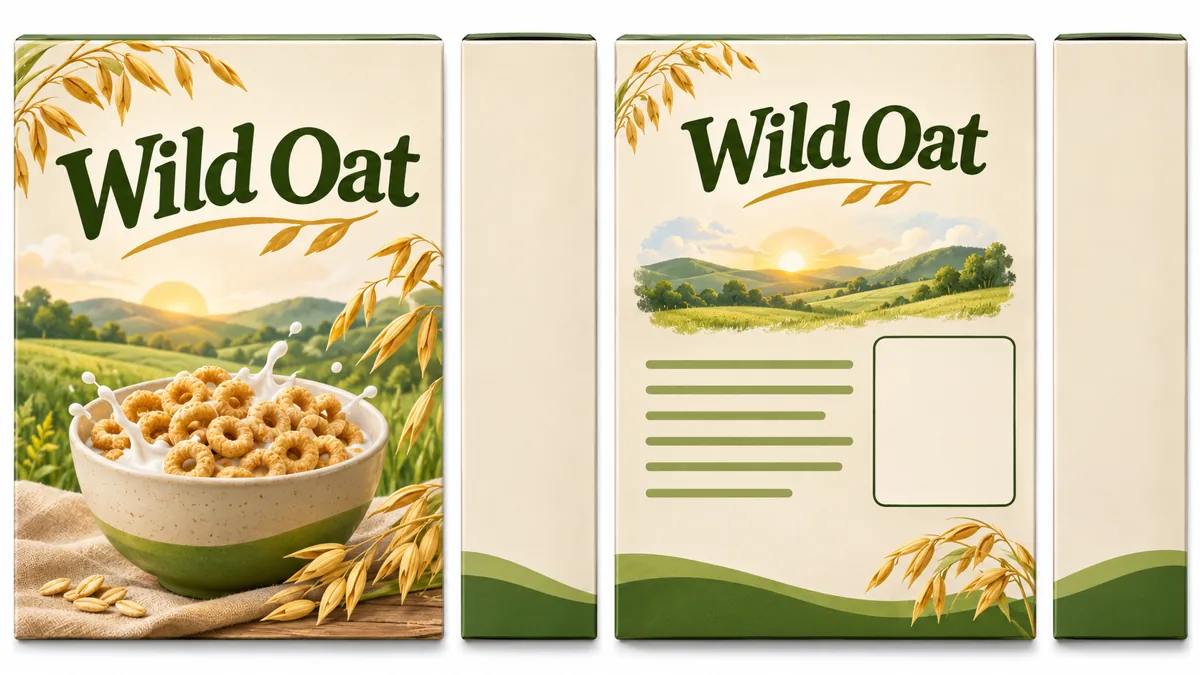
Four kraft side panels with blank spaces for ingredients, a facts panel and a barcode
Side panelsFour side panels, with room kept for the facts panel

Starting examples to open in the tool. Partner demos were made with AI; a facts panel shown in one is decoration, since this tool leaves that panel out on purpose.

How AI Cereal Box Design Works

Three steps from a cereal idea to an AI cereal box design you can place on a template.

  1. Name the cereal, the flavor and the mood: a cartoon mascot for kids, kraft and oats for granola. Put the words that must print in "double quotes", and add up to four images such as your logo or a mascot sketch.

  2. Choose a studio render of the box, a flat front panel or all four side panels laid out flat. Then pick a look (minimal, luxury, playful, organic or bold), a shape such as 3:4 and 1 to 4 designs.

  3. Sign in and press Generate; the credit cost shows on the button. Compare the designs, turn a render or front panel in the 3D preview, remix one with a tap and download a PNG.

A kids’ cereal box with a rocket mascot

A Cereal Box Design Generator for Every Panel

This cereal box design generator is built for the box itself, from the face on the shelf to the game on the back.

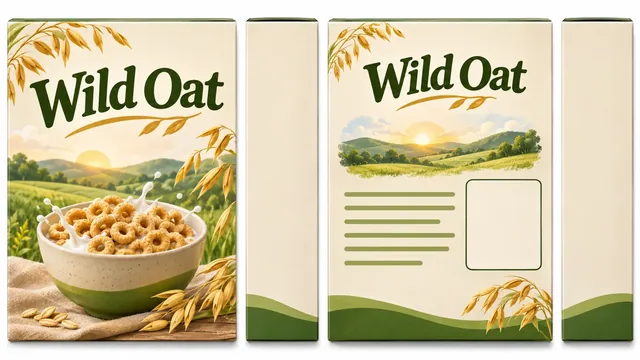
  1. A flat granola front panel

    Three layouts

    Render, front panel or the whole carton

    A render shows the box standing in a studio, ready for a pitch or a store page. The flat front is the cereal box front panel on its own, and the panel layout lays all four sides out flat so the back can carry a maze, a story or a puzzle.

  2. Partner demo of a playful kids’ carton with cloud characters

    Your brand

    Start from a logo, mascot or sketch

    Add up to four PNG, JPG or WebP images and type the brand name, the product name and up to six lines of text. AI enhance can turn a short note into a fuller brief before you run it.

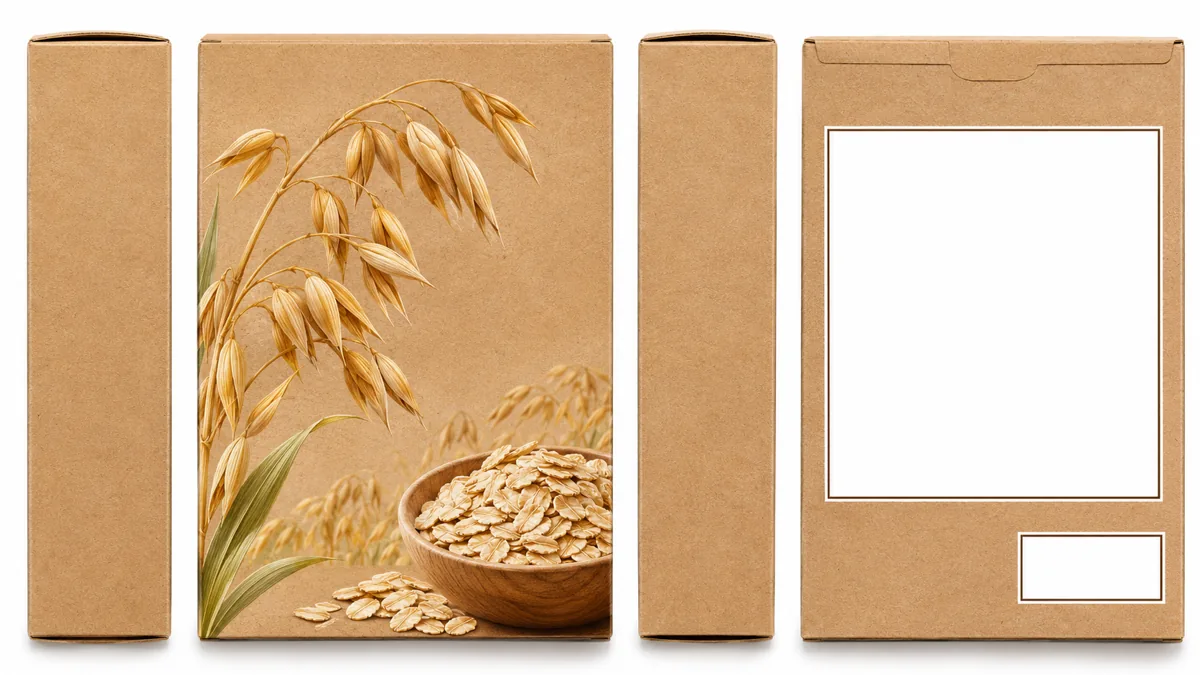
  3. Side panels with blank spaces for a facts panel and a barcode

    Room for the rules

    Facts panels stay with the free tools

    The AI is told not to draw a Nutrition Facts panel, an ingredient list or health claims, because those must be exact. Leave space on a side panel, then make the panel with the free nutrition label maker and the barcode with the UPC barcode generator.

  4. A kraft granola box render

    Fair credits

    See the cost before you generate

    Each run shows its credit cost on the Generate button. A design that fails is refunded, downloads carry no watermark, and signed-in history keeps every version for a remix or “Edit this one”.

Before You Print an AI Cereal Box

Short notes on what the art covers and what you add yourself.

What goes on each panel

In the US the front panel names the food and gives the net weight (21 CFR 101.3 and 101.105). Nutrition Facts, ingredients and the maker’s name and address usually sit on a side panel, with the barcode on the back or the bottom.

Keep the front simple: brand, cereal name, one hero image. Busy backs read well on a cereal box art panel, since people look at them at the breakfast table.
From AI art to a box you can print

Each AI cereal box design is artwork, not a dieline: there are no dimensions, folds or bleed. Get the structure from the free cereal box template, set it to your size, and place each panel on it in a design program.

Set the template size first, then pick the closest shape (3:4 suits most cereal fronts) so the art needs less cropping.

Words that print right

Short lines in "double quotes" are passed on exactly as typed, but AI can still slip on small or long text. Proof every word, and set legal text in your design program rather than in the image.

Design your own cereal box for class

Students who design their own cereal box for a project can print the four panel layout on paper, wrap it around an empty box or glue it onto the printed template, and present a real-looking carton.

Who Uses AI Cereal Box Design

Anyone who needs a cereal box that looks finished before the real artwork exists.

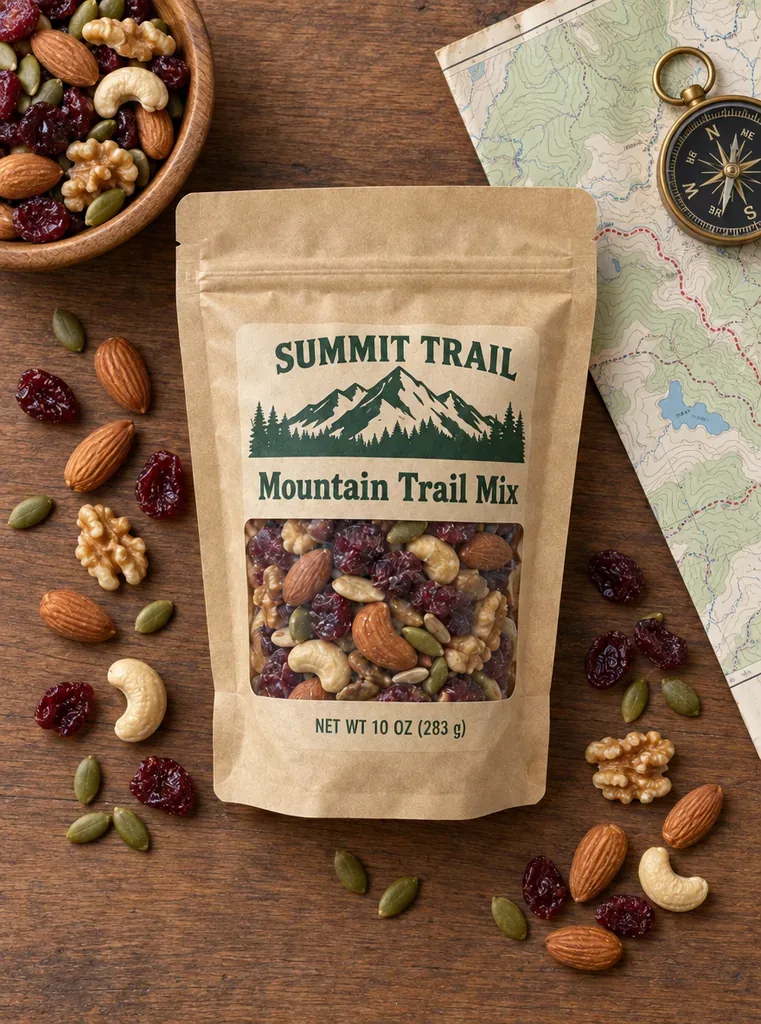
  • Kraft snack pouch styled with nuts and berries

    Cereal and granola startups

    A custom cereal box look to test with buyers and early fans before paying for photography.

  • A kids’ cereal box

    Students and teachers

    A cereal box maker for class projects where the box itself is the assignment, printed and folded at school.

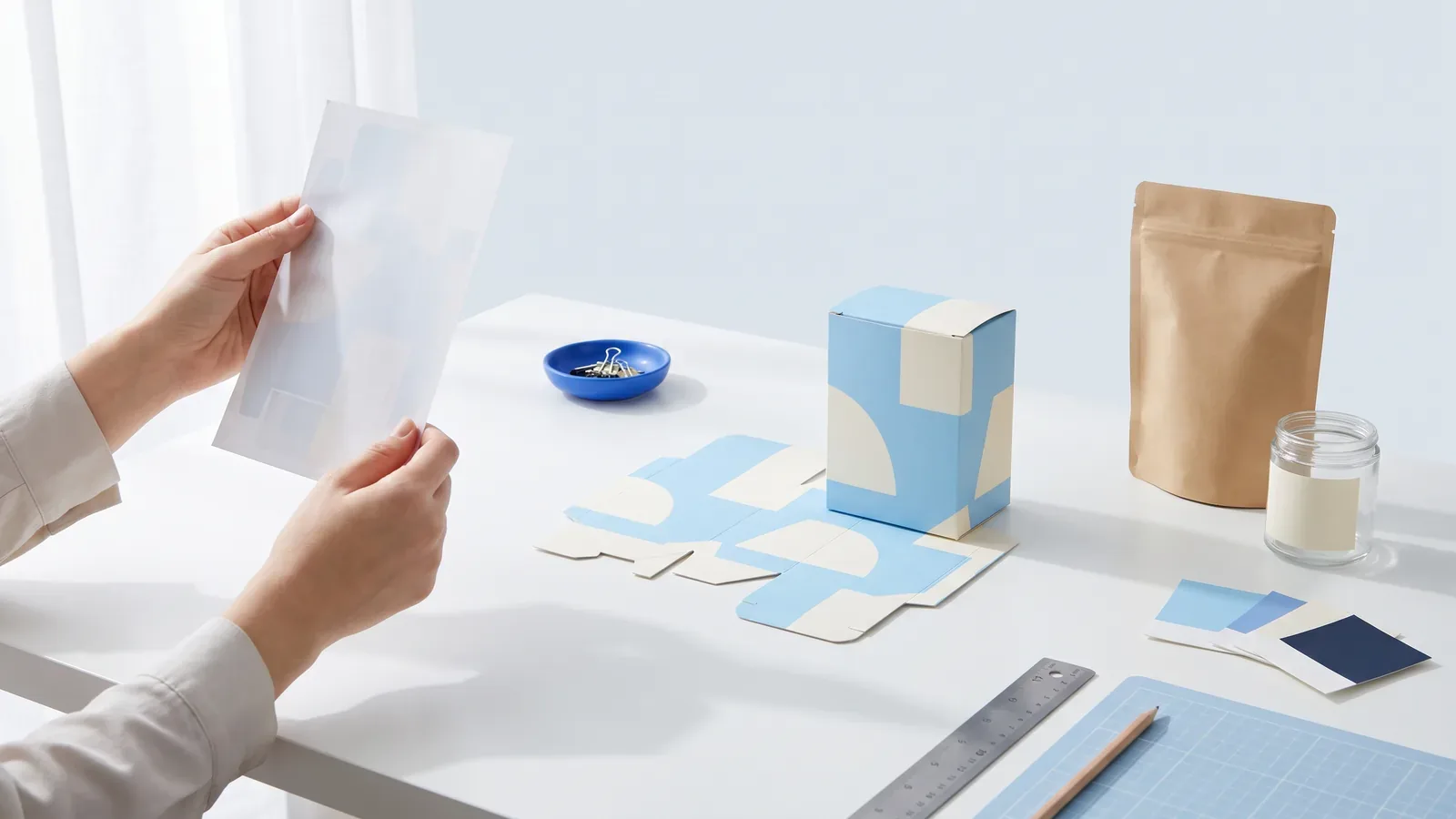
  • Designer desk with a print proof and folded carton samples

    Packaging designers

    Three or four AI cereal box directions to show a client in an afternoon, then refine the one they pick.

  • Online seller filming a product on a turntable

    Marketers

    A render for a pitch deck, a crowdfunding page or a store listing while the box is still in production.

AI Cereal Box Design FAQ

What it makes, what it costs and what to add before you print.

Start Your AI Cereal Box Design

Describe the cereal, add your logo and get a render, a front panel or the whole carton. The credit cost is on the button before you start.