

Skip to content

AI Box Designer for 5 Box Styles

PackDesignAI is an AI box designer for small brands: describe the product, add your logo and pick a tuck end, mailer, lid and base, drawer or display box. Get 1 to 4 designs as a render, a flat front panel or four flat side panels, turn renders and fronts in 3D and download with no watermark. AI designs use credits.

Box designer
0 / 4000

Put words in "double quotes" to ask for exact text. Check the spelling before you print.

Try one of these

  • 5 box styles
  • Render, front or side panels
  • 3D preview
  • PNG, no watermark

Box Art Made With the AI Box Designer

Mailers, a pizza lid, a soap front and cartons for food, beauty and tech. "Use this example" fills the description, box style, layout and look so you can swap in your own product.

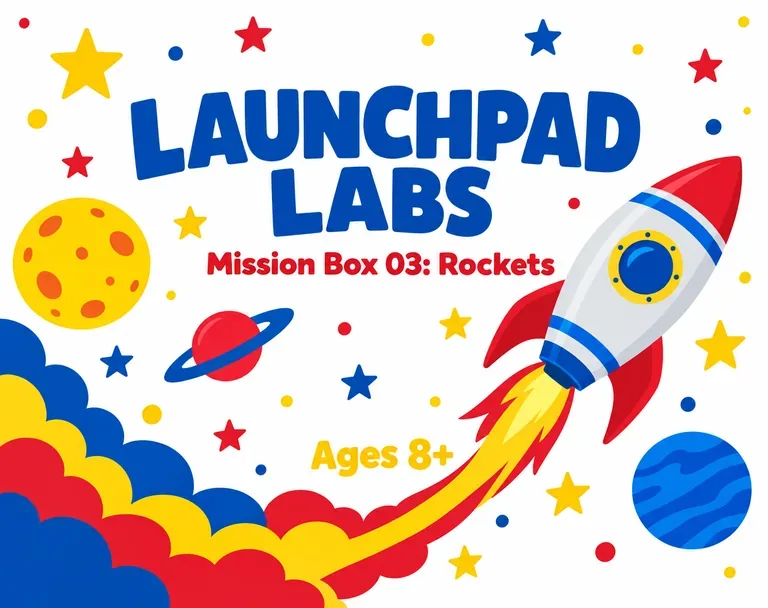
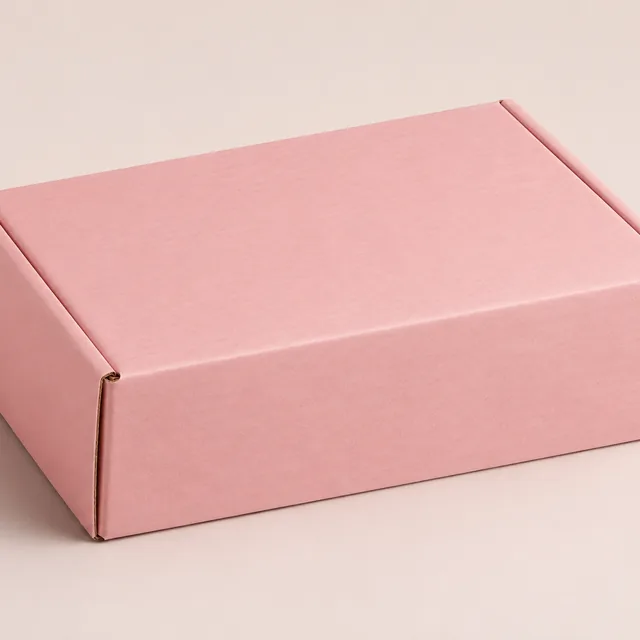
White mailer lid with a cartoon rocket, planets and stars
MailerKids science kit mailer lid
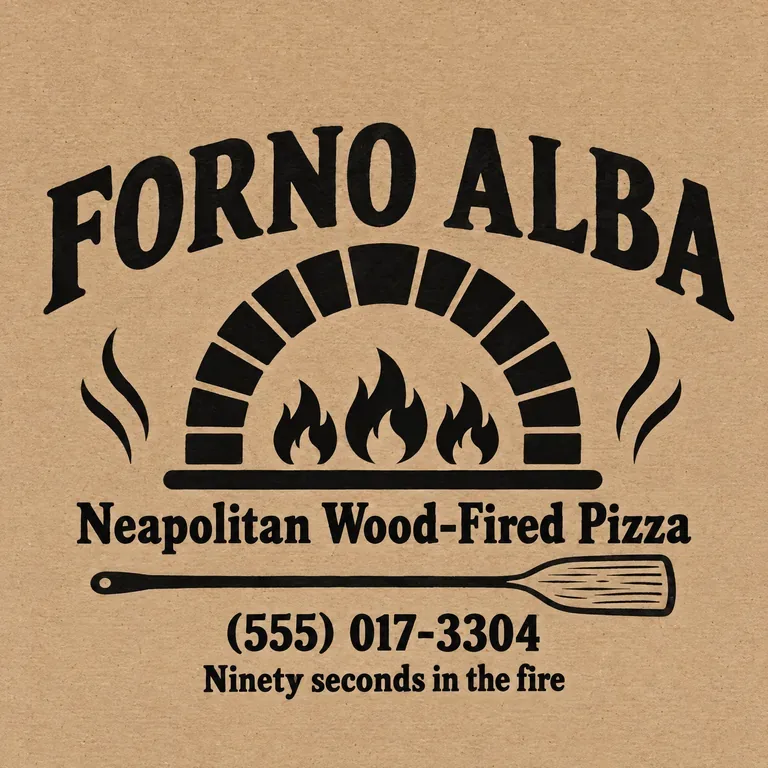
Kraft pizza box lid printed in black with an oven logo and flames
MailerWood-fired pizza box lid from a logo
Soap box front with lavender line art arching over the name
Tuck endLavender soap box front from a sketch
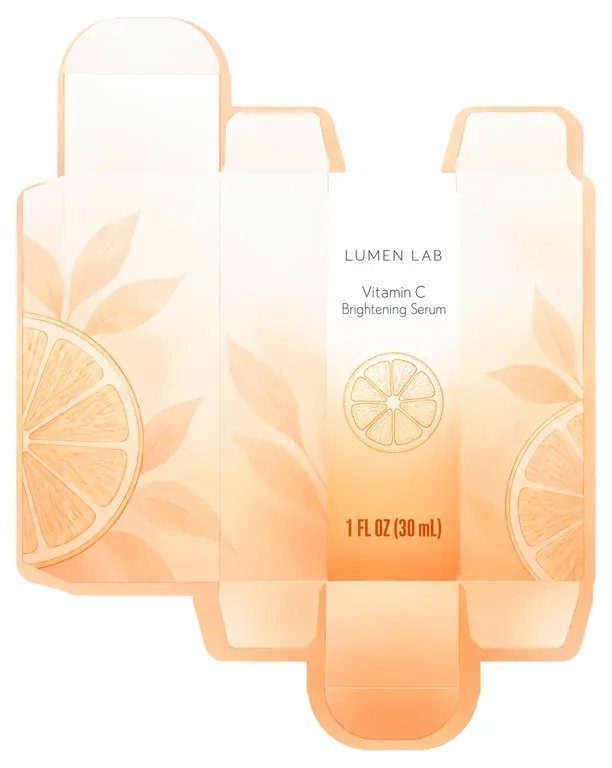
White skincare carton with a peach gradient and citrus line art, laid flat
Carton, laid flatVitamin C serum carton
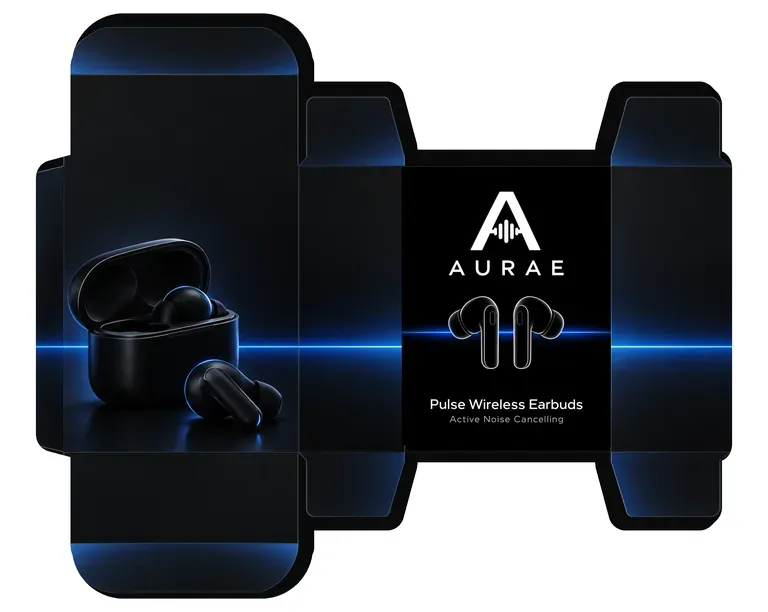
Matte black electronics box with earbuds line art and a blue light streak, laid flat
Electronics carton, laid flatMatte black earbuds box from a logo
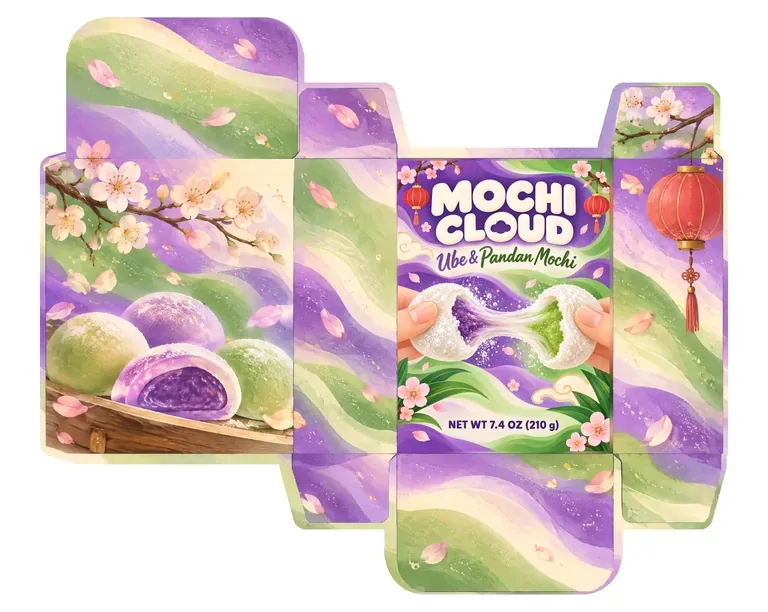
Mochi gift box art with purple and green waves and cherry blossoms, laid flat
Gift carton, laid flatUbe and pandan mochi gift box
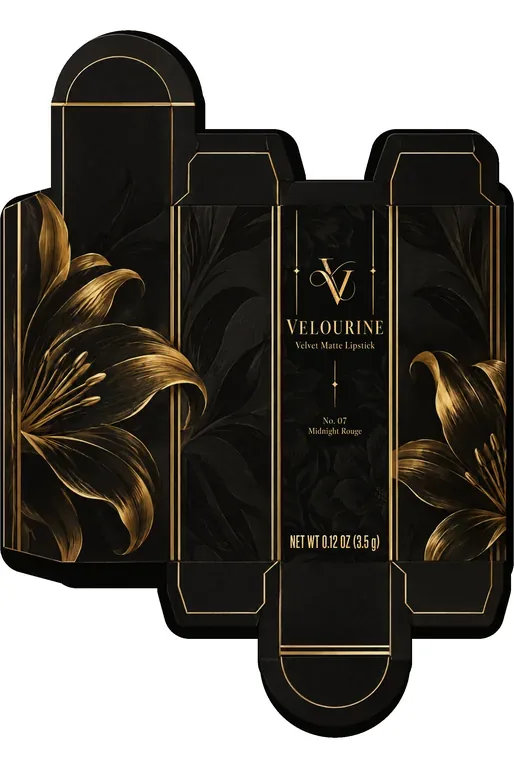
Slim black lipstick box with a gold monogram and fine gold lines, laid flat
Cosmetic carton, laid flatBlack and gold lipstick box
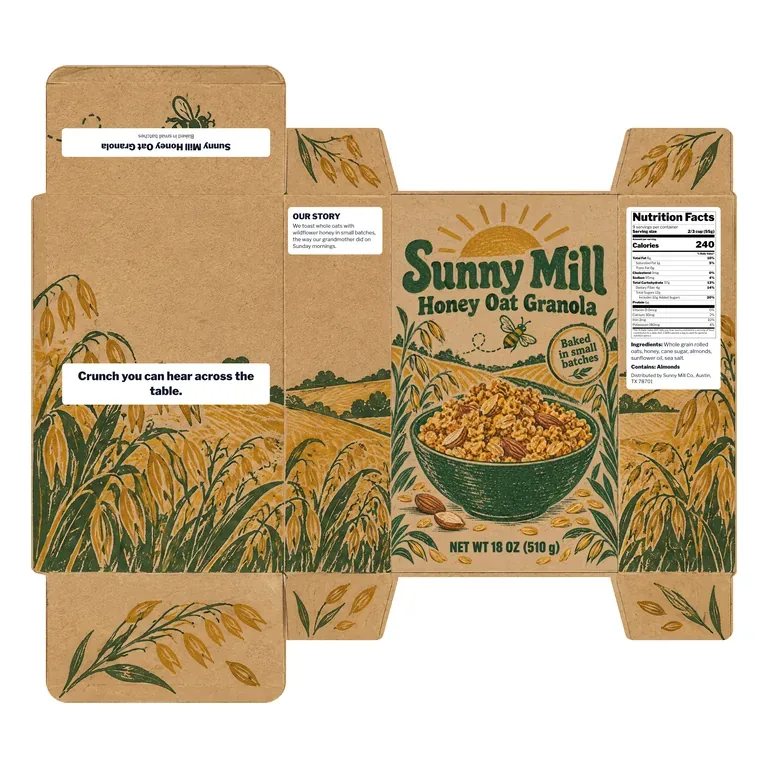
Kraft cereal box art with oat clusters, a stamped bee and an oat field, laid flat
Cereal carton, laid flatHoney granola cereal box

Examples are partner demos made with AI. Some show the art on a carton outline; this box designer makes the artwork, and the free dieline generator makes the structure.

How the Box Designer Works

Three steps from a product idea to box art you can check in 3D, with the credit cost on the button first.

  1. Choose a tuck end, mailer, lid and base, drawer or display box (lid and base or drawer turn it into a gift box creator), then pick the output: a studio render, the front panel flat or four side panels flat.

  2. Tell the box designer what goes inside and the look you want, pick minimal, luxury, playful, organic or bold, and add up to 4 images such as your logo or a sketch. Put exact words in "double quotes".

  3. Sign in, pick 1 to 4 designs and press Generate; the credit cost shows on the button. Turn a render or a front panel in the 3D preview, compare two and download a PNG.

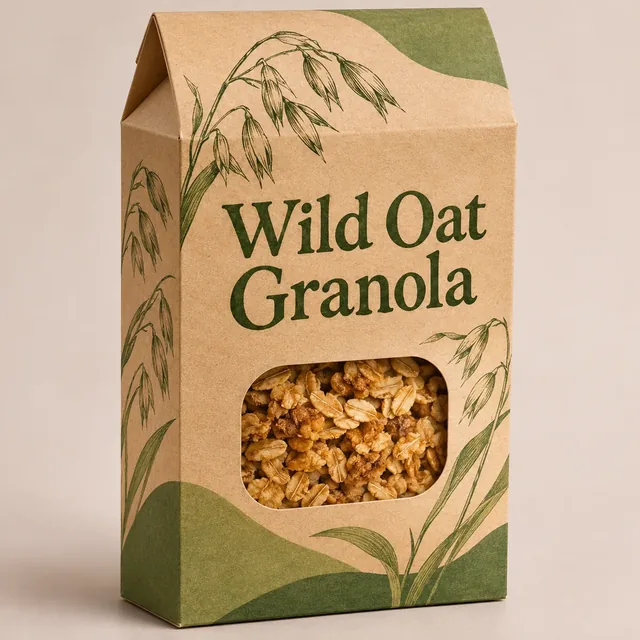
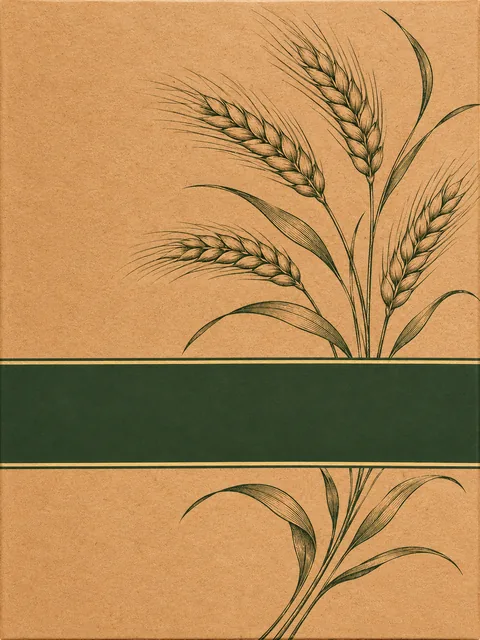
A kraft granola box as a studio render
Render
The same box front panel laid flat
Front panel
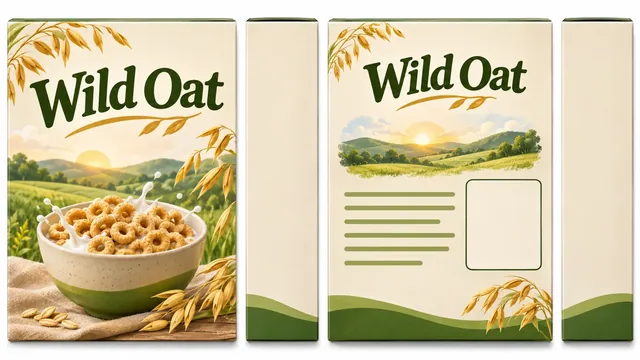
The four side panels laid out flat in a row
Side panels

A Box Designer Built Around Box Styles

Unlike a general packaging generator, it knows it is drawing a box, so the box artwork fits the style you picked.

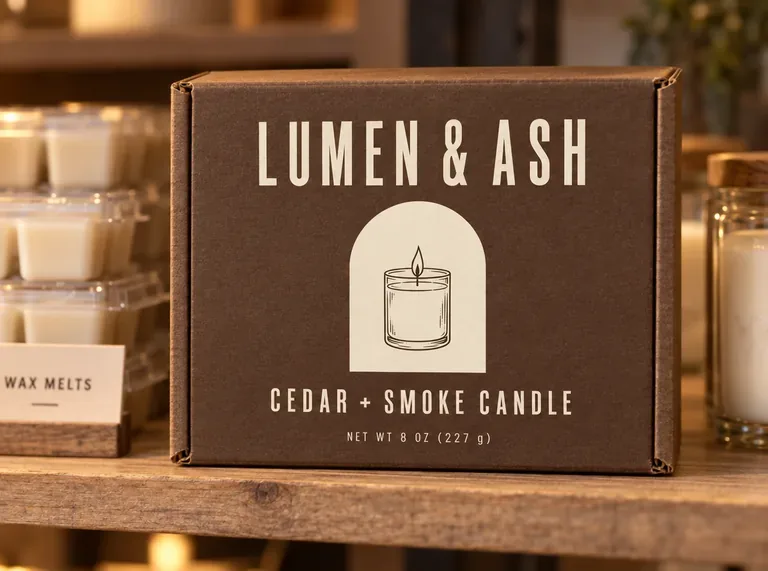
  1. Dark brown candle box on a wooden shop shelf

    5 box styles

    Tuck end, mailer, lid, drawer or display

    Pick the construction first and the box designer draws for it: a tuck end box for cartons, a mailer for shipping, lid and base or drawer for gifts, and a display box for the counter.

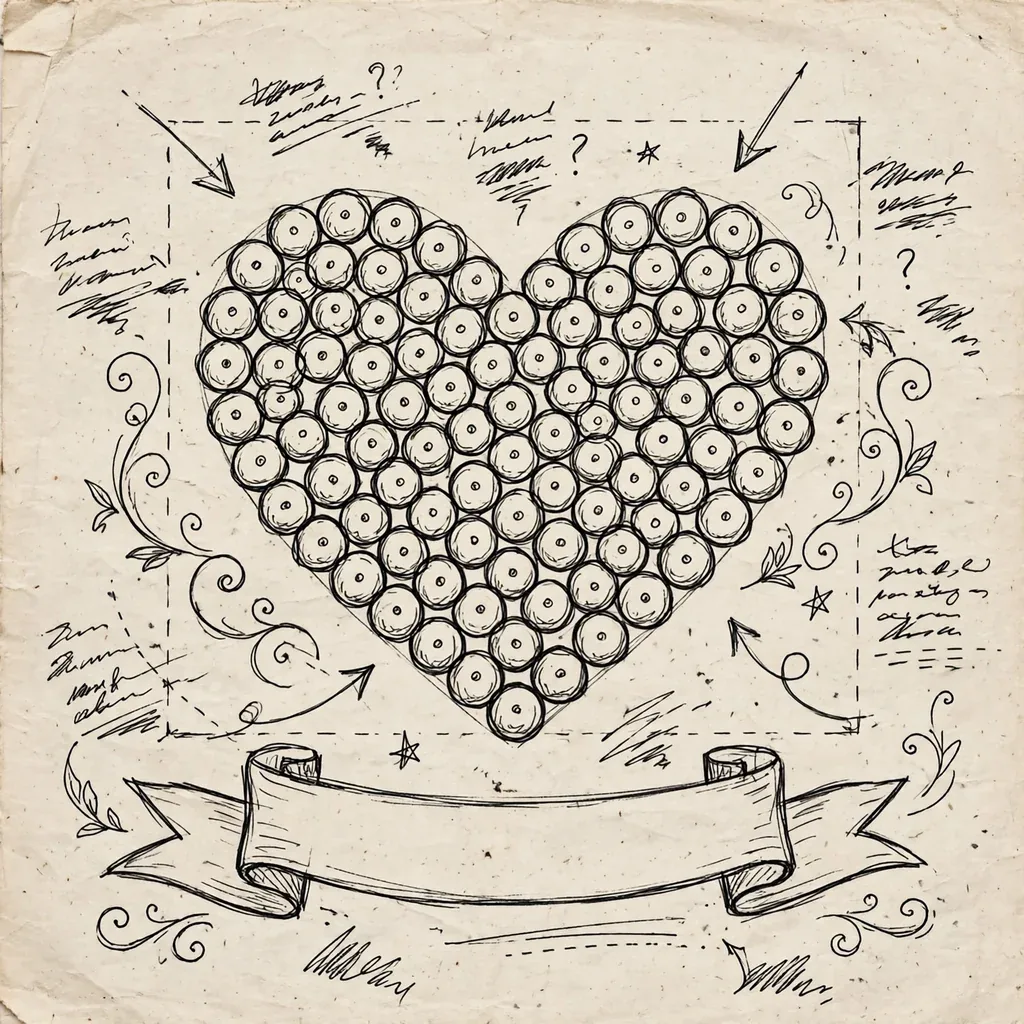
  2. Pencil sketch of a truffle box lid with a heart and a ribbon banner
    Your sketch
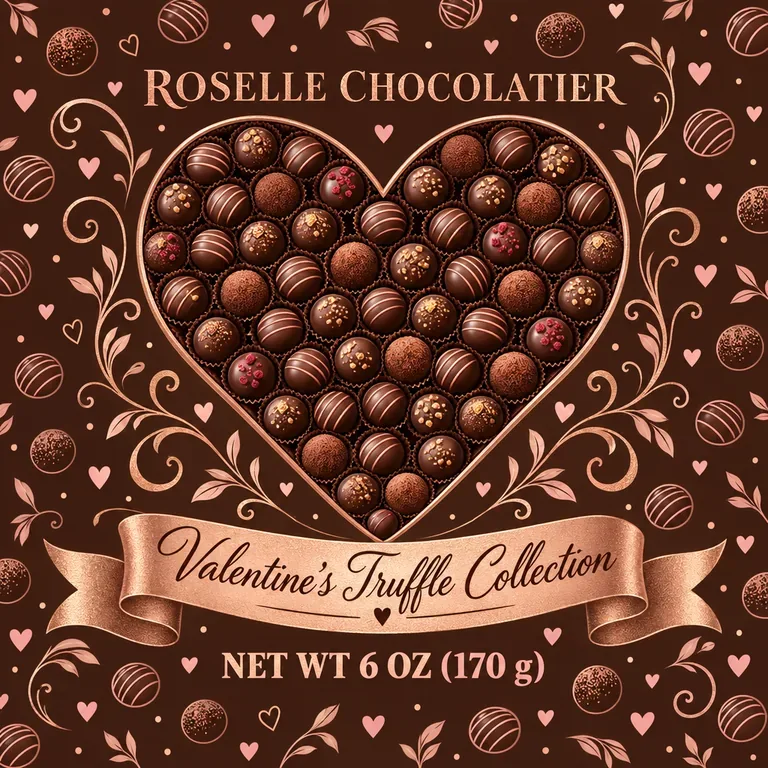
    The finished Valentine truffle gift box lid in cocoa and blush
    Box lid

    Your brand

    Start from your logo, a sketch or the old box

    Add up to 4 images, like the pencil sketch behind this truffle lid, and type the brand name, product name and up to 6 short lines. Words in "double quotes" are sent exactly as typed, though AI can still slip on small text, so proof it.

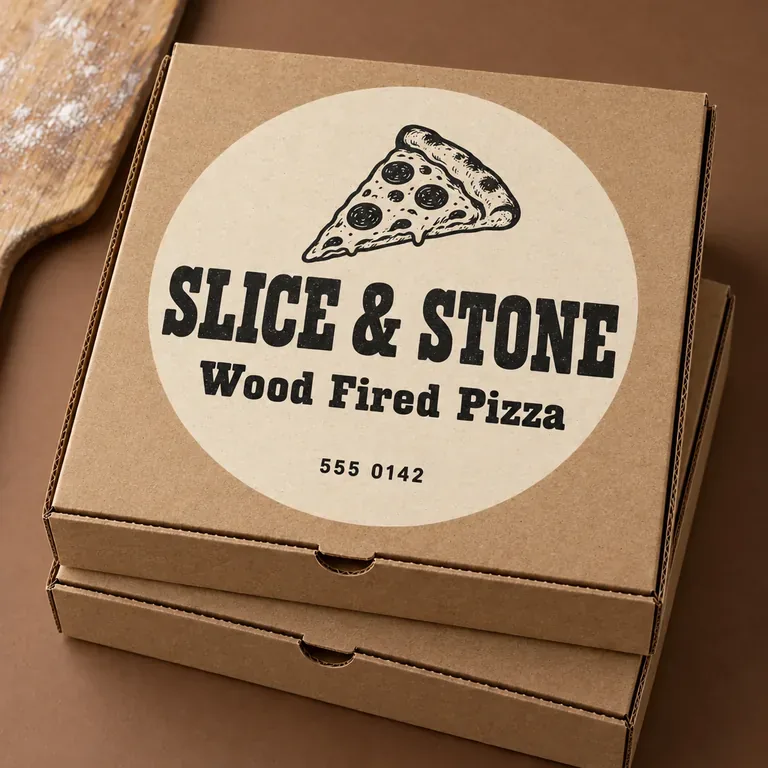
  3. Stack of kraft pizza boxes shown in a studio

    3D preview

    See it as a box before anyone prints it

    Render and front panel results open in a 3D preview you can drag to turn. It is a quick visual check inside the viewer, not a 3D file to download; for a photo of the box in a scene, use the mockup generator.

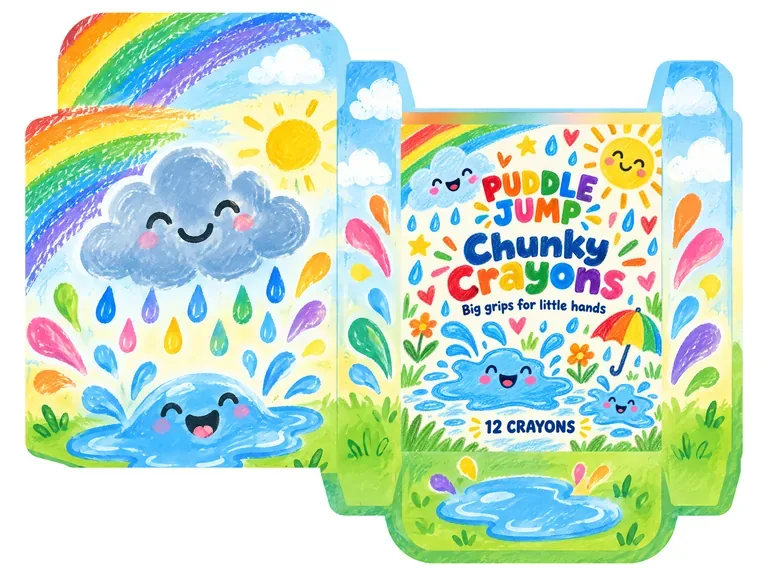
  4. Bright kids crayon box art with smiling rain clouds

    Fair credits

    Pay only for the designs you get

    Every run of the box designer shows its cost on the Generate button first, and a design that fails is refunded. Downloads carry no watermark, and signed-in history keeps every version for a remix or "Edit this one".

Box Designer Guide: Styles, Panels and Print

Short notes to read before your first run, and before you send anything to a printer.

Choose the box style

The style changes which faces people see first, so pick it before you write the description. Free printable shapes for each one are in the box template library.

  1. 1Tuck end: a folding carton for cosmetics, supplements, candles and small goods.
  2. 2Mailer: a sturdy box that ships on its own, the classic subscription and unboxing box.
  3. 3Lid and base: two pieces, the usual pick for gifts and premium sets.
  4. 4Drawer: a sleeve and a sliding tray, good for jewelry, chocolates and a slow reveal.
  5. 5Display: an open box that stands on a counter and shows the products inside.
What goes on each panel

The front sells: brand, product name, one strong image and the net quantity, which US rules place in the bottom 30% of the main panel for most consumer goods. The sides carry directions, ingredients and the nutrition label maker panel for food.

The back or bottom holds the barcode (make one with the UPC barcode generator) and the company name and address. Put the brand on the top too, since boxes often sit stacked.

Leave legal text, barcodes and batch codes out of the AI run and add them in your layout file, where they stay exact.

Use it as a gift box creator

For gifts, pick lid and base or drawer, choose luxury or minimal and name the occasion: "Mother’s Day", "wedding favors", "holiday tea set". That makes this tool an online gift box maker for seasonal runs and corporate sets.

Keep one design and remix it brighter, bolder or in new colors to get a family of boxes for each season.

From box art to a printed box

The flat side panels are artwork only: no dimensions, folds or bleed, and the box designer can’t size art to inside dimensions you type. Get the structure from the free dieline generator, check the size with the box volume calculator, and place the panels in your layout app.

Downloads are PNG images in RGB. Many printers want vector files in CMYK, so ask yours before you order a run.

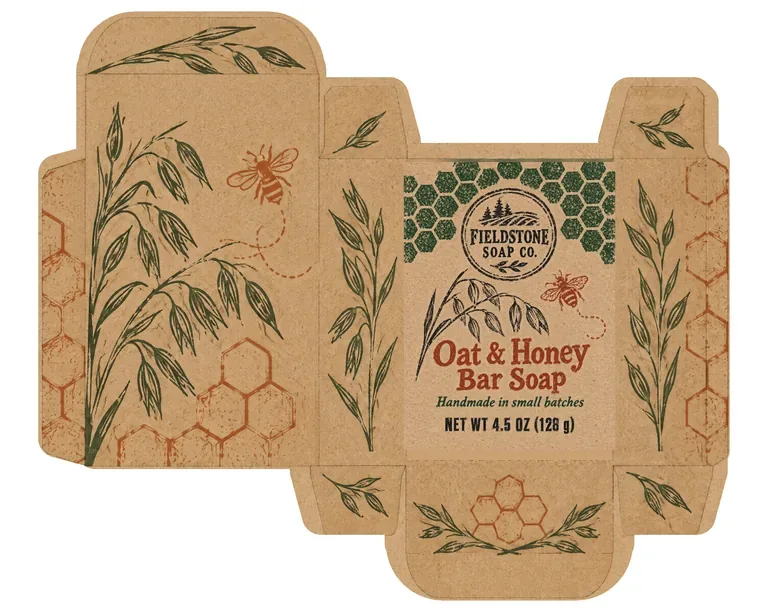
Kraft soap box art laid out on a carton outline

Who Uses the Box Designer

Small teams that need a good box fast, without a design agency or a packaging generator that only does pouches.

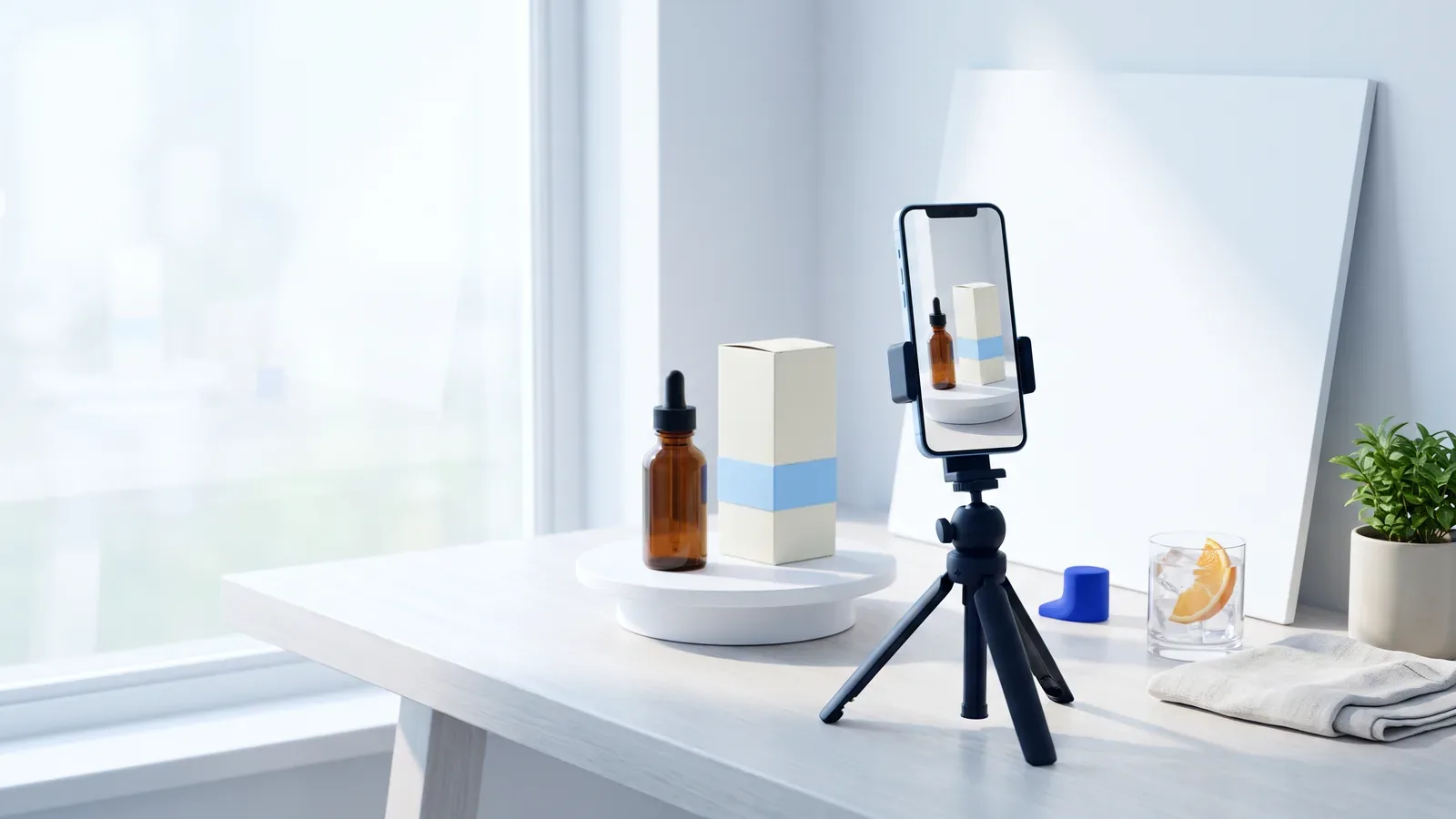
  • A phone on a tripod filming a product and its carton

    Online shops and subscriptions

    Mailer boxes that look good in an unboxing video.

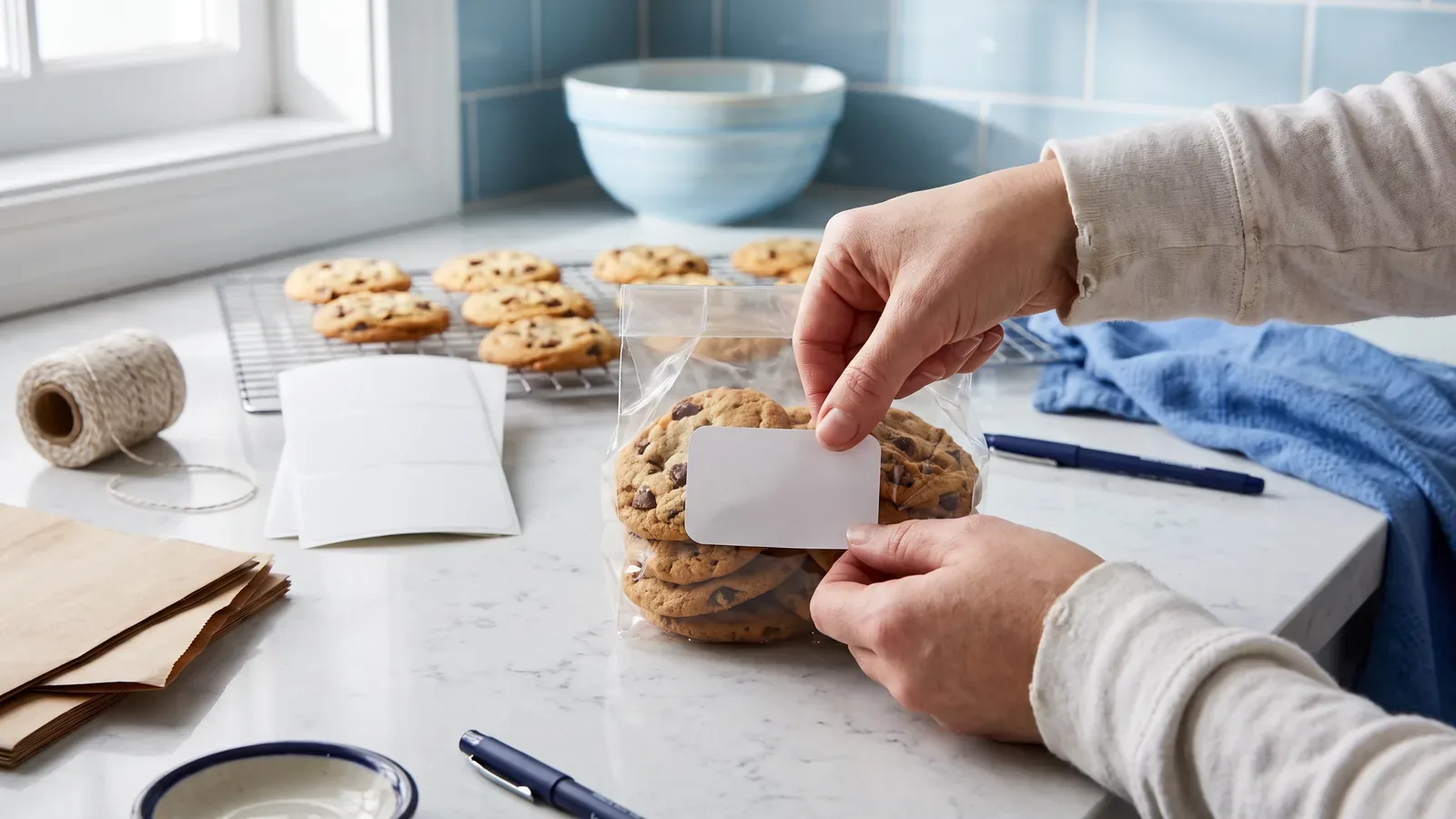
  • A home baker labeling cookie bags in a kitchen

    Home bakers

    Cookie and pastry boxes with a matching label.

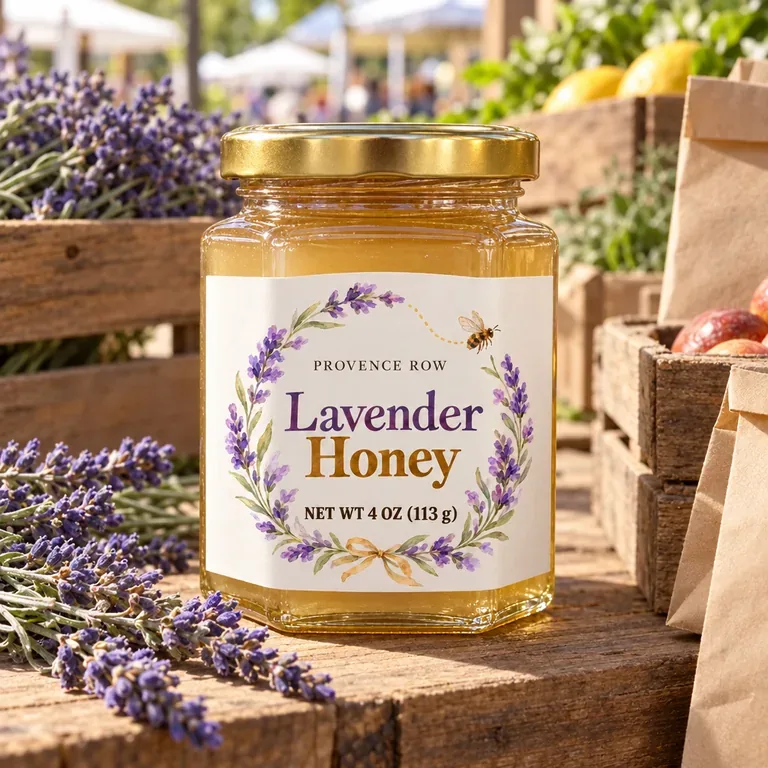
  • Honey jar on a crate at a market stall

    Market and craft sellers

    Use the gift box creator for honey, soap and candle sets before the holidays.

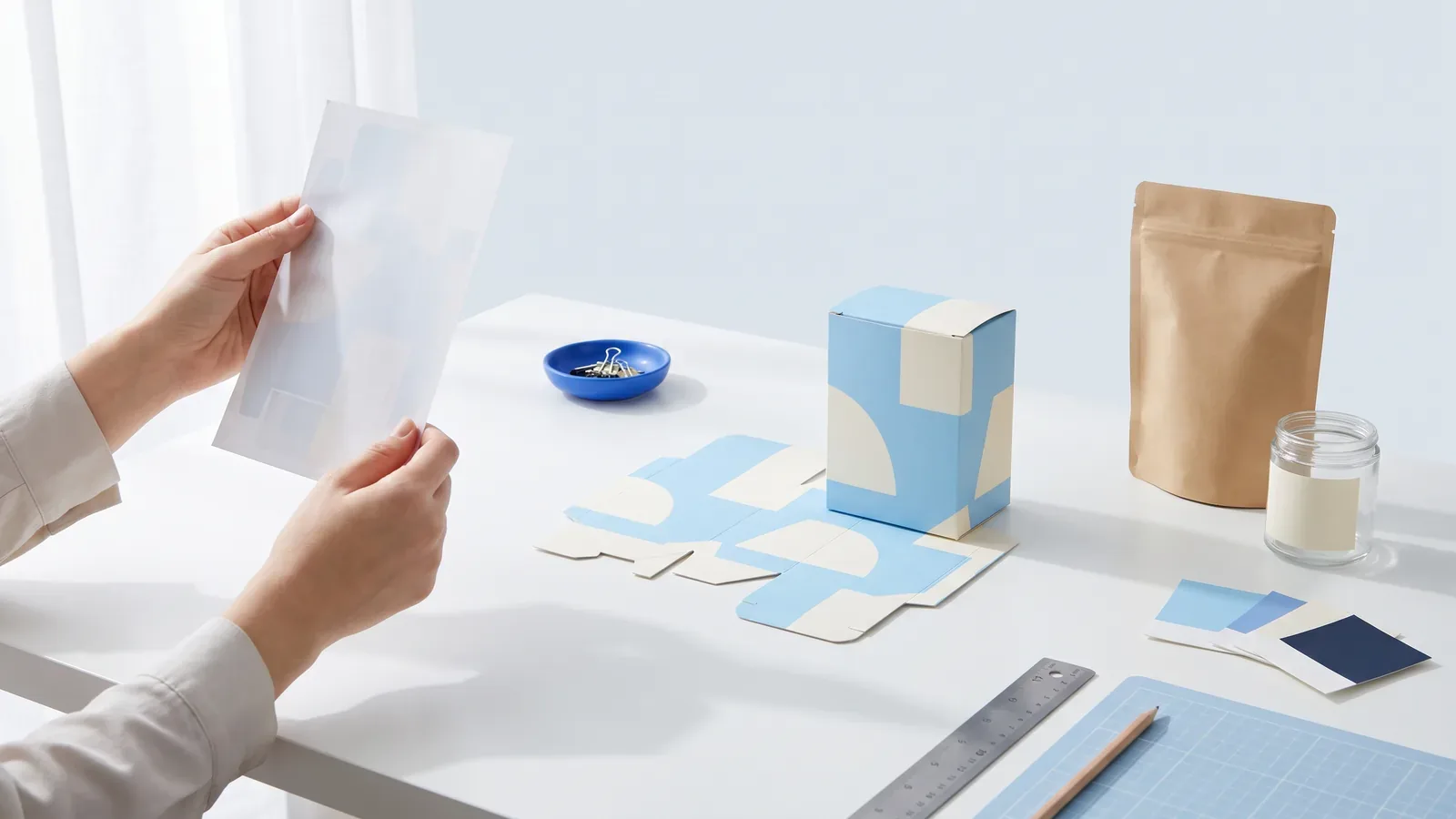
  • A designer holding a print proof over cartons and swatches

    Designers and agencies

    Fast directions for a client before the real layout work.

Box Designer Questions

What it makes, what it costs and how to get the box printed.

Make Your Box Art With the Box Designer

Pick a box style, describe the product and check the design in 3D. The credit cost is on the button before you start.