Skip to content

Letter and A4 sheets, free

Printable Label Templates by Code or Size

PackDesignAI is a free label template library for printing on sheets: find your sheet by the code on the pack or by size, print an alignment test page, then design on the exact layout and download a PDF. 21 Letter and A4 layouts measured from published templates, plus custom. Your first download is free.

Label maker

Label sheet

US Letter (8.5 x 11 in)

A4 (210 x 297 mm)

Avery is a trademark of its owner. This tool is not affiliated with or endorsed by Avery; a sheet code only says which layout ours matches.

Row 1 of 6

Loading fonts

Every label at its exact position, real size. Text and shapes are vector (the font outlines travel inside the file, nothing to install); photos are embedded as images.

  • Free to design
  • First download free
  • No watermark
  • Runs in your browser

Your design and your list stay on this device: the labels are drawn and exported in your browser, nothing is uploaded.

  • 21 measured Letter and A4 layouts
  • Search by code or size
  • Alignment test page PDF
  • First download free, no watermark

Popular Label Templates, Drawn to Scale

Eight of the 21 layouts in the library, drawn from the same measurements the PDF uses. Search a code in the tool above to open that label template.

1 x 2-5/8 in
5160Address labels, 30 per sheet
2 x 4 in
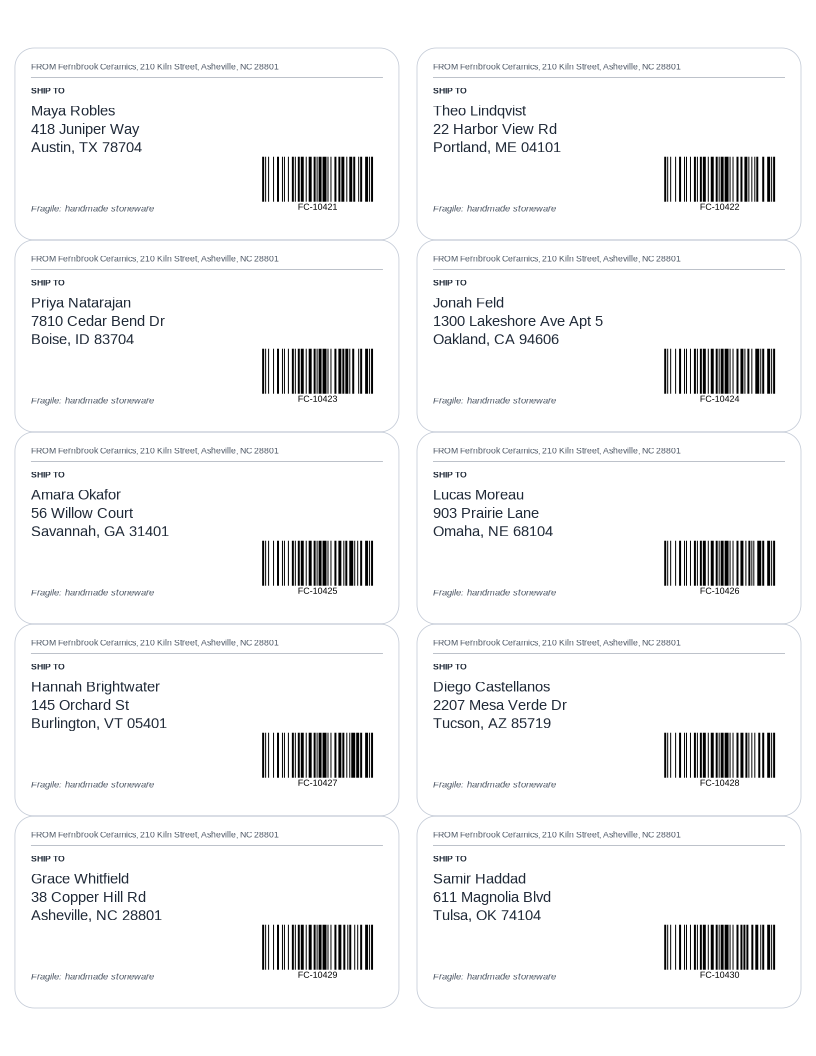
5163Shipping labels, 10 per sheet
2 in round
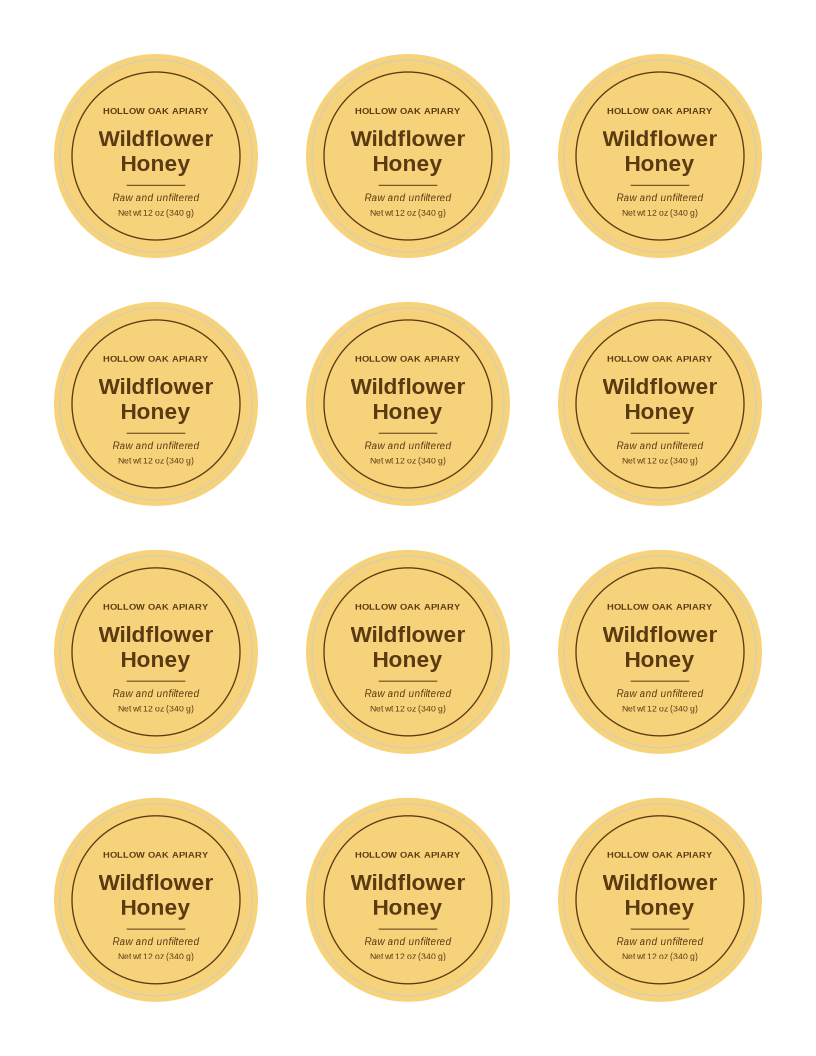
22807Round 2 inch labels, 12 per sheet
1/2 x 1-3/4 in
5167Return address labels, 80 per sheet
63.5 x 38.1 mm
L7160A4 address labels, 21 per sheet
3/4 x 3/4 in
94102Square 3/4 inch labels, 80 per sheet
3-1/3 x 4 in
5164Large shipping labels, 6 per sheet
38.1 x 21.17 mm
L7651A4 mini labels, 65 per sheet

Outlines only, drawn to scale. A code says which layout ours matches, nothing more.

How to Use a Label Template in 3 Steps

Find the sheet, prove the alignment, then design.

  1. Type the code printed on your label pack, such as 5160, 5163 or L7160, part of a size such as 2-5/8 or 63.5, or a word like round. Each result shows labels per sheet, the grid and, for most Letter sheets, codes with the same layout.

  2. Download the alignment test page, print it on plain paper at 100% (actual size) and hold it over a label sheet against the light. When the outlines sit on the labels, your printer settings are ready.

  3. Add text, images, shapes or barcodes, or fill the labels from a CSV list, then download the sheet PDF and print it with the same settings as the test page.

round

US Letter (8.5 x 11 in)

22807Print-to-the-edge round labels12 per sheet (3 x 4) · same layout as 22817, 22205, 22612

A Printable Label Template for Each Sheet

Why these layouts follow the grid of the sheet in your printer.

  1. 5160 layout

    3 x 10 = 30
    Label
    2-5/8 x 1 in
    Top margin
    1/2 in
    Left margin
    3/16 in
    Label to label, across
    2-3/4 in
    Label to label, down
    1 in
    Corner radius
    0.1 in

    From the published template

    Measured layouts

    Measured from the published templates

    Each label template takes its label size, top and left margin, spacing and corner radius from the sheet maker's own published template for that code. The sheet PDF draws exactly that grid, which leaves your printer as the one thing to check.

  2. 8460
    5160

    Address labels · 1 x 2-5/8 in · 30 per sheet

    Same layout as

    • 8160
    • 5260
    • 5520
    • 5630
    • 5660
    • 5960
    • 8250
    • 8460
    • 8660
    • 15660
    • 18160
    • 18660
    • 28660
    • 38260
    • 45160
    • 48160
    • 48460
    • 55160
    • 58160

    Same layout codes

    One layout, many product codes

    Many packs share a layout. The 5160 label template also covers 8160, 5260, 5960, 8460 and more, and Letter layouts list the codes that share them, so the code on your box finds the right grid even when it is not the headline number.

  3. Round honey jar labels printed to the edge on the 22807 layout

    Print to the edge

    Round and square labels with safe bleed

    Print-to-the-edge layouts such as the 2 inch round 22807 let a background run past the edge, with 1/16 or 1/8 in bleed. Bleed is capped at half the gap between labels and stays at zero where labels touch, so color does not land on the next label.

  4. Custom layout

    Label width2 in
    Label height1 in
    Left margin0.5 in
    Top margin0.5 in
    Gap across0.25 in
    Gap down0.25 in
    Columns3
    Rows8

    Not checked against a product: print the test page first.

    Custom layout

    Any other sheet as a custom label template

    Type the label size, margins, gaps, rows and columns from your pack, on Letter or A4, rectangle or round, in inches or mm. A custom layout is marked unverified, so print the test page before a full run.

How to Read a Label Template

Four things that decide whether a sheet lines up.

Find the code on your label pack

The code printed on the box or the sheet, like 5160 or L7160, names the layout. Plain codes are US Letter (8.5 x 11 in); codes that start with L are A4 (210 x 297 mm).

Laser and inkjet versions of a sheet often share one layout: 8160 is the inkjet twin of 5160. If your code is not a headline number, check the "same layout as" list under each Letter result.

Looking for Avery label templates? The codes here are layout compatible, not the brand's own files, and PackDesignAI is not affiliated with or endorsed by Avery.
Common sizes and labels per sheet

Size is the width by the height of one label. Choose by what has to fit: three or four address lines, a round jar lid or a shipping label with room for a barcode.

  1. 15160 address label template: 1 x 2-5/8 in, 30 per sheet.
  2. 25163 shipping label template: 2 x 4 in, 10 per sheet.
  3. 35167 return address: 1/2 x 1-3/4 in, 80 per sheet.
  4. 422807 round label template: 2 in across, 12 per sheet.
  5. 5L7160 A4 label template: 63.5 x 38.1 mm, 21 per sheet.
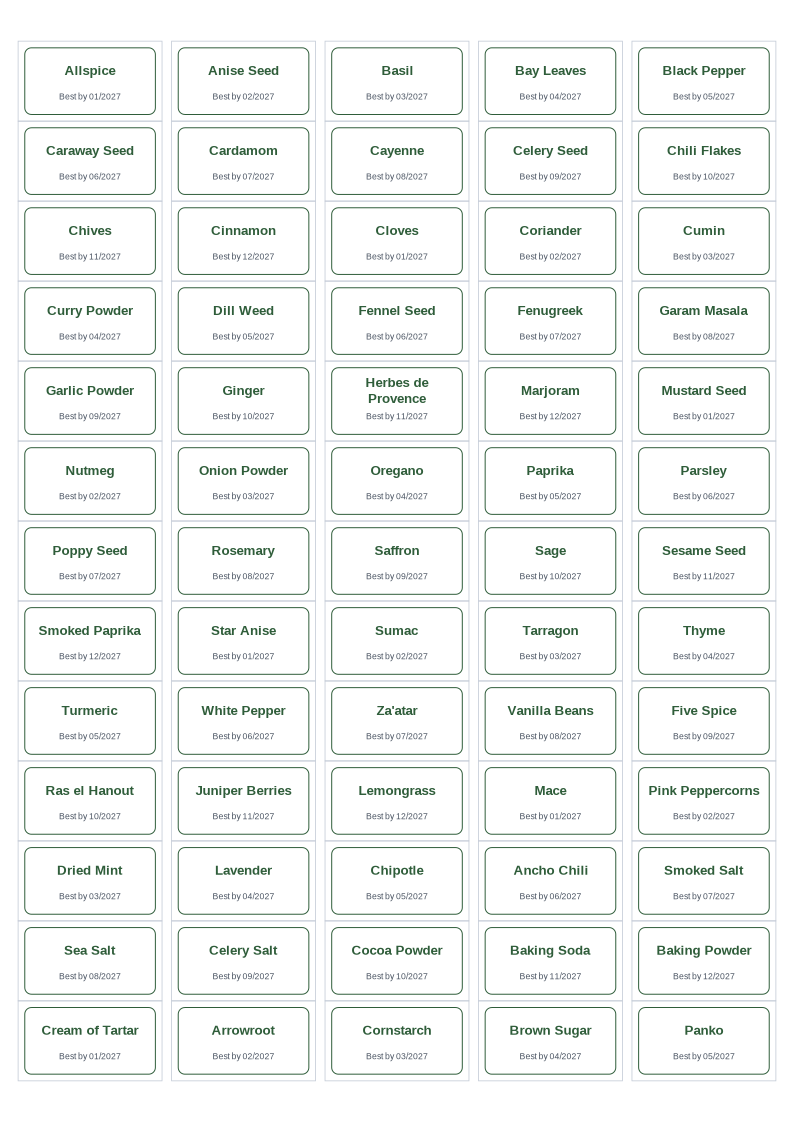
  6. 6L7651 A4 mini labels: 38.1 x 21.17 mm, 65 per sheet.

Margins, pitch and the test page

Every label template is a grid: the top and left margin, the label size and the pitch from one label to the next. A small scaling error adds up row by row, which is why the bottom labels drift first.

Print the test page at 100% (actual size), never "Fit to page". Printers feed paper differently, so treat the test page as your proof before the label sheet goes in.

Corners, round labels and A4 notes

Letter layouts are drawn with their real corner radius, and round labels as circles. The A4 layouts are drawn with square corners; real A4 sheets may be slightly rounded, so keep text inside the safe area.

Turn on "Clip to the label shape" to cut a design to the rounded corners or the circle.

A4 sheet of 65 mini labels on the L7651 layout

Which Label Template for Which Job

Start from the job, then pick the sheet.

  • Mail and holiday cards

    The 5160 or L7160 address label template, filled from your address list one row per label.

  • Shipping and parcels

    5163, 5164 or L7165 for parcel labels with a sender line and an order barcode.

  • Jars, lids and products

    Round 2 inch 22807 and square 22806 layouts for jars, tins and product stickers, printed to the edge.

  • Pantry, office and storage

    Small 5167, 94102 or L7651 labels for spice jars, file folders and storage bins.

Label Template FAQ

Quick answers about sheets, sizes and printing.

Open Your Label Template and Print a Test

Search your sheet code, print the test page at 100% and start designing on a measured layout. Every label template is free to design on, and your first download is free.