Skip to content

AI Mockup Generator From Your Own Design

PackDesignAI is an AI mockup generator for packaging: upload your label, logo or flat art, pick one of 10 products, a scene and an angle, and get 1 to 4 photoreal mockups as PNG files with no watermark. No Photoshop, no 3D software. AI mockups use credits, shown on the button.

AI mockup generator
0 / 4000

Put words in "double quotes" to ask for exact text. Check the spelling before you print.

Try one of these

  • Your design on 10 products
  • 5 scenes, 4 angles
  • 1 to 4 mockups per run
  • PNG, no watermark

Real Examples From the Mockup Generator

Coffee bags, pizza boxes, honey jars, pouches and tubes, each set in a scene. "Use this example" loads its product, scene, angle and notes; then add your own design.

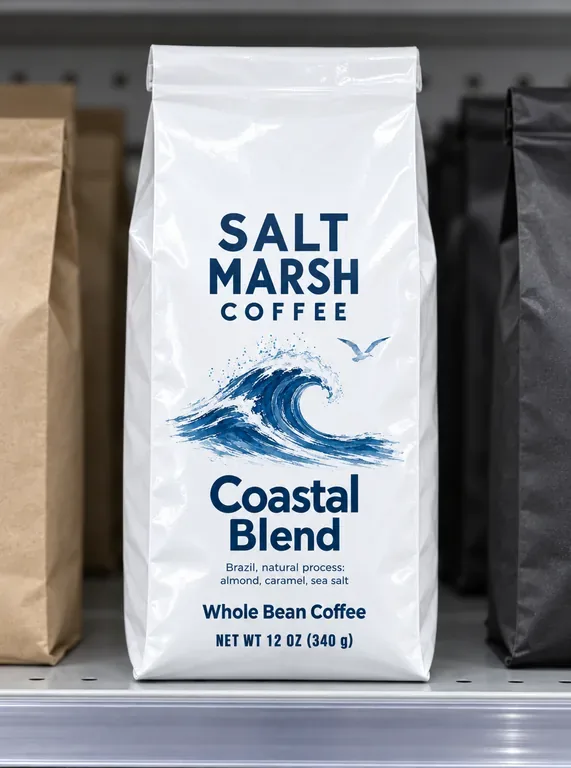
White coffee bag with a blue wave design standing among plain bags on a shelf
Coffee bagCoastal blend bag on a store shelf
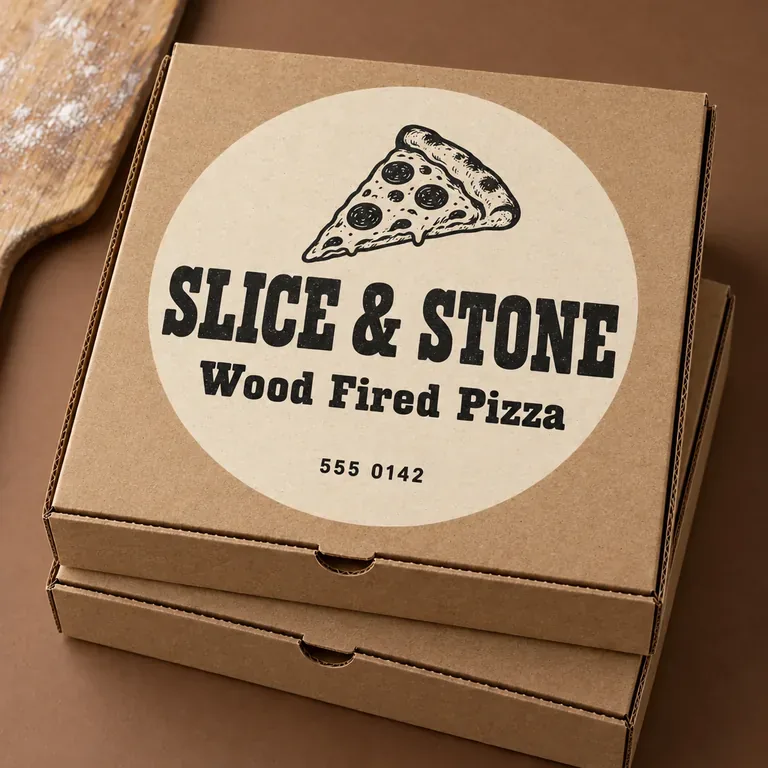
Three kraft pizza boxes with a round black lid print on a plain backdrop
Pizza boxStacked kraft pizza boxes in the studio
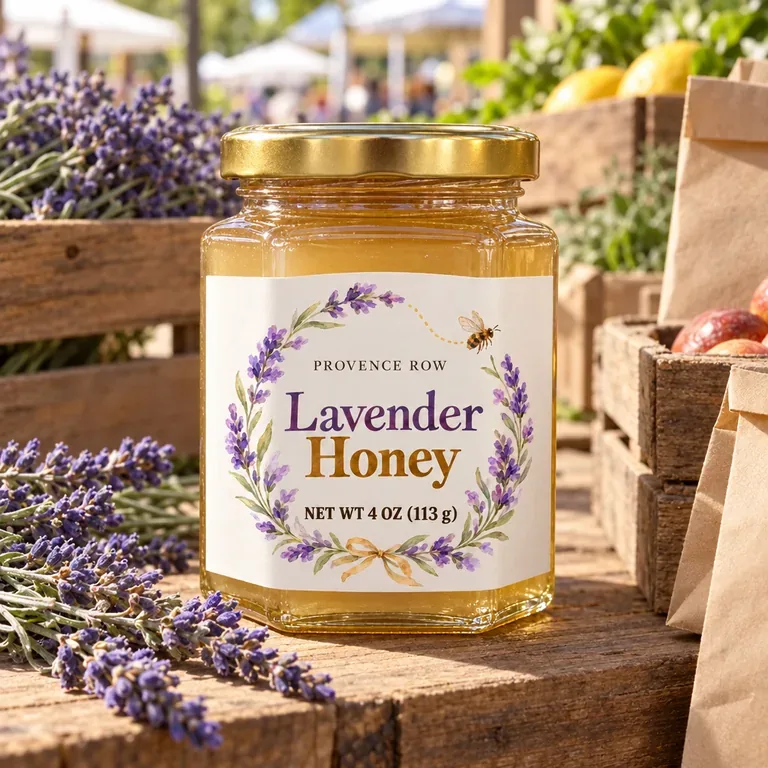
Honey jar with a lavender label on a wooden crate at an outdoor market
Honey jarLavender honey jar at a market stall
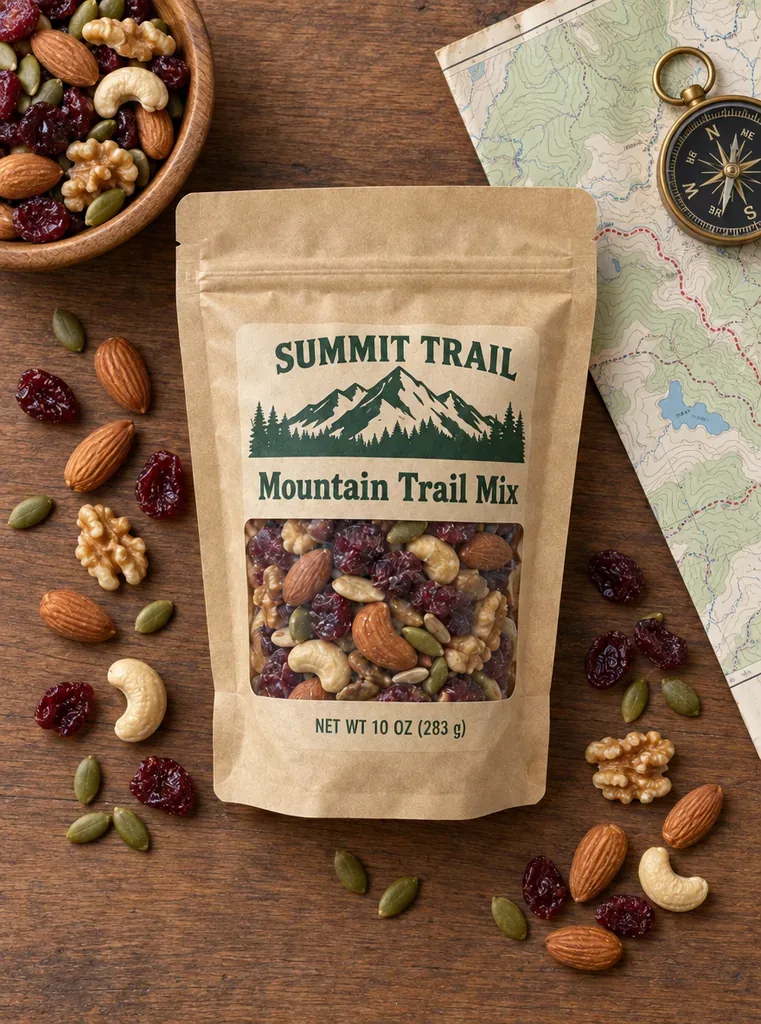
Kraft trail mix pouch seen from above with nuts, berries and a map
Snack pouchTrail mix pouch in a flat lay
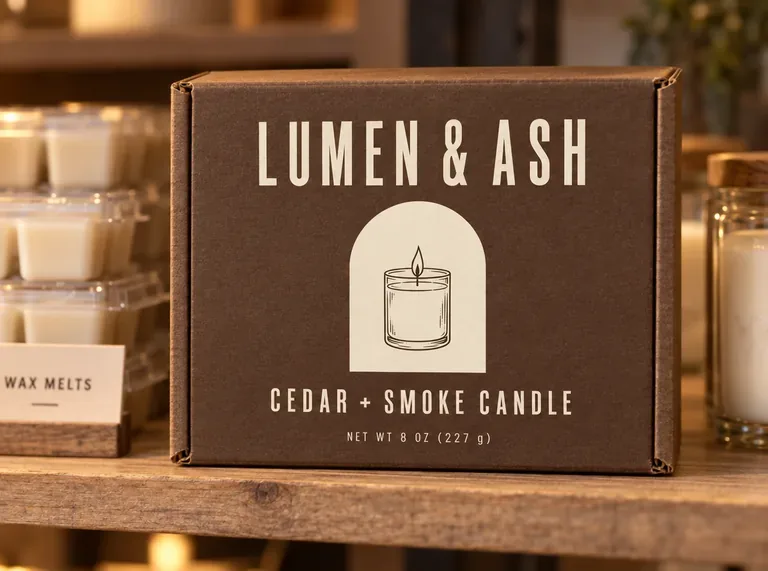
Dark brown candle box on a wooden shelf beside wax melts
Mailer boxCandle mailer box on a shop shelf
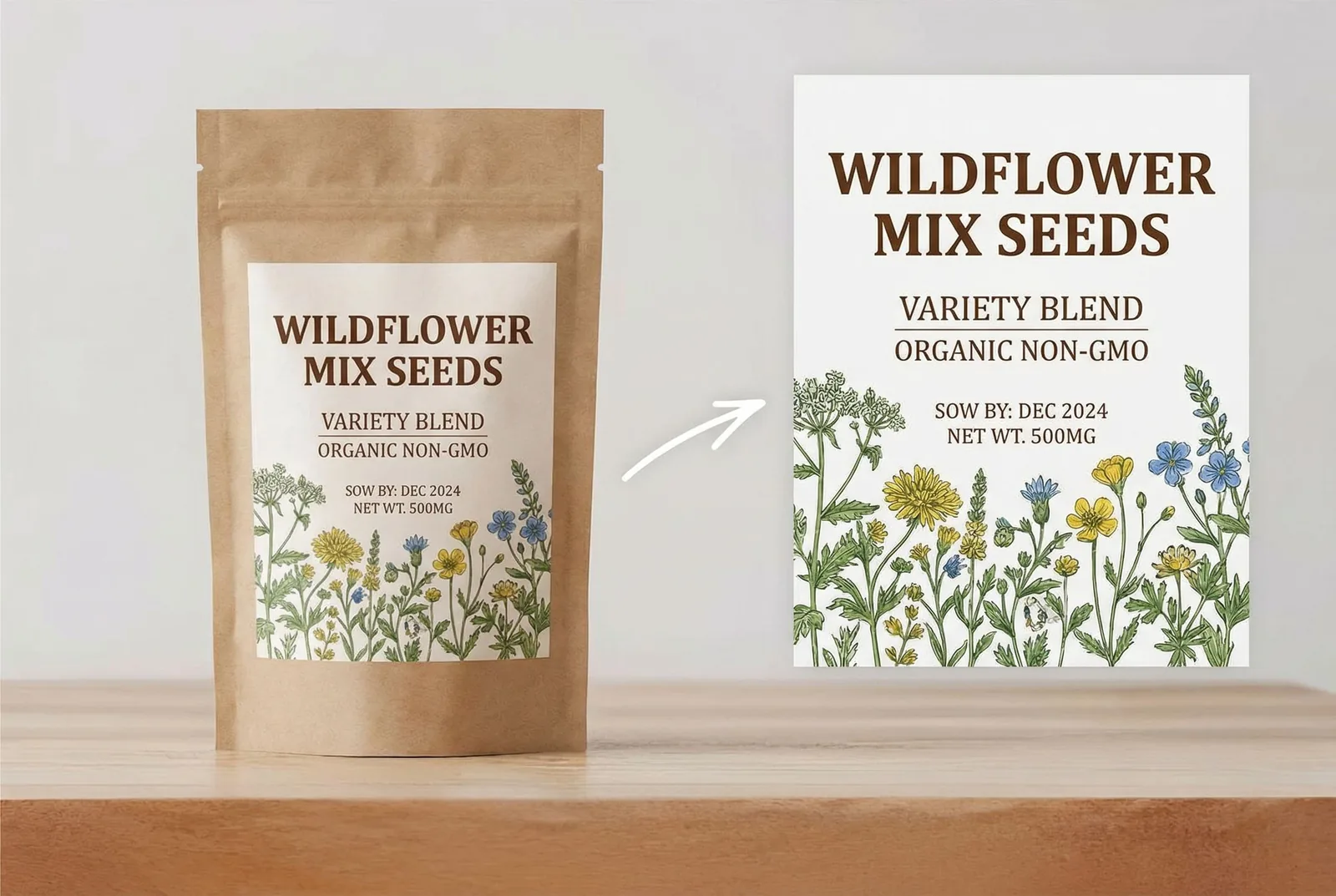
Kraft pouch with a wildflower label beside the same label as flat art
PouchSeed pouch next to its flat label
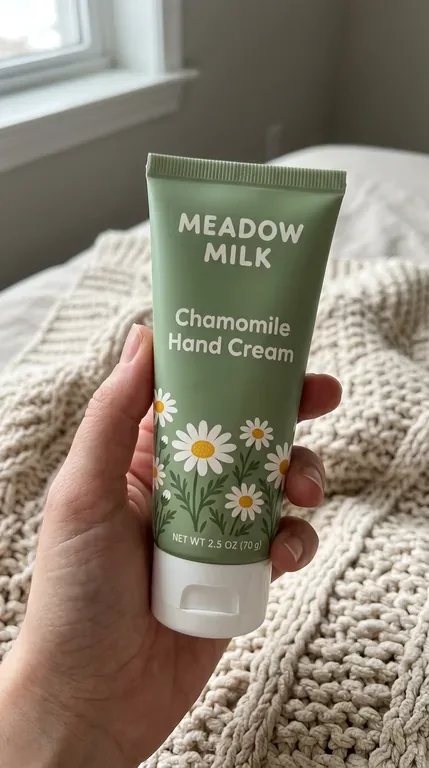
Green hand cream tube with daisies held in a hand over a knit blanket
TubeHand cream tube held over a knit blanket

Examples are partner demos made with an AI mockup generator from flat label and packaging art.

How to Generate Mockups in Three Steps

From a flat file to a picture you can post, with the credit cost on the button before you start.

  1. Add the flat art you want to show: a label, a logo or the front of your pack, 1 to 4 images as PNG, JPG or WebP up to 10 MB each. The mockup generator needs your design to start.

  2. Choose one of 10 products, then a scene (clean studio, kitchen or table, store shelf, outdoor or flat lay) and one of 4 angles. Add a line of notes for the light, props or paper finish if you like.

  3. Sign in, choose 1 to 4 mockups and press Generate; the credit cost shows on the button. Open any result full screen, compare two side by side and download the best one as a PNG.

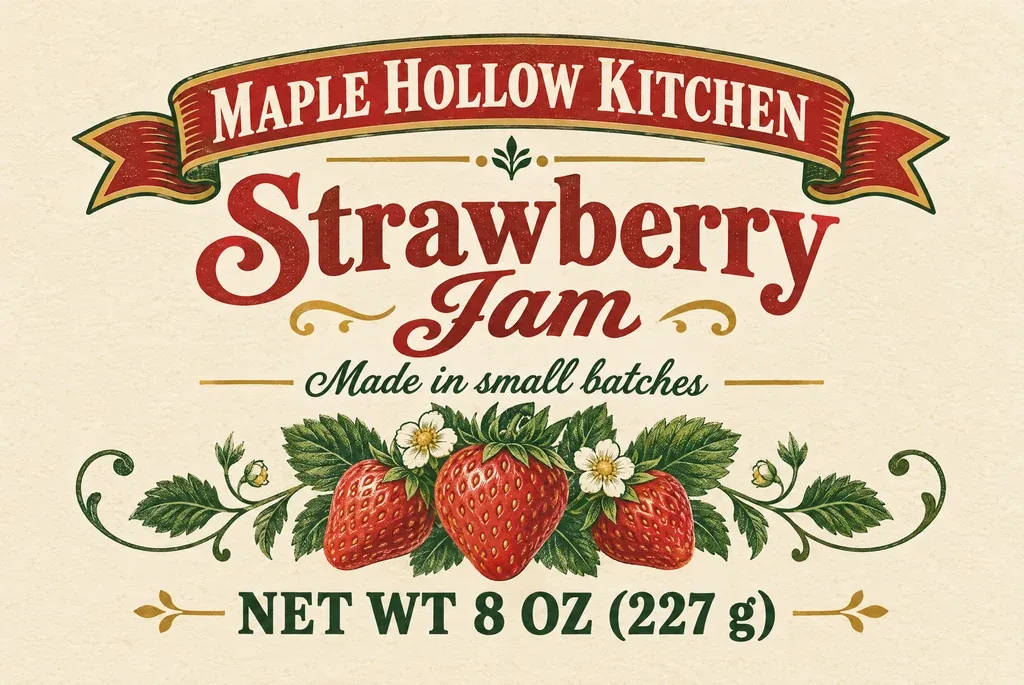
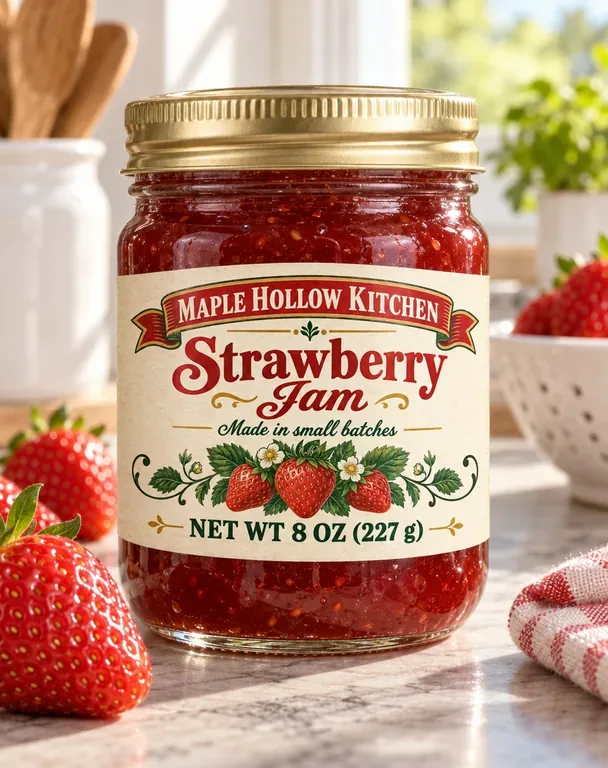
A flat strawberry jam label ready to upload

What the AI Mockup Generator Does With Your Art

You bring the design; the AI mockup generator builds a believable photo around it. Here is what that means in practice.

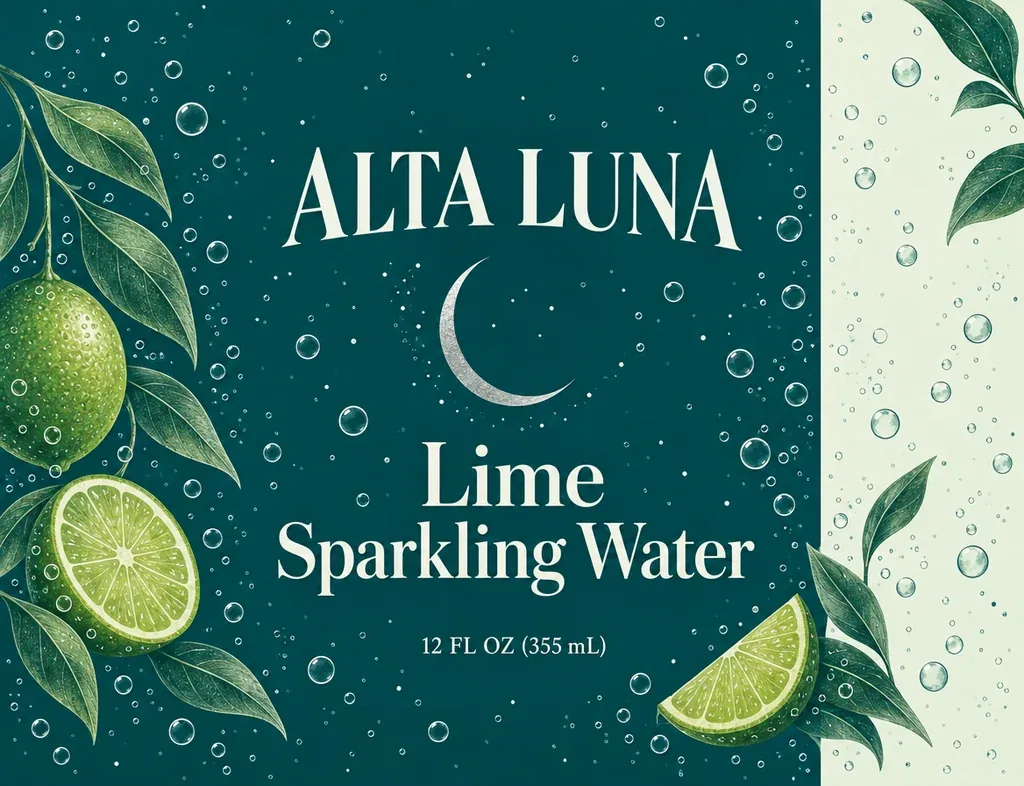
  1. Flat can wrap artwork for a lime sparkling water
    Your flat art
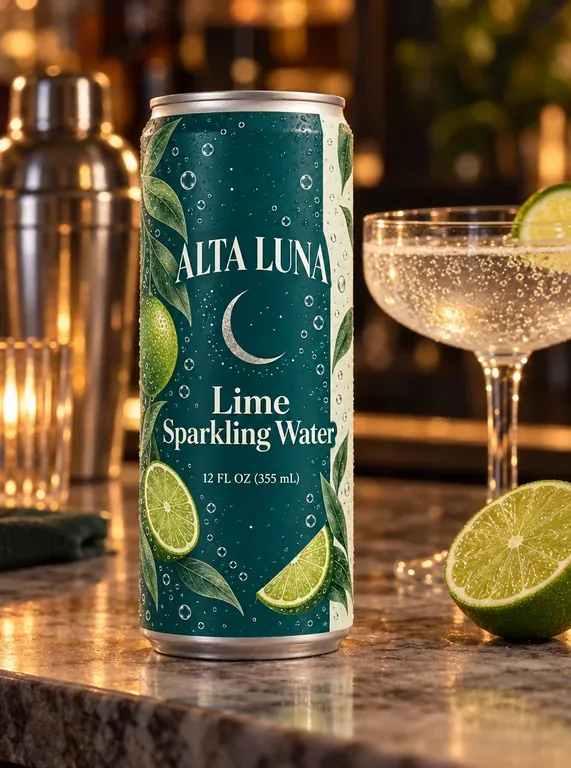
    The same wrap on a slim can on a bar top beside a glass and a lime
    Mockup

    Your design

    Flat art, wrapped onto the product

    Upload a can wrap and the AI mockup generator curves it around the can, adds light and reflections and sets it in the scene. Small text and fine details can shift, so check them and keep your original file for printing.

    • Box
    • Mailer box
    • Pouch
    • Coffee bag
    • Paper bag
    • Bottle
    • Jar
    • Can
    • Tube
    • Cup

    10 products

    Boxes, pouches, bottles, cans and cups

    Box, mailer box, pouch, coffee bag, paper bag, bottle, jar, can, tube and cup cover most small brand packs. For a carton folded from a real template, try the box mockup tool; for a label alone, the label mockup generator.

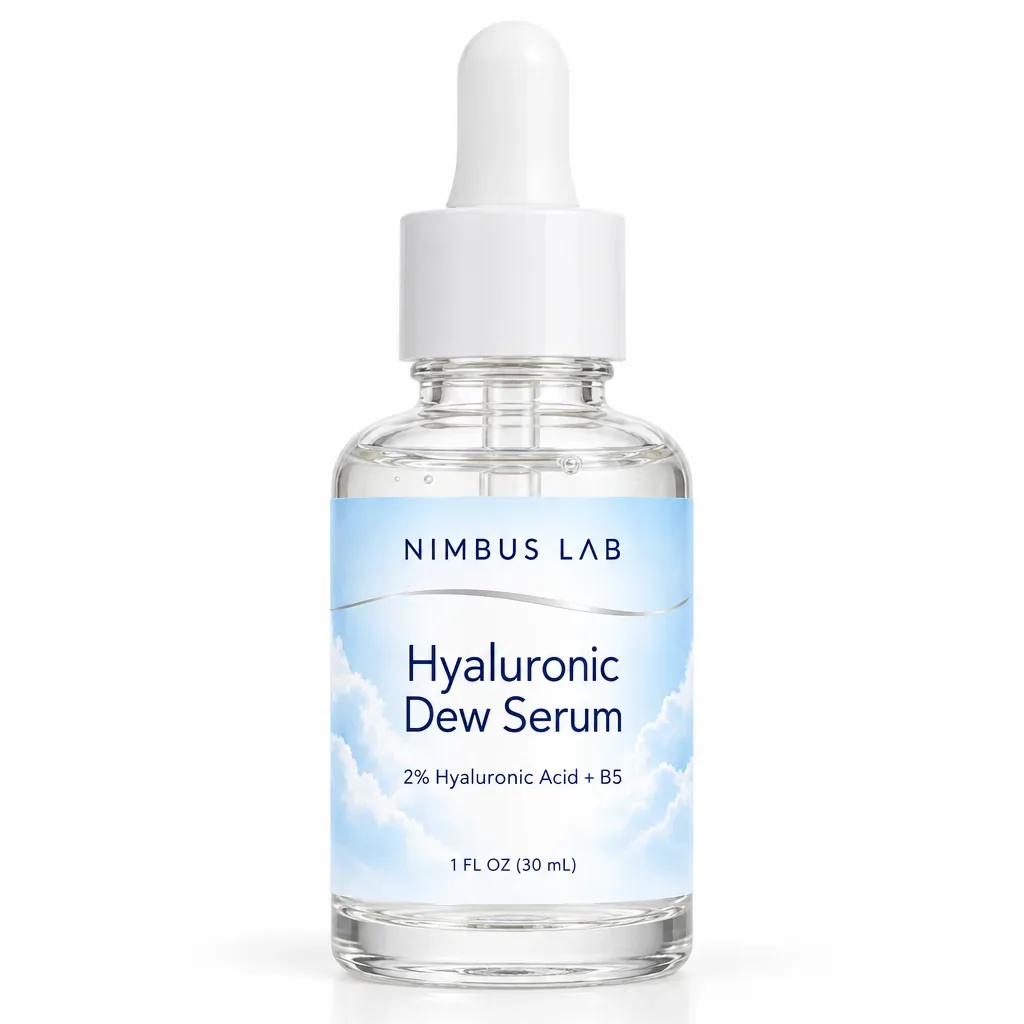
  2. Glass dropper bottle with a sky blue label in a clean white studio

    5 scenes, 4 angles

    A scene for every place the pack appears

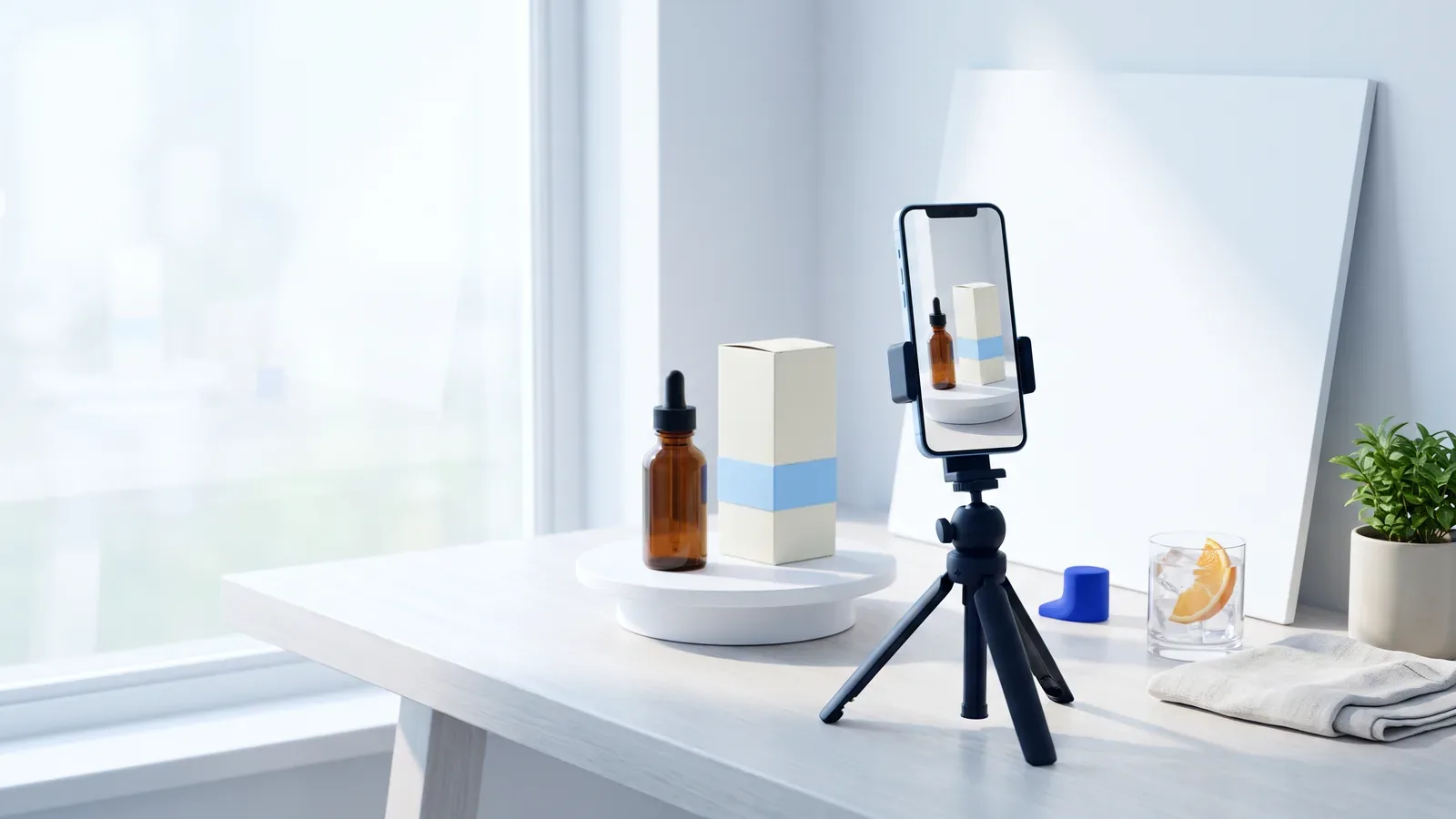
    In the mockup generator, a clean studio suits a product page, a kitchen or table suits social posts and a store shelf sells the idea to a buyer. Shoot it front on to read the label, angled for depth, top down for a flat lay or close up for texture.

  3. A phone on a small tripod filming a bottle and carton for an online shop

    Fair credits

    Pay only for the mockups you get

    Every run of the mockup generator shows its cost on the Generate button first, and a mockup that fails is refunded. Downloads carry no watermark, and signed-in history keeps every version on any device, ready to remix or "Edit this one".

Get Better Results From a Mock Up Generator

Four short notes on files, scenes and fair use, so every run of the mock up generator counts.

Prepare a clean flat file

Export the front of the pack straight on: no perspective, no shadows and no old mockup around it. Crop close to the artwork and keep strong contrast, because tiny type is the first thing an AI mockup generator softens.

Upload the front first. A second image can carry the logo or a back panel; up to 4 images go into one run.

A mockup shows the design; print always comes from your original file, not from the picture.
Match the scene to the channel

Product pages and marketplace galleries read best on a clean studio. Instagram and email like a kitchen, a table or a flat lay. A store shelf helps a wholesale pitch, and outdoor scenes fit drinks and travel snacks.

Want more ready scenes for one pack type? Browse the packaging mockup library, which has its own pages for boxes, bottles and clothing.

Mockup, render or photo?

A mockup shows your flat design on a product that may not exist yet. A 3D render is built in modeling software, and a product photo needs the real item. Among AI tools for creating product mockups and packaging renders, this packaging mockup generator sits in the middle: photoreal mockups from your art, without a camera or a 3D file.

Generative AI packaging tools can also invent the design itself. Need one? Start with the AI label generator, then bring the label here. Already holding the product? Use AI product photography.

Use mockups honestly

Amazon wants the main image to show the actual product on a pure white background, so keep mockups for the other images, pre-launch pages, crowdfunding and buyer decks.

If you take pre-orders with a mockup, say the picture is a preview of the final pack. Sizes in a mockup are approximate, not true to scale.

Who Uses an AI Mockup Generator

Anyone who needs to show a pack before it is printed reaches for an AI mockup generator instead of a photo shoot.

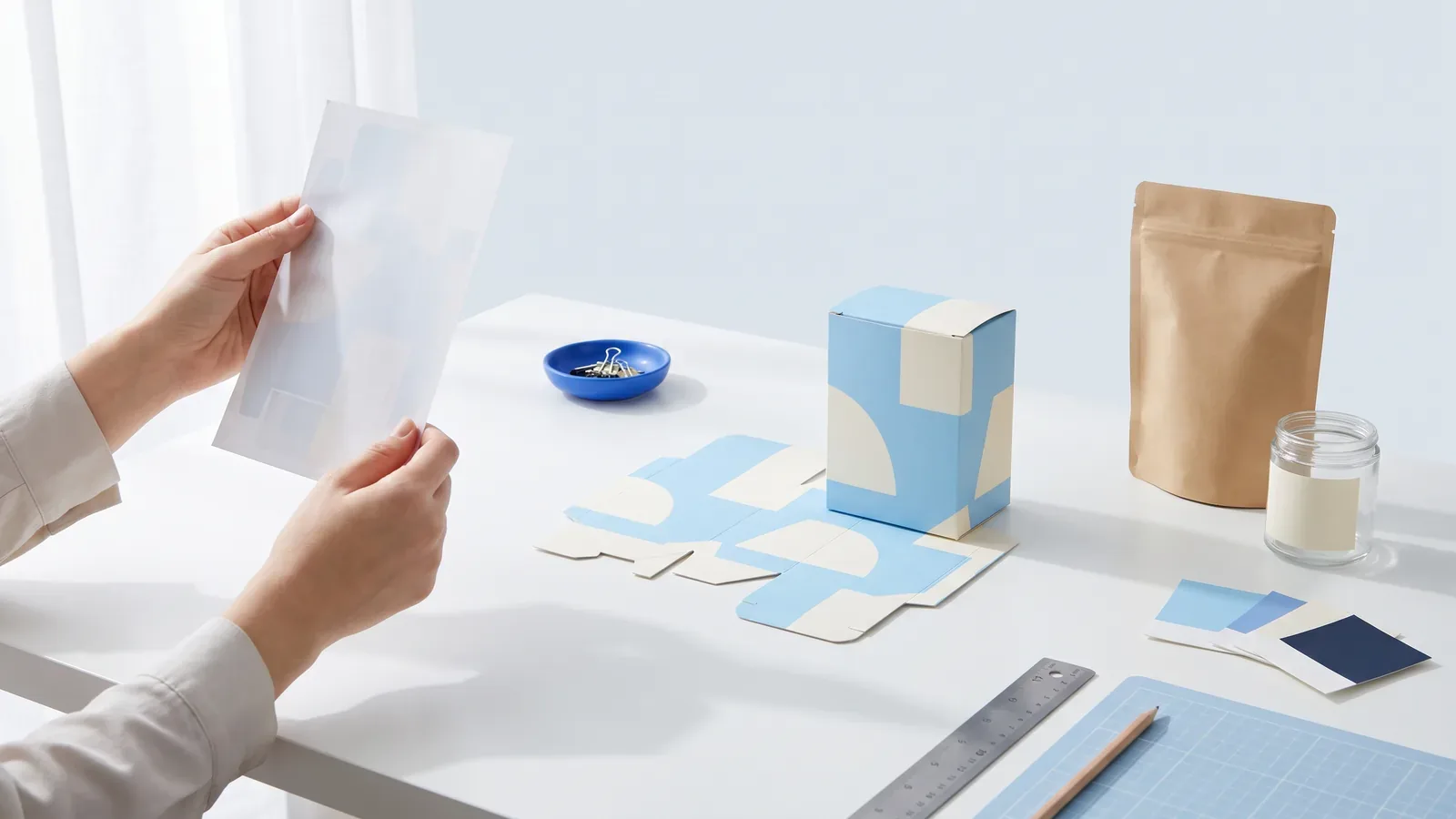
  • A designer holding a print proof over cartons and swatches

    Packaging designers

    Generate mockups of three directions for a client before anything goes to print.

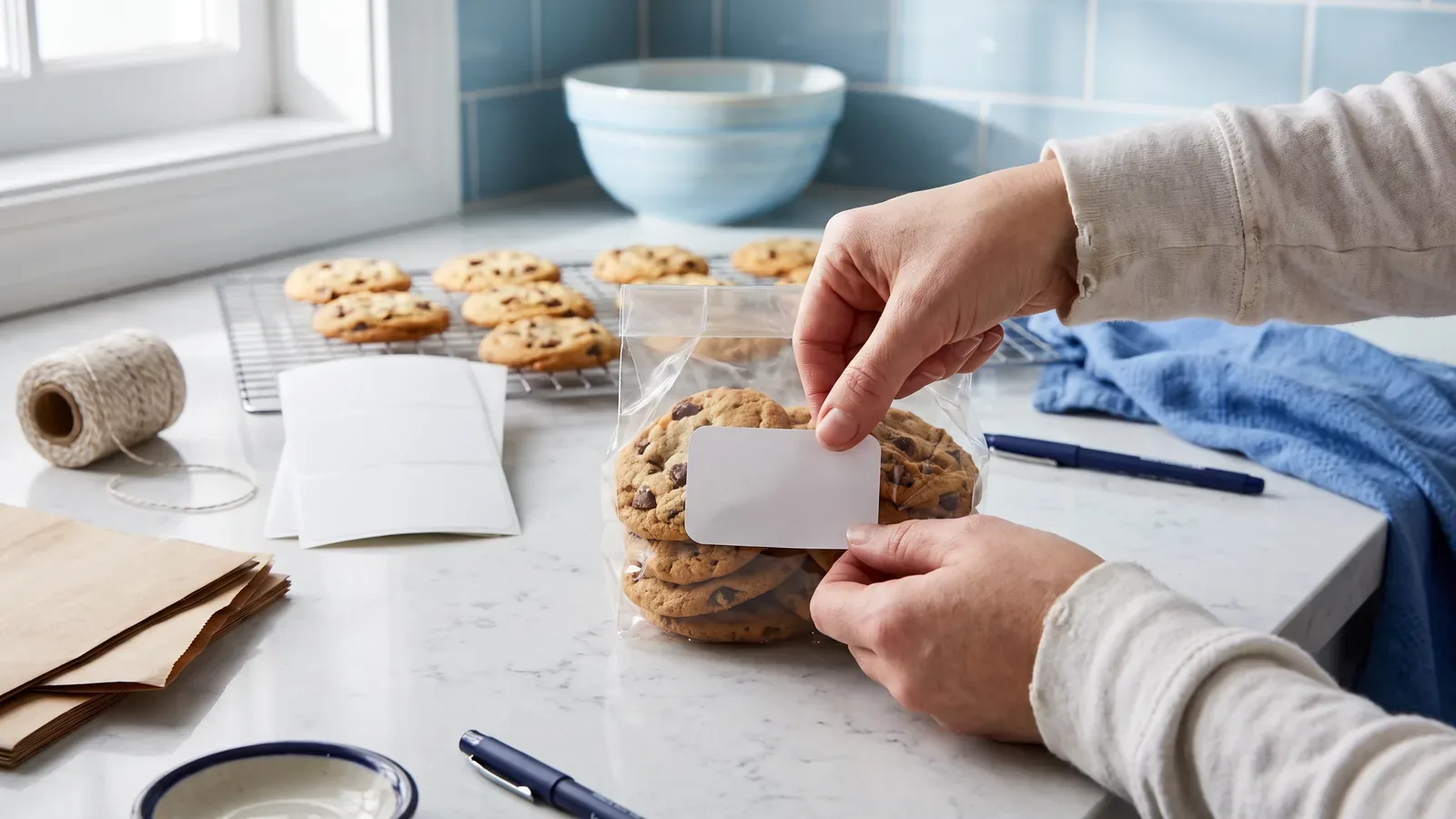
  • Hands pressing a label onto a cookie bag in a kitchen

    Home bakers and food makers

    See the label on a jar or a bag before ordering a roll of labels.

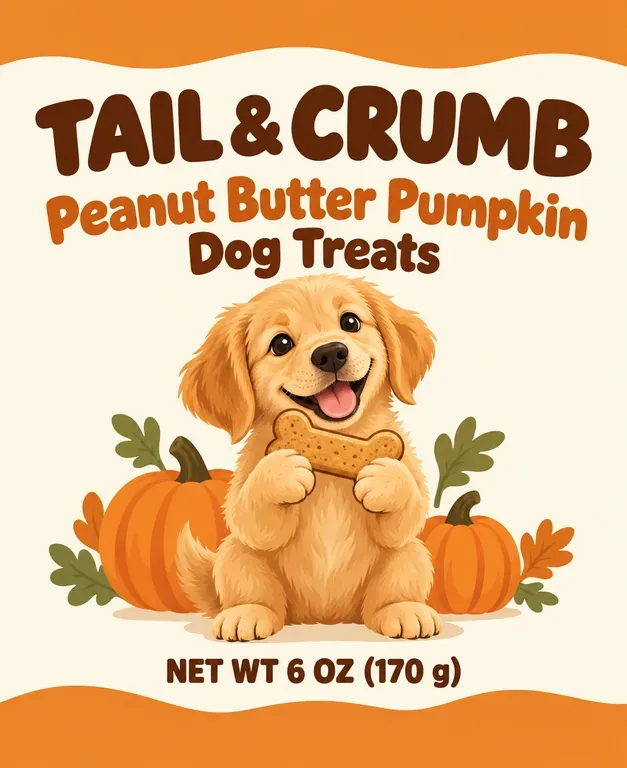
  • Dog treat pouch art with a cartoon puppy holding a biscuit

    Pet and snack brands

    Pouch pictures for a launch page, a sell sheet or a wholesale portal.

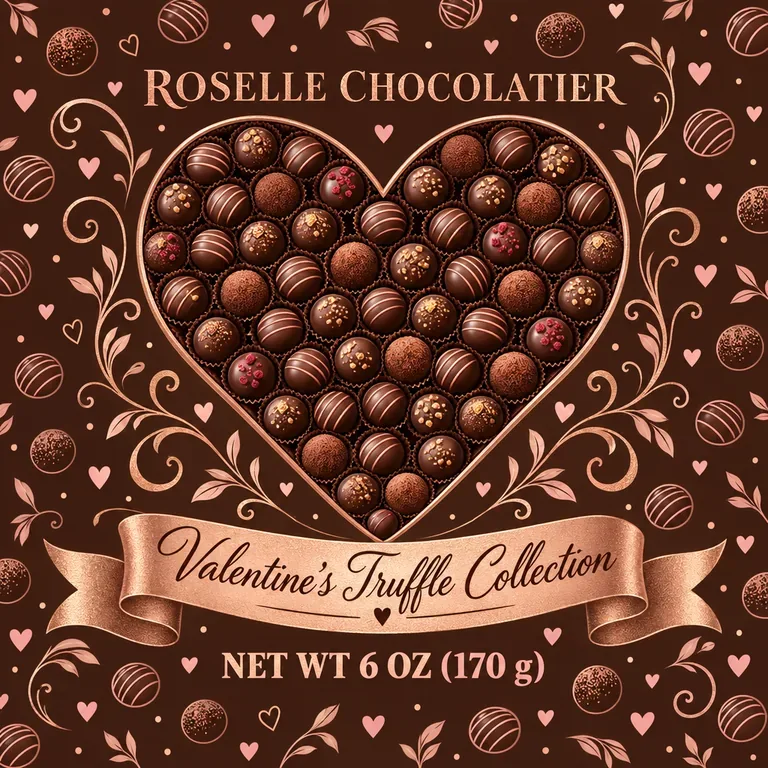
  • Valentine truffle box lid with a heart of chocolates

    Gift and seasonal launches

    Holiday packs shown in a scene weeks before the stock arrives.

Mockup Generator Questions

Files, cost, accuracy and where you can use the results.

Turn Your Design Into a Mockup

Upload your flat art, pick a product and a scene, and let the mockup generator do the photo. The credit cost is on the button before you start.