
Skip to content

Free Invitation Creator to Print or Text

PackDesignAI is a free invitation creator in your browser: pick one of 11 templates, type your details and get a 5 x 7, 4 x 6, A6, A5, square or folded card, or a 1080 x 1920 px phone invite. Download a print PDF with bleed, a print at home sheet or a PNG. First download free, no watermark. AI artwork is optional and uses credits.

Invitation maker

Size

Templates

11 templates

Colours

One click recolours the design
Click to select, drag to move, double click text to type.
Vector PDF at the trim size: text as outlines, photos embedded. Add 1/8 in bleed and crop marks for a print shop.

Drafts cannot be saved in this browser (private mode?). Export before you leave.

  • Free to design
  • First download free
  • No watermark
  • Runs in your browser
  • 11 invitation templates
  • Print PDF with bleed
  • Phone size PNG to text
  • First download free, no watermark

Invitation Maker Templates for Every Occasion

Eight of the 11 designs, rendered by the invitation creator itself. All are our own artwork, and every word, colour, font and photo can change.

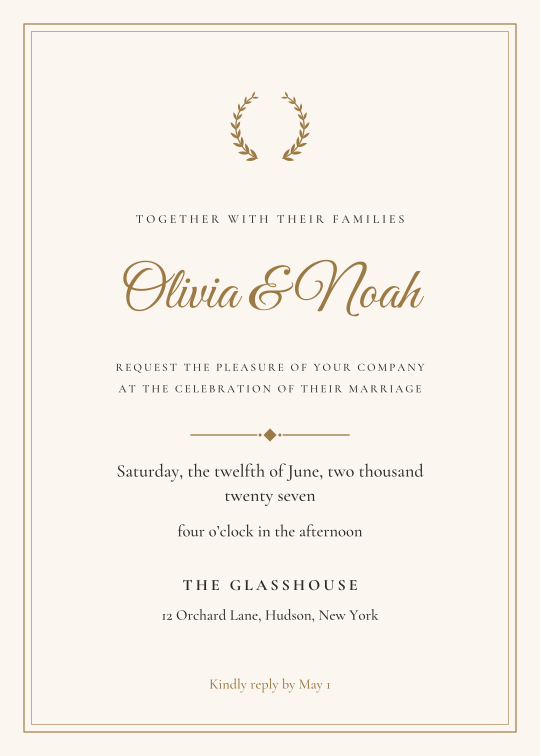
Wedding invitation template in ivory and gold with a laurel and script names
WeddingClassic wedding invitation with laurels
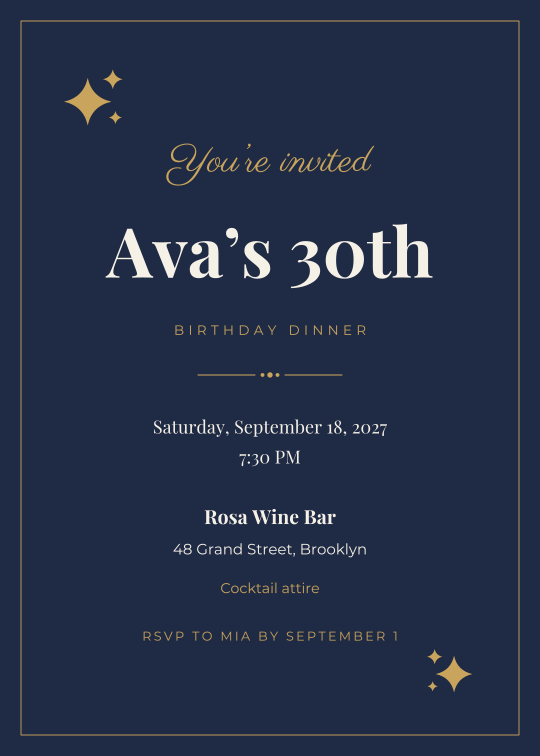
Navy and gold birthday dinner invitation template
BirthdayA 30th birthday dinner on navy
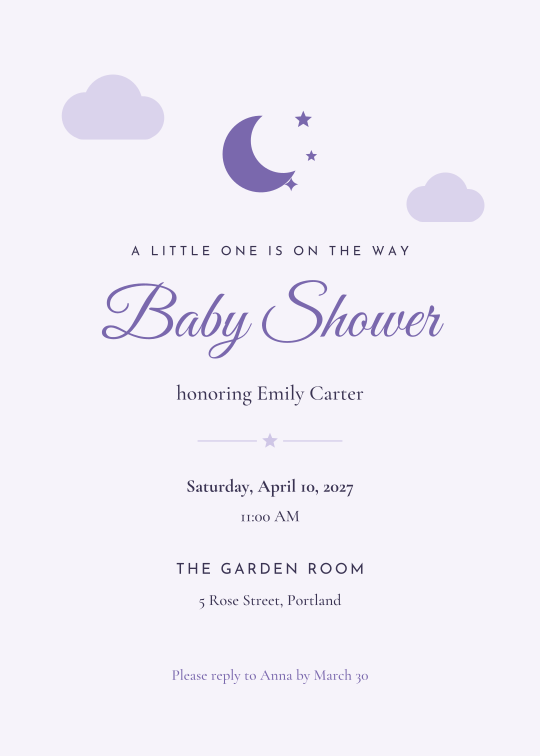
Lavender baby shower invitation template with a moon and clouds
Baby showerMoon and clouds for a baby shower
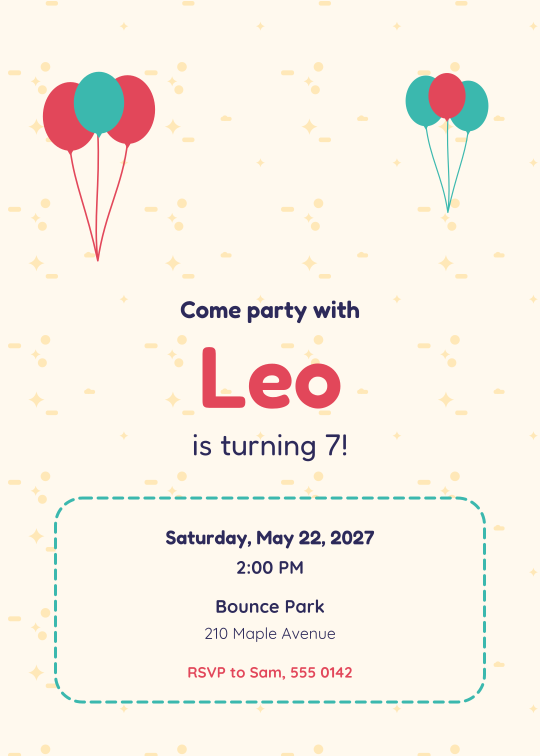
Kids party invitation template with balloons and confetti
Kids partyBalloons for a kids birthday party
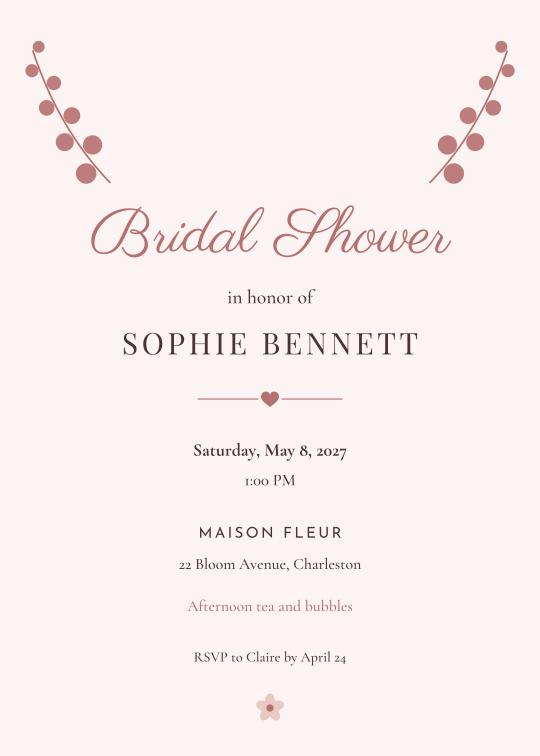
Blush pink bridal shower invitation template with sprigs
Bridal showerSoft blush bridal shower
Dark green graduation party invitation template with a cap
GraduationGraduation party in bold type
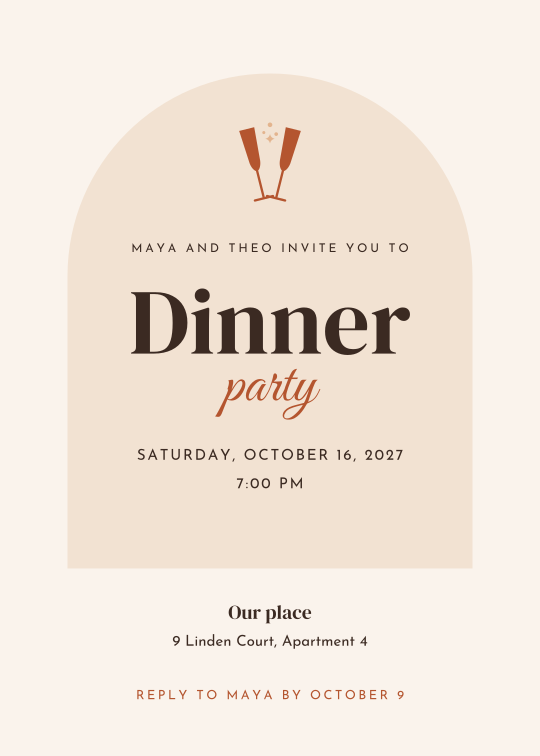
Cream dinner party invitation template with two glasses
Dinner partyDinner party under a warm arch
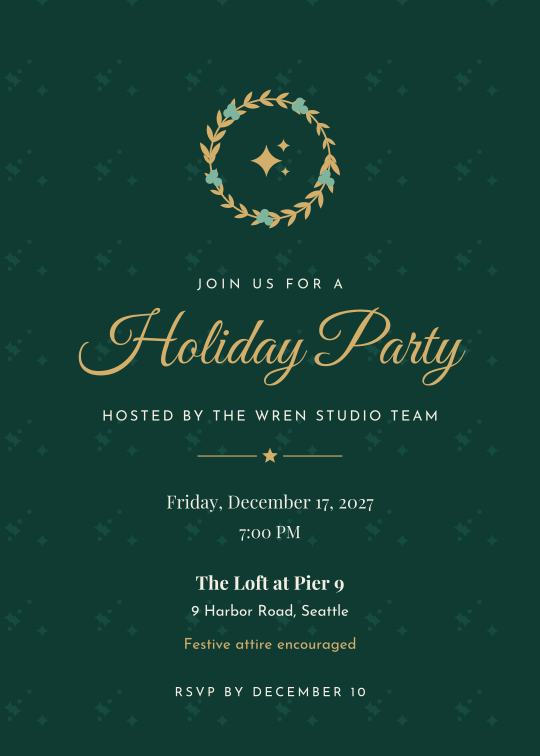
Emerald holiday party invitation template with a gold wreath
Holiday partyOffice holiday party with a wreath

Templates from the editor, shown with sample names and dates. Open any of them in the invitation maker above.

How to Use the Invitation Creator

Three steps from a blank page to an invite you can print or send.

  1. Open the invitation creator on any of the 11 designs, then choose 5 x 7 in, 4 x 6 in, A6, A5, a 5.25 in square, a folded card or a phone message. A new size keeps your design and words.

  2. Fill in names, title, date, time, venue, address and the RSVP line. Every matching line on the card updates as you type, and your details stay when you try another template. Stuck for words? Pick one of 160+ message ideas our team wrote.

  3. The Checks tab flags text near the trim, tiny type, weak contrast and sample text you forgot to replace. Then download a print PDF, a print at home sheet on Letter or A4, a PNG or a JPG.

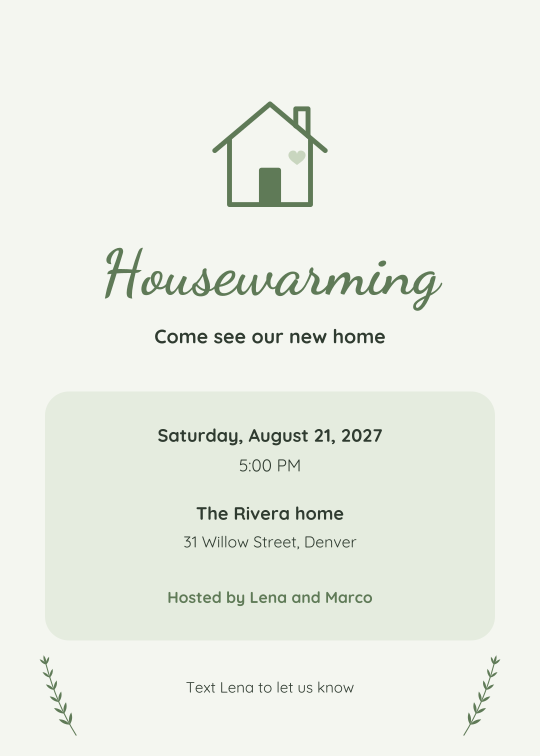
Housewarming invitation template with a small house drawing

An Online Invitation Maker for Paper and Phones

What a host needs from an invitation generator, free in the browser, with nothing to install.

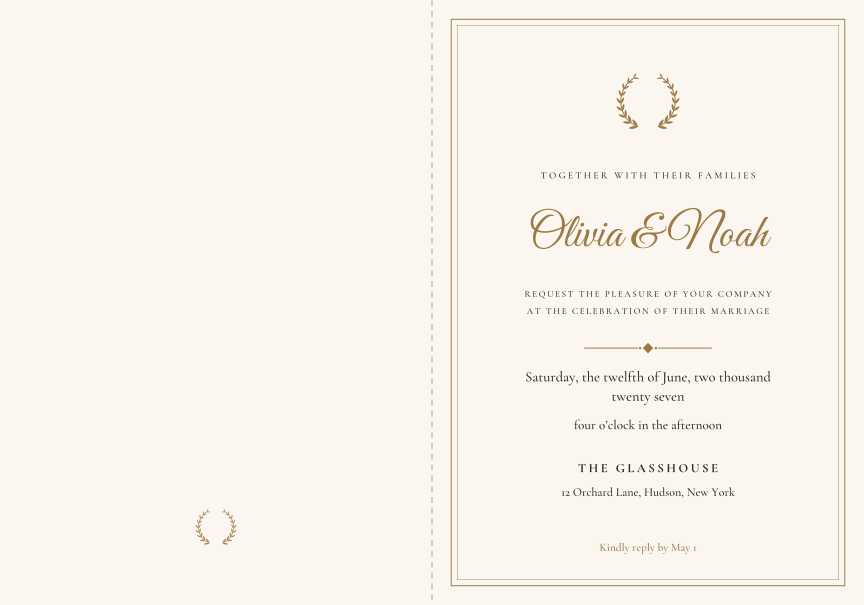
  1. Inside spread of a folded invitation with the fold line in the middle

    Folded cards

    Design the front, the inside and the back

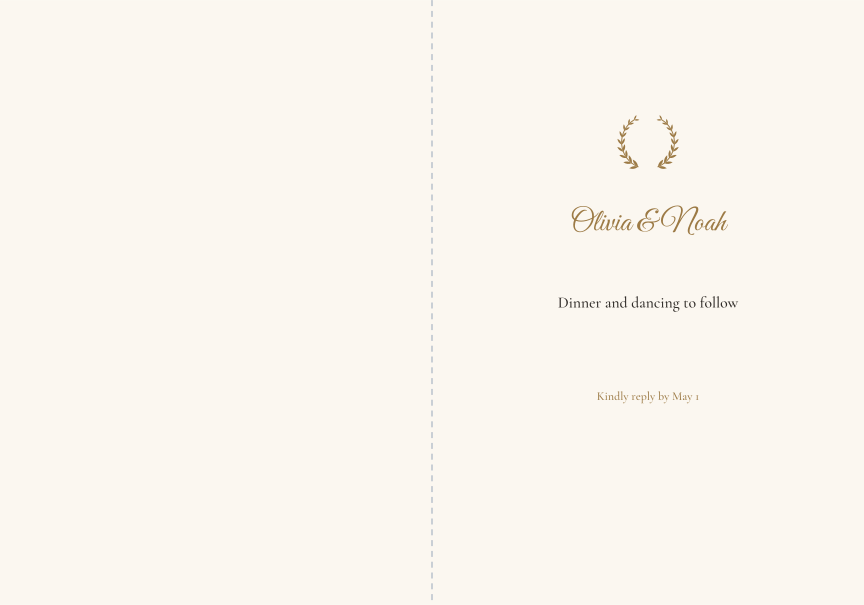
    Choose the folded 5 x 7 card and you get three pages: the front, the open inside spread and the back. The invitation maker places each side in the print PDF, so the card folds the right way.

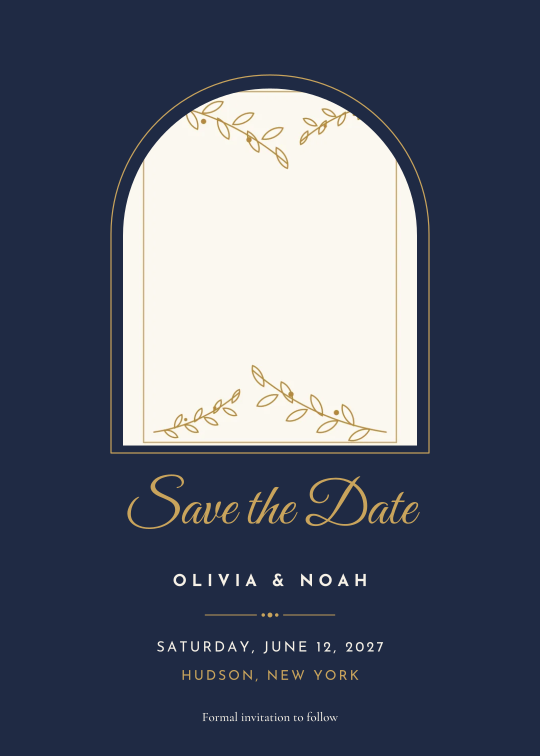
  2. Save the date invitation recoloured to navy and gold in one click

    Colour sets

    Recolour the whole card in one click

    The invitation creator has 9 colour sets, from ivory and gold to emerald and bright party colours. One click repaints text, ornaments and panels together, and on every template each set keeps text contrast at 3 to 1 or better. Any colour can still be set by hand.

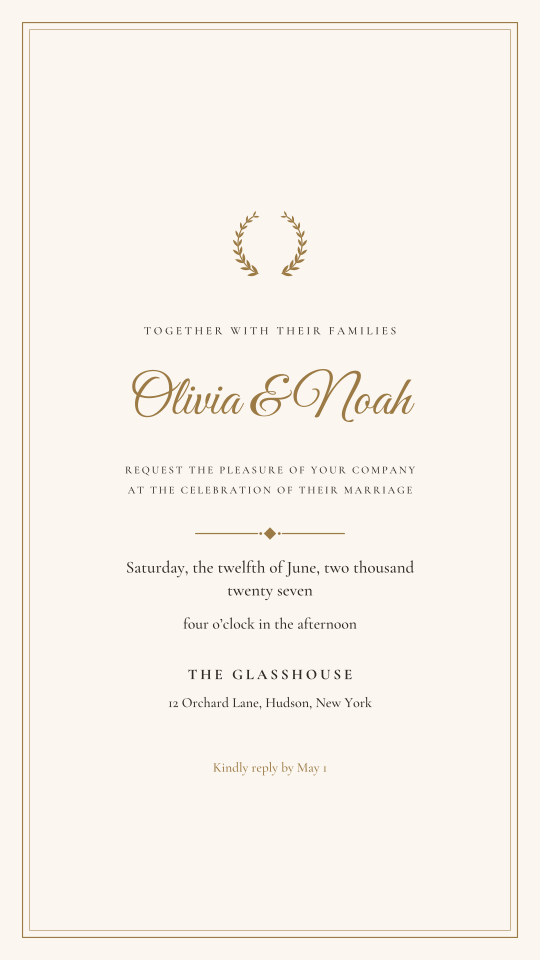
  3. Wedding invitation switched to the tall phone message size

    Send by text

    The same invite at phone size

    Switch to Phone message for a 1080 x 1920 px image shaped like a phone screen, then send it by text or chat. It works as a text invitation maker with the same design as your printed card.

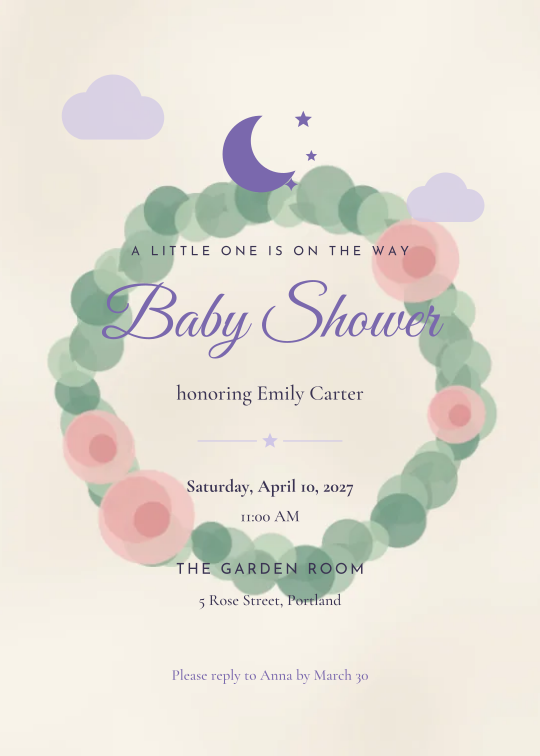
  4. Baby shower invitation over a soft floral wreath artwork background

    AI artwork

    Optional AI artwork behind your words

    Want a painted look? In the Photos step, describe a scene and pick a style such as watercolor or line art. The artwork has no words, so your text stays sharp and editable, and it fills a photo frame or the whole background. It needs sign-in and uses credits; the cost shows on the Generate button.

Invitation Wording, Sizes and Printing Tips

What to know before you open any invitation maker.

What to put on an invitation

Guests need five things: who is hosting, what you are celebrating, when, where, and how to reply. The invitation creator has a field for each, plus an extra line for dress code, parking or a gift note.

A common rule: send party invitations three to six weeks ahead. For a wedding, a save the date goes out months earlier and the invitation about six to eight weeks before.

  1. 1Names: the host, the guest of honor or the couple.
  2. 2Date and time: written long, in formal words or as numbers.
  3. 3Venue and full address.
  4. 4RSVP: a name, number or date to reply by.

The RSVP line is plain text on the card. The maker does not collect replies, so add the phone number or email you already use.

Which invitation size to choose

Every size in this online invitation maker exports at its real trim size. 5 x 7 in is the classic and fits an A7 envelope. 4 x 6 in suits casual parties, A6 and A5 are the usual sizes outside the US, and the 5.25 in square stands out in a pile of mail.

Need the envelope too? Cut and fold one with the envelope template, and seal it with a sticker from the AI sticker generator.

How to print invitations at home

In the invitation maker, download Print at home: the card sits on Letter or A4 with crop marks. Print at 100% (actual size), not fit to page, then cut on the marks.

A folded card prints on both sides: print double sided and flip on the short edge, cut on the crop marks, then fold along the dashed marks. Check which card weight your printer takes, and test one sheet on plain paper first.

Colours on screen and on paper never match exactly, so print one test card before the whole batch.

Files for a print shop

Download PDF for print with 1/8 in bleed and crop marks. The invitation creator turns text into outlines and embeds photos, so no font goes missing at the shop.

Photos look best at 150 dpi or more at their printed size; the Checks tab warns when one falls below that.

Who Uses This Invitation Generator

Anyone who wants an invitation generator online that also makes real print files, from a backyard birthday to a formal wedding.

  • Couples

    A save the date, the invitation and a folded card with details inside, all from one invitation maker. Add initials from the monogram generator.

  • Busy parents

    Kids party invites from the invitation generator, printed for the class or sent as a phone image to the parents group chat.

  • Office and club organizers

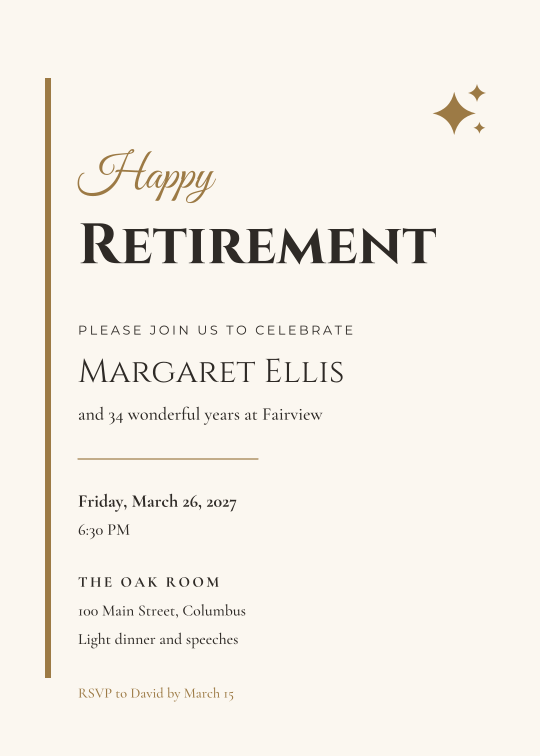
    Retirements, holiday parties and dinners, from an event invitation creator that takes your own colours.

  • Hosts who print at home

    Letter or A4 sheets with crop marks, ready for scissors or a paper cutter.

Invitation Creator FAQ

Quick answers about cost, printing and sending.

Start With the Invitation Creator

Pick a template, type your details and download a print PDF or a phone size PNG. The online invitation maker is free to design with, and your first download is free.