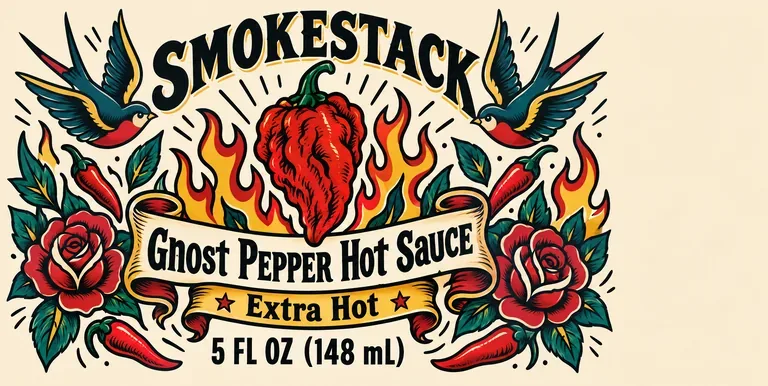
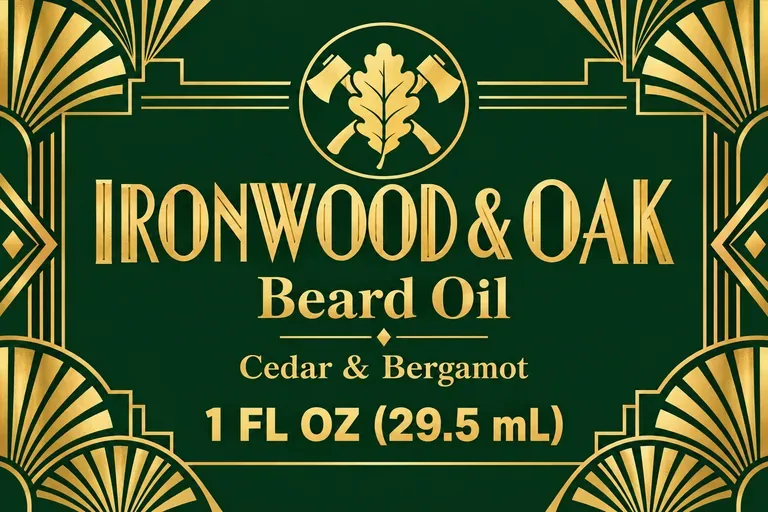
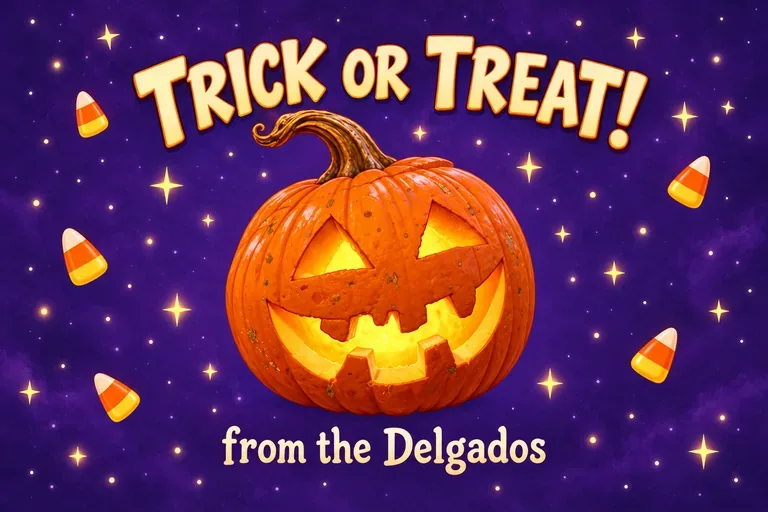
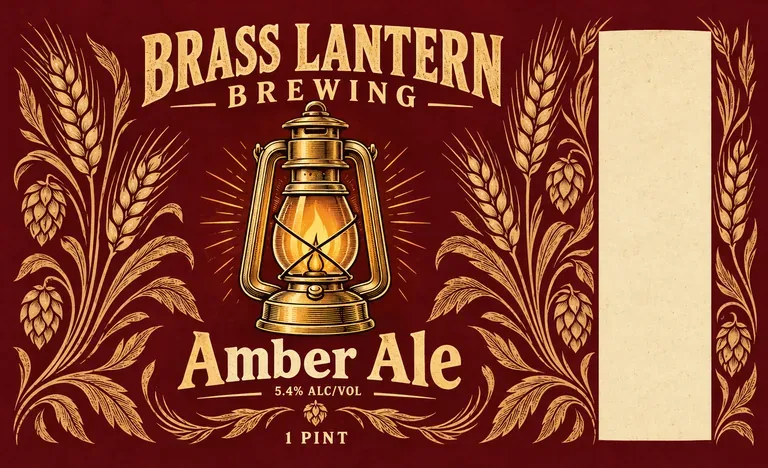
How to create water bottle labels
Before you hunt for a water bottle template free online, measure. A common 16.9 oz bottle takes a wrap around 8 x 2 in, but bottles differ: wrap a paper strip around yours, set that as a custom size and leave a small gap where the ends meet.
Any water bottle label creator needs that size first. A wrap this wide is wider than the shapes the AI draws, so the bottle label maker draws its widest frame and trims it: drag the design in the print preview to choose the band that stays.
To make your own water bottle labels, template files matter less than big, short words.
Using it as a water bottle label maker for an event? Print one test on plain paper and wrap it around the bottle before you print the batch.