Skip to content

AI Hot Sauce Label Maker, Sized to Print

PackDesignAI is an AI hot sauce label maker for small batch sauces: name the heat, add your logo and get up to four label designs, starting at 2 × 3 in for a slim woozy bottle. Download a PDF with 1/8 in bleed or a 300 dpi PNG, with no watermark. AI designs use credits.

Hot Sauce Label Maker
0 / 4000

Put words in "double quotes" to ask for exact text. Check the spelling before you print.

Style

Try one of these

  • Starts at 2 × 3 in
  • Your logo and heat level
  • Print PDF and 300 dpi PNG
  • No watermark

Hot Sauce Label Design Ideas

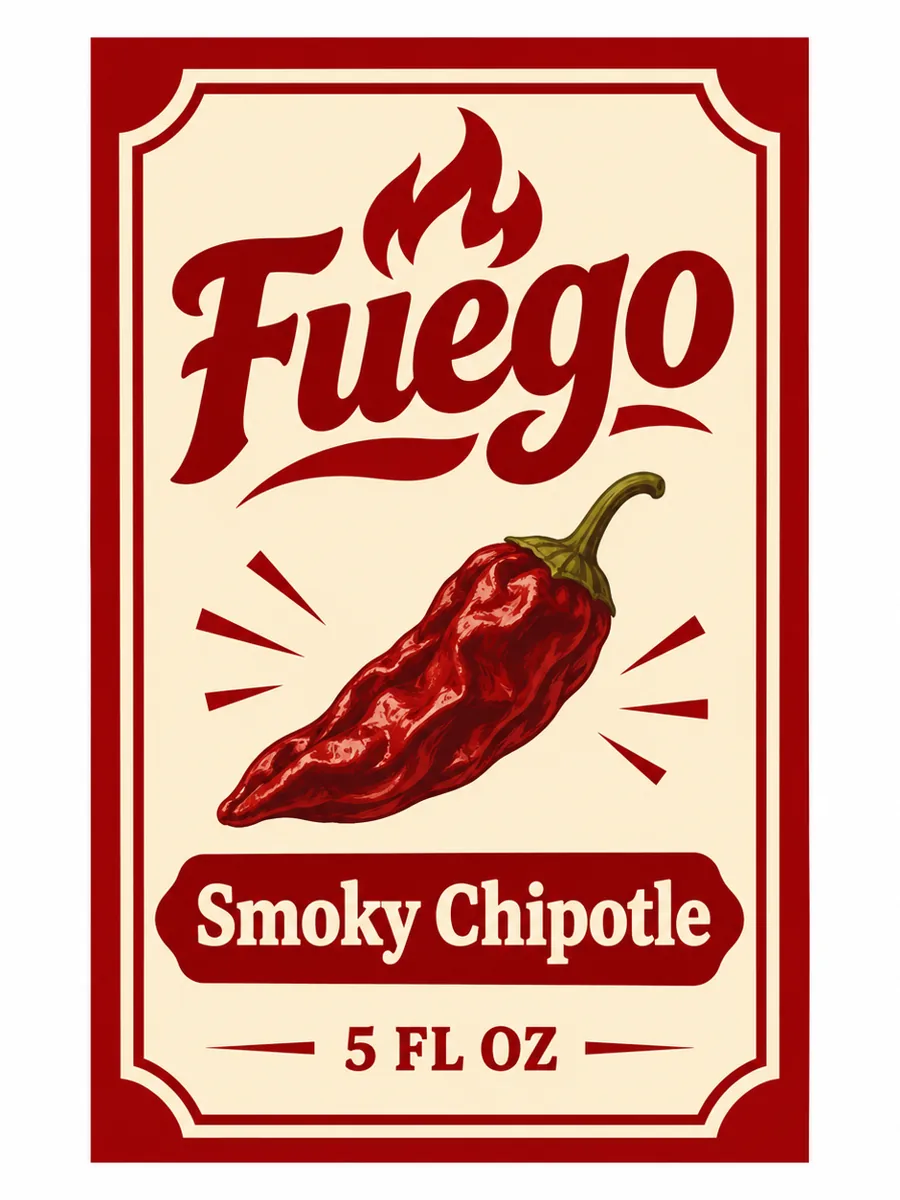
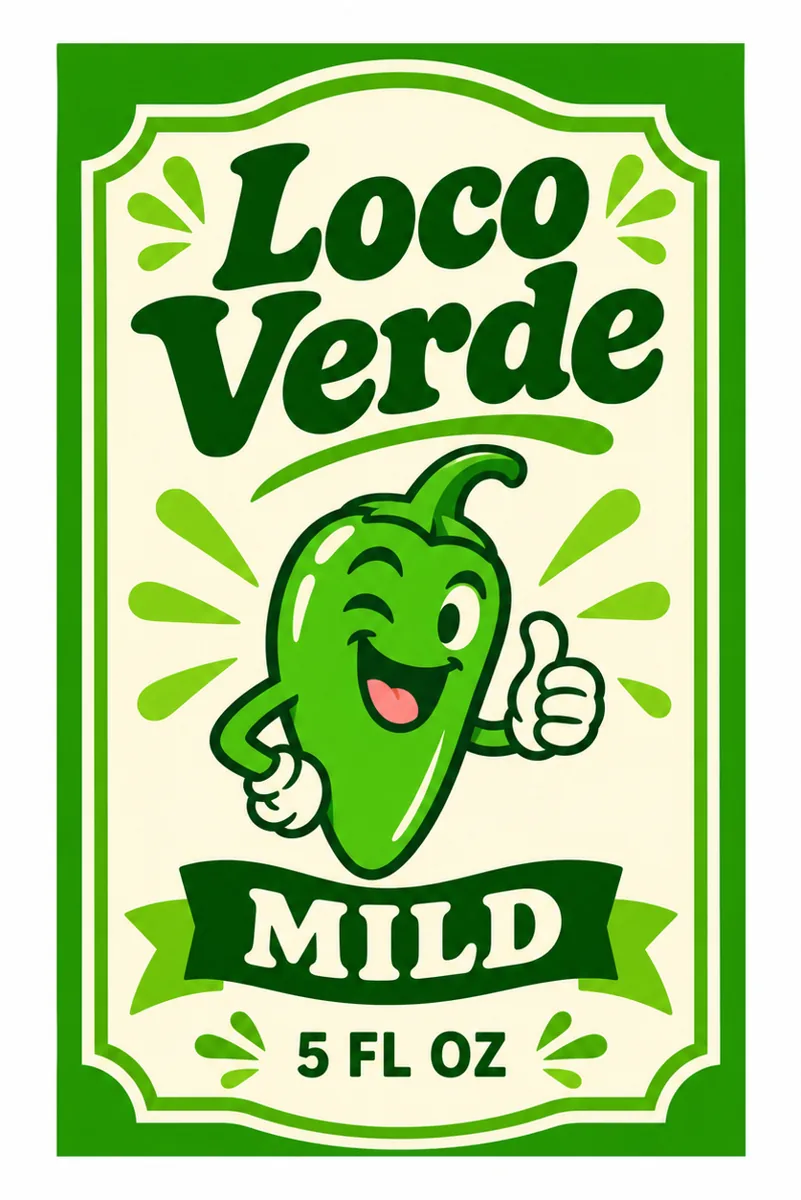
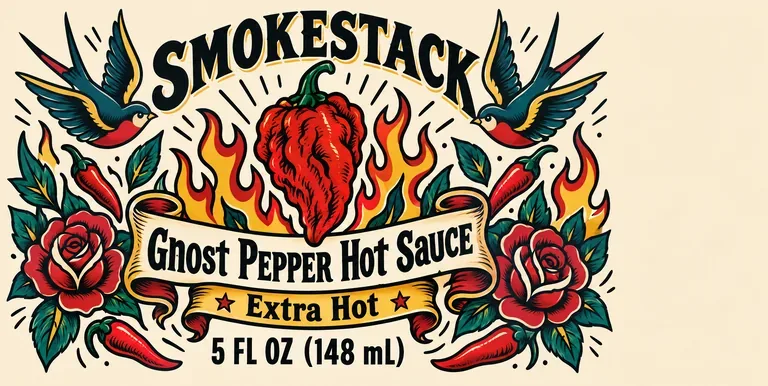
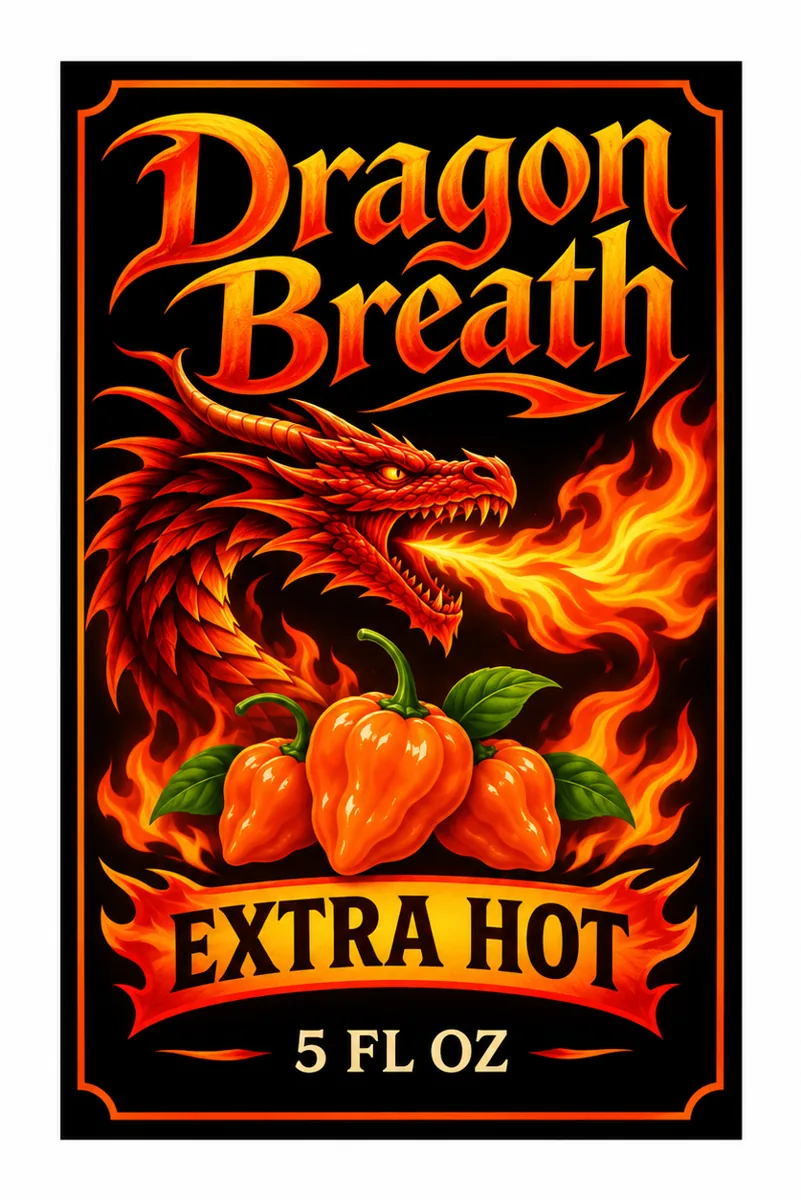
Smoky chipotle, salsa verde, a fiery habanero and a tattoo flash classic. "Use this example" fills the label maker with the prompt, size and shape.

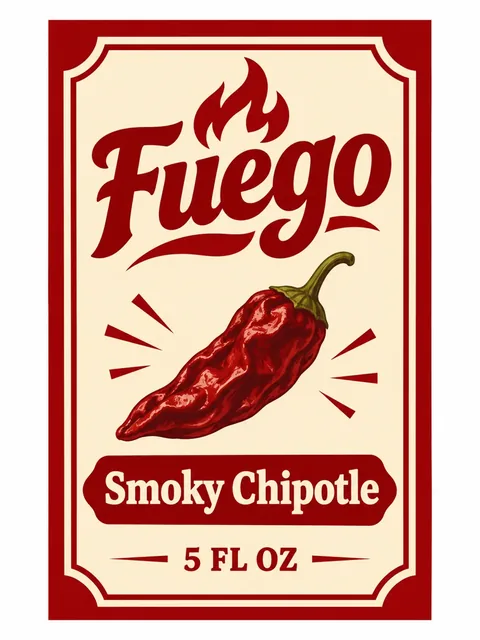
A red and cream hot sauce label with one chili pepper
Chipotle, 2 × 3 inRed and cream with one chili
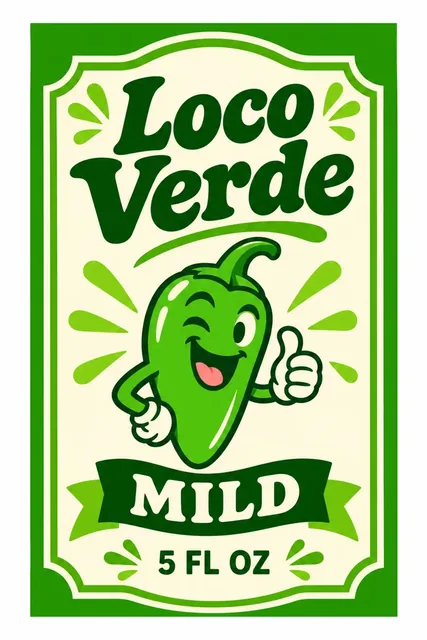
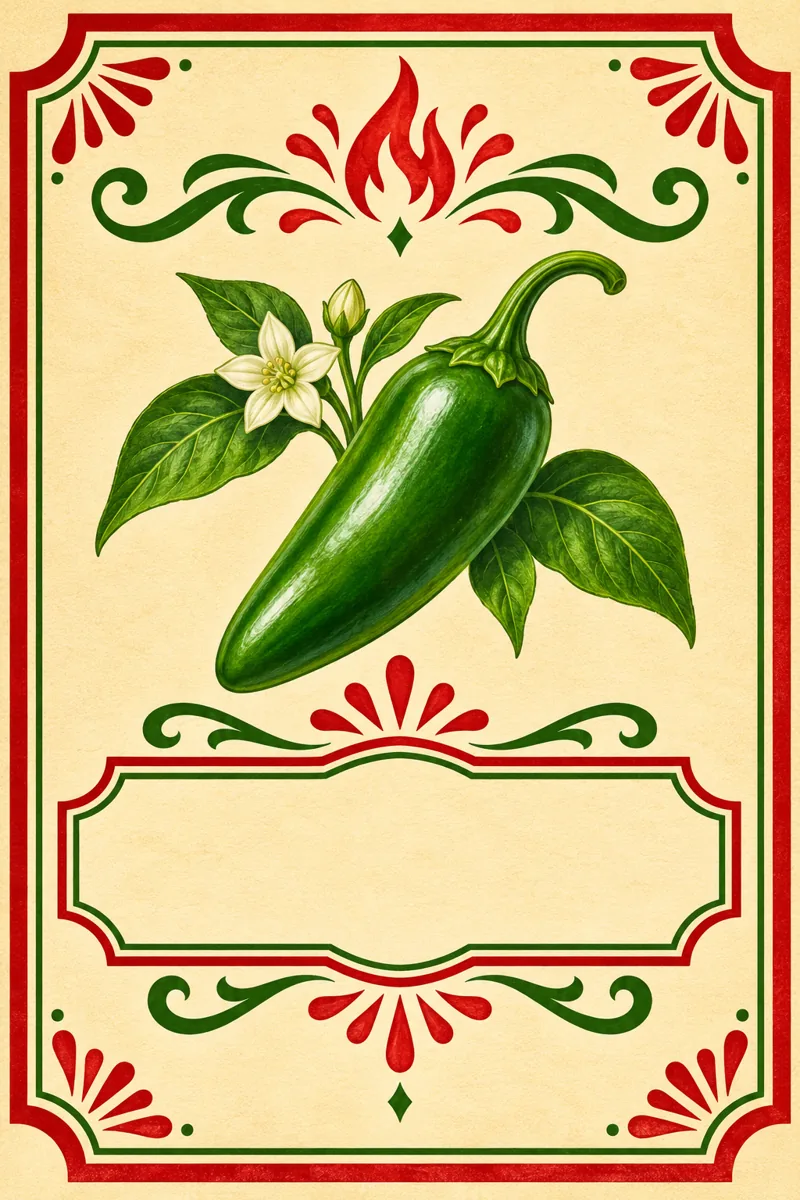
A green and cream salsa verde label with a cartoon jalapeño
Verde, 2 × 3 in roundedBright green with a cartoon jalapeño
Hot sauce label in tattoo flash style with a flaming pepper, swallows and roses
Partner demoTattoo flash label with a flaming pepper
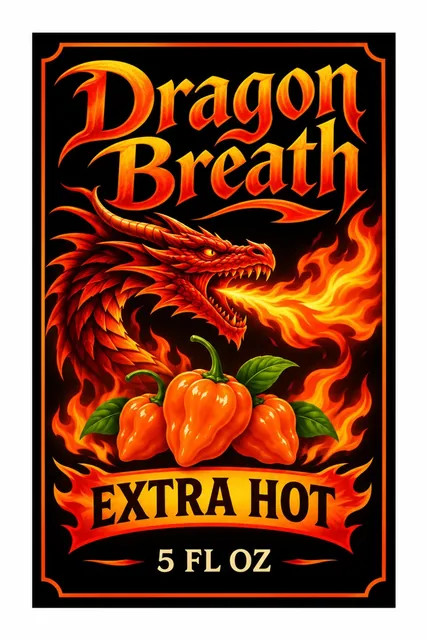
A black habanero hot sauce label with an orange flame
Habanero, 2 × 3 inBlack with orange flames

Three cards show the starting prompts, with invented brands; the tattoo flash label is a partner demo made with AI.

How the Hot Sauce Label Maker Works

Three steps from a sauce name to a label your printer accepts.

  1. Start at 2 × 3 in for a slim woozy bottle, or pick 3 × 4 in for a larger bottle and 2 × 2 in for a neck or back label. Custom sizes run from 0.5 to 12 in.

  2. Tell the AI the flavor, the heat and the look, add your logo or a sketch, and type the name, the flavor and the net contents under Brand & text. Exact words go in "double quotes".

  3. Sign in and press Generate; the credit cost shows on the button. Compare up to four designs, check the bleed and safe area, then download the PDF or a 300 dpi PNG.

A 2 by 3 inch hot sauce label

A Hot Sauce Bottle Label That Reads Small

Small labels need big names. Here is how the files stay ready for print.

  1. A hot sauce label at print size

    Exact size

    Designed at the size you print

    The hot sauce label maker works to your size from the start, with 1/8 in bleed and a safe area. The PDF carries a trim box at the label size, and the 300 dpi PNG suits home printing.

  2. Partner demo of a tattoo flash hot sauce label

    Heat cues

    A name you can read from the shelf

    The page asks the AI for a bold, appetizing look with a heat cue such as a chili or a heat scale, and for a large name because the label is small. Remix with one tap: bolder, brighter or in new colors.

  3. A sauce label in the same family style

    Your brand

    Start from your logo or an old label

    Add up to four PNG, JPG or WebP images: your logo, a pepper sketch or the label you want to redesign. Keep one look across a whole line of flavors.

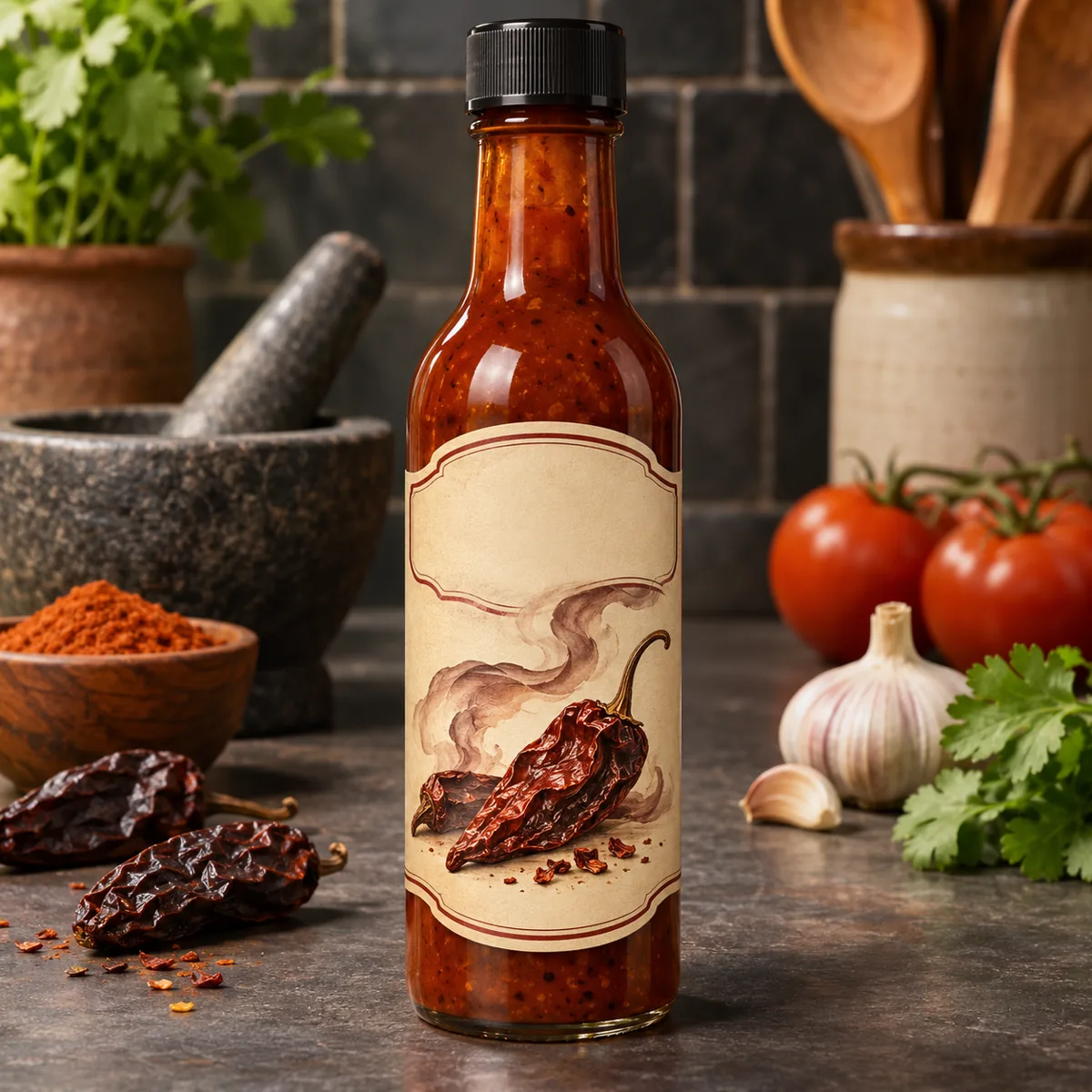
  4. A chipotle sauce label

    Preview

    See it on a bottle before you print

    Turn any flat hot sauce label design on a bottle in the 3D preview, or switch the layout to On product. Every run shows its credit cost first, and failed designs give their credits back.

Hot Sauce Label Design Basics

Short notes for small batch makers before you run the label maker.

Measure the bottle

A slim woozy bottle label often sits around 2 × 3 in, and a 10 oz bottle takes about 3 × 4 in, but bottles differ. Measure the flat band with a soft tape and keep clear of the shoulder and the base.

Print one woozy bottle label on plain paper and wrap it before you print the batch.
What goes on the front

The sauce name, the flavor, a heat level and the net contents, such as "5 FL OZ". Keep everything else for the back label.

  1. 1Brand and sauce name, large.
  2. 2Flavor and heat, in a few words.
  3. 3Net contents in quotes, so it prints as typed.

Back label and Nutrition Facts

Sauces sold in stores usually need an ingredient list, the maker’s name and address and, unless exempt, a Nutrition Facts panel. Make that panel with the free nutrition label maker and the barcode with the UPC barcode generator; check the rules for your product before you print.

Paper and printing

Sauce drips, so pick a water and oil resistant label stock or a laminate. The PDF is RGB at 300 dpi with bleed; home and online label printers accept it, and a commercial printer may ask for CMYK.

Who Uses a Hot Sauce Label Maker

From a first farmers market batch to a full line of flavors.

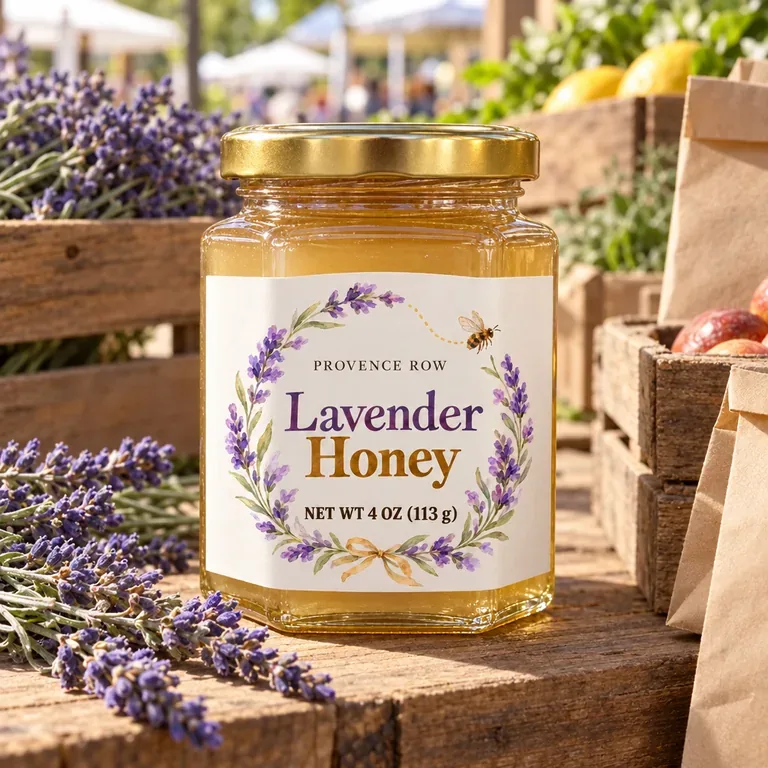
  • Labeled jars at a farmers market stall

    Small batch makers

    Custom hot sauce labels that look like a brand on the market table.

  • Restaurants and food trucks

    House sauce bottles for the counter and for sale, in the restaurant’s colors.

  • Gifts and contests

    One off labels for a chili cook off, a holiday gift set or a homemade batch.

  • Designers

    A hot sauce label template direction to show a client before the final artwork.

Hot Sauce Label Maker FAQ

What it makes, what it costs and how to print it.

Make Your Sauce Label With the Hot Sauce Label Maker

Pick 2 × 3 in, describe the heat and download a print-ready label with bleed. The credit cost is on the button before you start.