Skip to content

Free, in your browser

Free Mockups: Clothing, Totes and Caps

PackDesignAI is a clothing mockup tool that makes free mockups. Clothing, totes and caps are drawn in your browser: put your design on 7 garments in 16 colors, front and back, and download a PNG up to 3000 px or a ZIP of every color. First download free, no watermark. Optional AI photo mockups use credits.

Clothing mockup

Garment
Side
Show it
T-shirt, White
Drawing the garment

2000 x 2000 px. Background as shown.

  • Free
  • First download free
  • No watermark
  • Runs in your browser

Your images stay in this browser. The garments are our own drawings, not photos of real products.

  • 7 garments, front and back
  • 16 colors plus your own
  • PNG to 3000 px and ZIPs
  • First download free, no watermark

Free Clothing Mockup Examples

Clothing mockups of tees, a long sleeve, hoodies, a crewneck, a tank top, a tote bag and a cap in 12 of the 16 colors. “Use this example” opens the same garment, color and side in the tool.

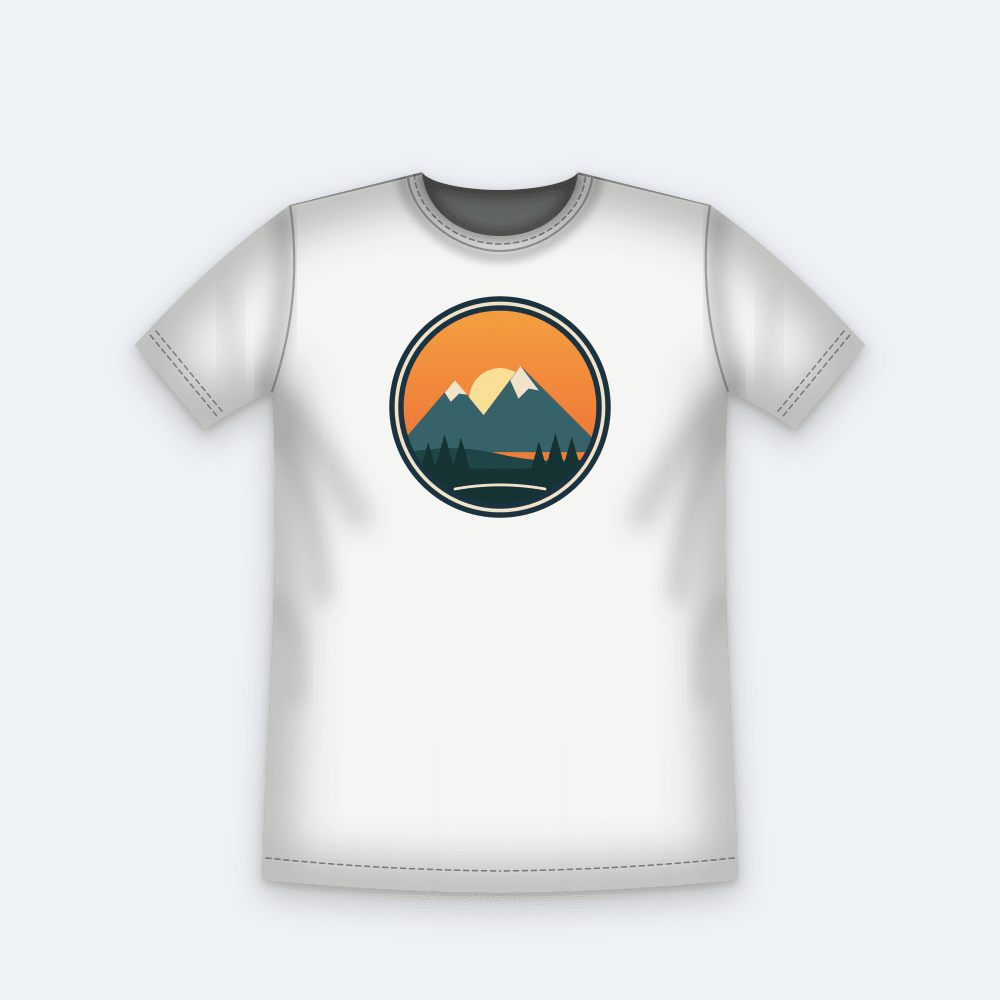
White t-shirt laid flat with a round mountain badge printed on the chest
T-shirtWhite t-shirt mockup with a mountain badge
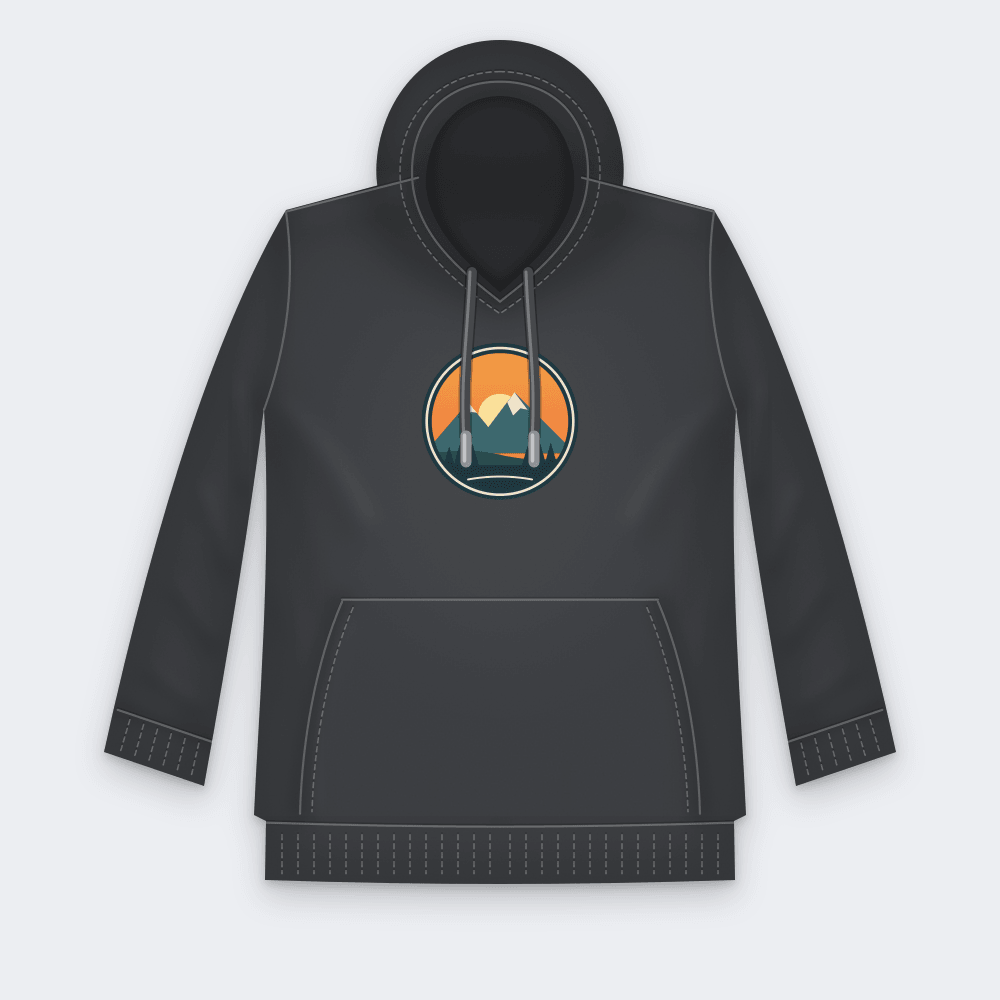
Charcoal hoodie with a mountain badge under the drawstrings and a front pocket
HoodieCharcoal hoodie mockup, cords over the print
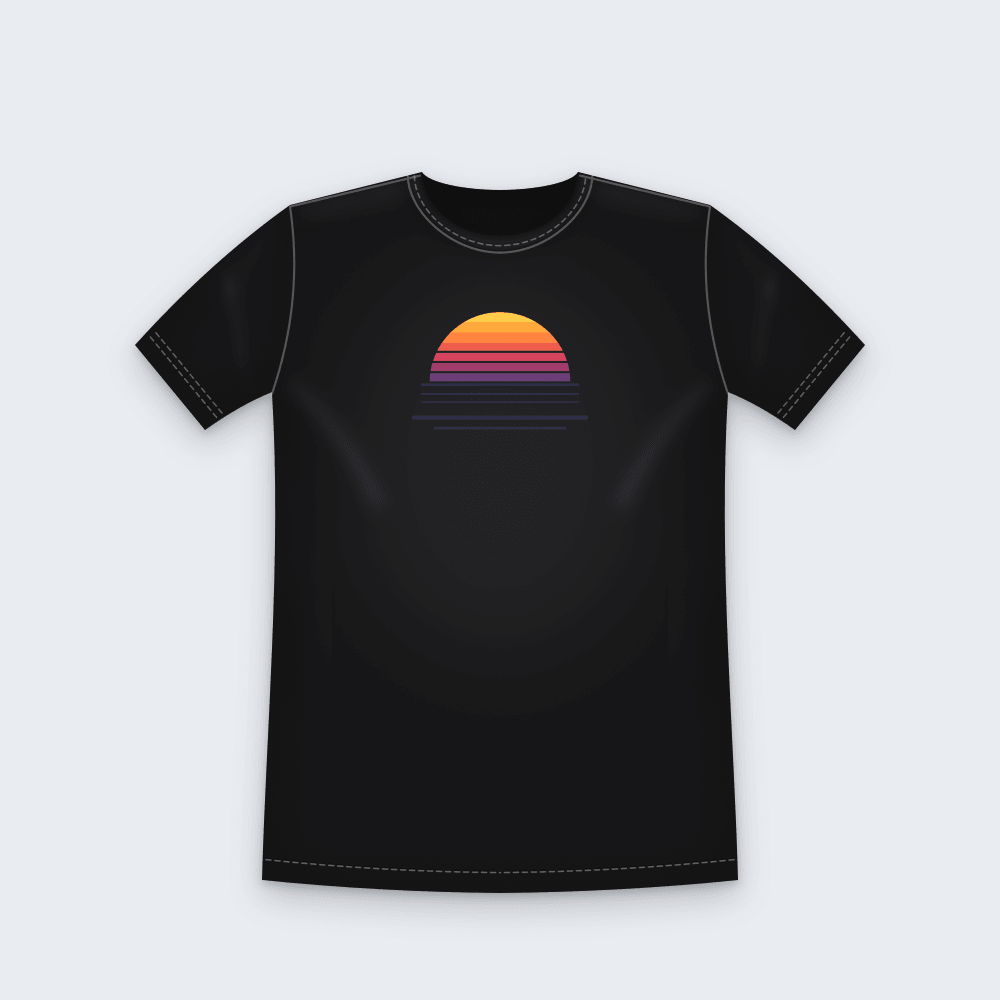
Black t-shirt with a striped retro sunset print on the chest
T-shirtBlack t-shirt mockup with a retro sunset
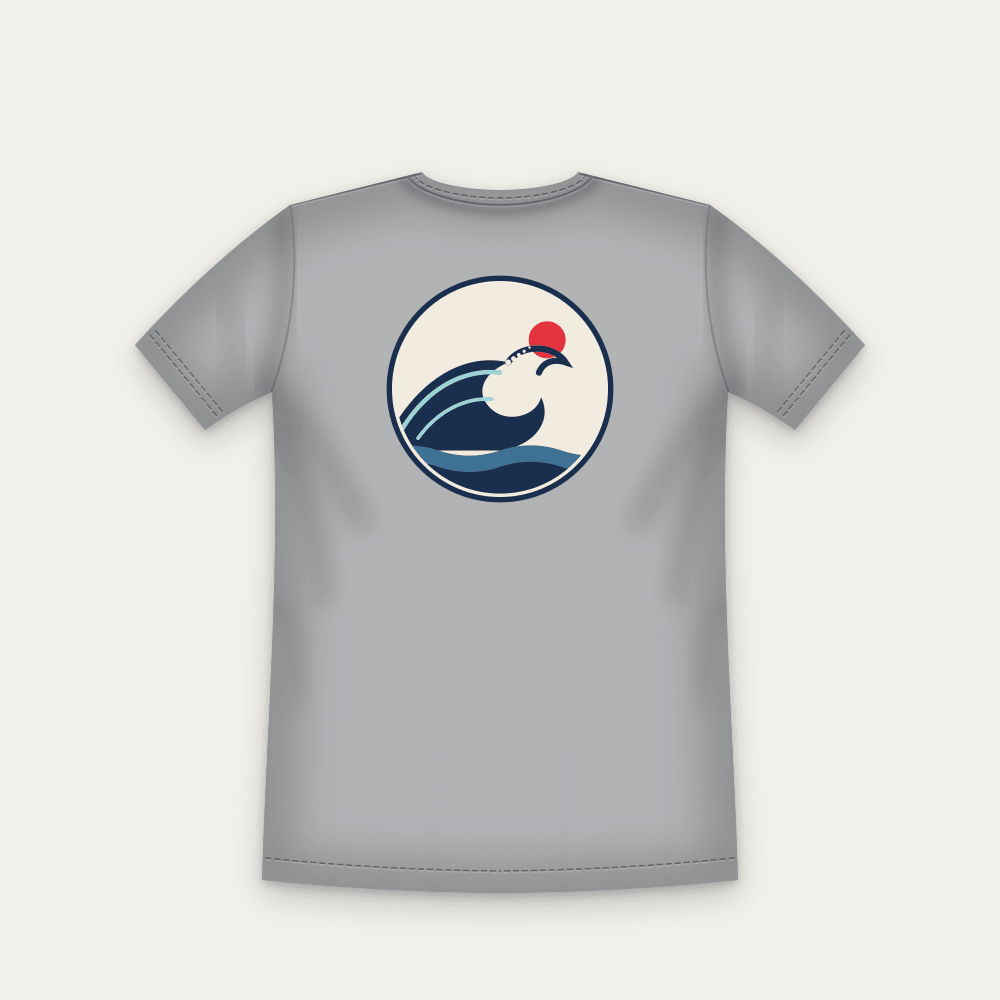
Back of a heather grey t-shirt with a large wave badge
Back printHeather grey t-shirt mockup, back view
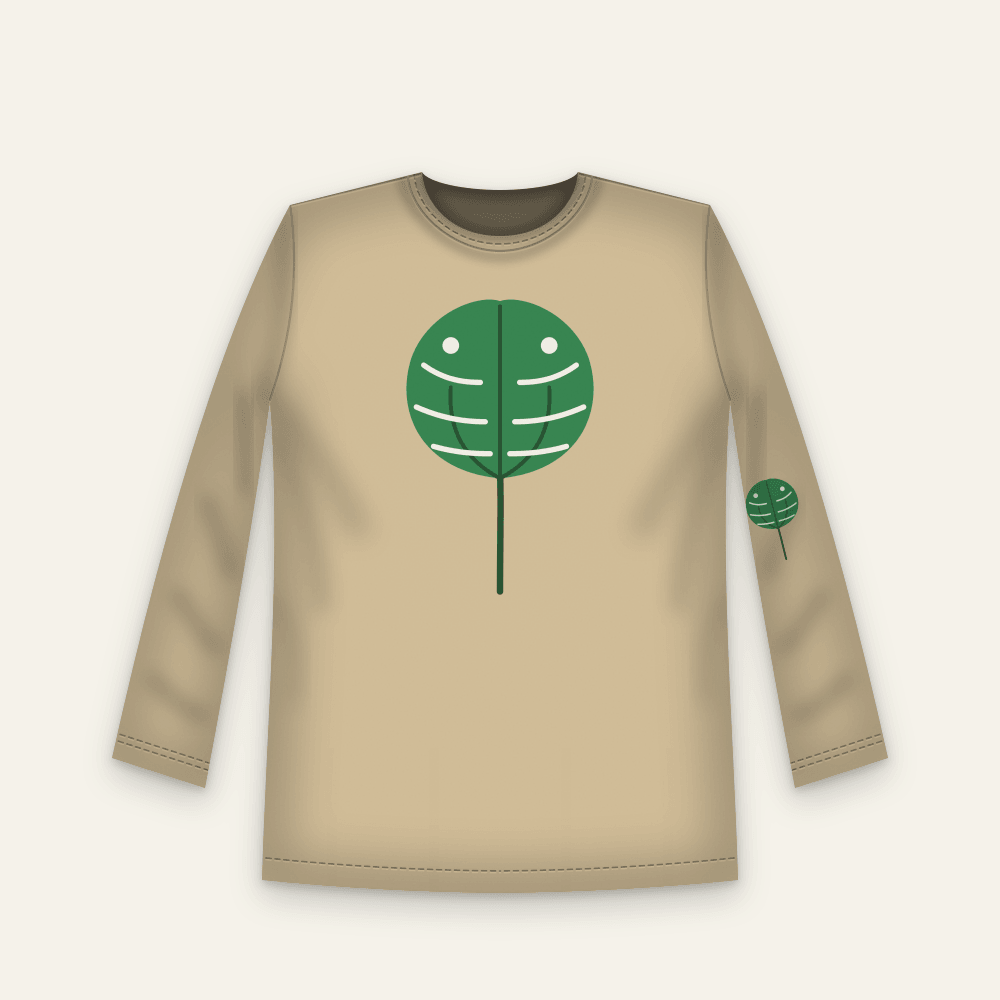
Sand long sleeve shirt with a leaf print on the chest and a small leaf on the sleeve
Long sleeveSand long sleeve with a sleeve print
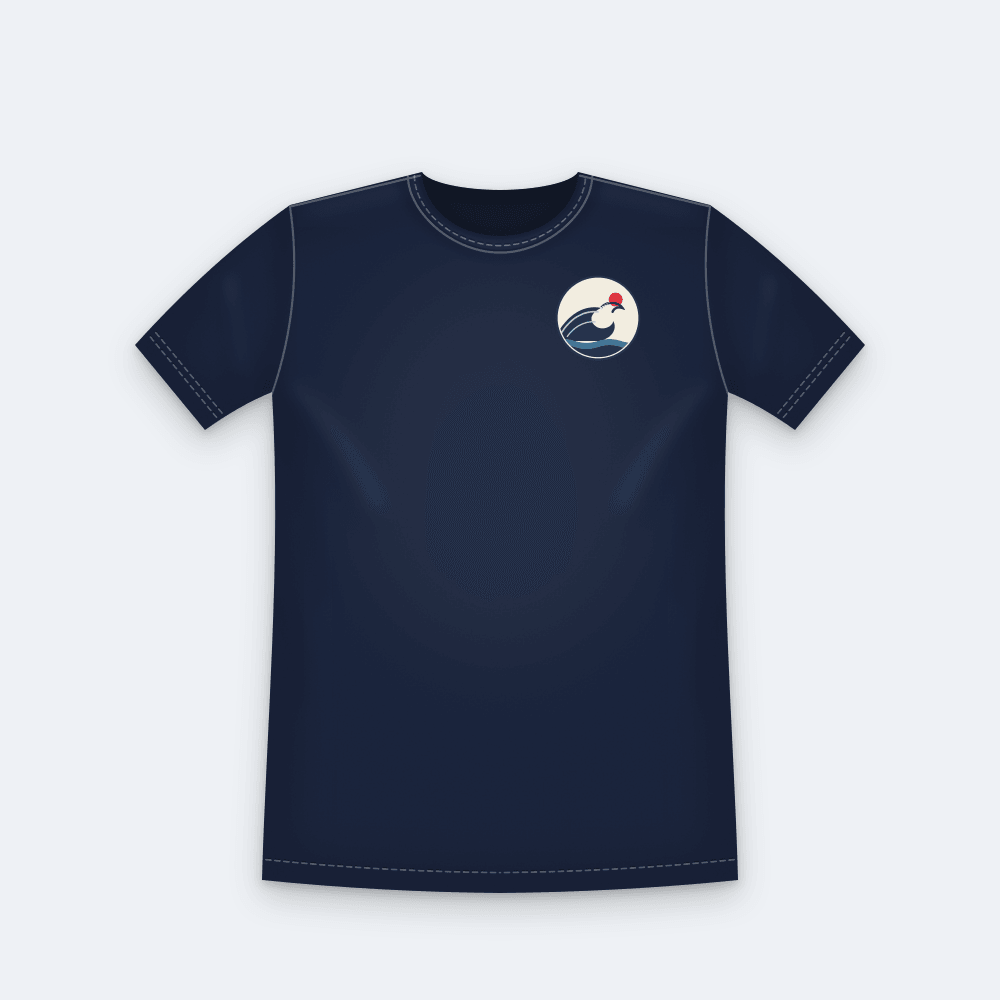
Navy t-shirt with a small wave logo on the left chest
Left chestSmall left chest logo on navy
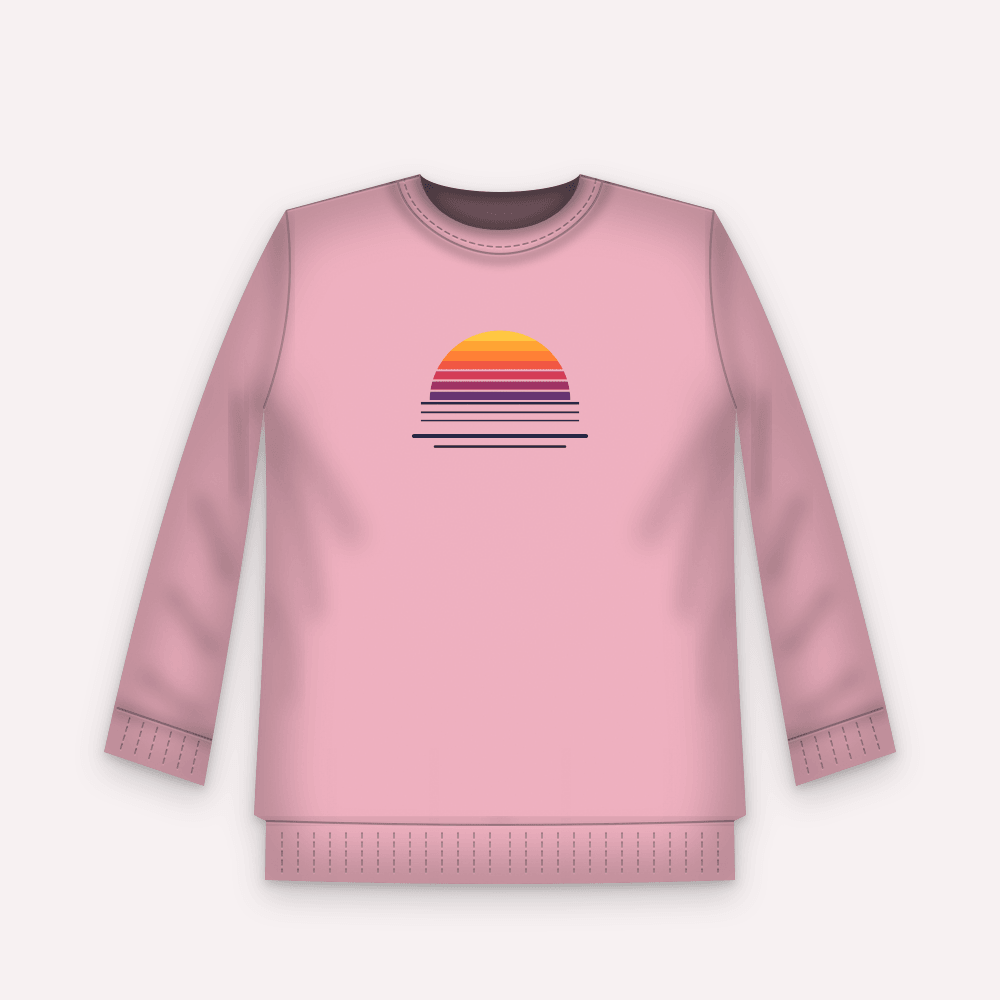
Pink crewneck sweatshirt with a retro sunset print and ribbed cuffs
CrewneckPink crewneck sweatshirt
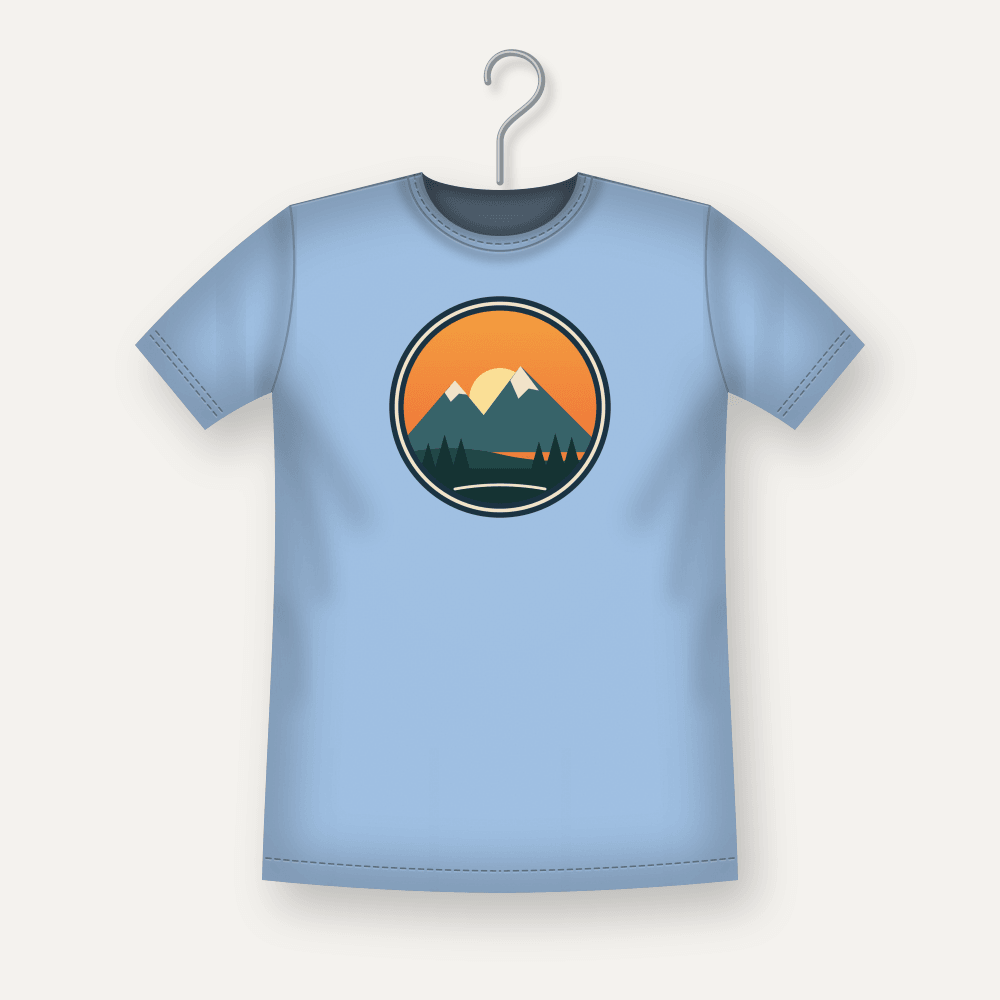
Light blue t-shirt hanging from a wire hook, a mountain badge on the chest
On a hangerLight blue tee on a hanger
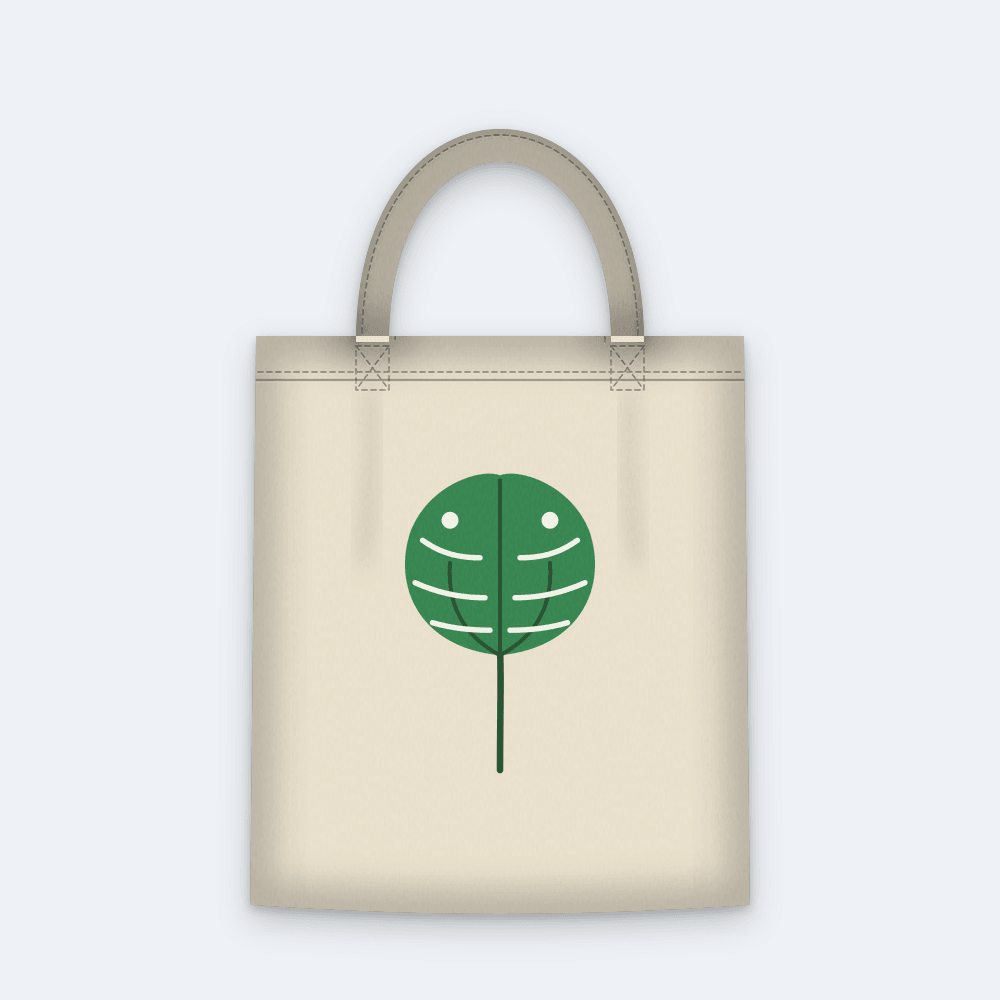
Natural colored tote bag with a green leaf print
Tote bagNatural tote bag mockup with a leaf
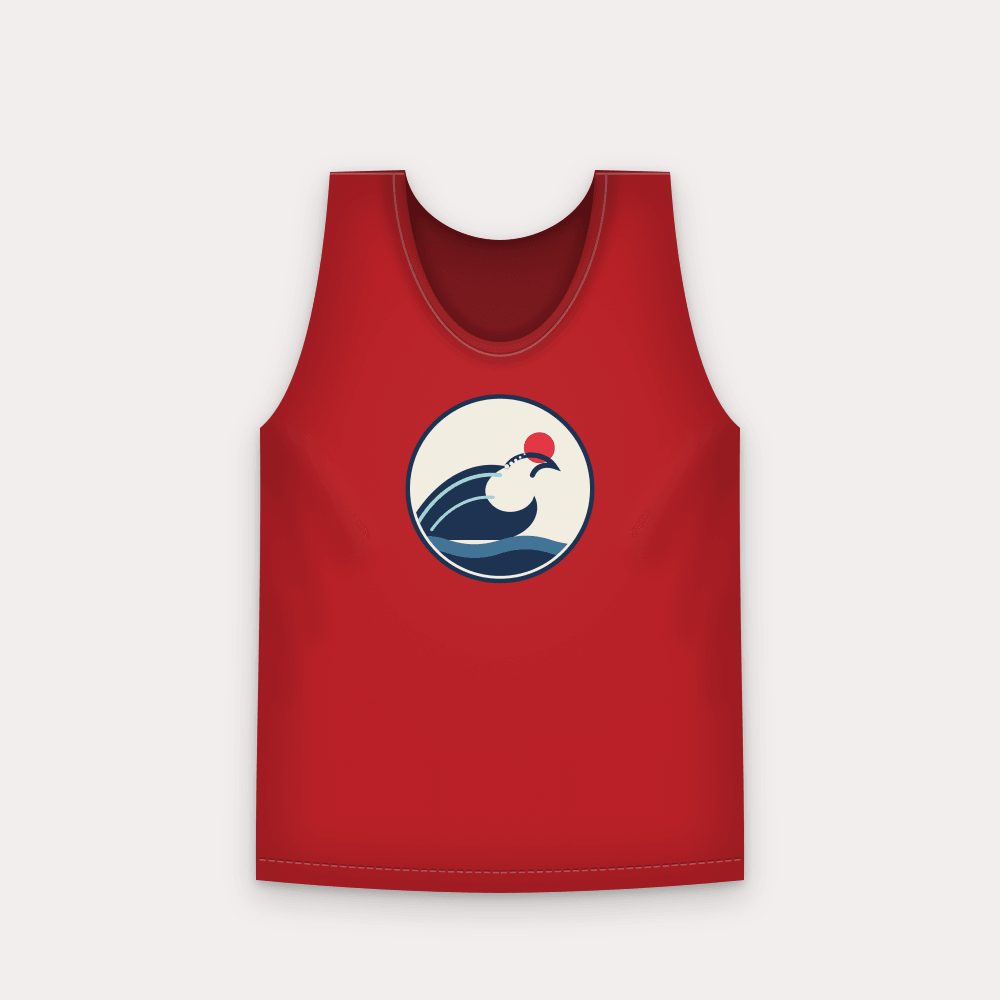
Red tank top with a round wave badge on the front
Tank topRed tank top with a wave badge
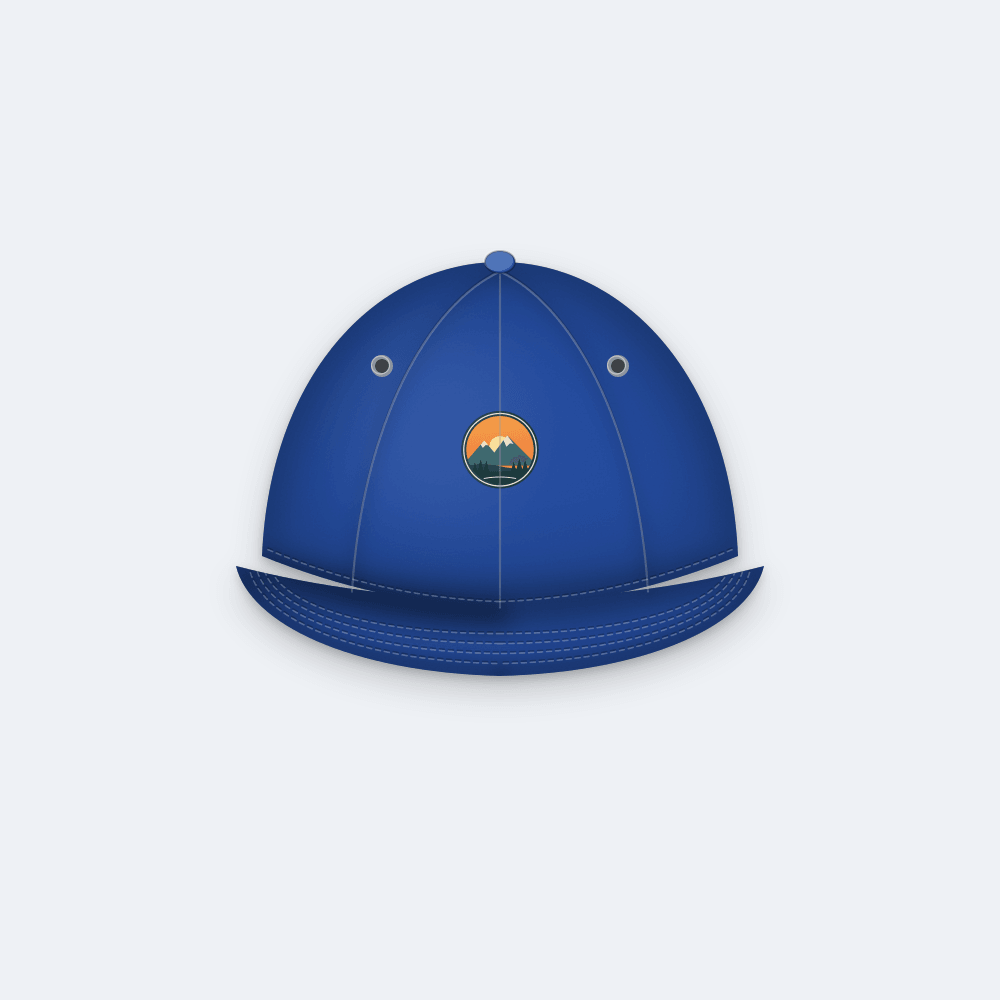
Royal blue baseball cap with a small mountain badge on the front panel
CapRoyal blue cap, front panel print
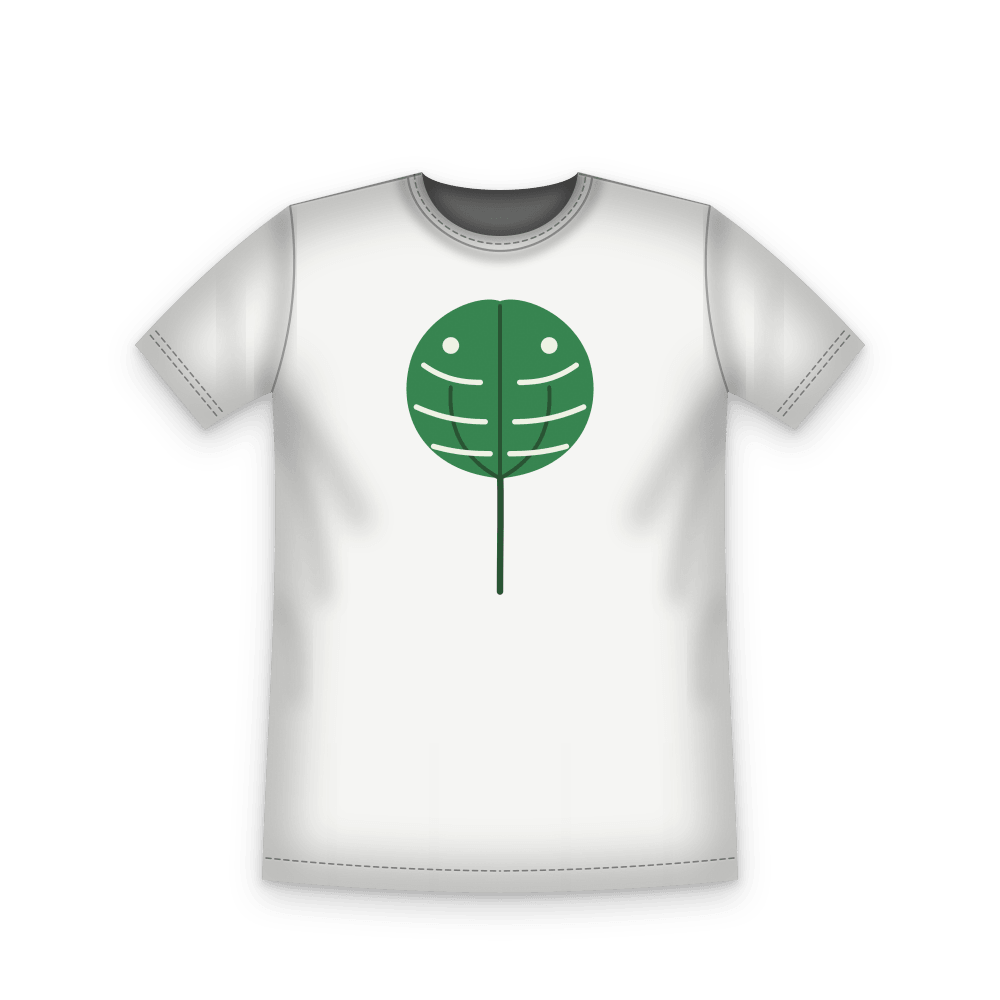
White t-shirt with a leaf print on a transparent background, soft shadow kept
Transparent PNGT-shirt mockup PNG with no background

Every picture was made with the free mockup tool above, from its built-in garments and sample designs; none are photos of real products. Add your artwork in the tool.

How to Make a T-Shirt Mockup Online

Three steps from a flat design file to a clothing mockup you can list, post or send.

  1. Choose a t-shirt, long sleeve, hoodie, crewneck sweatshirt, tank top, tote bag or cap, then one of 16 common blank colors or any color in the picker. Tops can lie flat or hang on a hanger.

  2. Upload PNG, JPG, WebP or SVG files, several at once, up to 40 MB each. Each design lands in a print area: front, back, left chest or left sleeve. Drag it, resize it from the corner, rotate it, or tap Center or Fit to area. No artwork yet? Make a transparent PNG with the AI sticker generator or initials with the monogram generator.

  3. Pick Realistic, Soft or Off fabric shading and the fold strength, then download a PNG or JPG at 1000, 2000 or 3000 px, square or 4:5, or a ZIP of both sides, every color or every garment.

Light blue t-shirt on a hanger

A Clothing Mockup Tool Built Around Print Areas

Every clothing mockup starts from garments drawn by us, with designs placed where a print shop would put them and files sized for a shop listing.

  1. Charcoal hoodie with the drawstrings over the print

    Garments

    Seven garments drawn with folds and seams

    Every garment is our own vector drawing with fold shadows, highlights, the inside of the collar, seams, stitching and a light fabric texture. On the hoodie mockup the cords sit over the print, as they hang on a real one. Six items have a front and a back; the cap has its front panel.

  2. Black t-shirt with visible folds and a sunset print

    Colors and shading

    Folds that read on black and on white

    Pick one of 16 common blank colors or a custom color. The shading adapts to each color, so folds still show on a black t-shirt mockup and on a white one. Realistic runs folds and texture over the print like ink on cotton, Soft keeps it brighter, Off lays it flat, and fold strength goes from 0 to 150%.

  3. Sand long sleeve shirt with a chest print and a sleeve print

    Print areas

    Designs placed at typical print sizes

    Each design sits in a print area with a typical size, like 12 x 16 in on a tee front and 4 x 4 in on the left chest. Put up to 8 designs on one clothing mockup, a different one on the back, and see the live dpi of each design at its print size.

  4. Back view of a heather grey t-shirt with a wave print

    Downloads

    One PNG or a ZIP of every color

    Download the clothing mockup as a PNG at 1000, 2000 or 3000 px with a transparent or solid background, or as a JPG. One click builds a ZIP of the front and back, of the colors you tick, or of every garment that has your print areas. File names carry the garment, side, color and size.

Clothing Mockup Guide: Print Areas, Files and Colors

What to know before you make a clothing mockup of a shirt, a hoodie or a tote.

Typical print area sizes

The tool starts from common sizes for printing on adult blanks. They are typical sizes, not any printer’s template, so ask your print shop for its own maximums before you size the final file.

  1. 1T-shirt and long sleeve: 12 x 16 in front and back, 4 x 4 in left chest.
  2. 2Hoodie: 11 x 8.5 in above the pocket, 12 x 12 in on the back.
  3. 3Crewneck sweatshirt: 12 x 13 in front; tank top: 10 x 12.5 in front.
  4. 4Tote bag: 11 x 12 in each side; cap: 4.5 x 2.5 in on the front panel.
Prepare the design file

For a clean t-shirt mockup, use a PNG with a transparent background, so only the artwork shows and the garment color fills the rest. A JPG keeps its white box, which looks like a patch on a dark shirt.

Aim for about 150 dpi or more at the printed size: a 12 in wide front print needs about 1800 px across. The Checks tab shows the dpi of every design and warns when one drops below about 150 dpi or spills out of its print area.

SVG works too: the tool turns it into pixels in your browser.

Dark and light garments

Light inks on dark shirts and dark inks on light shirts read best. Thin lines and pale colors can vanish on heather grey or sand, so look at the design on more than one color.

The All colors tab puts the same design on every color you tick, the quickest way to spot one that does not work. Screen colors are approximate, so ask your printer for a fabric swatch before you order.

Front and back sets for a shop listing

A listing usually shows the front of the t-shirt mockup first, then the back, then the small chest logo. Export the front and back ZIP for each garment, keep one background color across the set, and use 4:5 for social feeds and square for most shop grids.

For the bag, tissue and box around the shirt, read the apparel packaging guide and these t-shirt packaging ideas.

Add matching hang tags for the same shirts with the clothing tag maker.

Who Uses These Free Clothing Mockups

Anyone who needs to show a design on a garment before a single shirt is printed.

  • White t-shirt with a mountain badge

    Online shops

    Free clothing mockups for a new tee, in every color you plan to sell, ready before the blanks arrive.

  • Natural tote bag with a leaf print

    Band and event merch

    Show the band, club or conference the shirt, tote and cap side by side and agree on one design.

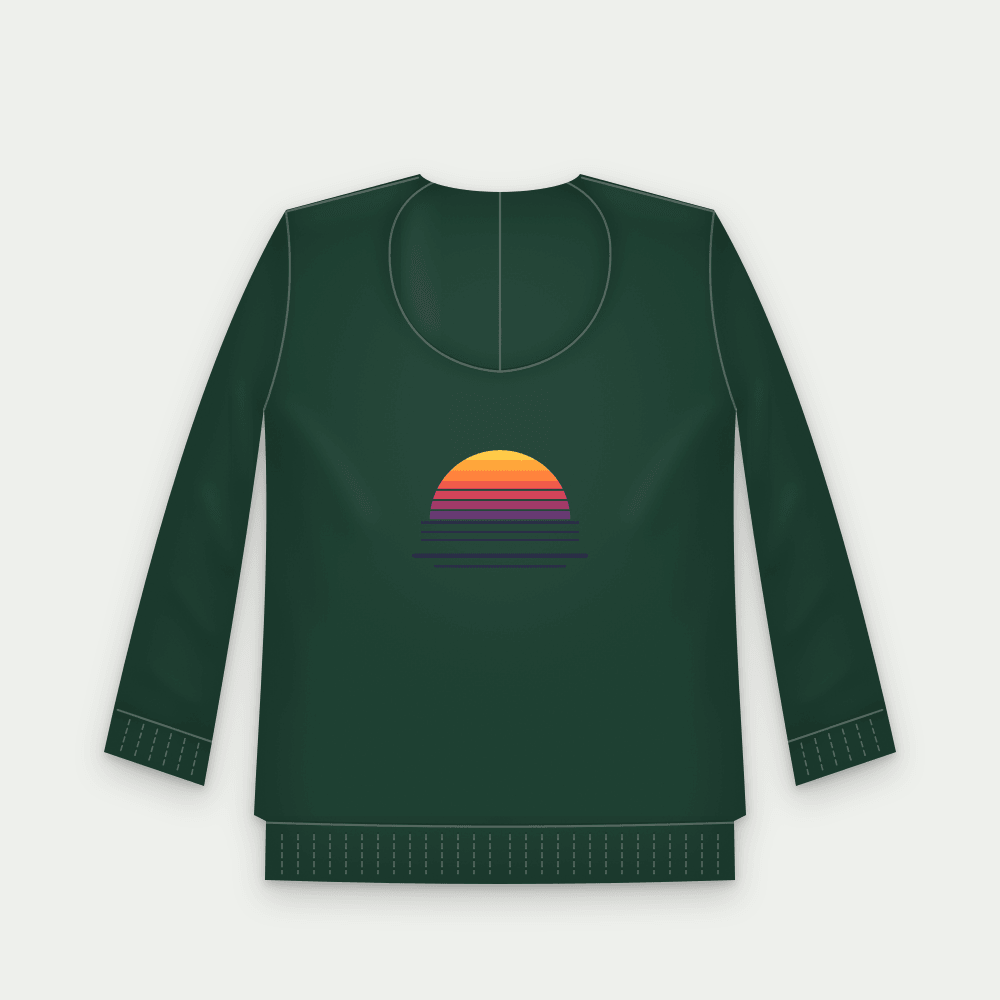
  • Back of a forest green hoodie with a sunset print

    Designers and freelancers

    Send clients a clothing mockup of the front and back instead of flat art, so placement and size are clear at a glance.

  • Red tank top with a wave badge

    Teams, schools and clubs

    Compare a left chest logo with a full front print in the team color before you order the shirts.

Clothing Mockup FAQ

Straight answers about price, files, colors and the AI photo tab.

Make Free Clothing Mockups in Minutes

Upload your design and make free mockups. Clothing, totes and caps come in 16 colors, front and back, with no watermark, and your first download is free.