Skip to content

Free, in your browser

Free 3D Box Mockup for Any Box Size

PackDesignAI is a free 3D box mockup tool: pick one of 6 box styles, type the inside size, add your print file or one image per face, and turn the box in a studio. Export PNG, JPG or WebP up to 8192 px with a transparent background, a turntable video or a GLB model. First download free, no watermark, nothing uploaded.

Box mockup

Box style
Common sizes

Starting points only: sizes vary, so measure your product.

in
in
in

Inside size, measured the way the dieline generator measures it. Use 0.39 in to 47.2 in.

Make the dieline for this box
Loading the 3D studio
Reverse tuck end, 2.5 x 1.5 x 5 in

2048 x 2048 px, background as shown.

  • Free
  • First download free
  • No watermark
  • Files stay in this browser

Your images never leave this device: the mockup is drawn in your browser, and the draft is saved in this browser only. A studio style 3D render, not a photograph: board, glass and foil are approximations.

  • 6 box styles at your size
  • PNG, JPG, WebP to 8192 px
  • Turntable video and GLB
  • First download free, no watermark

Box Mockup Examples Made in the Browser

Tuck end, mailer, gift box, drawer and carton, open or closed, alone or stacked. “Use this example” opens the same style, size, board and view in the tool.

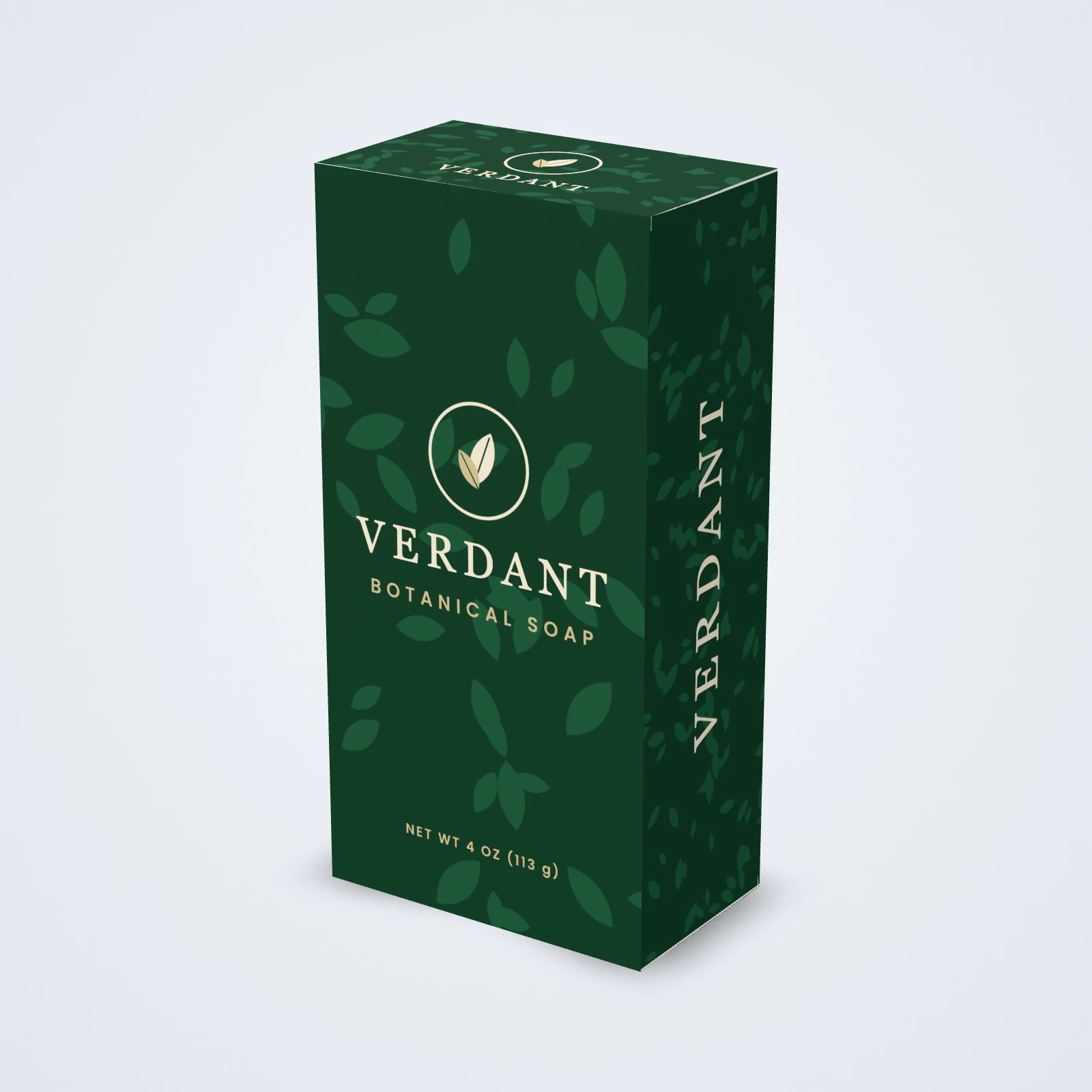
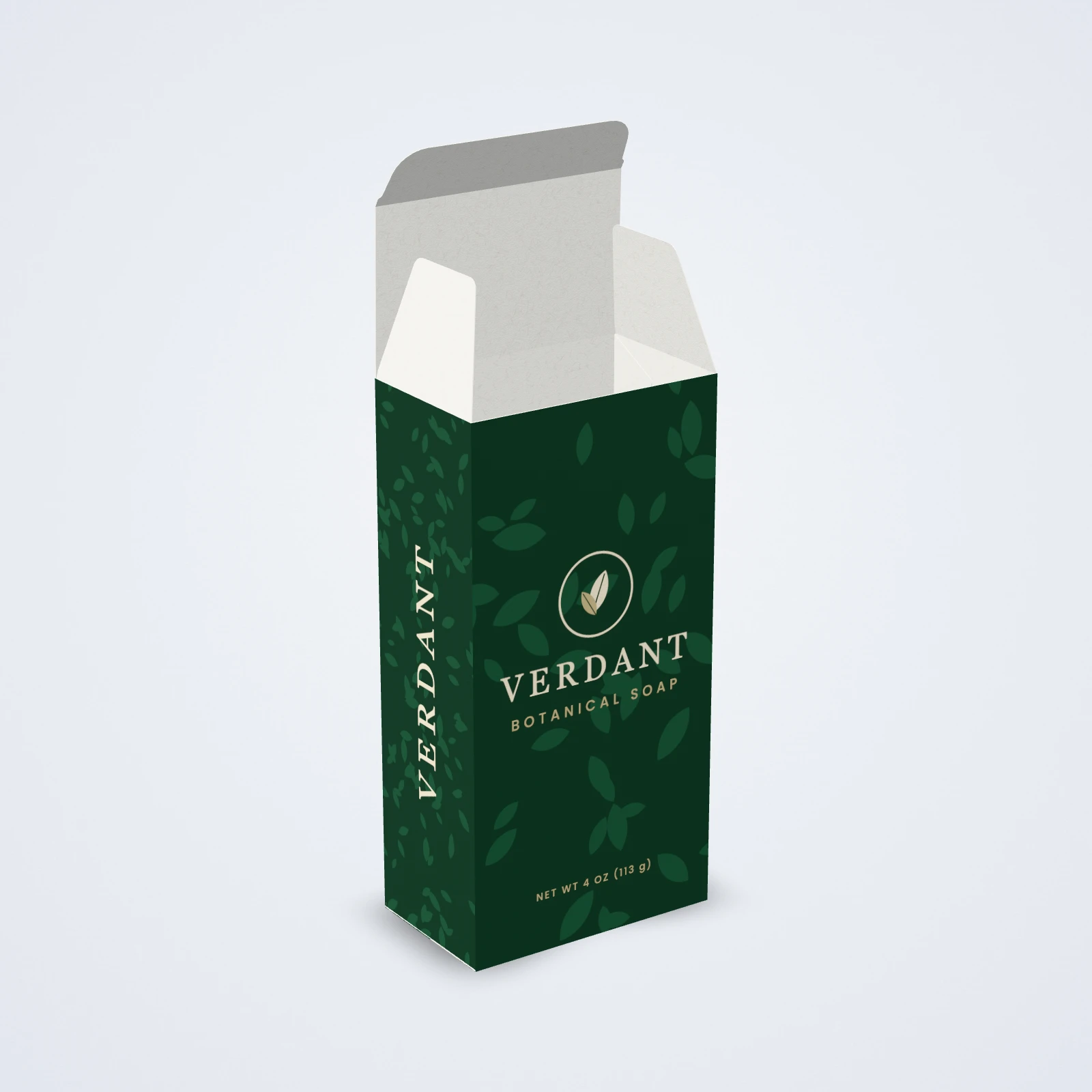
Green soap box mockup with a leaf pattern, standing at an angle
Reverse tuck end2.5 x 1.5 x 5 in soap box on white board
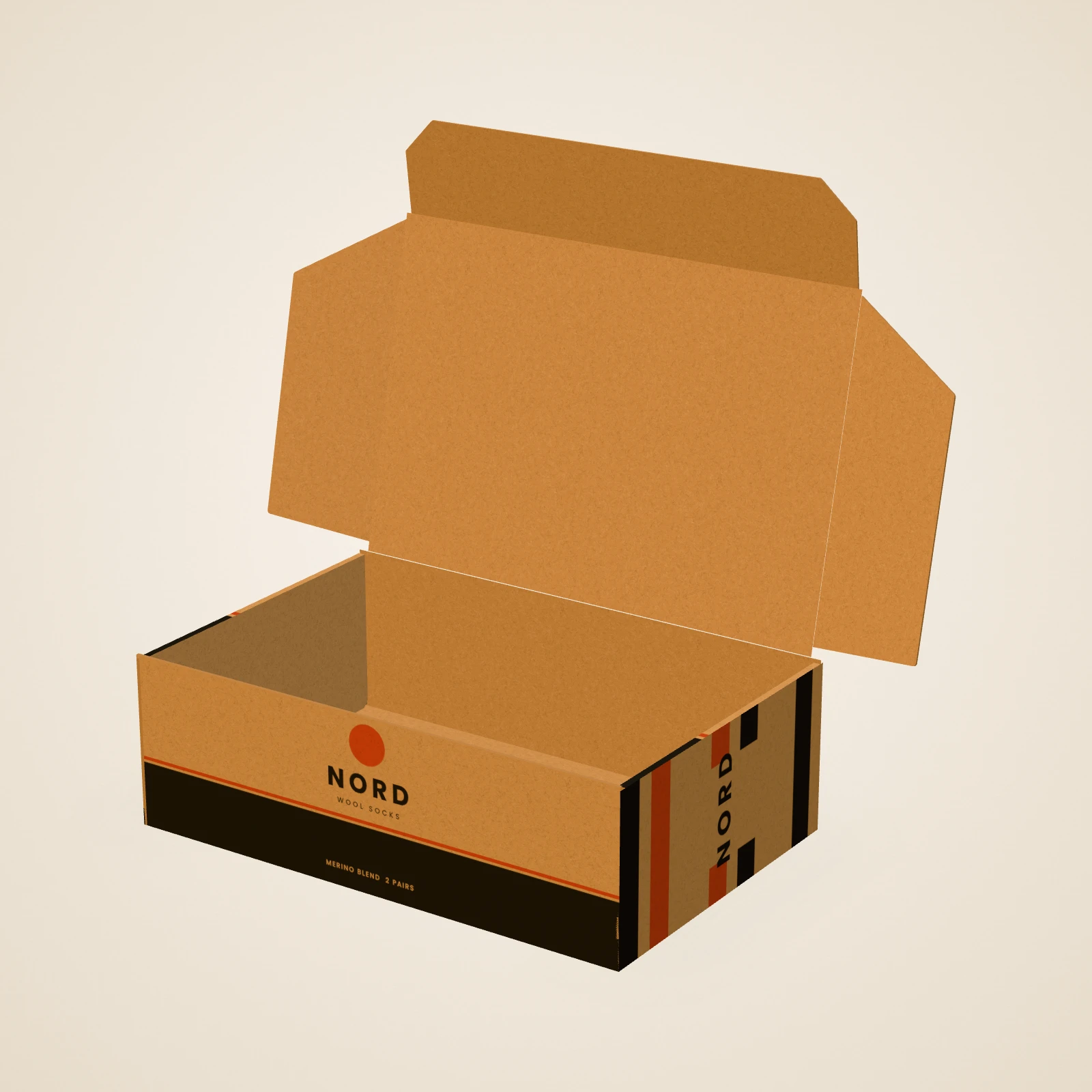
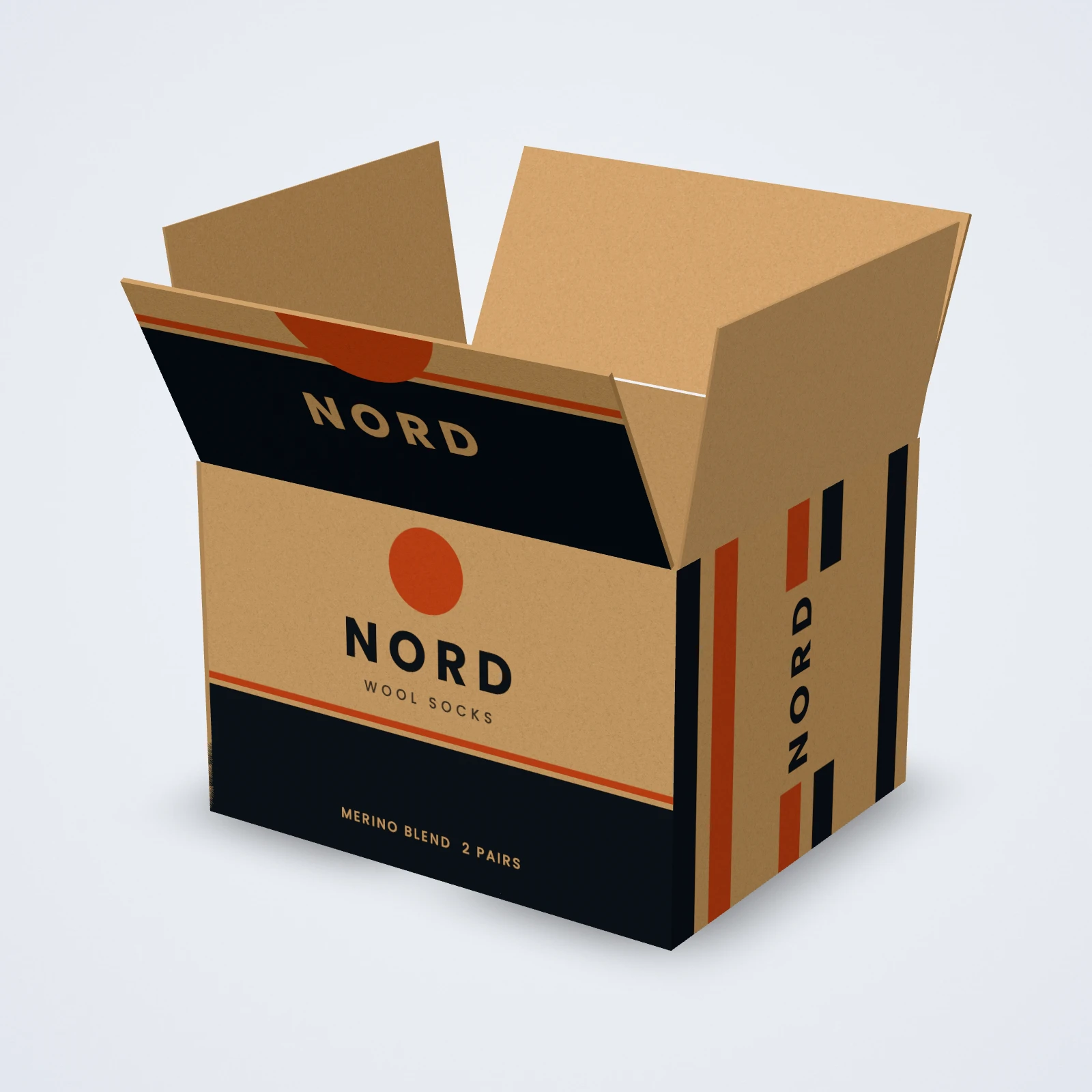
Open kraft mailer box with orange and navy print on the outside
MailerKraft mailer box mockup, lid open
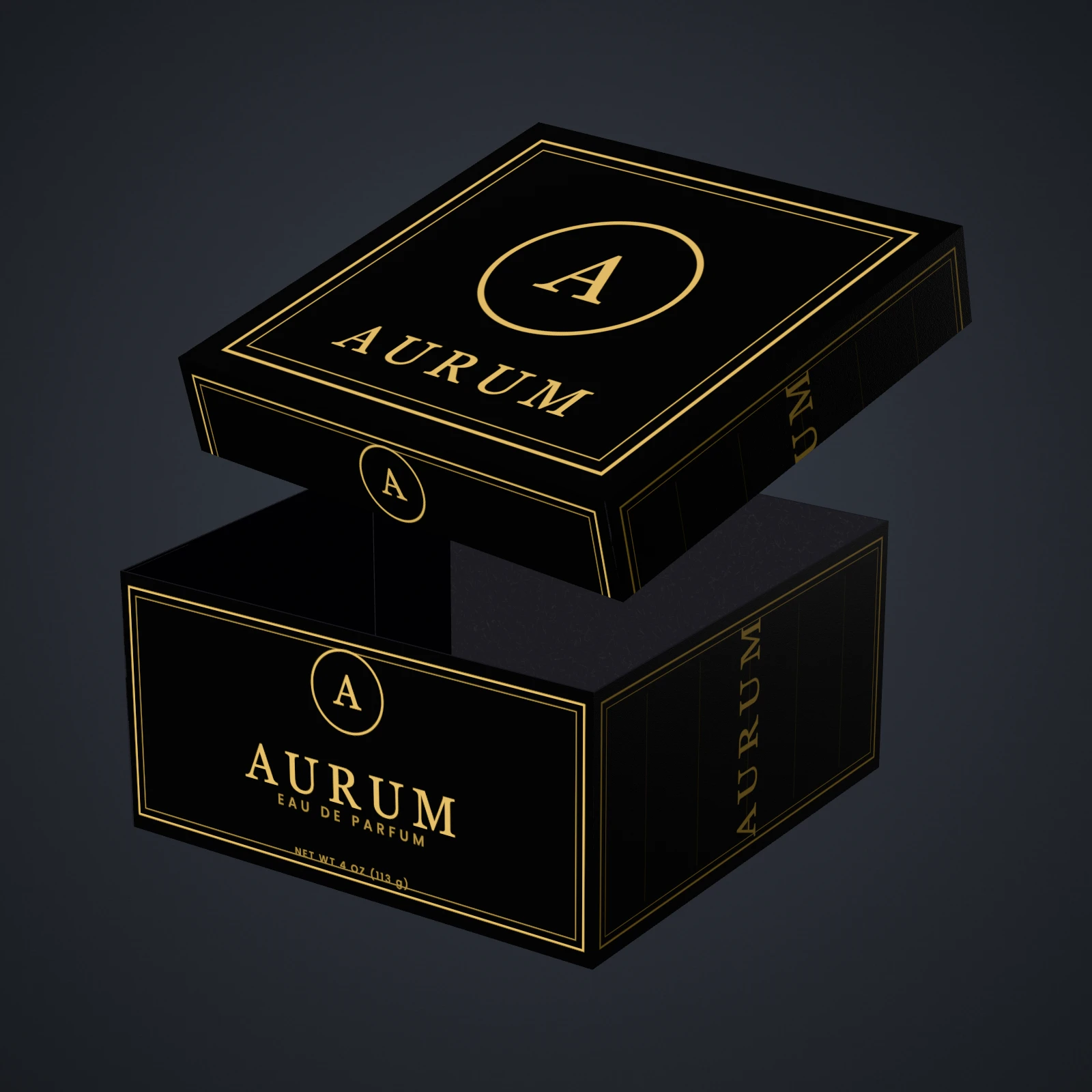
Black gift box with gold lines, the lid lifted above the base, dark studio
Lid and baseBlack gloss gift box mockup, lid lifted
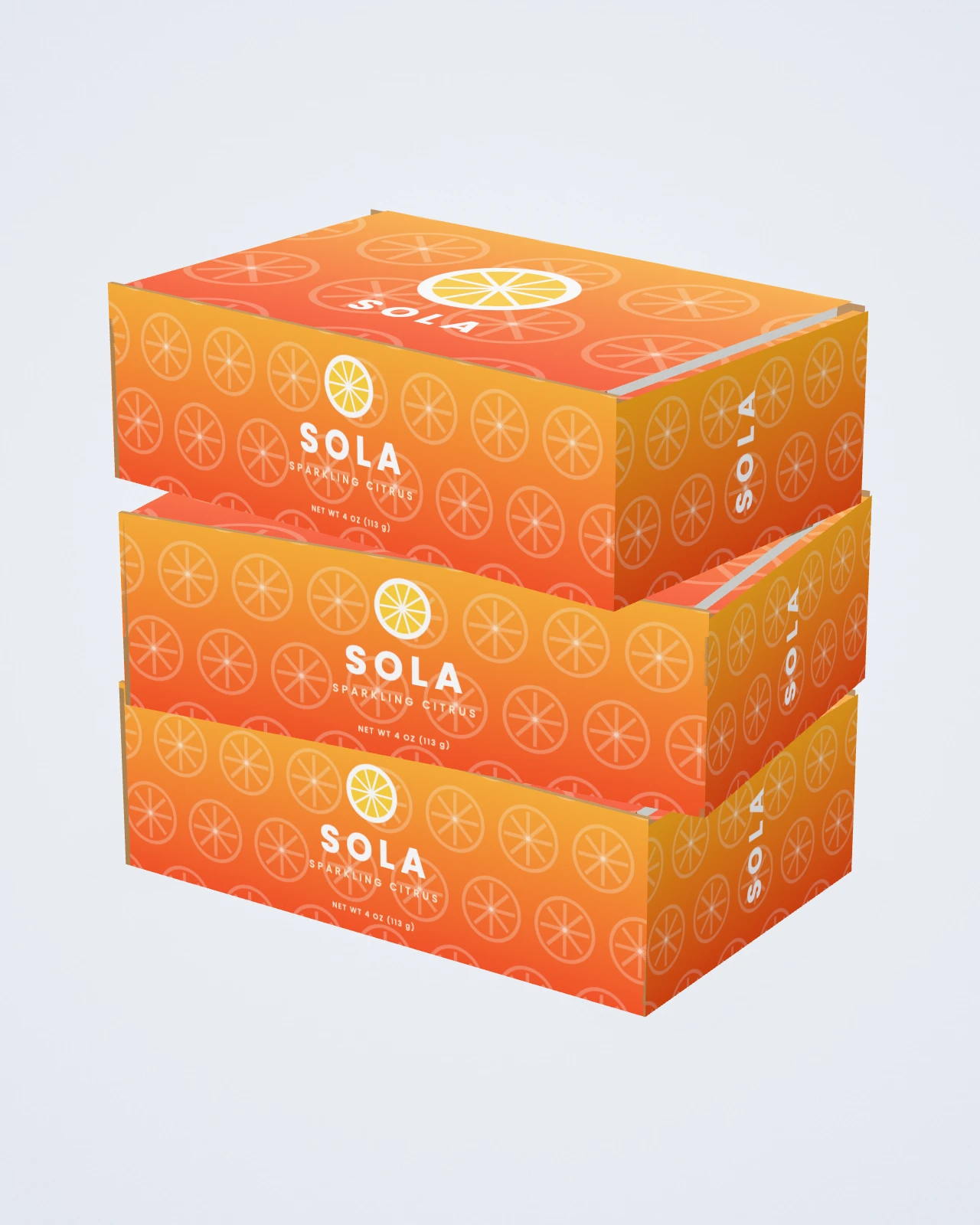
Three orange mailer boxes with a citrus print stacked on top of each other
Stack of threeThree mailers stacked, 4:5 frame
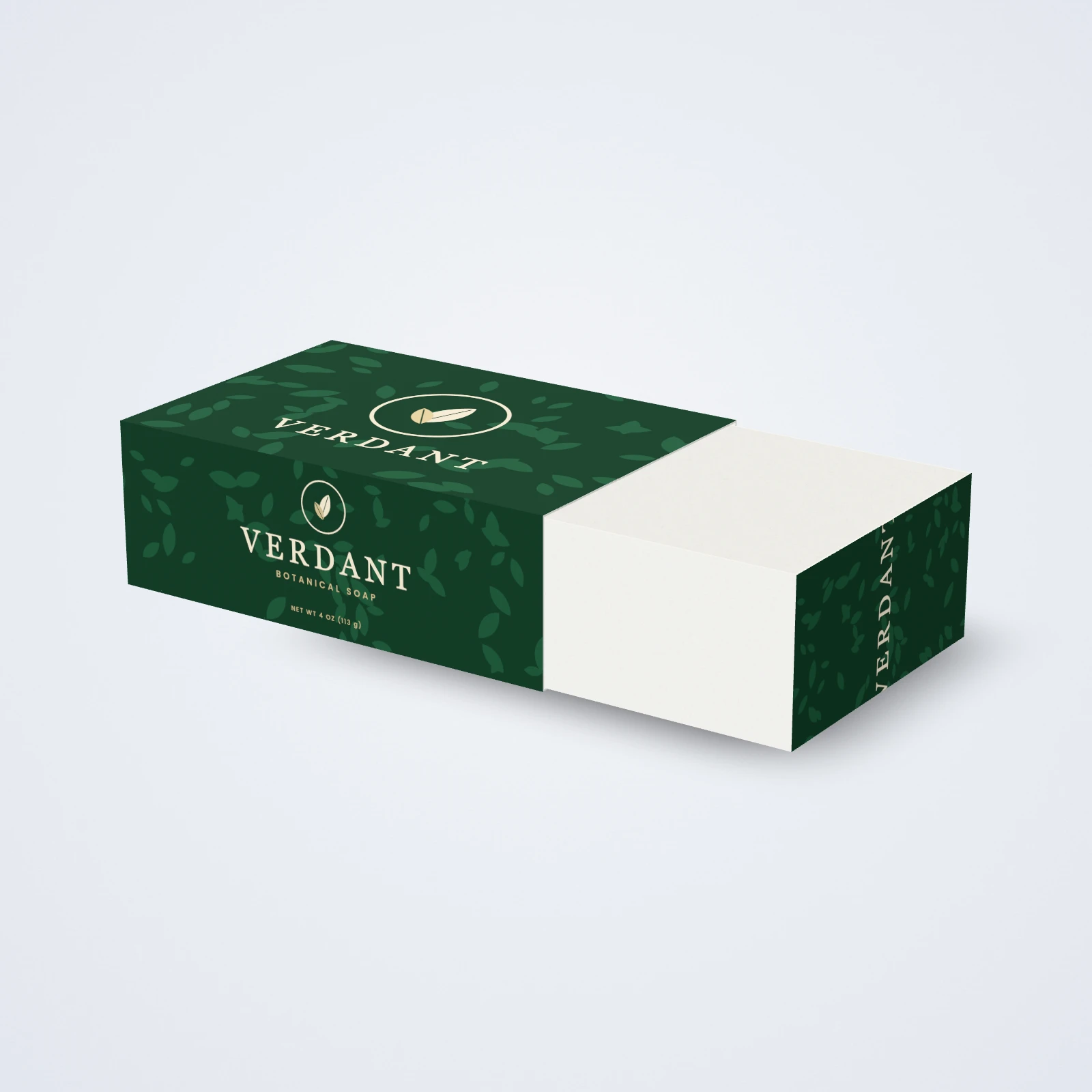
Green drawer box with a white tray sliding out of the sleeve
DrawerDrawer box with the tray pulled out
Open kraft shipping carton printed with an orange and navy design
Shipping cartonKraft shipping carton, flaps open
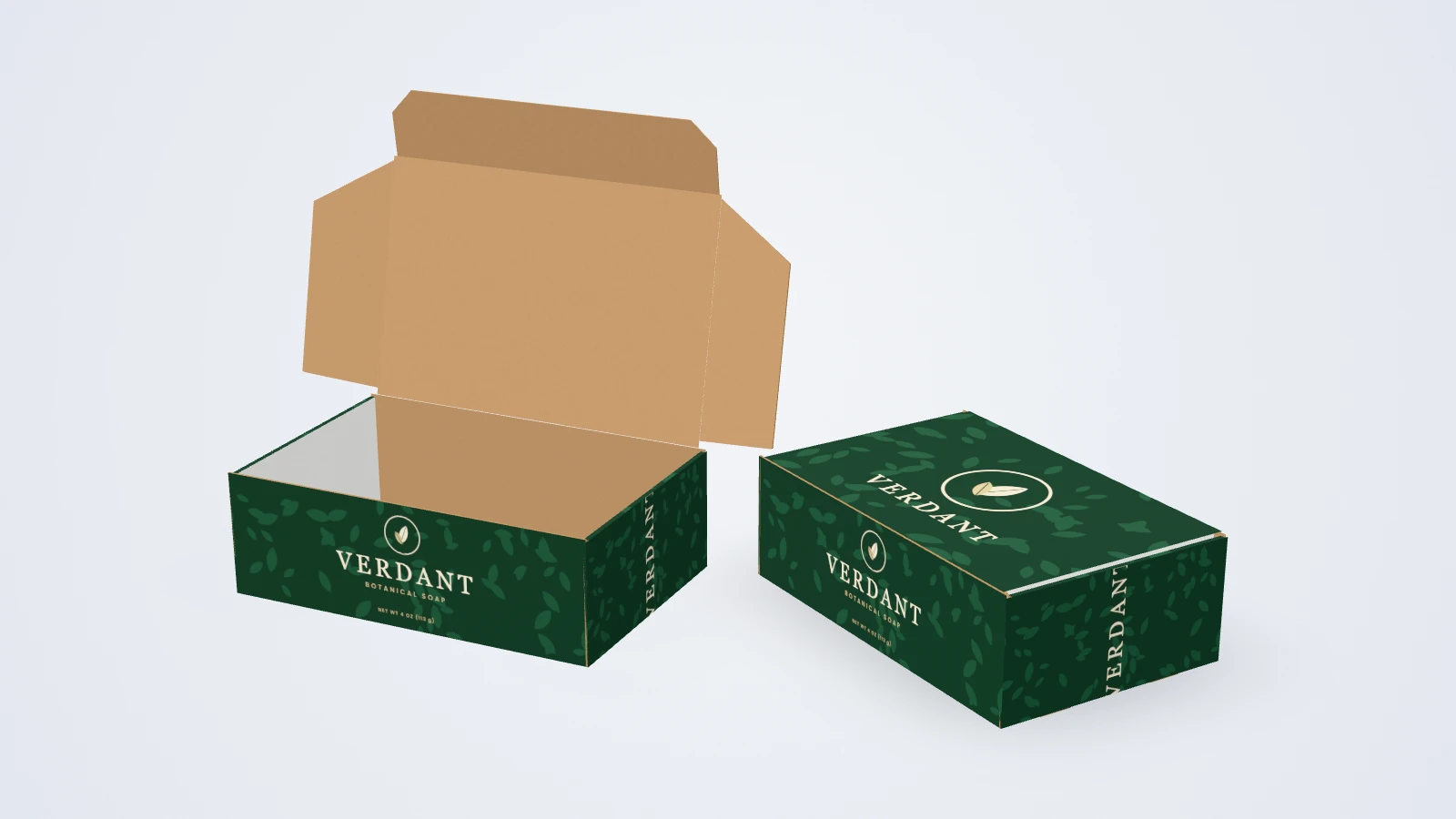
Two green mailer boxes side by side, one open and one closed
Two boxesOne mailer open, one closed, 16:9
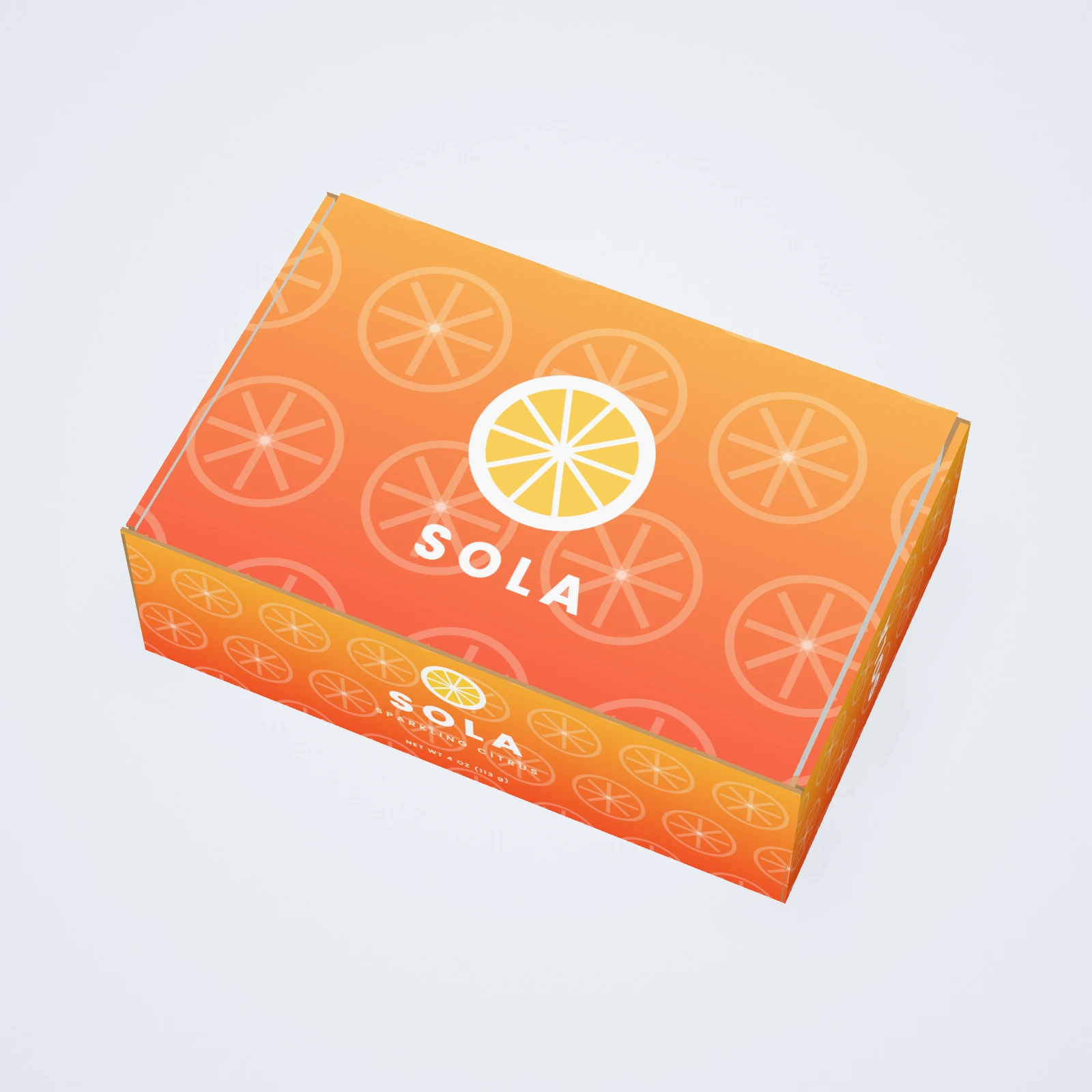
Orange mailer box with a citrus print seen from above
Top viewClosed mailer seen from above
Green tuck end box with the top flap open and a white inside
Open tuckTuck top open, plain inside showing
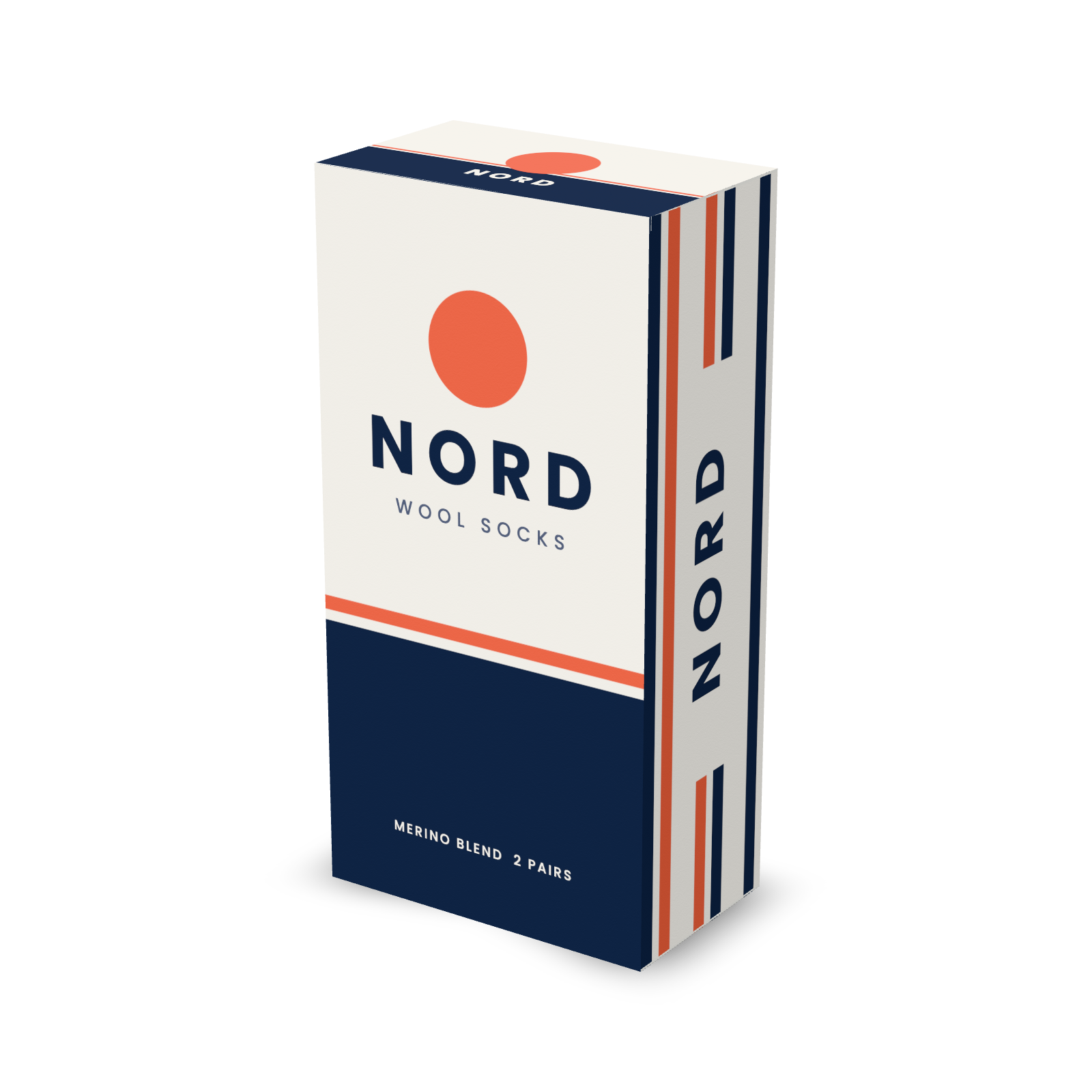
Navy and white tuck end box on a transparent background with a soft shadow
Transparent PNGBox mockup PNG with no background, shadow kept

Every picture is a real export of this tool, shown with its built-in sample designs (invented brands). Swap in your own artwork above.

How to Make a Box Mockup

Three steps from a flat design to a 3D box mockup you can post or send.

  1. Choose reverse or straight tuck end, mailer, lid and base, drawer or shipping carton, then type the inside size in inches or millimeters or tap one of four common sizes.

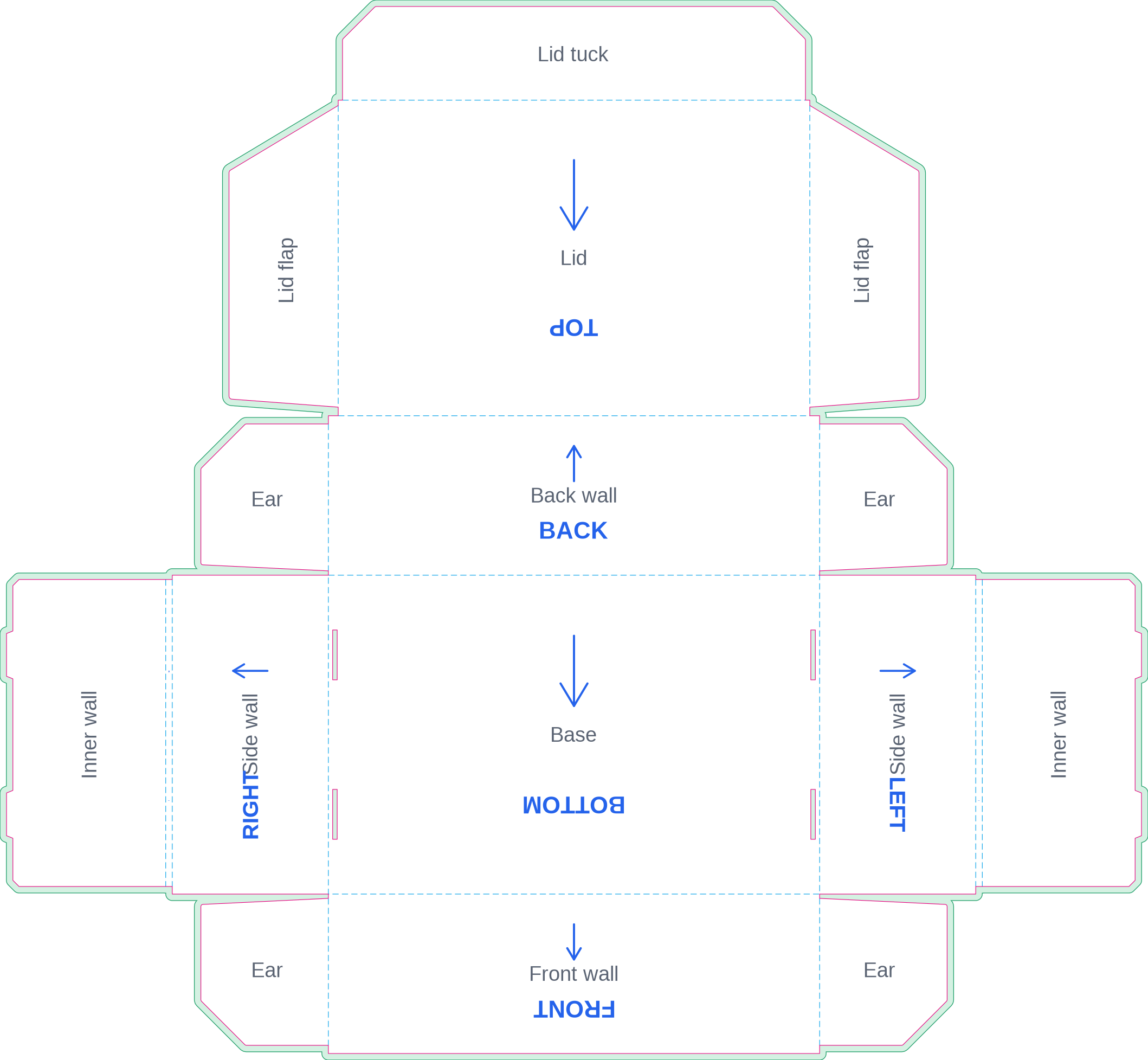
  2. Upload one print file laid out on the flat dieline, or one image per face. Download the flat guide (SVG or 300 dpi PNG) to design over, or make the structure in the free dieline generator.

  3. Pick board, finish and light, open the box or stack three, frame it with a camera preset, then export a PNG, JPG or WebP, a 6 second turntable video or a GLB model.

Tuck end box mockup at 2.5 x 1.5 x 5 inches

A 3D Box Mockup Folded From Real Dielines

Not a fixed template: the box is built from your size, so the art lands where it will print.

  1. Drawer box mockup with the tray pulled out

    Real structures

    Six box styles at your exact size

    Each style is folded from the same dieline engine as our free templates, at the inside size you type: 10 to 1200 mm, and at least 25 mm for the corrugated mailer and carton. Every style opens, so you can show a mailer box mockup with the lid up or a drawer half out.

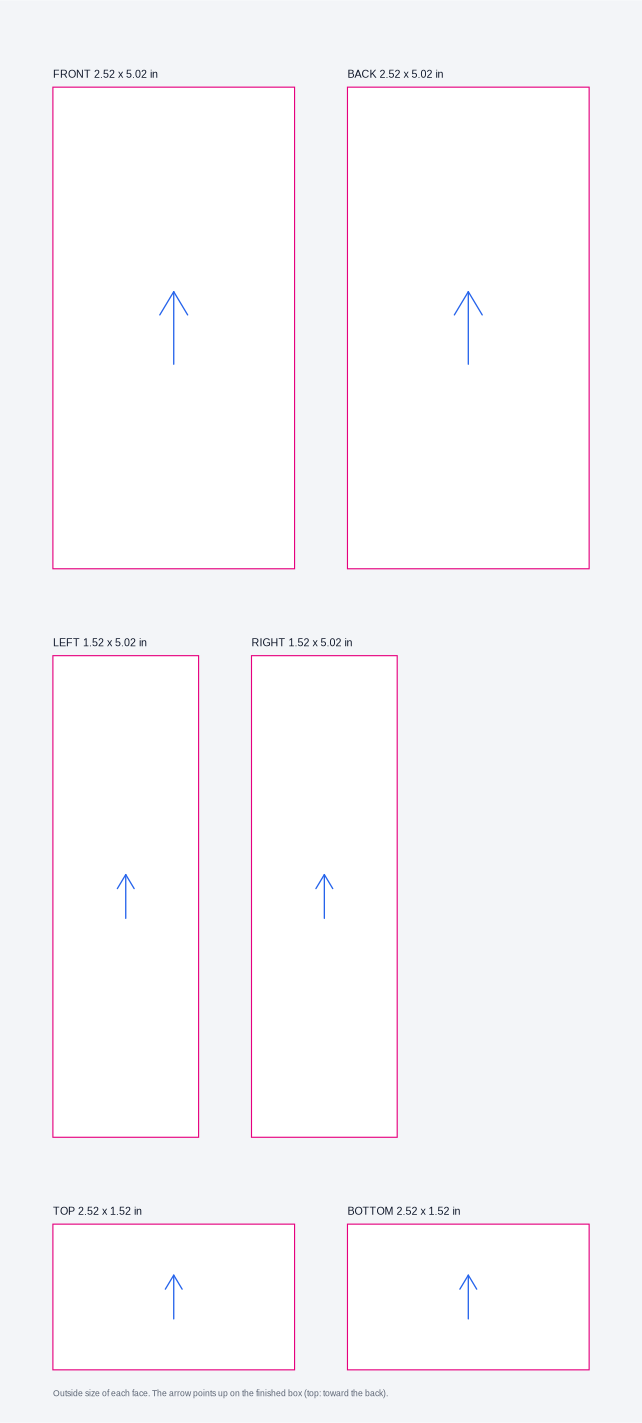
  2. Face size guide of a tuck end box, one rectangle per face

    Your artwork

    One print file or one image per face

    A print file that matches the flat guide, bleed included, lines up on its own. Per face, choose crop, fit or stretch, and check the face size guide. PNG, JPG, WebP or SVG up to 40 MB each; checks warn when an image is too small for the export size.

  3. Black gloss lid and base box in a dark studio

    Board and light

    White, kraft or black, in a real studio setup

    Pick white, kraft or black board, matte or gloss, and turn on ink on board so white areas show the kraft. Four lighting setups, a 24 to 100 mm lens and a soft contact shadow finish the gift box mockup or the shipping box mockup.

  4. Box mockup on a transparent background with a soft shadow

    Exports

    Pictures, video and a 3D model

    Export PNG, JPG or WebP at 1:1, 4:5, 3:4, 16:9 or 9:16, from 1024 up to 8192 px (4096 on phones). A box mockup PNG with a transparent background keeps the shadow; add a 6 second turntable video or a GLB model at real size.

Box Mockup Tips for Better Product Shots

Short notes for a free box mockup that looks right: artwork, look and export.

Line the artwork up first

Design on the flat guide at full size, hide the guide layers, then export the whole artboard as PNG or JPG. The inside size is measured the way the dieline generator measures it, so the same numbers give the same box.

No print file yet? Use one image per face, or start from a mailer box template and design on that.
Make it look like the real box

Kraft with ink on board reads as printing on brown board; black gloss suits a premium gift box. A longer lens, 70 mm and up, flattens the perspective like product photography, and the dark studio suits black or foil looks.

Pick the right export

A square 2048 px PNG suits most store listings. Use 4:5 or 9:16 for social posts, a transparent background to place the box on your own scene, the turntable video for ads and the GLB file for 3D apps and web viewers.

What a mockup is not

This is a studio style 3D render, not a photograph: board is an approximation, with no rounded creases or corrugated flutes. Use it to show and sell the design, and ask your printer for a printed proof before a run.

Who Uses This Box Mockup

Anyone who needs a free box mockup on screen before the box exists in a warehouse.

  • Two mailer boxes, one open

    Online shops

    A product box mockup for the listing photo while the boxes are still at the printer.

  • Stack of three mailer boxes

    Subscription boxes

    A stack of mailers for the preorder page and the launch email.

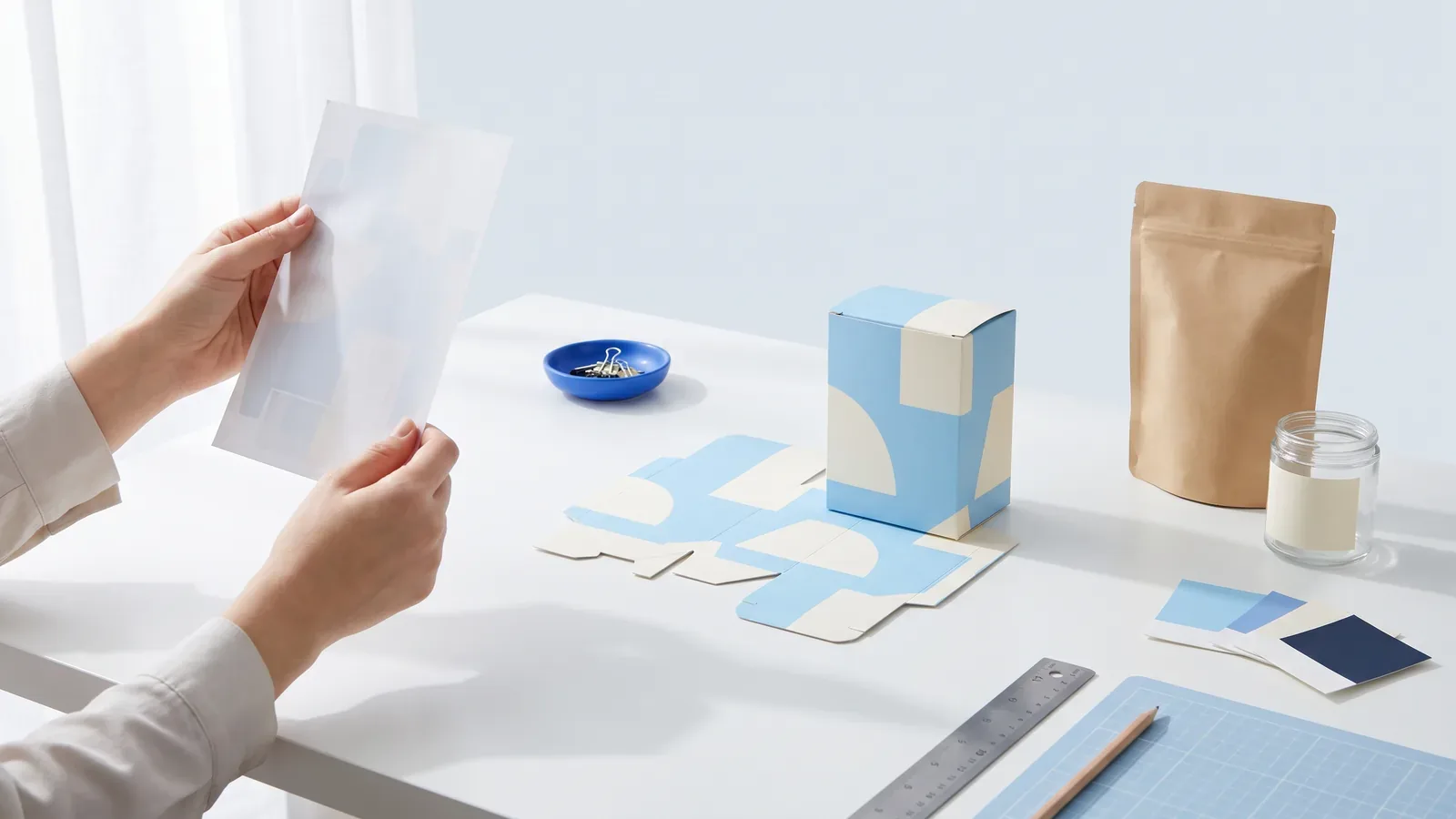
  • Designer desk with a print proof and folded carton samples

    Packaging designers

    Client approvals on the real structure, open and closed, from every side.

  • Mailer box seen from above

    Marketers

    A turntable video and square shots for ads, decks and crowdfunding pages.

Box Mockup FAQ

Straight answers about styles, files and privacy.

Make Your Free Box Mockup

Pick a style, type the size, add your art and export a box mockup as a picture, a video or a 3D model. Free to design, first download free.