How to Write a Package Brief
A package brief is a one or two page document that tells a designer what the pack must hold, say and cost before any artwork starts: product, buyer, shelf, structure, required text, files and dates. Here is how to write a packaging design brief, with a 12 field outline you can copy.
By the PackDesignAI team8 min read
- 12 field outline to copy
- Filled example
- Must haves vs wishes
- Free to use
In this guide6
What a Package Brief Is For
A package brief puts the facts and the goal of a pack in one place, so the brand owner, the designer, the copywriter and the printer work from the same page. It turns "make it pop" into decisions a designer can act on: what the pack holds, who it must win over, where it sells and what it may cost.
The founder or marketing lead usually writes it; the designer reads it first, then the printer for the specs. A brief also protects the designer. When feedback drifts, everyone can check the new idea against what the packaging brief asked for.
Packaging Design Brief Outline to Copy
Copy this packaging design brief into a document and fill in each field in a sentence or two. Leave a field blank rather than guessing; a blank tells the designer to ask.
Package brief outline
Twelve fields, in the order a designer reads a packaging brief.
- 1Project and goalNew product, redesign or new flavor; what success looks like, such as standing out on a busy shelf or looking premium online.
- 2ProductWhat it is, its size and weight, how it is used, and how many variants (flavors, scents, sizes).
- 3BuyerWho buys it and who uses it, what they pay today and what they care about.
- 4Where it sellsStore shelf, online shop, market stall or subscription box, and the view it must win: a shelf from 2 meters or a small thumbnail.
- 5Products next to itThree to five products it will sit beside, with what to borrow and what to avoid.
- 6Brand assetsVector logo, colors, fonts, current packaging, photos and the tone of voice.
- 7StructurePack type (carton, mailer, pouch, label), inside dimensions, board or material, print method and finishes. Attach the dieline.
- 8Required textName, net quantity, ingredients or materials, Nutrition Facts, allergens, warnings, barcode, origin and recycling marks, and who supplies each.
- 9MessagesThe one thing to say first, then two or three supporting points in order of priority.
- 10Look and feelMood words, references you like and dislike, and any colors that must or must not appear.
- 11Budget and quantityTarget cost per unit, first print run, and how many ink colors or finishes are allowed.
- 12Files, dates and sign offDeliverables (print PDF, mockups), dates for concepts, final art and print, and who approves.
Mark each line in the structure and required text fields as a must have. Everything in look and feel is a wish the designer can push back on, and saying so up front makes better concepts.
Attach the Structure and the Required Text
Two attachments save the most rework in any package brief: the shape of the pack and the text the law or the retailer requires. Designers can only lay out a front panel well when the packaging design brief gives its exact size and what else has to fit around it.
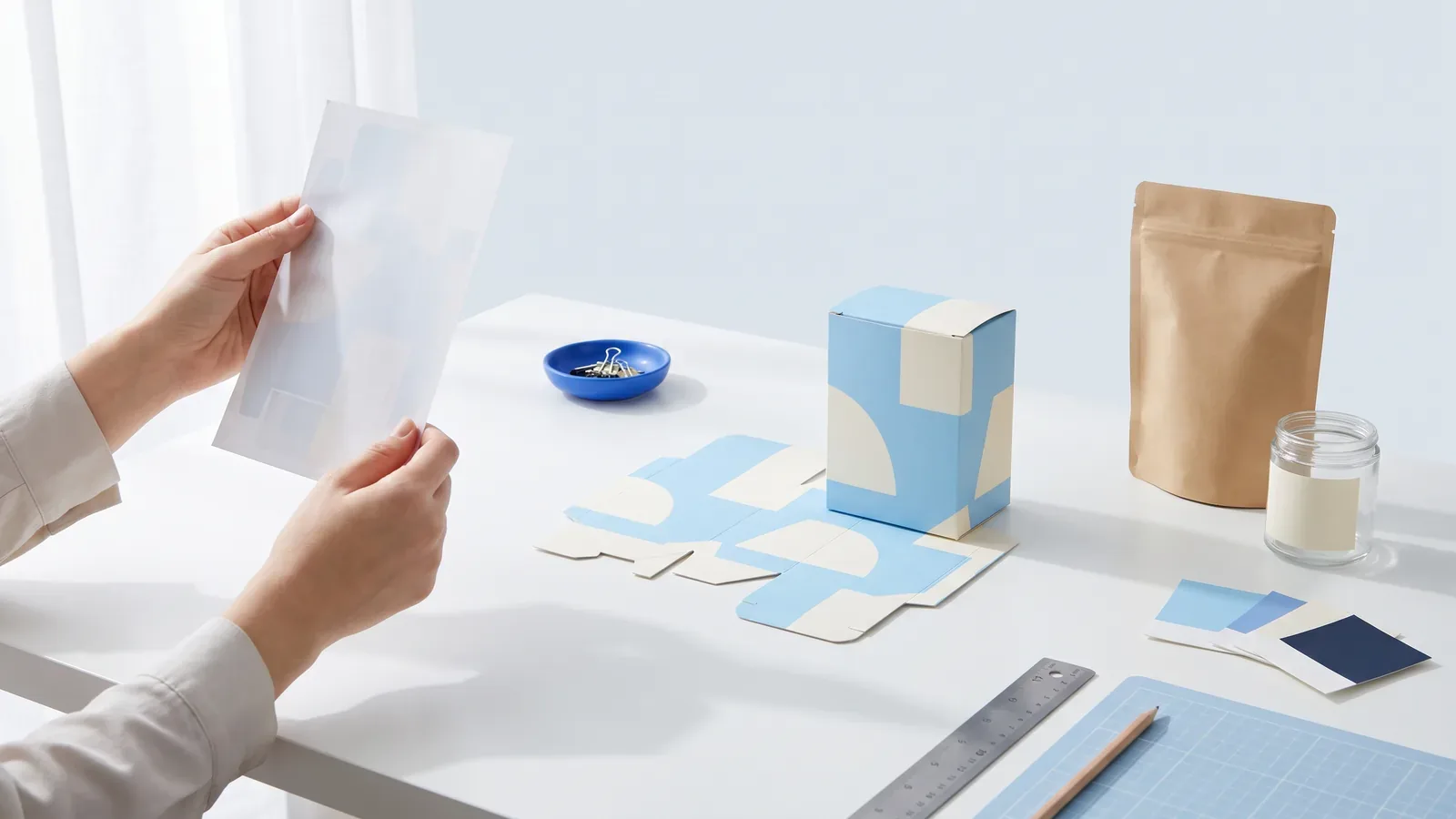
- Structure: a dieline at the real size, or at least inside length, width and height, the board, and whether the box is printed on one or both sides.
- Food: in the US, most packaged food needs a Nutrition Facts panel under 21 CFR 101.9 plus ingredients, allergens and net quantity. Reserve the space even if the numbers come later.
- Clothing: US care labels follow the FTC Care Labeling Rule, and fiber content and country of origin have their own rules; see our apparel packaging guide.
- Retail: a barcode, a recycling mark if you print one, and any retailer rules for size or placement.
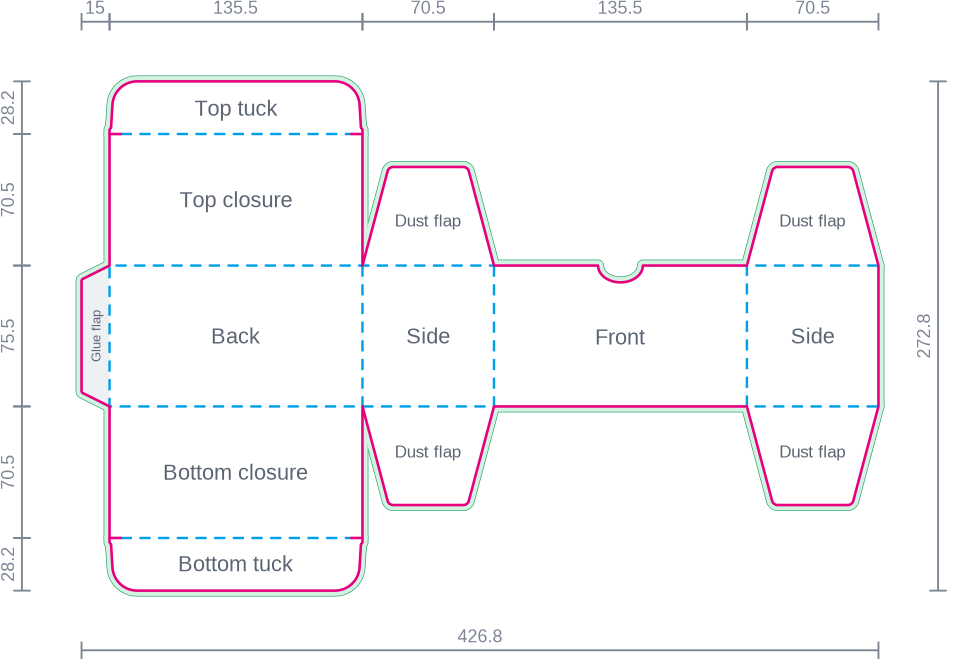
Get the structure before the art
Type the inside size and pick a style and board, and the free generator draws a 1:1 dieline you can attach to the brief as PDF, SVG or DXF.
- 18 box, bag, pouch and envelope styles
- Board allowances built in
- PDF, SVG, DXF, PNG
- First download free
A Short Package Brief Example
Here is the outline filled in for a made up product, a small batch granola in a stand up pouch. Notice how short each answer is; a package brief is a list of decisions, not an essay.
| Field | Example answer |
|---|---|
| Goal | First retail pouch; read as natural and generous from 2 meters. |
| Product | Honey almond granola, 12 oz, two flavors next year. |
| Buyer | Adults who shop at farmers markets and buy granola now. |
| Where it sells | Grocery shelves, a market stall and the online shop. |
| Structure | Stand up pouch with a zipper, window optional; printer's template attached. |
| Required text | Nutrition Facts, ingredients, Contains: tree nuts (almonds), net weight, address, barcode. |
| Messages | 1. Honey and almonds. 2. Baked in small batches. 3. No artificial flavors. |
| Budget | Four colors, matte finish, first run of 2,000 pouches. |
Packaging Brief Mistakes to Avoid
- Vague goals. "Modern and clean" fits every pack. Say what it must beat and where.
- Too many messages. A front panel holds one main message and a few supporting ones; rank them.
- No size. Without a dieline or dimensions, the first concept is often drawn on the wrong shape.
- Legal text last. Nutrition Facts, warnings and care labels take room; add them in round one, not round three.
- No budget. Foil, embossing and extra inks change the price; say what the budget allows before concepts.
- No proof step. Plan a printed proof or sample in the timeline; colors on screen are not colors on board.
Each of these mistakes shows up as an extra round of revisions. A one page packaging brief that covers them is worth more than a long one that skips them.
Use the Design Brief in Every Review
Open the design brief at the start of each review and check the work against it, must haves first. If a new idea comes up that changes the goal, update the brief and its date instead of letting the change live in an email thread.
Some teams also test the brief early by turning the package brief's key lines into a few quick AI concepts. They are a cheap way to see whether the messages and mood read the way you meant, before a designer spends days on them.
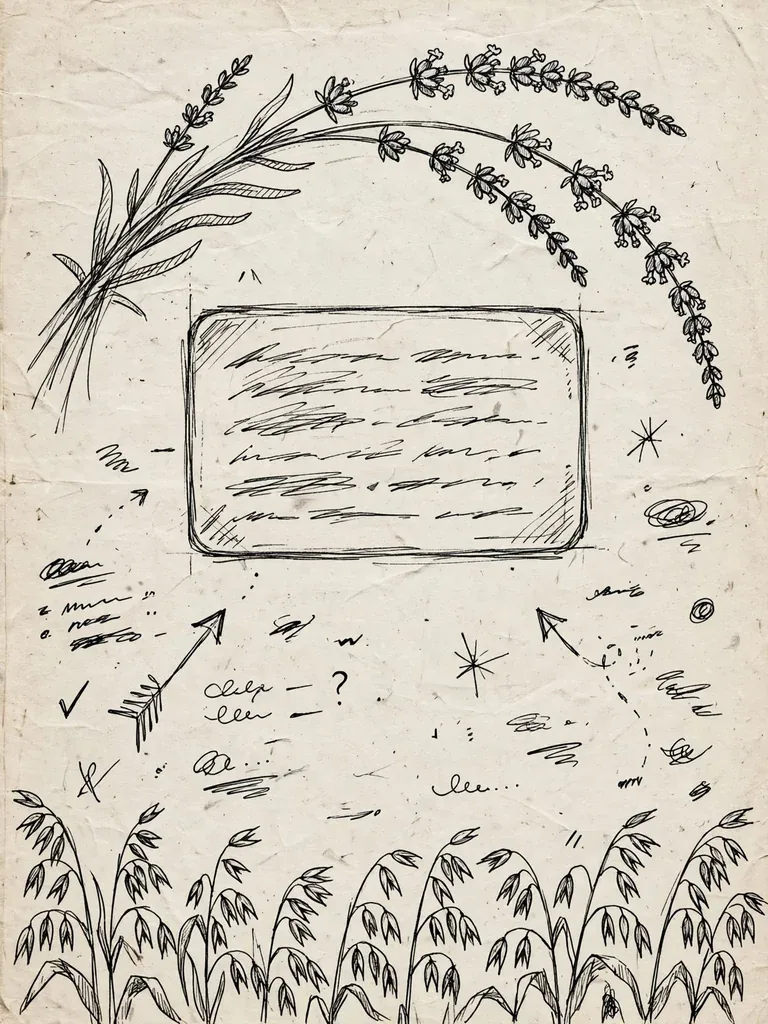
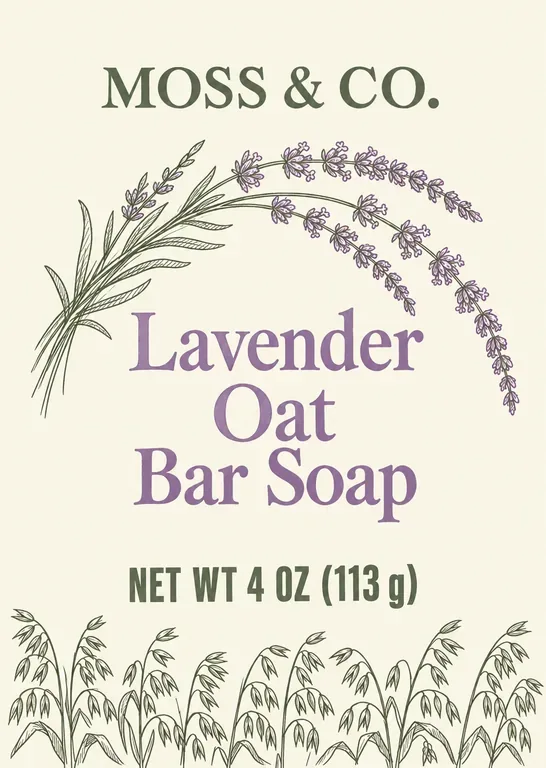
Turn the brief into first concepts
Paste your product description, brand name and key lines into the box designer and add a sketch or logo as a reference. AI designs use credits, and the cost shows on the Generate button.
- 5 box styles
- Up to 4 reference images
- Up to 4 designs per run
- Proof every word before print
Package Brief FAQ
A short document that sets out what a pack must hold, say, cost and look like before design starts: the product, the buyer, where it sells, the structure, the required text, the budget and the dates.
Usually the brand owner, founder or marketing lead. The designer can help shape it, but the brand side owns the facts, the budget and the final sign off.
One or two pages. Put the long material, such as the dieline, the legal text and reference photos, in attachments and keep the packaging brief itself to decisions.
Teams use both names. A design brief for packaging adds what a general creative brief often leaves out: the structure, the required text and the print specs.
Yes, or at least the inside dimensions and the board. The free dieline generator draws one to any size, so the designer starts on the real shape.
You need the space, not the final numbers. Reserve room with a blank nutrition label and fill in the real panel later from the nutrition label maker.
It can turn the brief's key lines into quick concept art to test the direction. AI designs use credits, the lettering must be proofed, and the result is artwork, not a dieline or a print file.
Many briefs ask for two or three first concepts, then one direction to refine. Say the number in the brief so the quote and the timeline match it.
Vector logo files, the dieline, the required text in a separate document, photos of the products it will sit next to, and a few references you like and dislike.
Tick off the must haves first, then print the design at size and put it next to the products it competes with. If the main message reads from where a shopper stands, it works.
Start From a Clear Package Brief
Copy the package brief outline above, attach a free dieline, and test the direction with the AI packaging design generator (AI designs use credits).
Draw your dieline