Skip to content

AI Juice Bottle Label Maker, Print Ready

PackDesignAI is an AI juice bottle label maker for juice bars and small brands: name the fruit, add your logo and get up to four bright label designs, starting at 3 × 4 in. Download a PDF with 1/8 in bleed or a 300 dpi PNG, with no watermark. AI designs use credits.

Juice Label Maker
0 / 4000

Put words in "double quotes" to ask for exact text. Check the spelling before you print.

Style

Try one of these

  • Starts at 3 × 4 in
  • Your logo and flavors
  • Print PDF and 300 dpi PNG
  • No watermark

Juice Bottle Label Ideas to Start From

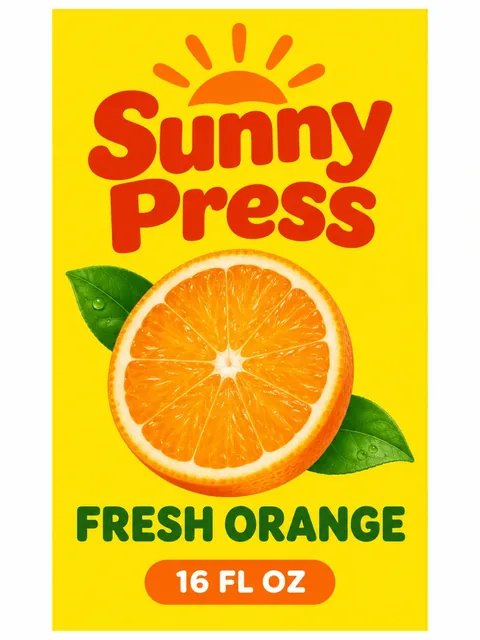
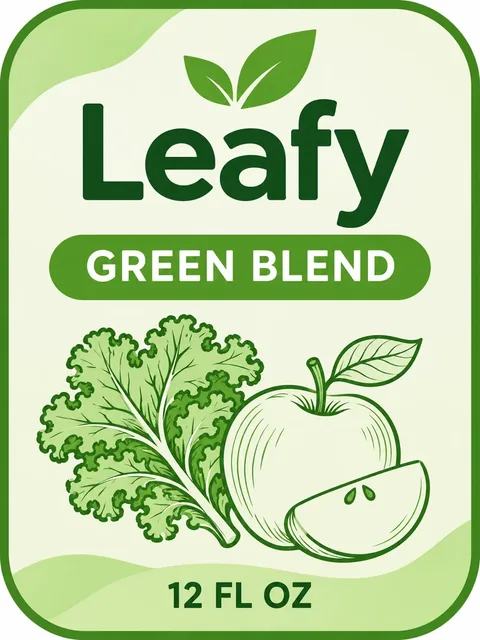
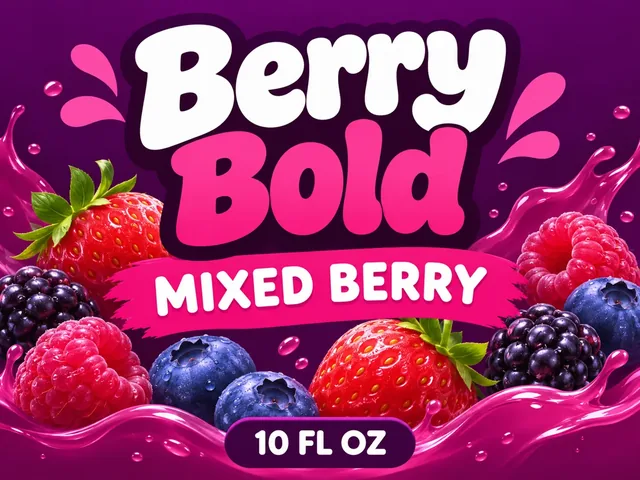
Fresh orange, a green blend, mixed berry and a kombucha. "Use this example" fills the juice label maker with the prompt, size and shape.

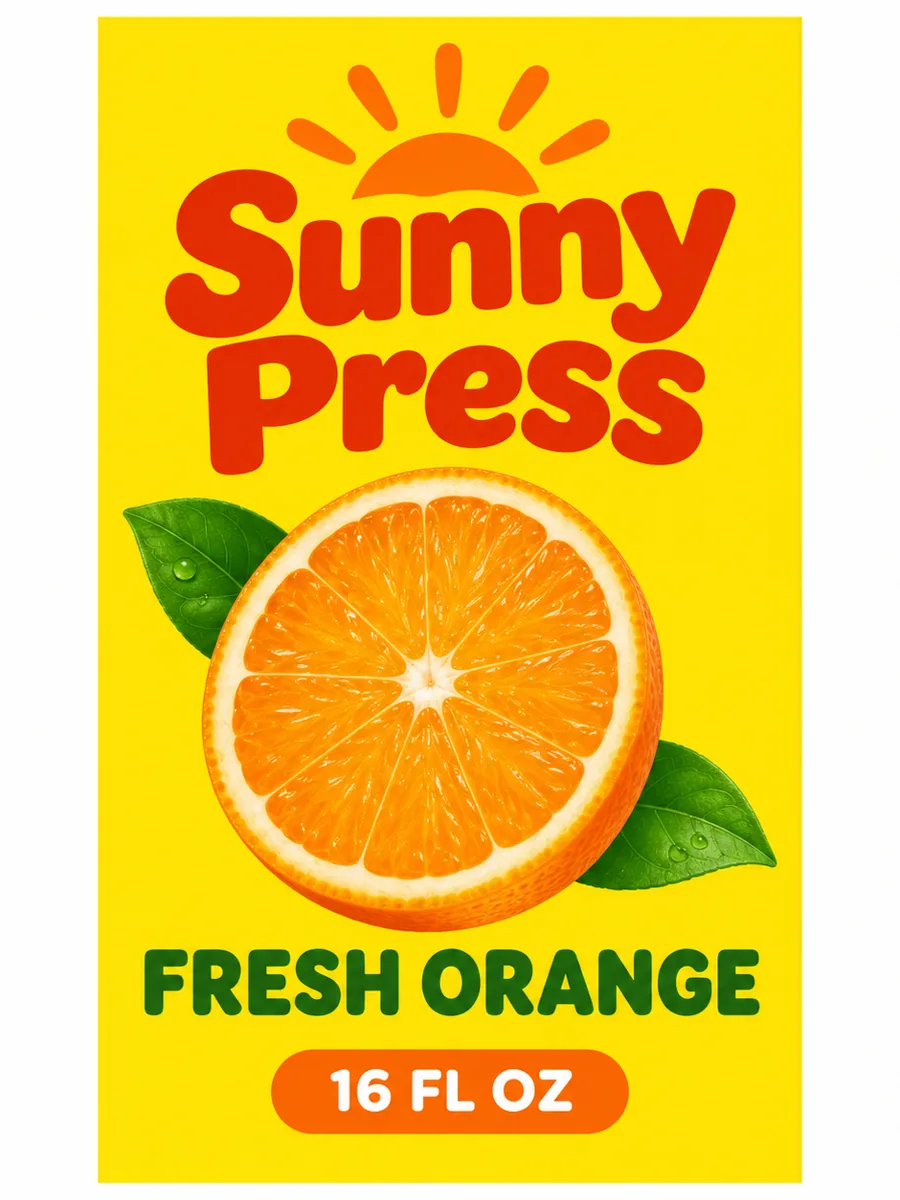
A yellow orange juice label with a large orange slice
Orange, 3 × 4 inA big orange slice on bright yellow
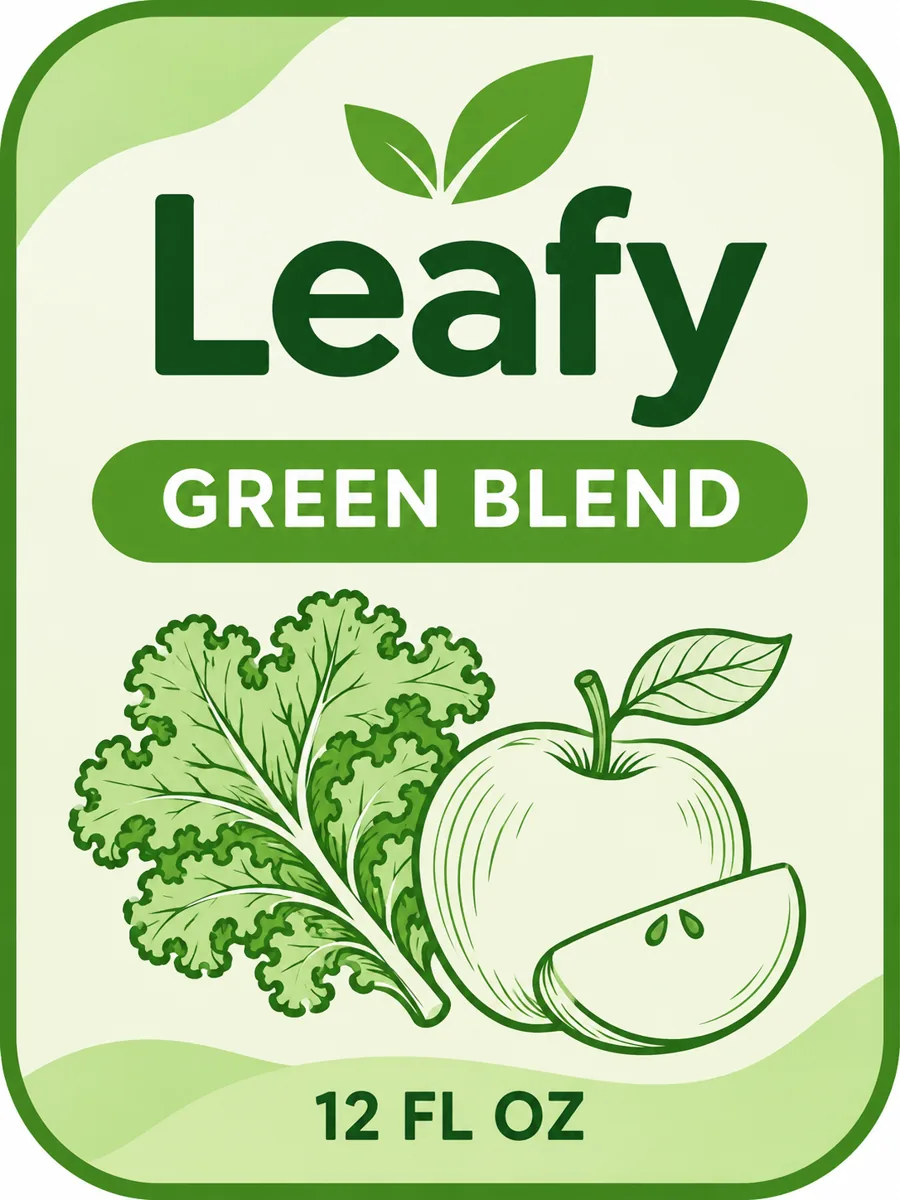
A soft green juice label with kale and apple line drawings
Green blend, 3 × 4 in roundedKale and apple line art in soft greens
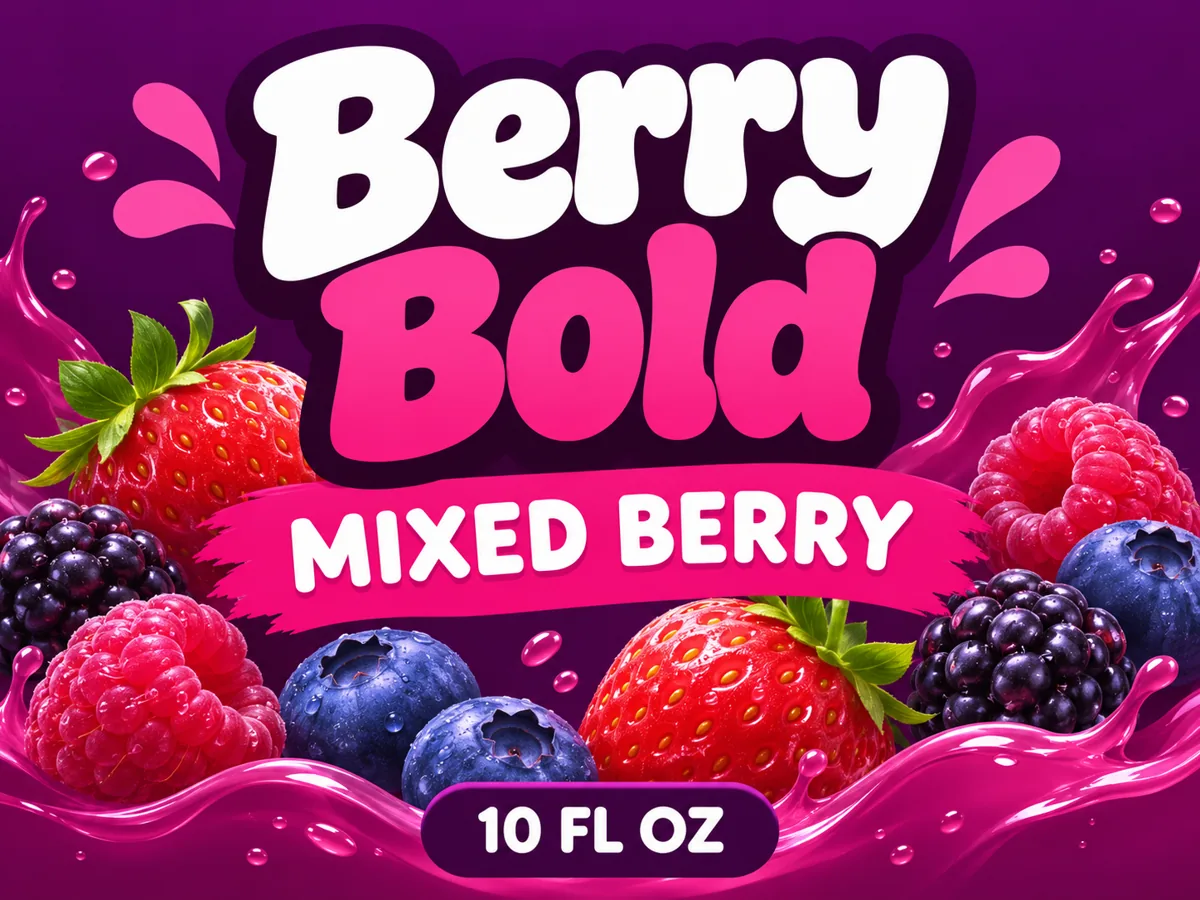
A wide purple mixed berry juice label
Berry, 4 × 3 inDeep purple with pink berries
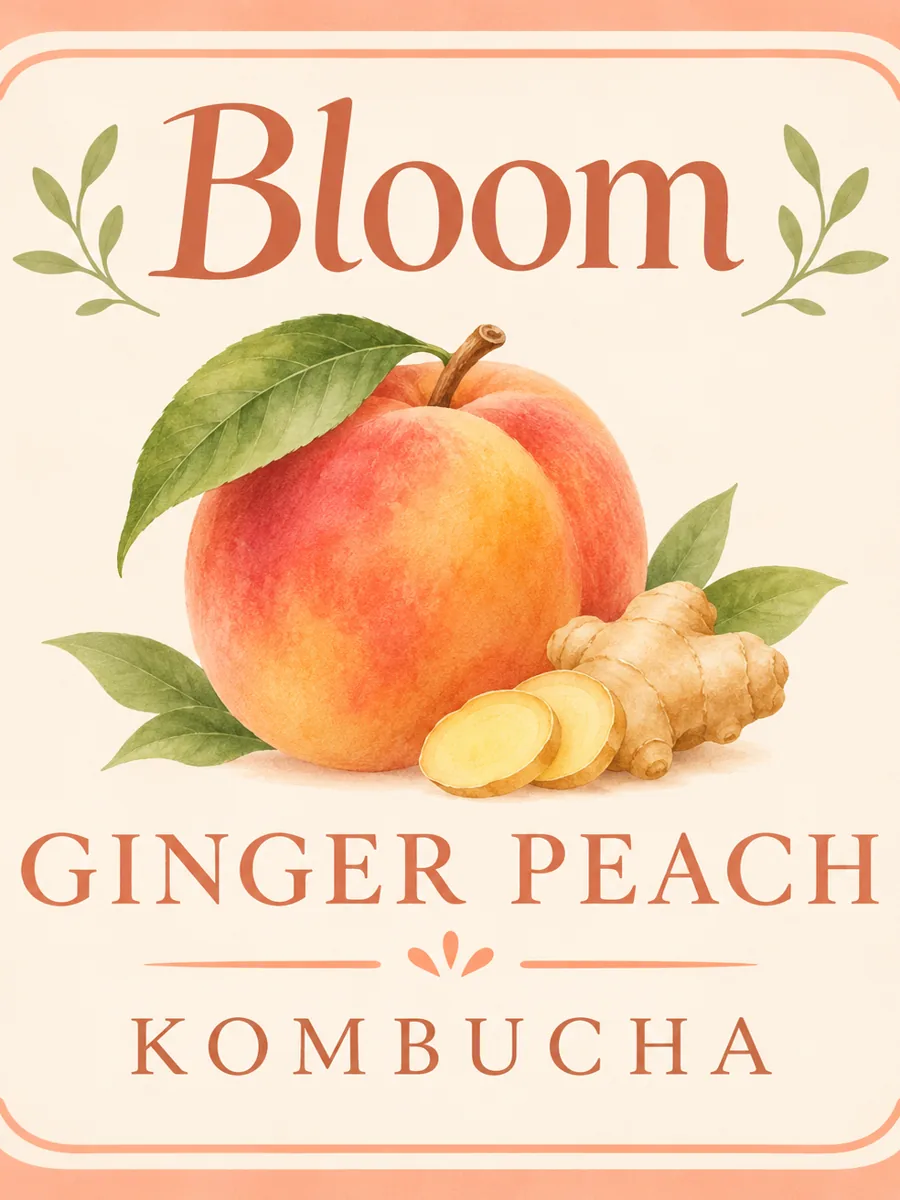
A peach and cream ginger peach kombucha label
Kombucha, 3 × 4 inTonics and kombucha work too

Each card shows a starting prompt, with invented brands; your designs come from the AI.

How the Juice Label Maker Works

Three steps from a flavor name to a print-ready label.

  1. Start at 3 × 4 in for a standing front label, or pick 4 × 3 in for a squat bottle and 2 × 3 in for small shots. Custom sizes run from 0.5 to 12 in.

  2. Tell the AI the fruit, the mood and the colors, add up to four images such as your logo, and type the flavor and the bottle size under Brand & text. Exact words go in "double quotes".

  3. Sign in and press Generate; the credit cost shows on the button. Compare up to four designs, check the bleed and safe area, then download the PDF or a 300 dpi PNG.

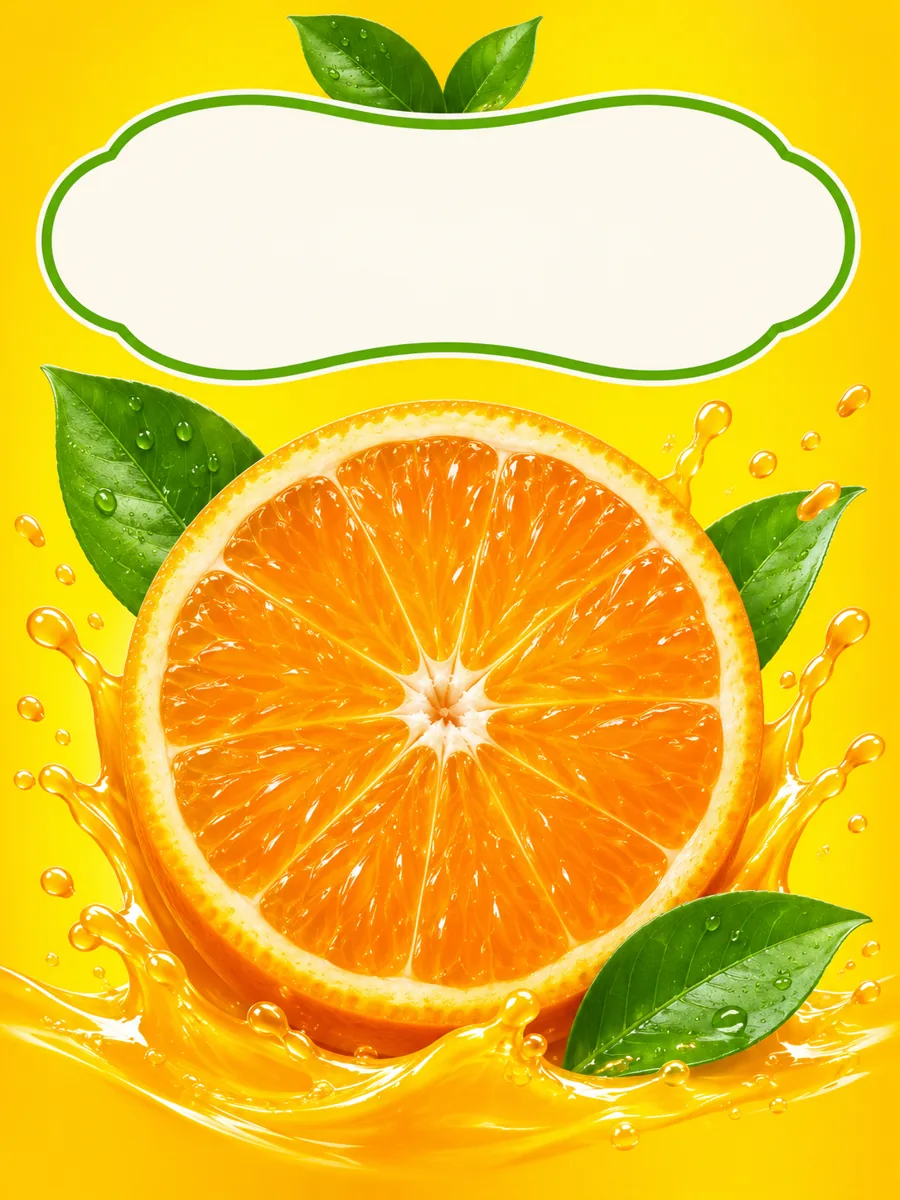
A 3 by 4 inch orange juice label

A Juice Bottle Label Made for Curved Bottles

Fresh looks at the size you print, kept readable on a round bottle.

  1. A wide juice label at print size

    Exact size

    Designed at your label size

    The juice bottle label maker works to your size from the start, with 1/8 in bleed and a safe area. The PDF carries a trim box at the label size and the PNG prints at 300 dpi.

  2. An orange juice label with a fruit slice

    Fresh look

    The fruit you name, front and center

    The page asks the AI for a bright look that suggests the fruit or vegetables in your brief, readable on a curved bottle. Remix with one tap: brighter, more minimal, new colors, bolder or more premium.

  3. A clean green juice front label

    No facts drawn

    Front art only, facts from the free tool

    The AI is told not to draw a Nutrition Facts panel, an ingredient list or health claims. Make the panel in the free nutrition label maker and place it on the back label.

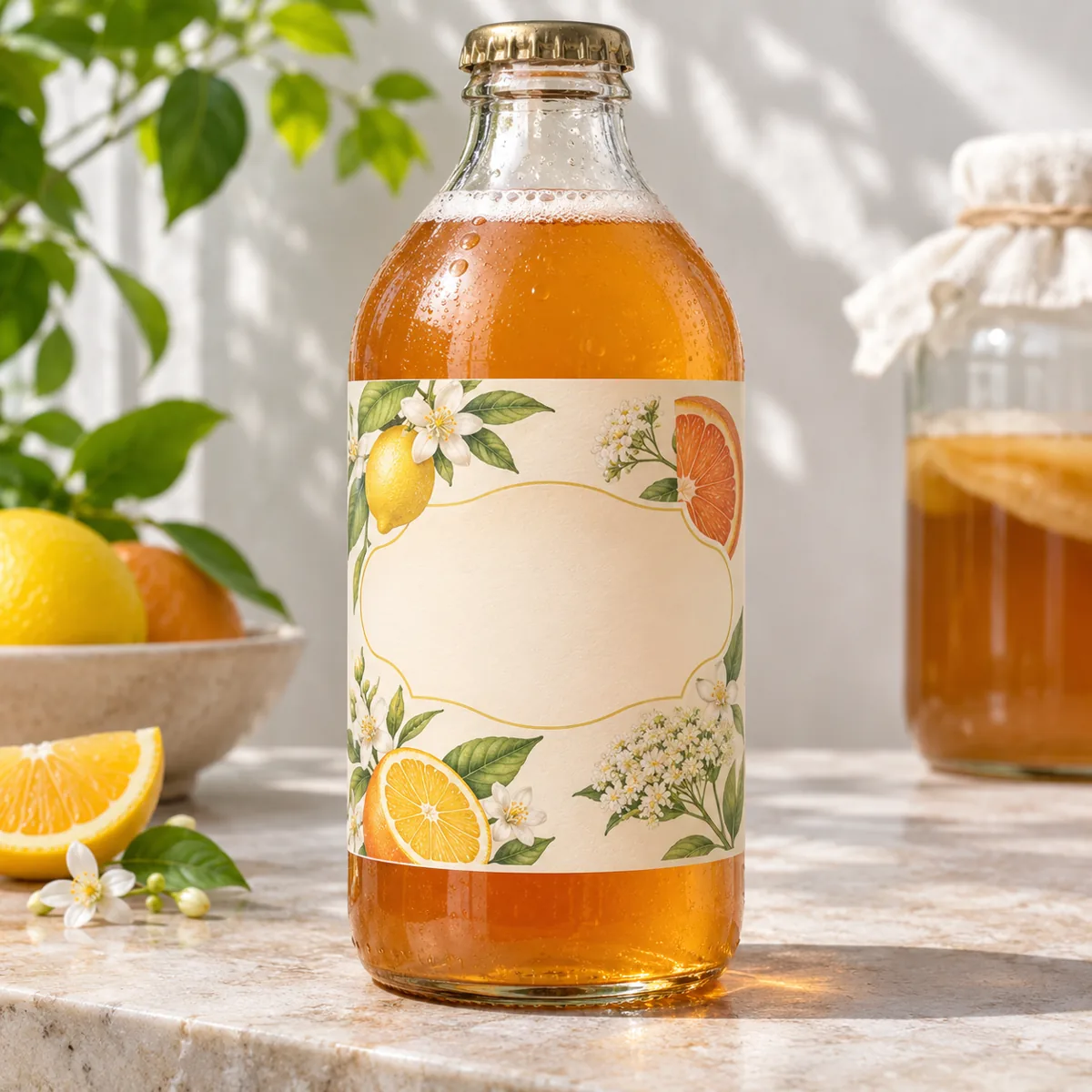
  4. A kombucha label

    Preview

    See it on a bottle first

    Turn any flat design on a bottle in the 3D preview, or switch the layout to On product. Every run shows its credit cost first, and failed designs give their credits back.

Juice Bottle Label Basics for Small Brands

Size, front panel, back panel and printing in four short notes.

Measure the bottle

Cold pressed juice bottles are often round PET or glass. Measure the flat band with a soft tape and leave room at the shoulder and the base. A 3 × 4 in juice bottle label suits many 12 to 16 oz bottles, but check yours.

Print one label on plain paper, wrap it and look at it from a step away.
What the front label holds

Keep the front simple so it reads in a cooler:

  1. 1Brand and flavor name, large.
  2. 2The fruit or vegetables, as art.
  3. 3Net contents in quotes, such as "16 FL OZ".

The back label

Juice sold in stores usually needs an ingredient list, the maker’s name and address and a Nutrition Facts panel, and unpasteurized juice has its own warning rules. Make the panel with the nutrition label maker, the list with the food label maker, and check the rules for your product.

Paper and printing

Bottles sweat in a cooler, so use a water resistant stock or a laminate. The PDF is RGB at 300 dpi with bleed; home and online label printers take it, and a commercial printer may ask for CMYK.

Who Uses a Juice Label Maker

Fresh drinks, small runs, many flavors.

  • Juice bars and cafes

    A cold pressed juice label for every flavor on the menu, in one family style.

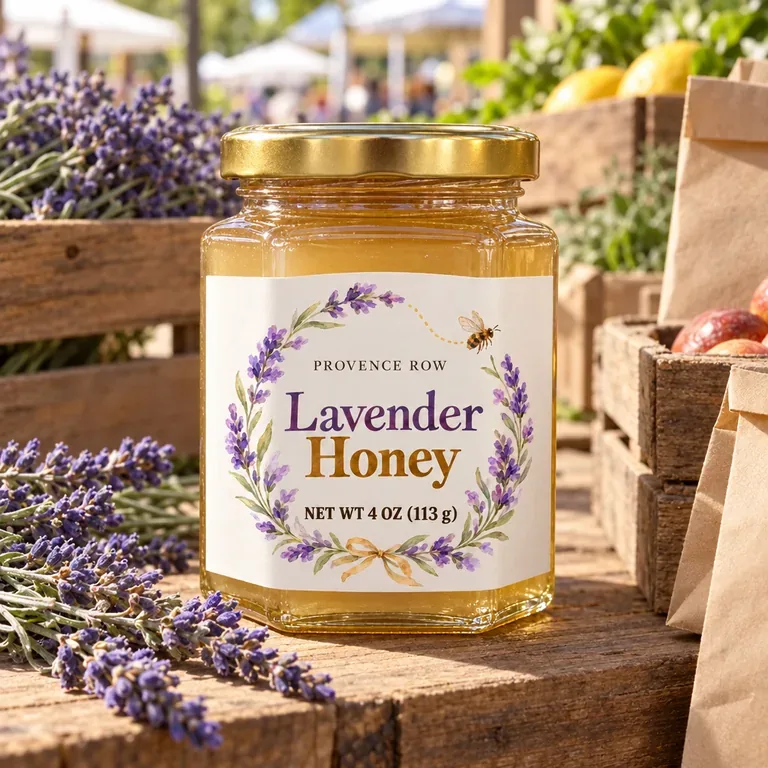
  • Labeled jars on a market crate

    Market and farm stands

    Bottles that look like a brand next to the fruit they came from.

  • Smoothie and tonic makers

    A smoothie bottle label or a kombucha label with the same tools.

  • Designers

    A juice label template direction to show a client, then refine.

Juice Bottle Label Maker FAQ

What it makes, what it costs and how to print it.

Make Your Label With the Juice Bottle Label Maker

Pick 3 × 4 in, name the fruit and download a print-ready label with bleed. The credit cost is on the button before you start.