
Skip to content

AI Sticker Generator for Die-Cut Stickers

PackDesignAI is an AI sticker generator for die-cut, circle, square and rounded stickers: describe one or add a drawing, logo or photo and get up to four designs. Your browser removes the background for a 300 dpi transparent PNG, plus a PDF with a CutContour cut line at 2, 3 or 4 in. AI designs use credits.

AI sticker generator
0 / 4000

Put words in "double quotes" to ask for exact text. Check the spelling before you print.

Try one of these

  • Transparent 300 dpi PNG
  • PDF with CutContour cut line
  • 4 shapes, 2 to 4 in
  • No watermark

AI Sticker Generator Examples

A child’s drawing turned into a die-cut sticker, plus round and rounded designs. "Use this example" fills the sticker generator with the prompt, shape and size.

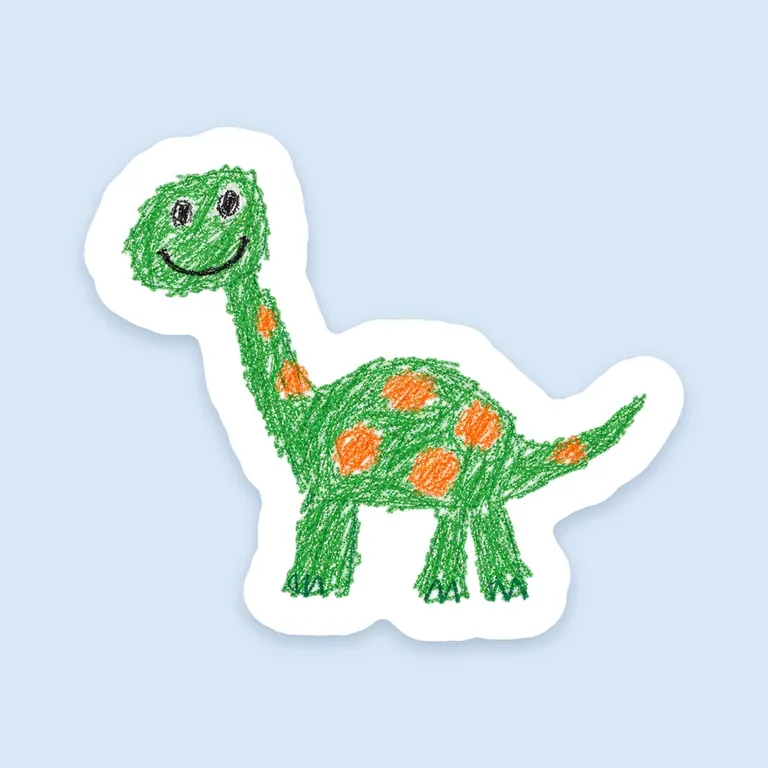
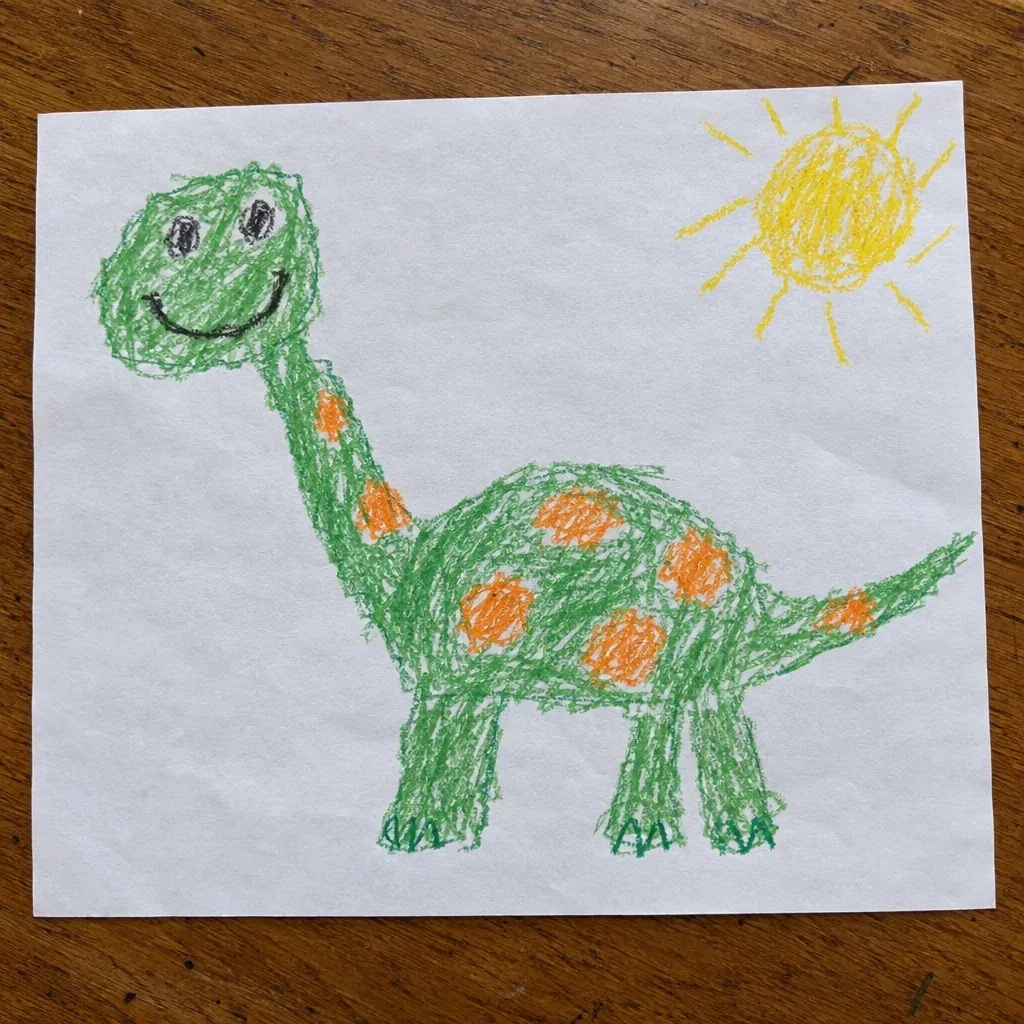
Green crayon dinosaur with orange spots, cut out with a white border
Die-cut stickerA child’s crayon dinosaur as a sticker
Round label with sunburst rays, mangoes and chilies in yellow, red and teal
Round labelMango chili round lid label
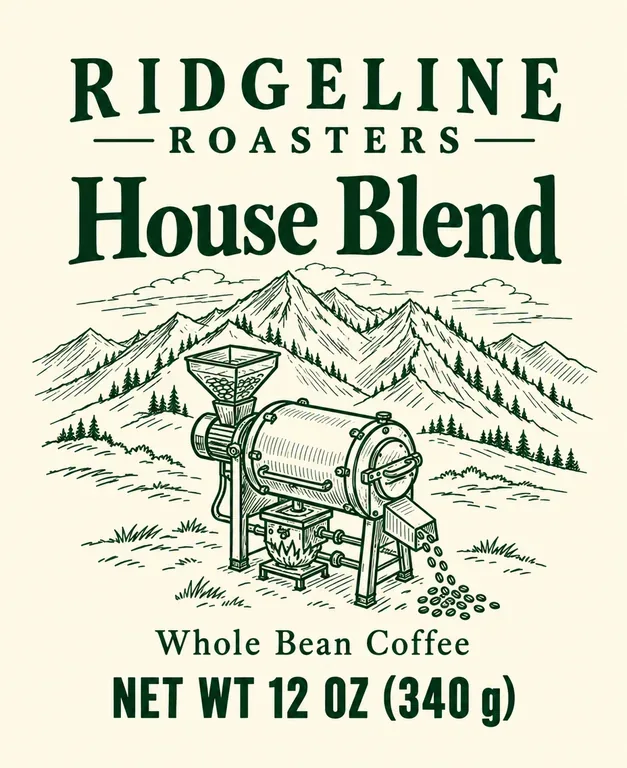
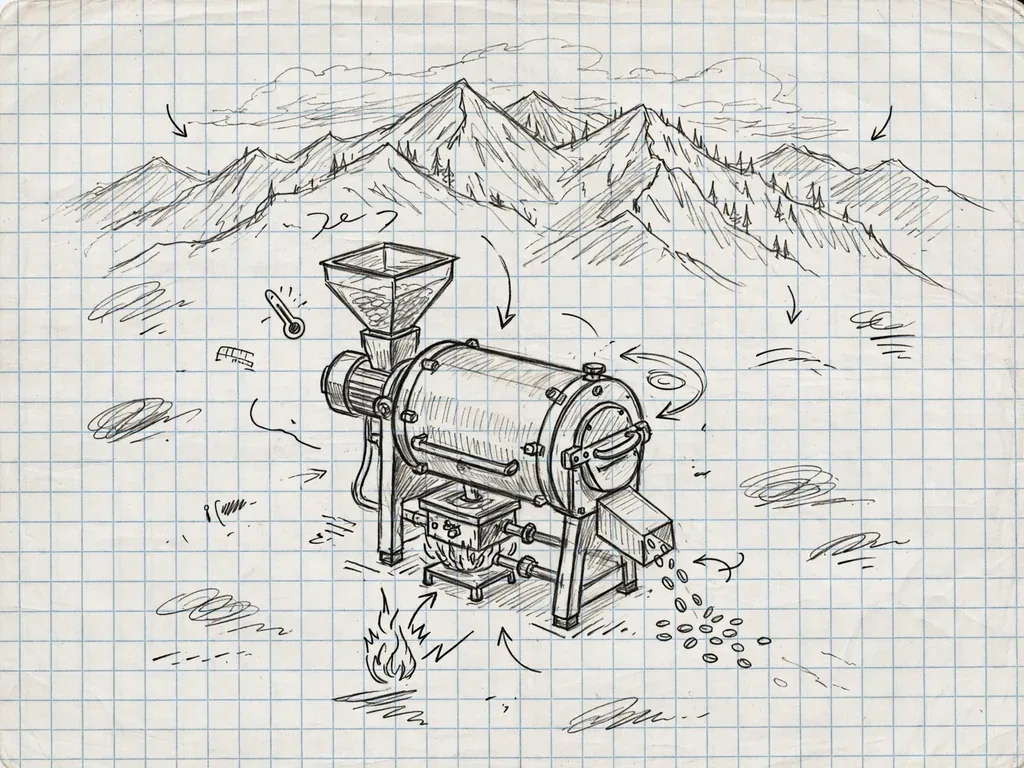
Cream coffee label with a drum roaster under mountains in green line art
Bag labelCoffee roaster label from a sketch

Examples are partner demos made with AI: one die-cut sticker and two labels in the circle and rounded shapes this tool also cuts. We only show real examples, so the list is short.

How the AI Sticker Generator Works

From an idea, a drawing or a logo to a sticker file a print shop can cut, in three steps.

  1. Say what the sticker shows, the style and two or three colors. Add up to four images, such as a child’s drawing, a pet photo or your logo, and put any words in "double quotes".

  2. Choose die-cut, circle, square or rounded, and 2, 3 or 4 inches on the longest side. Pick 1 to 4 designs and Fast or Quality, then press Generate: the credit cost shows on the button.

  3. The AI sticker generator removes the flat background in your browser. Download a 300 dpi transparent PNG, or a PDF at the exact size with a 1/16 in white bleed and a separate cut line.

A child’s crayon drawing of a green dinosaur on paper

An AI Sticker Maker Built for Printing

Most image tools stop at a picture. This AI sticker maker hands you the files a sticker actually needs.

  1. Transparent PNGWhite border+ 1/16 in bleedCutContour lineseparate, in the PDFToggle the line inthe print preview.

    Print files

    Transparent PNG and a real cut line

    The AI sticker generator traces the outline and merges small nearby parts into one contour, so the blade doesn’t chase tiny islands. The PDF carries it as a separate CutContour spot color; toggle it in the preview to check the fit.

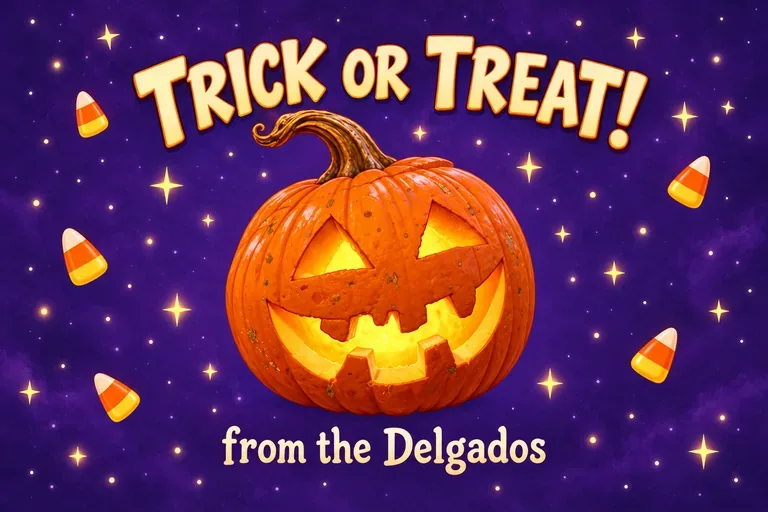
  2. Cartoon jack o’lantern under a purple night sky with candy corn

    Image to sticker

    From a photo, a drawing or a logo

    Add up to four reference images and say what to keep. This party label began as a photo of a carved pumpkin; the dinosaur above began as a crayon drawing.

  3. 2 in600 px3 in900 px4 in1200 pxLongest side at 300 dpi, before the bleed

    Size

    Made at the size you stick

    Pick 2, 3 or 4 inches on the longest side and the sticker generator builds the file at 300 dpi for that size. For a 4 in sticker, Quality at 2K or 4K keeps more detail than a 1K image.

  4. Graph paper sketch of a coffee roaster under a mountain ridge

    Your words

    Logos and words, sent as typed

    Words in "double quotes" go to the AI word for word; big, short words read best on a small sticker. AI can still misspell, so check every letter before you print, and remix with one tap if it needs a fix.

Sticker Generator Guide: Cut Lines, Sizes and Files

What happens between the picture and a cut sticker, in four short chapters.

Die-cut, kiss-cut and what this tool makes

A die-cut sticker is cut through the backing into its own shape. A kiss-cut cuts only the sticker layer and leaves the backing whole, as on sticker sheets.

The AI sticker generator makes one sticker per file with a cut line around it; it doesn’t lay out sheets. For one label on a bottle, use the bottle label maker; for sheets of labels, use the free label maker online.

Cut line, bleed and white border

The AI is asked for a thick white border, and the cut line follows the outer edge of it. Under the art, a 1/16 in white bleed runs past the cut line, so a cut that drifts a little still lands on white.

In the PDF the cut line is a spot color named CutContour, the common name print shops look for. Shops and machines differ, so check your printer’s file rules before a big order.

If a design comes back on a busy background, the cutout can’t be made: you get the plain image and a note. Try again with a simpler scene.

Size, detail and words

2 in suits laptops and envelopes, 3 in is an easy all rounder and 4 in fits bottles, boxes and bags. Thin lines and small words vanish at 2 in, so keep one bold shape and a few big words.

Need a size the sticker generator doesn’t list? The AI label generator takes any size from 0.5 to 12 in, with a print PDF and bleed.

Printing and cutting at home or at a shop

For a print shop, send the PDF. For a home cutting machine, the transparent PNG is usually the easier start, since most print then cut tools trace their own outline.

Vinyl, paper, gloss or matte and any laminate are your printer’s call; the file doesn’t decide how a sticker handles water or sun. Want to see it on packaging first? Use the mockup generator.

Who Uses an AI Sticker Generator

Small brands and families use an AI sticker maker when they want one good sticker today, not a design brief.

  • A phone filming a dropper bottle and carton on a turntable

    Online shops

    Logo and thank you stickers for every order, then a listing shot with AI product photography.

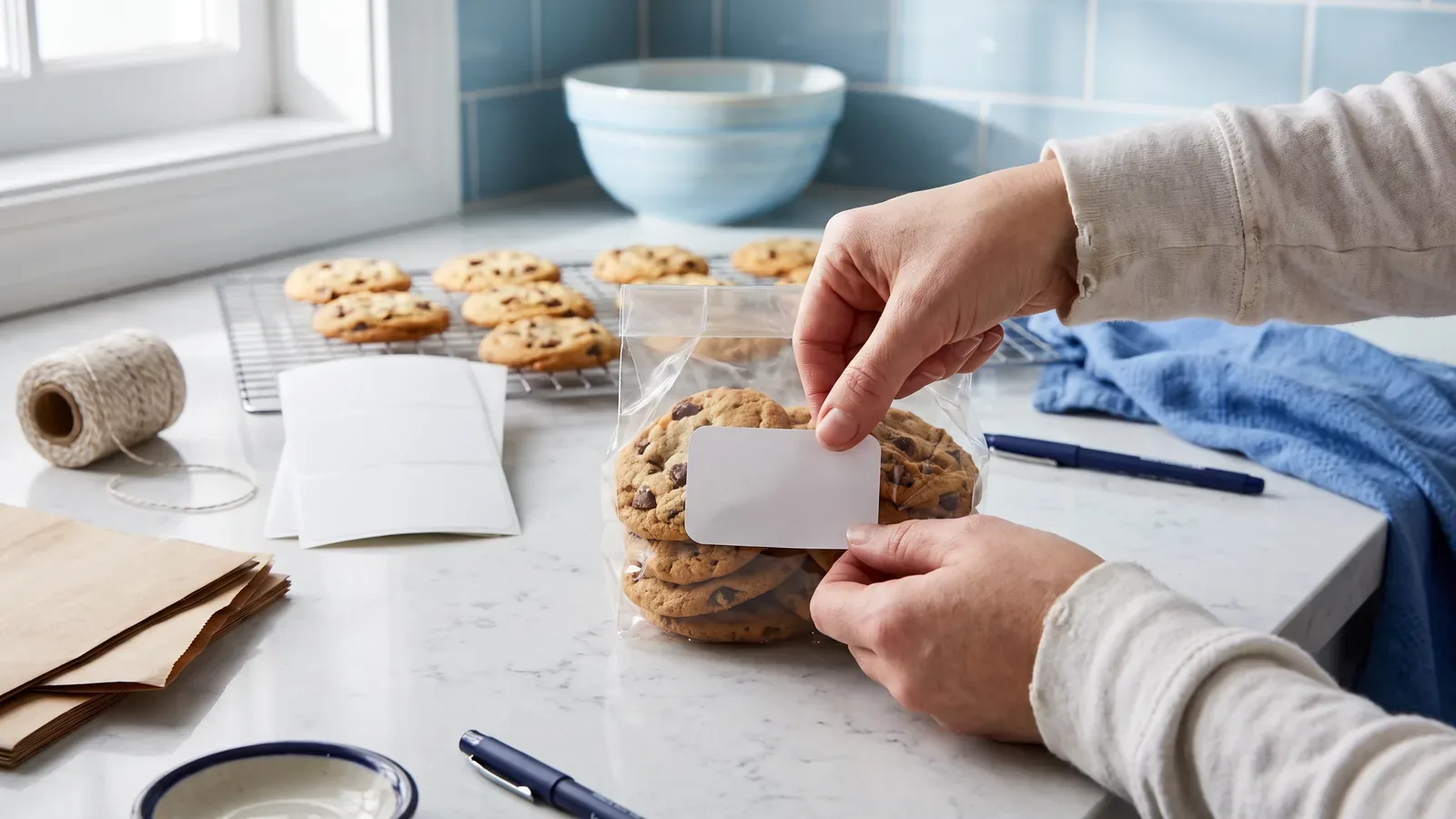
  • Hands pressing a label onto a bag of cookies

    Bakers and cafés

    Round seals for cookie bags, pastry boxes and coffee cups.

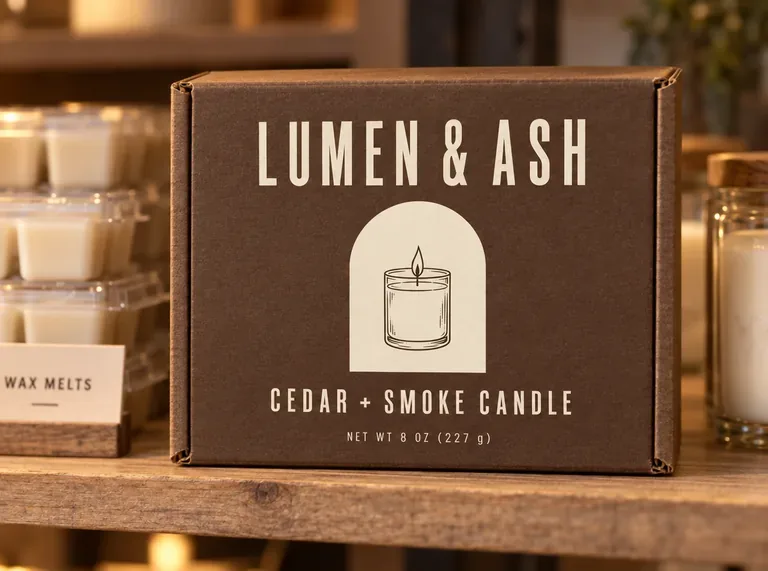
  • A candle box on a wooden shop shelf beside wax melts

    Candle and soap makers

    Small die-cut marks for boxes, lids and wrapping paper.

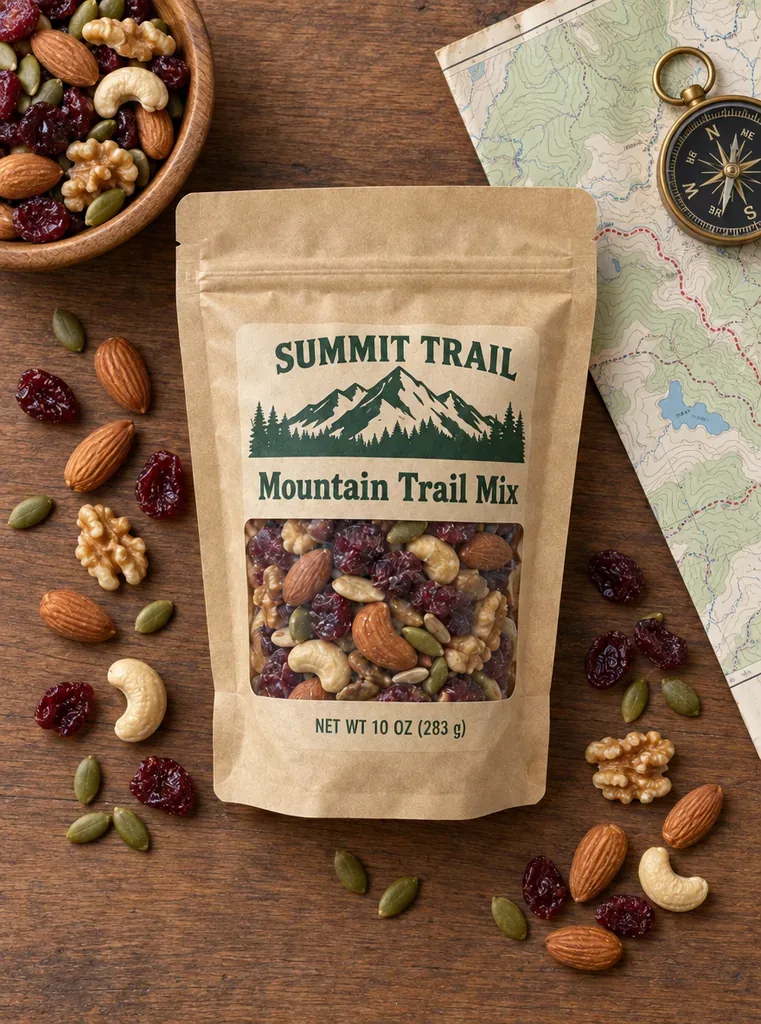
  • A kraft trail mix pouch with nuts and dried berries around it

    Snack and coffee brands

    Flavor stickers that turn one plain pouch into a whole range.

AI Sticker Generator Questions

Files, cut lines, costs and limits.

Make Your Sticker With the AI Sticker Generator

Describe it, pick a shape and a size, and download a transparent PNG and a cut line PDF. The credit cost shows on the button first.