Skip to content

Free, in your browser

Free Instagram Post Generator, No Watermark

PackDesignAI is a free Instagram post generator in your browser, with no watermark and your first download free. Pick one of 10 templates, type your words, add a product photo and download a PNG or JPG at 1080 x 1080, 1080 x 1350, story 1080 x 1920 or 1080 x 566. Optional AI background art uses credits.

Instagram post maker

Size

Templates

10 templates

Colours

One click recolours the design
Drop a photo
Click to select, drag to move, double click text to type.
This page as a PNG: 300 dpi for print sizes, the exact pixel size for screen sizes. 2x doubles the pixels.

Drafts cannot be saved in this browser (private mode?). Export before you leave.

  • Free to design
  • First download free
  • No watermark
  • Runs in your browser
  • 10 post templates
  • Square, portrait, story, wide
  • PNG or JPG, 2x option
  • First download free, no watermark

Templates in the Instagram Post Generator

Eight of the 10 layouts in this IG post generator, from a new packaging launch and a weekend sale to a quote card and a carousel cover.

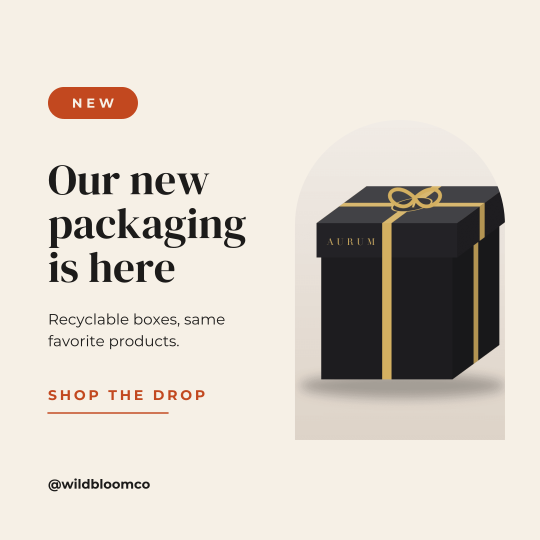
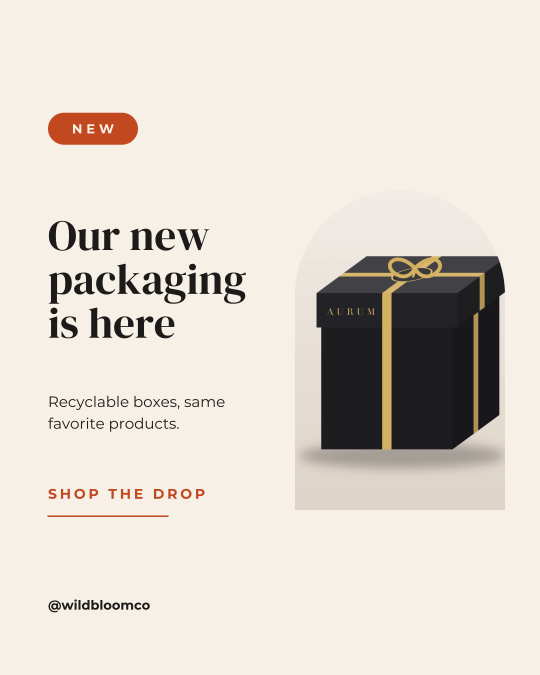
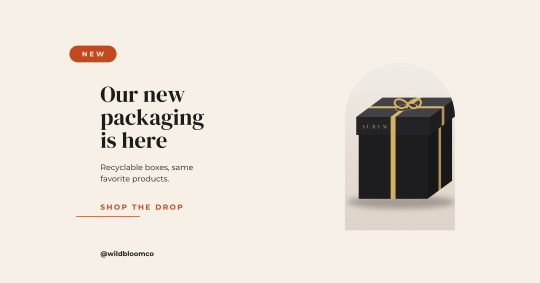
Product launch post announcing new packaging with a photo of a black gift box
Product launchOur new packaging is here, with an arch photo frame
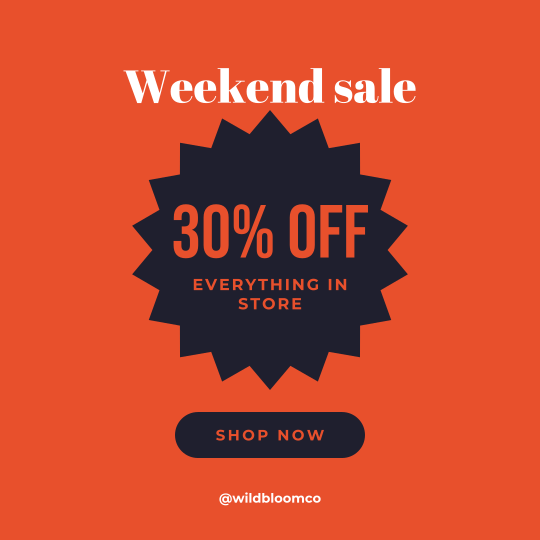
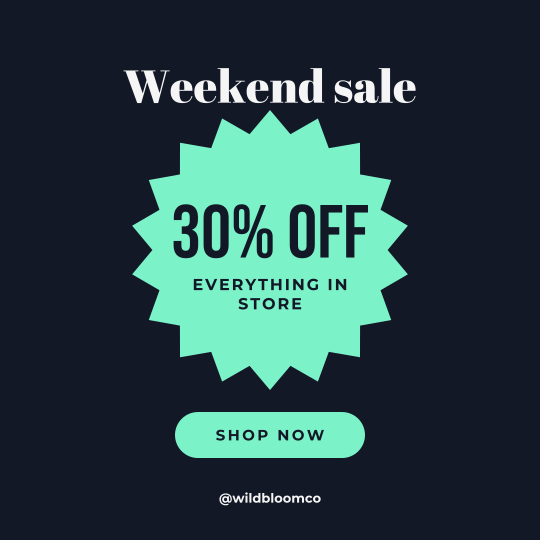
Orange sale post with 30% off in a starburst and a Shop now button
SaleA bold price burst and a button for a weekend sale
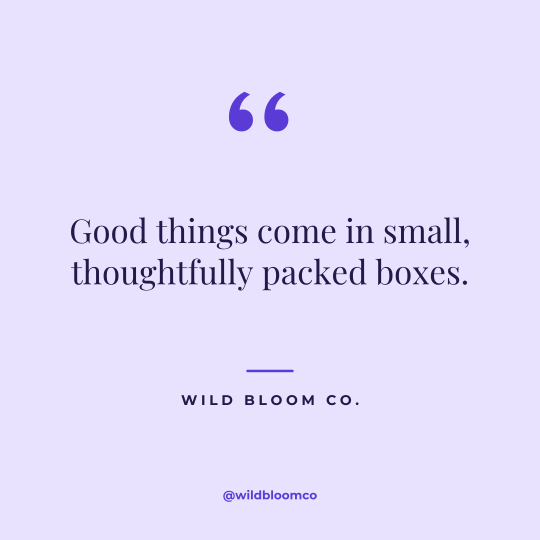
Lilac quote post with large quote marks and a short line about packed boxes
QuoteA calm quote card in serif type with your brand name
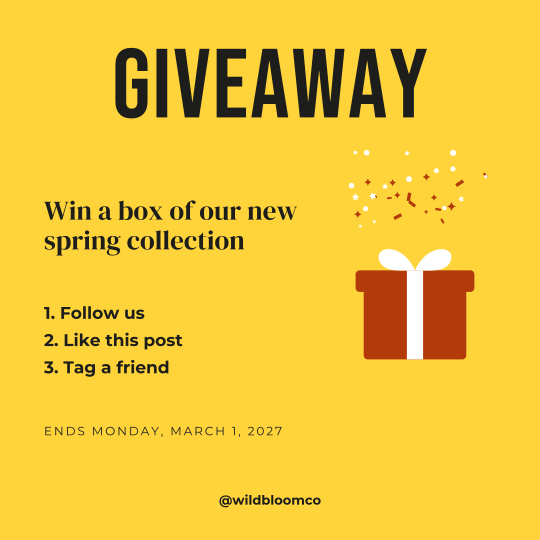
Yellow giveaway post with three entry steps, an end date and a gift drawing
GiveawayGiveaway rules, an end date and a gift box drawing
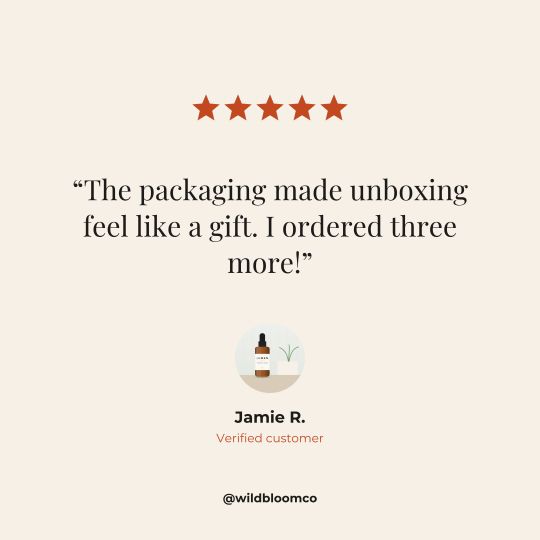
Customer review post with five stars, a quote and a small round photo
TestimonialFive stars, a customer quote and a round photo
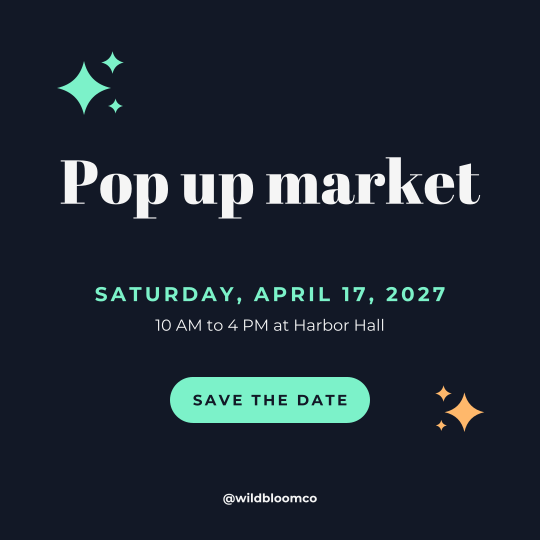
Dark event post for a pop up market with a date, a time and a Save the date button
EventA pop up market date and time on midnight blue
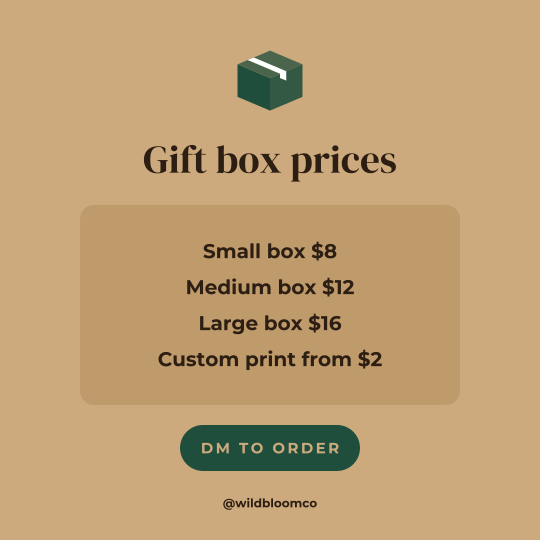
Kraft colour price list post with four box sizes and prices
Price listGift box prices in a soft panel on a kraft colour card
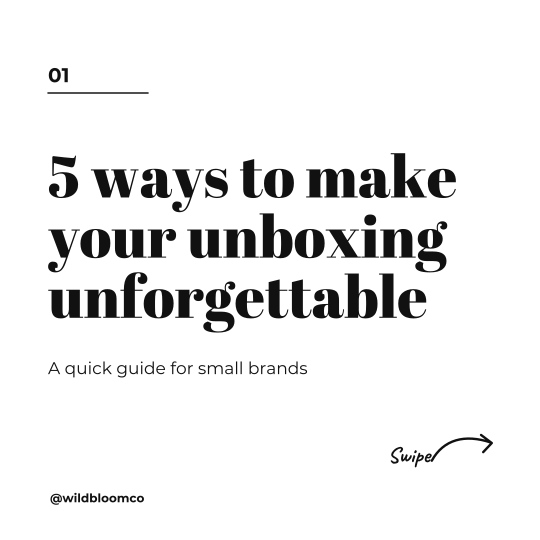
White carousel cover post with a big headline and a hand drawn Swipe arrow
Carousel coverA first slide with a big headline that says swipe

Templates in the editor above, all drawn by PackDesignAI; the brand name, prices and photos are samples (frames start empty). Use this example opens the template at 1080 x 1080.

How the Instagram Post Maker Works in 3 Steps

From an empty feed slot to a finished image, the Instagram post generator keeps every step on one page.

  1. Start from one of 10 layouts in the Instagram post generator: launch, sale, quote, giveaway, testimonial, spotlight, event, price list, announcement or carousel cover. Each one is drawn at 1080 x 1080, ready to edit.

  2. Fill in the headline, subline, price, date, call to action and your handle, and every matching line updates. Drop a product photo into the frame, drag it into place and pick one of 9 colour sets.

  3. Choose square, portrait, story or wide, read the Checks tab, then download a PNG or JPG or copy the image. Upload it in the Instagram app yourself, with your own caption.

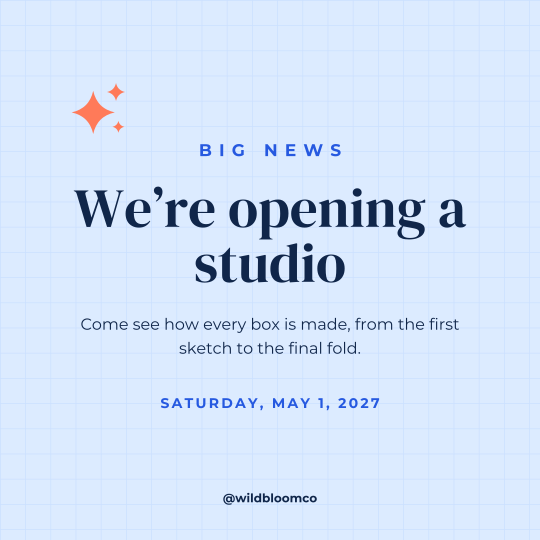
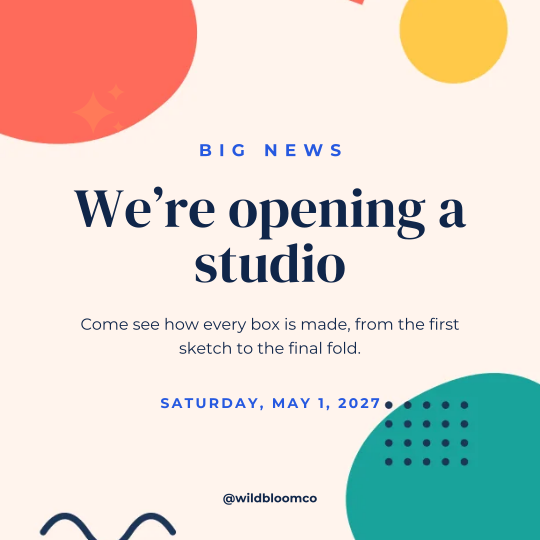
Light blue announcement post that reads Big news, We are opening a studio

A Free Instagram Post Maker With Real Design Tools

More than a template gallery: an Instagram image creator with layers, snapping, photo frames and checks, made for small brands.

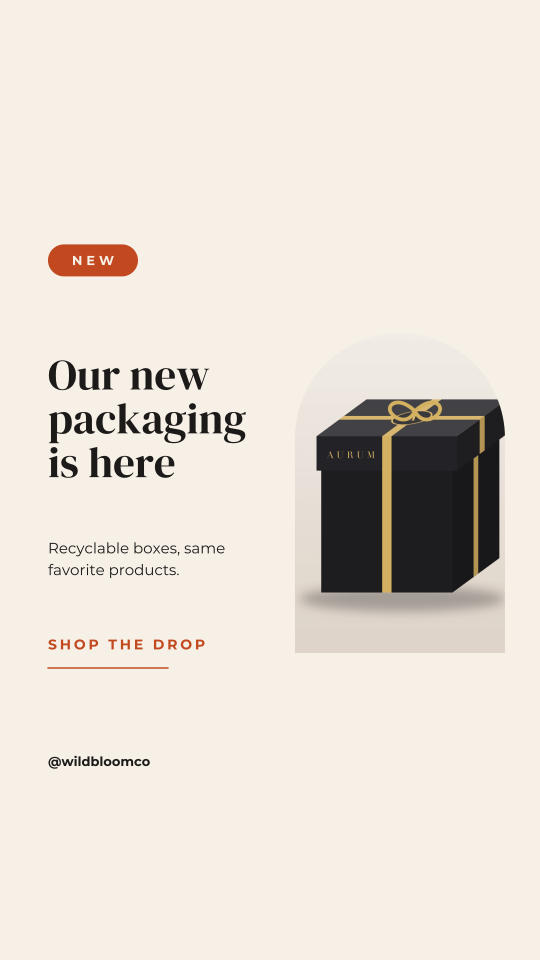
  1. Product launch post switched to the 1080 x 1920 story size

    Sizes

    One design for the feed and your story

    Switch between 1080 x 1080, 1080 x 1350, a 1080 x 1920 story and a 1080 x 566 wide post, and the Instagram post generator re-fits the same design to the new shape. Switch back and your text is still there.

  2. Weekend sale post recoloured from orange to midnight blue and mint with one click

    Colours

    A new colour set in one click

    The Instagram post maker has nine colour sets, from coral and cream to midnight, kraft and mono. Each repaints every shape, ornament and word at once, so a sale post can match your brand or your packaging. Every set keeps text contrast at 3 to 1 or more.

  3. Wide 1080 x 566 product launch post with a gift box photo

    Product photos

    Your product, framed and on brand

    Add JPG, PNG or WebP photos up to 25 MB to rectangle, rounded, circle, arch, heart or polaroid frames, then zoom, drag and try a warm or soft look. Photos are resized in your browser and never uploaded. Need a cleaner shot first? Try AI product photography.

  4. Announcement post over painted background art with soft shapes and dots

    AI artwork

    Optional AI background art with no words

    Signed in, describe a scene and the AI paints a background or a frame picture in one of 6 styles, leaving calm space for your text. It uses credits (the cost shows on the Generate button) and draws no words, though a stray letter can slip in, so check before you post.

Instagram Post Sizes and Design Tips

What to know before you make a post, a story or a carousel cover in the Instagram post maker.

Which size to pick

All four sizes are 1080 px wide, the usual width for Instagram uploads. Pick the shape first; the ig post generator keeps your design when you change it later.

  1. 11080 x 1080 (1:1): the classic square post.
  2. 21080 x 1350 (4:5): a portrait post that fills more of the feed.
  3. 31080 x 1920 (9:16): stories, full screen.
  4. 41080 x 566 (1.91:1): a wide post; text gets small at this height, and Checks says so.

Text that reads on a phone

Keep the headline to a few words and let one line carry the offer. In the IG post generator, the Checks tab flags text under 20 px and contrast under 3 to 1. Text over a photo is not measured, so check that by eye.

On a story, the app draws its own bars over the top and bottom 250 px. The story size keeps your layout inside the free band, and Checks warns if text crosses the safe lines.

Posts for a new product or packaging

The launch, spotlight and price list templates are built for small brands. Shoot the product with AI product photography or set it on an AI generated background, then drop the picture into the frame.

No samples yet? Show the pack on a box mockup or any item with the mockup generator, and post it before the first box ships.

Keep one colour set for all launch posts so the feed looks planned.

Captions, hashtags and posting

This instagram picture generator makes the image only. Write the caption and hashtags in the app, and put emoji there too: the fonts print Latin letters, so emoji and Chinese, Japanese or Korean text do not show in the picture.

Posting and scheduling happen in the app or your own tools; PackDesignAI does neither.

Who Uses This Instagram Image Creator

Anyone who needs a clean post without a design app.

  • Small brands

    Launch posts for new packaging, product spotlights and price lists that match the pack.

  • Shops and sellers

    Sales, giveaways and announcements in minutes, from a free Instagram post maker with no watermark.

  • Makers and markets

    Event posts for a pop up or a market stall, plus matching price tags from the price tag creator.

  • Creators and coaches

    Quote cards, testimonials and carousel covers from an Instagram photo creator that stays on brand.

Instagram Post Generator FAQ

Design Your Next Post With the Instagram Post Generator

Ten templates, four sizes and your own photos: open the Instagram post generator above and download your first post today.