

Skip to content

Empty backdrops for product shots

AI Generated Backgrounds for Products

PackDesignAI is an AI background generator for product photos: describe a scene or add a mood image and get up to four AI generated backgrounds, such as a marble tabletop or a soft studio sweep, with an empty spot for your product. Choose 5 scenes and 5 shapes from 1:1 to 16:9. No text, no product. AI designs use credits.

AI Background Generator
0 / 4000

Put words in "double quotes" to ask for exact text. Check the spelling before you print.

Try one of these

  • 5 scenes, 5 shapes
  • Product spot left, center or right
  • No text in the image
  • No watermark

AI Generated Background Scenes

Studio, tabletop, nature, seasonal and abstract backdrops, plus a wide banner. "Use this example" fills the workspace with the scene, shape and product spot.

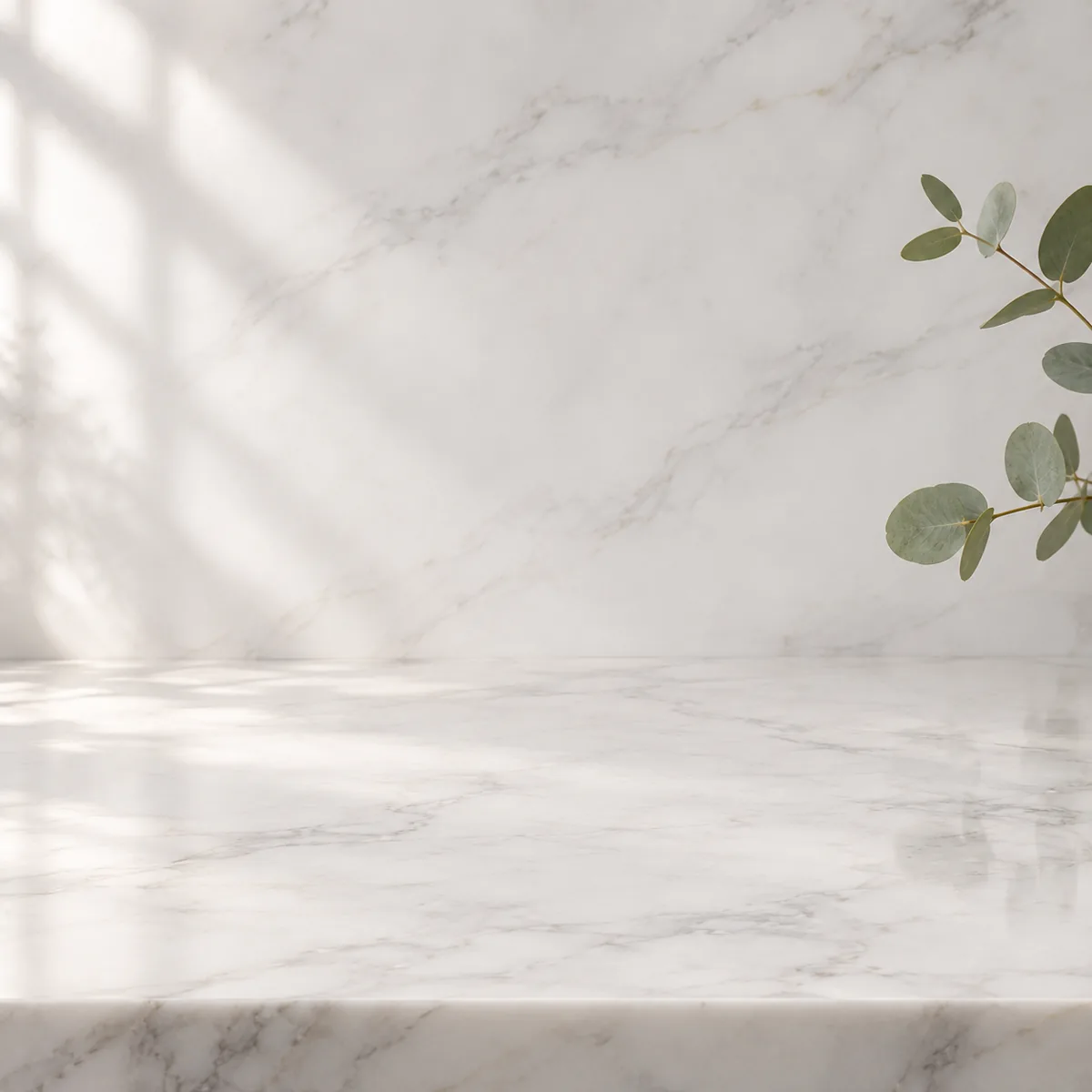
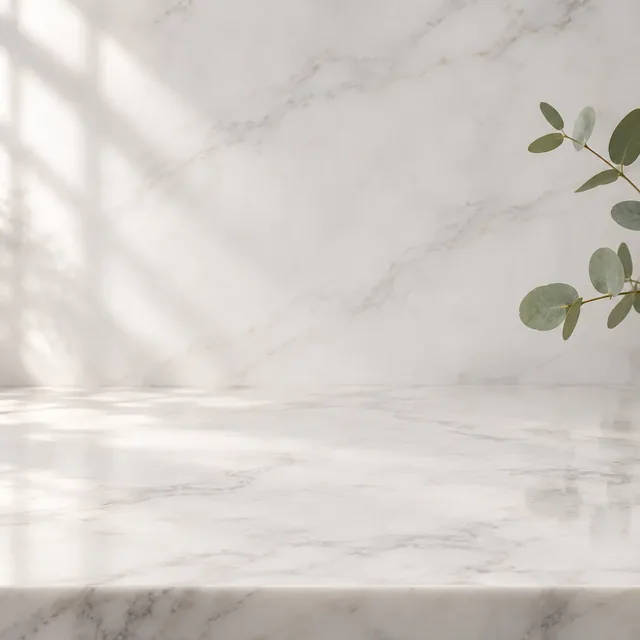
White marble tabletop with soft window light and a eucalyptus sprig at the edge
TabletopWhite marble with a eucalyptus sprig
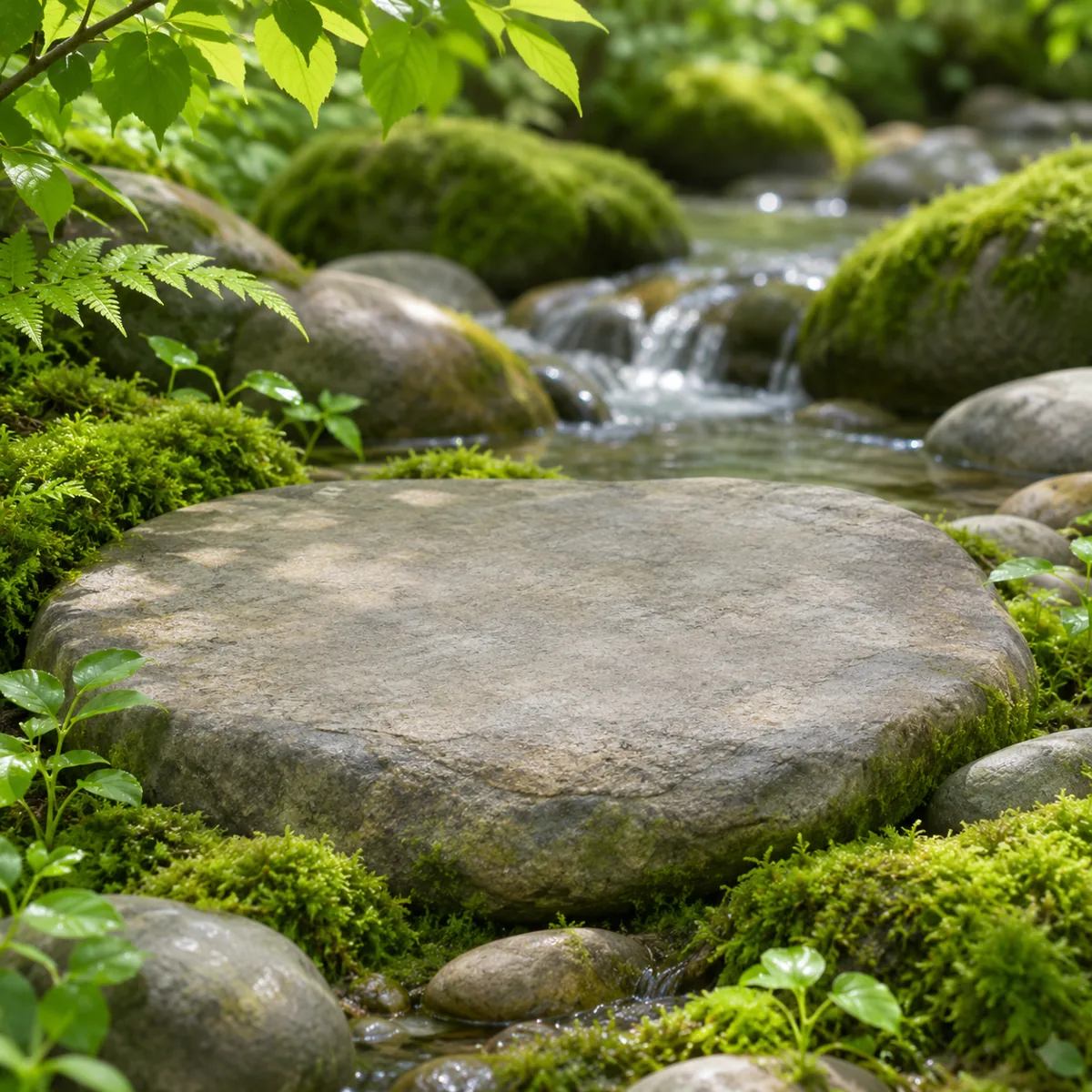
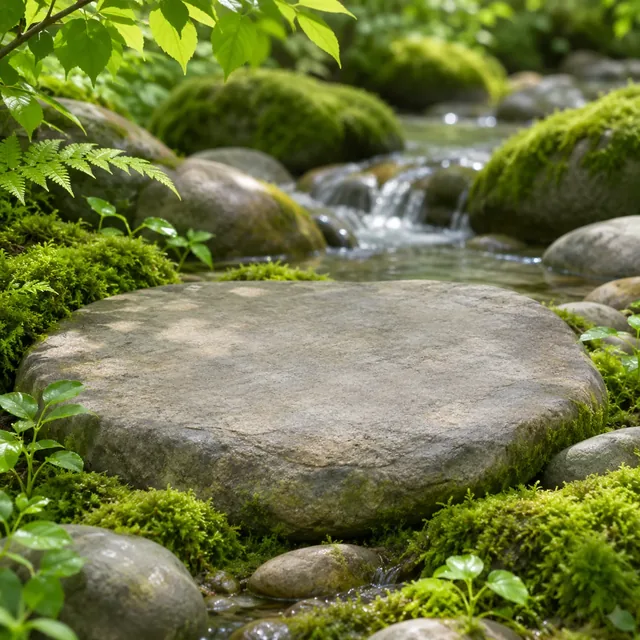
Smooth grey stones on green moss with a soft green blurred background
NatureRiver stones and moss
Seamless peach studio backdrop with gentle light
Studio sweepSoft peach studio sweep
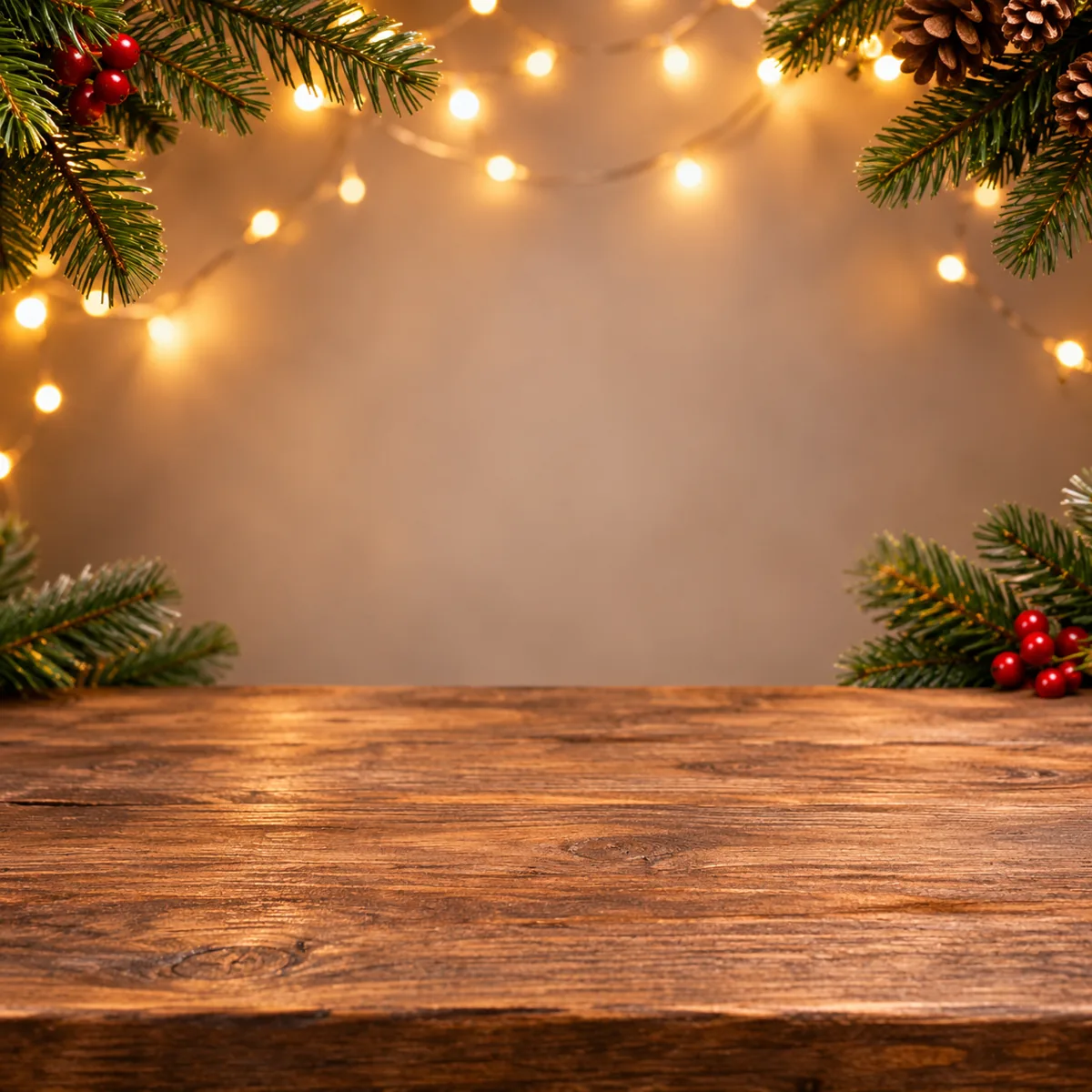
Holiday banner backdrop with an empty spot on the left
16:9, spot on the left
BannerHoliday banner with room on the left
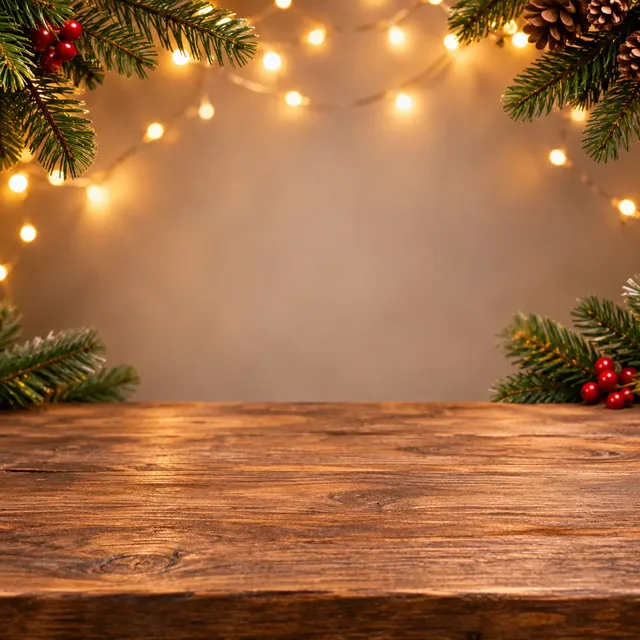
Wooden table with pine branches and warm fairy lights in the dark background
SeasonalPine branches and fairy lights
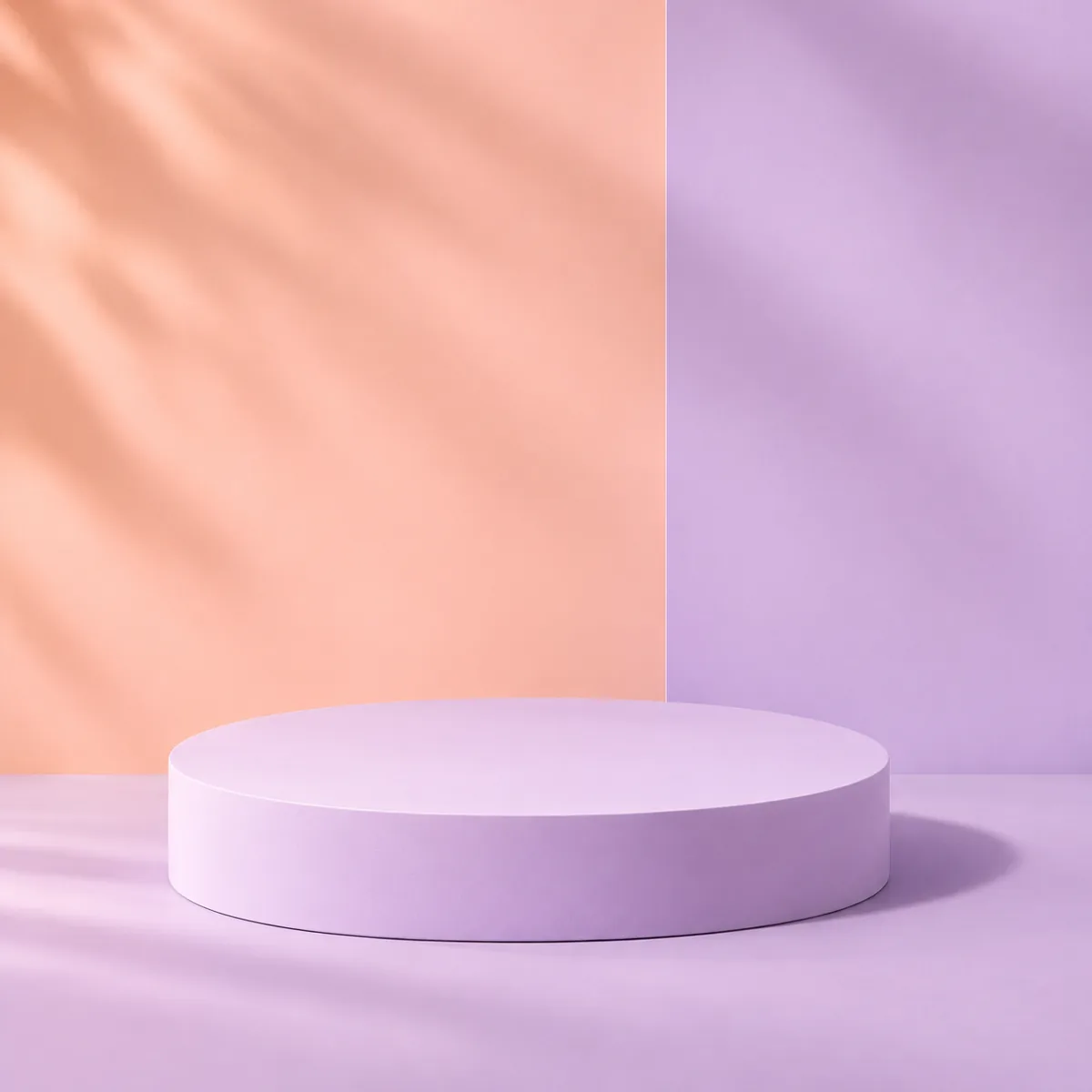
Peach and lilac color blocks with a round white plinth and soft shadows
AbstractPastel blocks and a round plinth

One example for each scene type. Your backdrops come from the AI and will look different, always without text or a product.

How the AI Background Generator Works

Three steps in the background image generator, from an idea to an empty backdrop ready for your product.

  1. Studio sweep, tabletop, nature, seasonal or abstract. Name the holiday for a seasonal scene, or describe the surface, light and props you want at the edges.

  2. Write the scene in a sentence and add up to four mood images, such as a photo of your shop or a color palette. Choose where the empty product spot sits: left, centre or right.

  3. Pick 1:1 for listings, 4:5 for the feed, 9:16 for stories, 16:9 for banners or 4:3 for a product page. Sign in, press Generate (the cost is on the button) and download the PNG.

Studio sweep

Studio sweep

Tabletop

Tabletop

Nature

Nature

Seasonal

Seasonal

Abstract

Abstract

A Background Image Generator Made for Products

Every AI photo background here leaves room for the product and keeps words out of the picture.

  1. Abstract backdrop with the product spot marked

    Left

    Abstract backdrop with the product spot marked

    Centre

    Abstract backdrop with the product spot marked

    Right

    The dashed ring marks the empty spot for your product

    Product spot

    Room for your product, where you want it

    Set the empty spot in the centre, the left third or the right third. Left or right leaves space for a headline in a banner; the centre suits square listings.

  2. An empty studio sweep backdrop

    Your backdrop: no text, no product

    • Add your product photo in an editor
    • Or build a scene around it with AI product photography

    Empty by design

    No text, no product, no clutter

    The AI background generator is told to keep words and products out, so nothing competes with yours. Add your product photo on top in an editor, or let AI product photography build a scene around it.

  3. A mood image of stones and moss

    Mood image

    A nature backdrop in the same colors

    Same palette, room on the right

    Mood images

    Match your brand colors

    Add a photo of your shop, a mood board or a product shot you love, and the backdrop picks up its palette and light. Mood images are optional; a clear sentence also works.

  4. Backdrop design

    V1

    Backdrop design

    V2

    Backdrop design

    V3

    Backdrop design

    V4

    Up to 4 designs per run, then one-tap variations

    Variations

    Four backdrops per run

    Each run gives up to four AI generated backgrounds. Compare them side by side, remix one with a tap for a brighter or simpler version, and keep the set in your history.

Choosing an AI Photo Background

How to pick an AI photo background: the scene, the shape and how to put your product in.

Match the scene to the product

Marble and stone suit beauty and jewelry, light wood suits food and home goods, moss and water suit natural products, and soft color blocks suit tech and gadgets. Seasonal scenes carry a holiday without hiding the product.

  1. 1Studio sweep: one soft color, gentle light.
  2. 2Tabletop: marble, wood, stone or a plinth.
  3. 3Nature: stones, sand, moss or water.
  4. 4Seasonal: holiday decor kept to the edges.
  5. 5Abstract: color blocks and soft shadows.

Pick the shape for the channel

Make the backdrop in the shape you will post, so nothing important gets cropped: 1:1 for shop listings, 4:5 for a social feed, 9:16 for stories and reel covers, 16:9 for a website banner and 4:3 for a product page.

Many marketplaces, Amazon among them, ask for a plain white main image. Use backdrops for the extra images, ads and social posts.

Putting your product in

This page makes the empty backdrop only. Place a cut-out photo of your product on the spot in a photo editor, match the light direction and add a soft shadow under it.

Unlike an AI image background generator that swaps the background of a photo you upload, this one starts from nothing. For that kind of edit, use AI product photography.

Shoot your product in soft, even light against a plain wall: it will sit more naturally on any backdrop.

Getting the look you want

Think of it as a background maker: AI draws what you describe, so name the surface, the light and one or two props. Most background generators fill every corner; here you also choose where the space stays empty.

Who Uses an AI Background Generator

AI backgrounds for photos of products, made by people who sell them.

  • Online sellers

    Extra listing images and ads with a fresh scene for each season.

  • Social media

    Feed, story and banner backdrops in the right shape, with room for a headline.

  • Small brands

    One look for a product launch, next to box art from the box designer.

  • Photographers and designers

    Quick backdrop options to composite behind a client’s product shot.

AI Generated Background FAQ

Scenes, shapes, products and credits.

Create an AI Generated Background for Your Product

Pick a scene and a shape, choose where the product goes and download an empty backdrop. The credit cost shows on the button before you start.